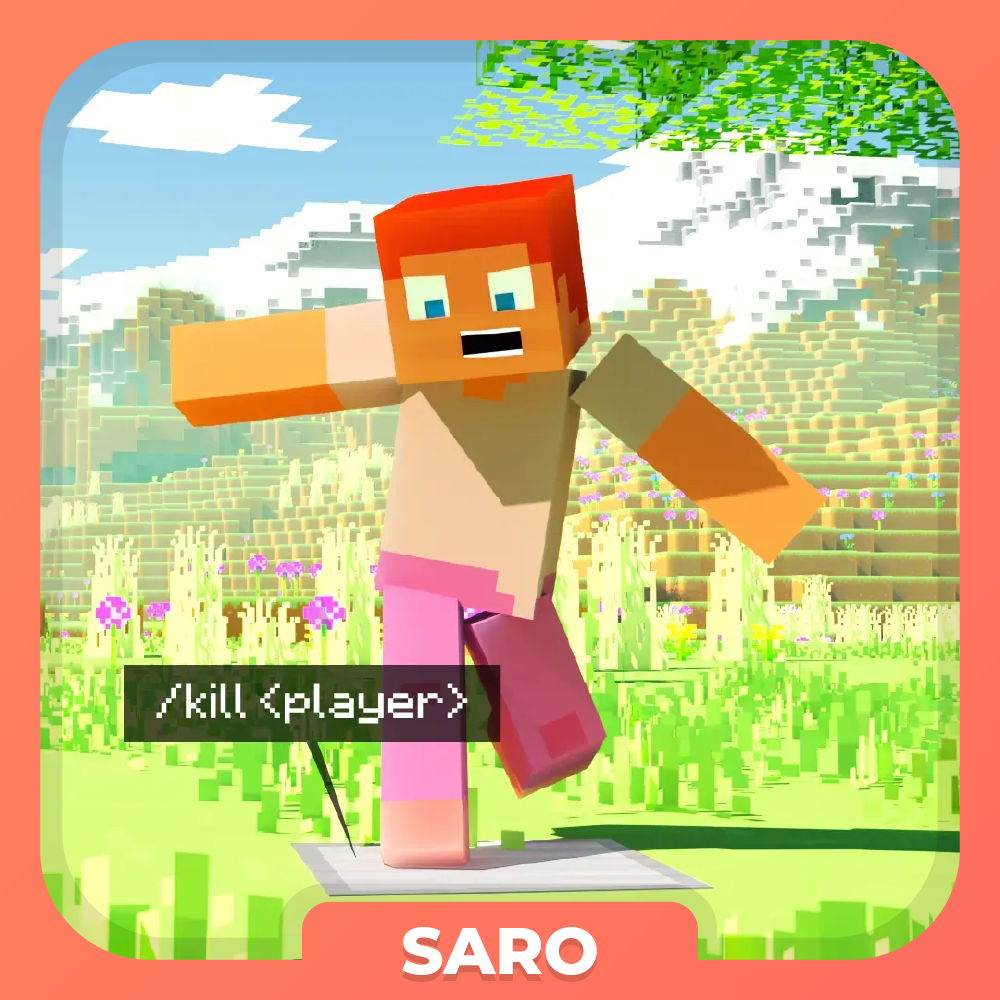
Saro´s Interactive Blocks
Java mod listed for Minecraft 1.16–1.21. Downloads from the MC Java Mods app on Android.
Trigger server or client commands on right-click, left-click, touch, or redstone signal — for custom interactions.
I don't know my version or loader

 The Saro's Interactive Blocks Mod introduces a system that allows players to create custom block interactions in Minecraft. This includes actions such as right-clicking, left-clicking, or even touching blocks to trigger commands that can run either on the server or client-side.

Custom Block Actions ⚙️
- Players can assign commands to specific blocks based on interactions like right-clicking, left-clicking, or touching.
Easy Command Setup 🛠️
- Players can use simple commands to configure block actions directly in-game.

- Right-Click Action (R): Run specific commands when a block is right-clicked.
- Left-Click Action (L): Run specific commands when a block is left-clicked.
- Touch Action (T): Activate commands when a player walks over a block.
- On Redstone Action (S): Activate commands when the block is on redstone.

/blockaction create <side> <action> <command>: Create a new block interaction./blockaction delete: Remove an existing block interaction./blockaction info: Get information about the block interaction you are looking- (Use <player> in the command to use the name of the trigger player)


Currently Supported
- Forge/NeoForge/Fabric 26.1 ✅
- Forge/Fabric 1.21.5 ✅
- Forge/Fabric 1.21.4 ✅
- Forge/Fabric 1.21.1 ✅
- Forge/Fabric 1.21 ✅
- Forge/Fabric 1.20.6 ✅
- Forge/Fabric 1.20.4 ✅
- Forge/Fabric 1.20.1 ✅
- Forge/Fabric 1.19.4 ✅
- Forge/Fabric 1.19.2 ✅
- Forge/Fabric 1.18.2 ✅
- Forge/Fabric 1.16.5 ✅
 Join our community on Discord to give feedback and suggestions or report any bugs you find!
Project Support & Usage
Hosting: For the best performance, I recommend using BisectHosting linked in the banner.
Modpacks: You are free to include my work in any modpack. Please ensure proper credit is given by providing a link to this project page.
- Edition: Minecraft Java
- File type: .jar
- Minecraft versions listed: 1.21.1, 1.21.11, 1.21.10
- How to install: Install the matching mod loader (Forge, Fabric or NeoForge) for your Minecraft version. → Download the .jar. → Put it in the .minecraft/mods folder and launch that loader profile.
- Where to get it: Opens on CurseForge — not every file is mirrored on our own servers.
Install steps are the general flow for this file type — How to install Minecraft Java mods & modpacks walks through it step by step.
- Ships as Saros-Interactive-Blocks-Forge-26.2-1.3.jar — drop this file into the mods folder
- Download size: 12 KB
- Download link checked 27 Sept 2026 — working
These come from our own check of the pack file, not from the source page.