
Galactical Universe
Java mod listed for Minecraft 1.19–1.20. Downloads from the MC Java Mods app on Android.
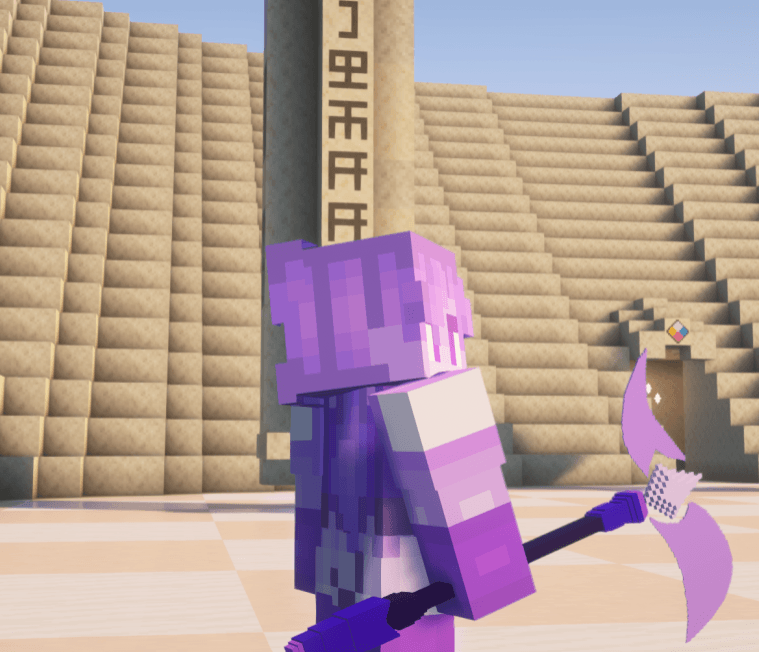
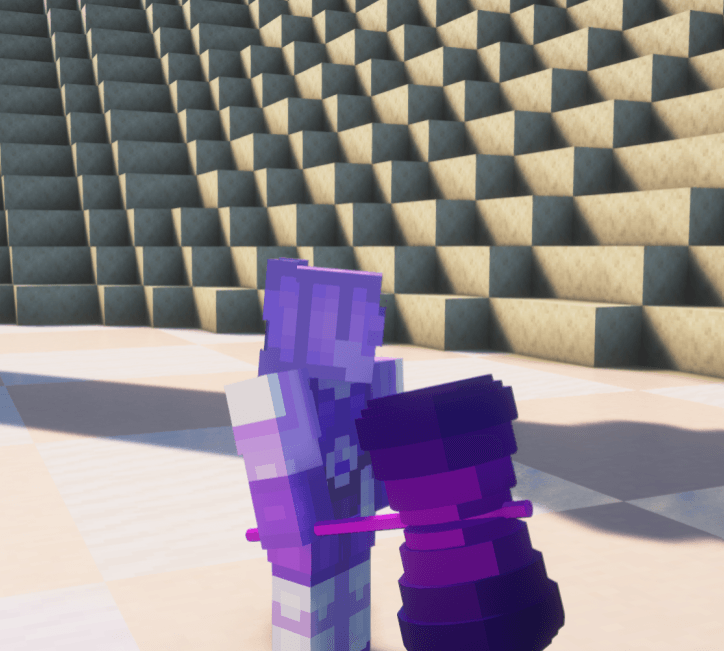
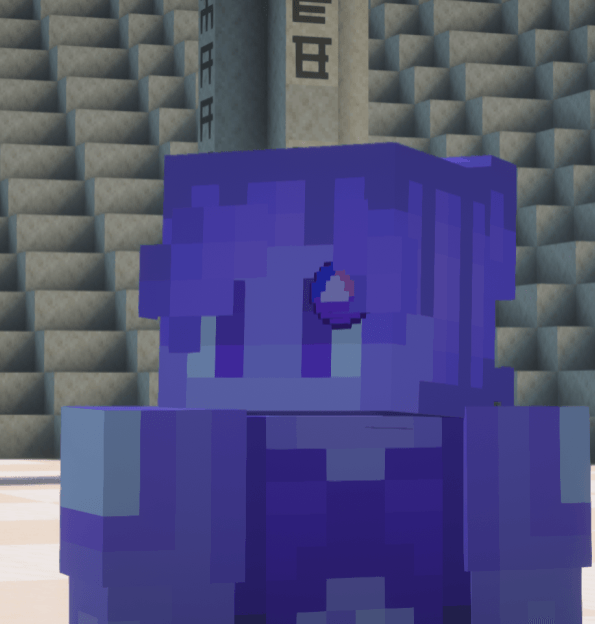
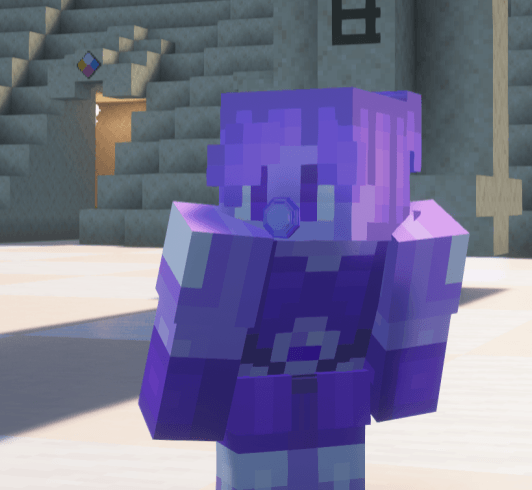
✦ Galactical Universe ✦ > A remake of the fusion mod we made in 2024, revamped and brand new!! How to Fuse > First you'll need a **Fusion Crystal**…
I don't know my version or loader
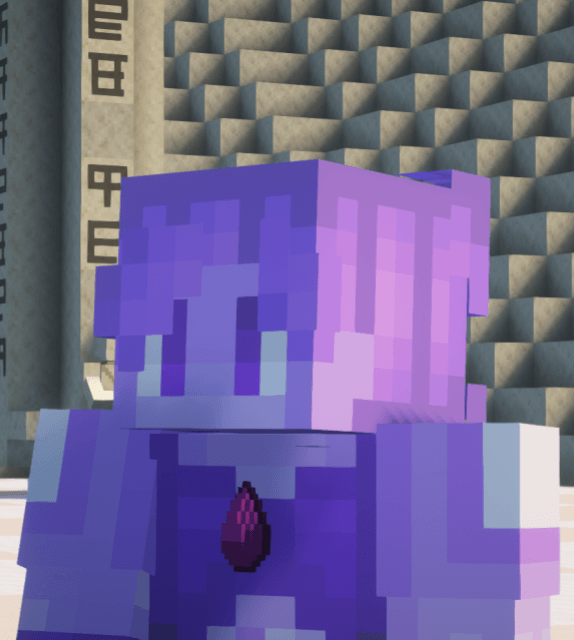

✦ Galactical Universe ✦
> A remake of the fusion mod we made in 2024, revamped and brand new!!
How to Fuse
> First you'll need a **Fusion Crystal**. Right-clicking it while idle opens the **Fusion Customization Menu** where you can set your fusion name, color, height and skin before fusing.
> To fuse, both players must perform a synchronized dance sequence together — **R+Crouch, R+Jump, then R. Once both complete the sequence the fusion triggers automatically after a short countdown. If you take too long between steps the sequence resets!
Leader and Passenger
> After fusing the game randomly picks who becomes the **Fusion Leader** — a 50/50 chance every time. The leader becomes the visible fused form with boosted stats, the fusion skin and name, and full movement control. The **Passenger** merges silently into the fusion becoming invisible until it ends.
Fusion Stability and Defusion
A **Fusion Stability** bar at the top of your screen gradually drains over time. Taking damage drains it faster. You can use **Fusion Focus** (K) to regain stability.
>
> Press **I** to defuse at any time — the passenger reappears beside the leader. If stability hits zero both players get launched apart in a **Combat Defusion**. Either way both players enter a cooldown before fusing again!
Fusion Customization
> Right-click the Fusion Crystal while idle to open the customization menu. Set your fusion name, aura color, height and skin.
Dependencies
**SkinChanger** https://www.curseforge.com/minecraft/mc-mods/skinchanger
**FakeName**
https://www.curseforge.com/minecraft/mc-mods/fakename
**Pehkui** — https://www.curseforge.com/minecraft/mc-mods/pehkui
**SU Gems** - https://www.curseforge.com/minecraft/mc-mods/su-gems
- Edition: Minecraft Java
- File type: .jar
- Minecraft versions listed: 1.20.1, 1.19.4
- How to install: Install the matching mod loader (Forge, Fabric or NeoForge) for your Minecraft version. → Download the .jar. → Put it in the .minecraft/mods folder and launch that loader profile.
- Where to get it: Opens on CurseForge — not every file is mirrored on our own servers.
Install steps are the general flow for this file type — How to install Minecraft Java mods & modpacks walks through it step by step.
- Ships as galactical_universe-1.2.0-forge-1.20.1.jar — drop this file into the mods folder
- Download size: 1.3 MB
- Download link checked 28 Sept 2026 — working
These come from our own check of the pack file, not from the source page.