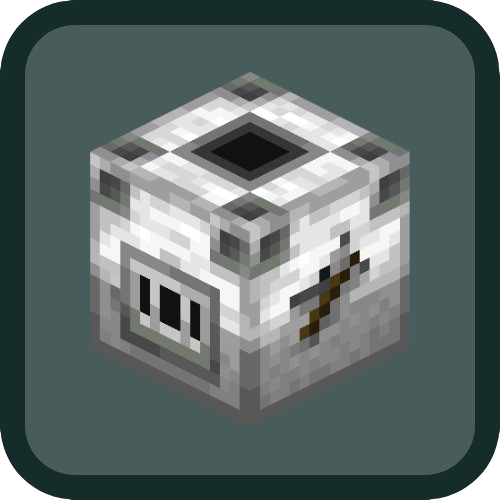
Auto Wood Stripping
Java mod listed for Minecraft 1.20–1.21. Download on the author's site.
⬇ Download on CurseForge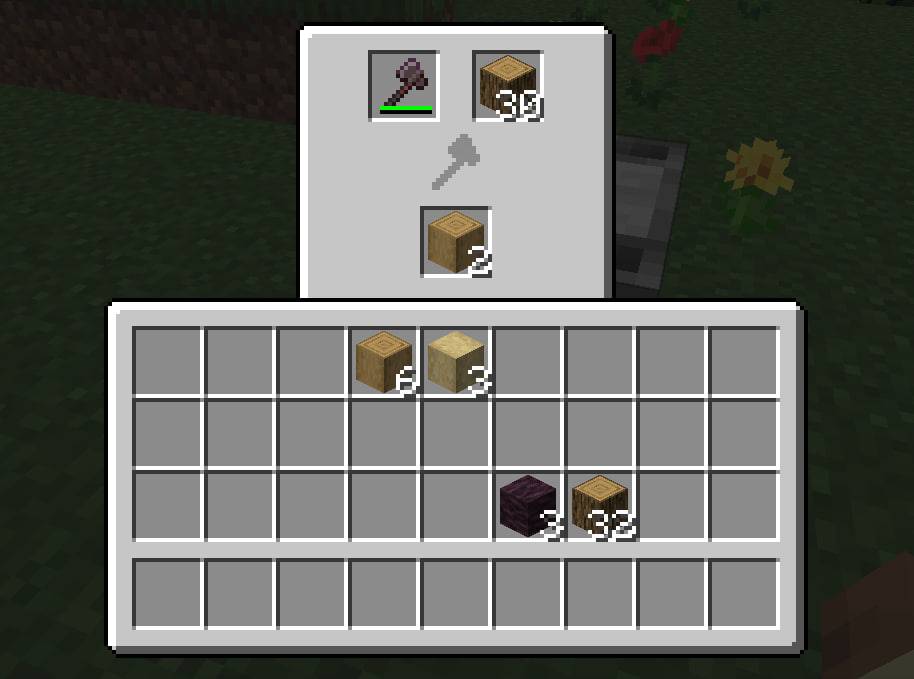
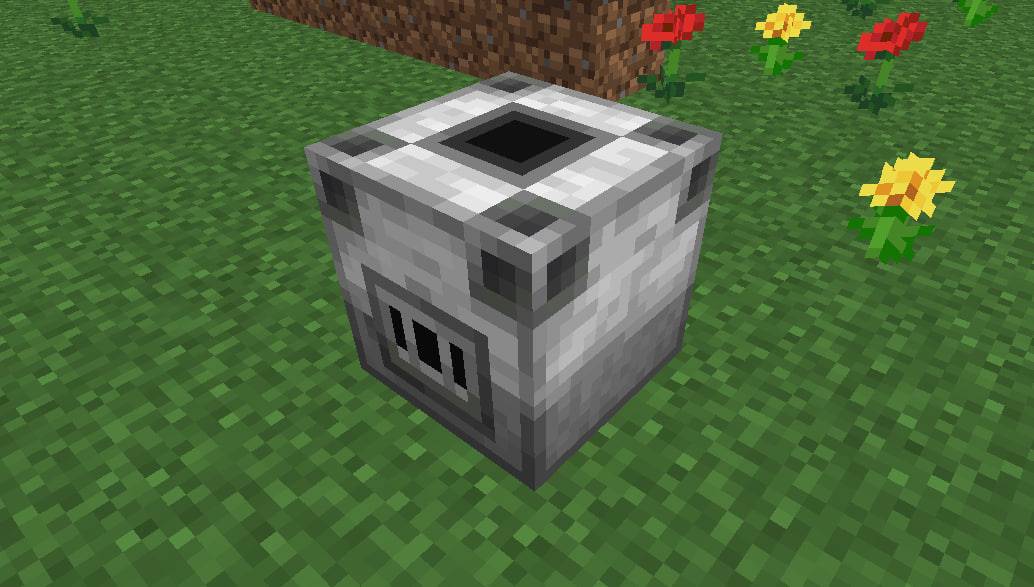
Auto Wood Stripper Mod 🌲
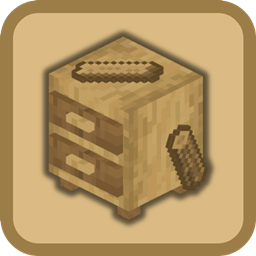
Introducing the Auto Wood Stripper Mod, a time-saving solution for every Minecraft builder! Tired of manually stripping logs? With this mod, you can automate the process and let redstone and axes do all the work for you! This mod adds a special crafting table that automatically strips wood when connected to a redstone signal, allowing you to focus on more important tasks while your logs are prepared for construction. 🪓✨
📋 Key Features:
- Automated Wood Stripping: No more manual labor! Strip logs automatically using a redstone-powered crafting table. ⚙️
- Redstone-Activated: Control the stripping process with a simple redstone signal — perfect for automation lovers. 🔴
- Efficient and Time-Saving: Save time by automating repetitive tasks, making it easier to gather stripped wood for your builds. ⏳
- Tool Compatibility: Use axes for stripping, which are consumed during the process, adding a balanced resource management mechanic. 🪓
This mod is perfect for players who love automation and want to streamline their wood processing. Whether you’re a builder creating large wooden structures or simply looking for more efficiency in your resource gathering, Auto Wood Stripper Mod will make your life easier!
📦 My Other Mods
 |
 |
 |
 |
 |
 |
 |
 |
- Edition: Minecraft Java
- File type: .jar
- Minecraft versions listed: 1.21.1, 1.20.1
- How to install: Install the matching mod loader (Forge, Fabric or NeoForge) for your Minecraft version. → Download the .jar. → Put it in the .minecraft/mods folder and launch that loader profile.
- Where to get it: Opens on CurseForge — not every file is mirrored on our own servers.
Install steps are the general flow for this file type — How to install Minecraft Java mods & modpacks walks through it step by step.
Auto Wood Stripping is a free Minecraft Java mod. Compatible with Minecraft 1.21.1, 1.20.1. Downloaded 4,728 times (via CurseForge). Download it and open it directly in the game.