Deadly Dangers X
Java mod listed for Minecraft 1.20. Download on the author's site.
⬇ Download on CurseForge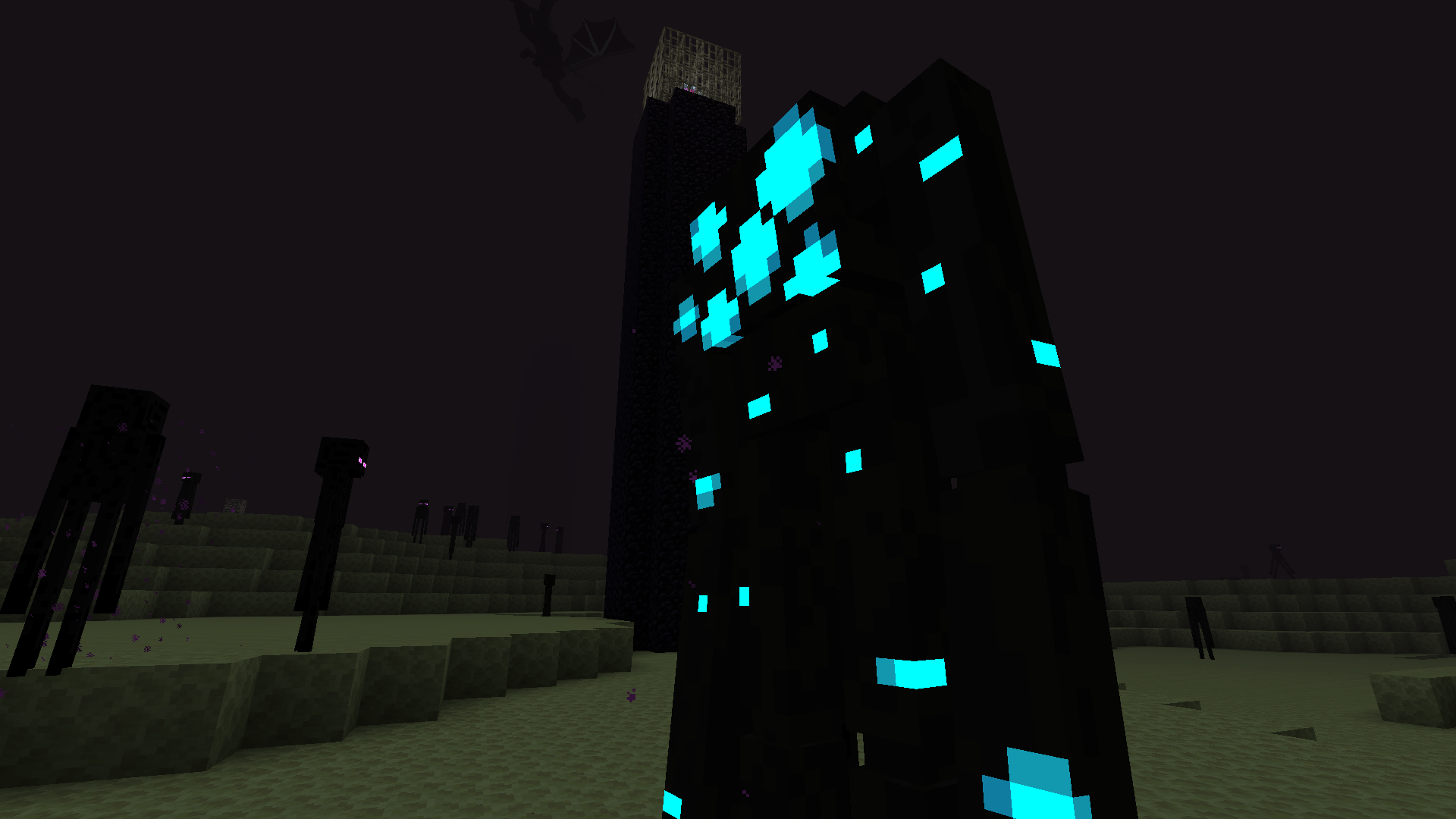
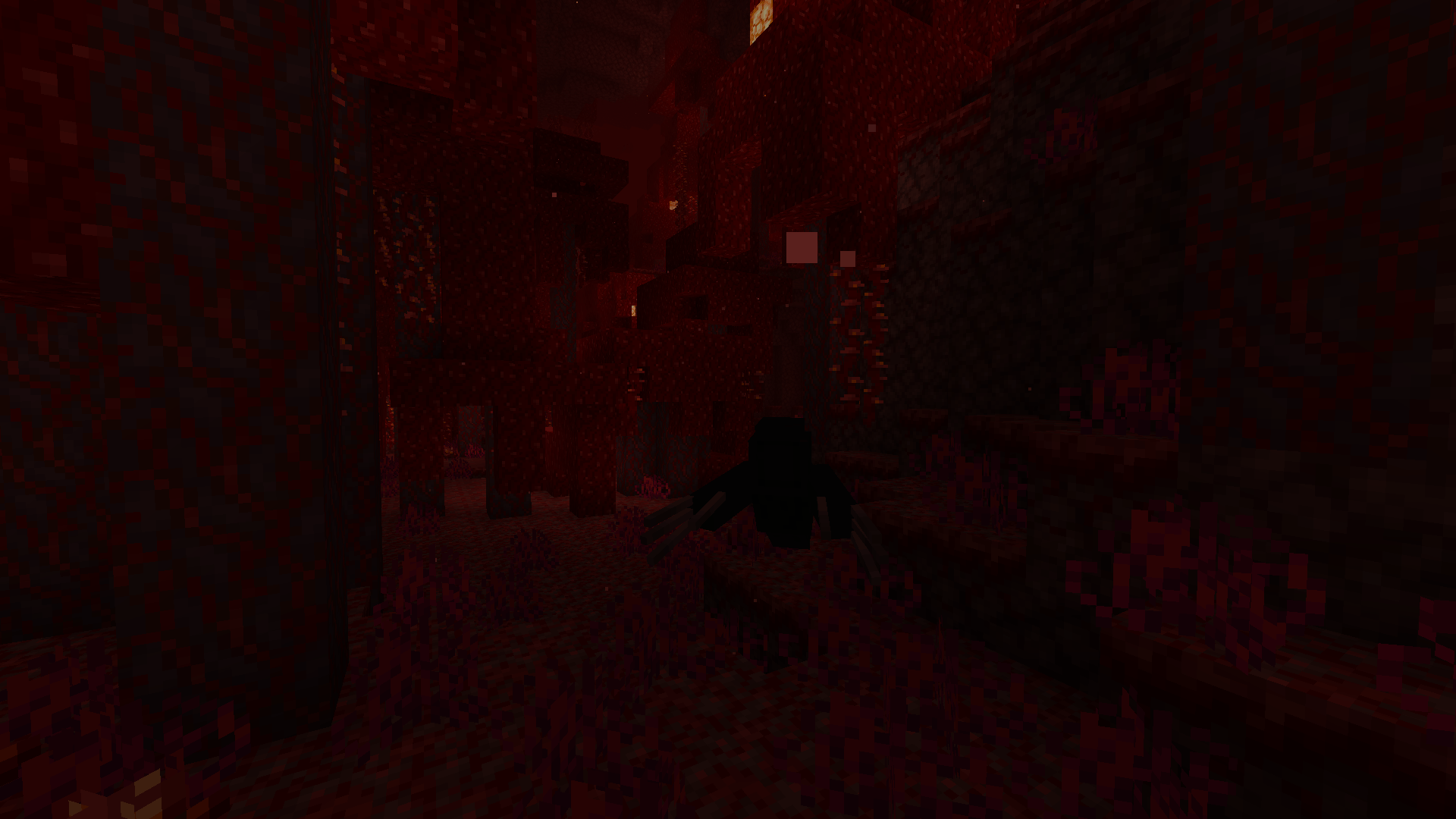
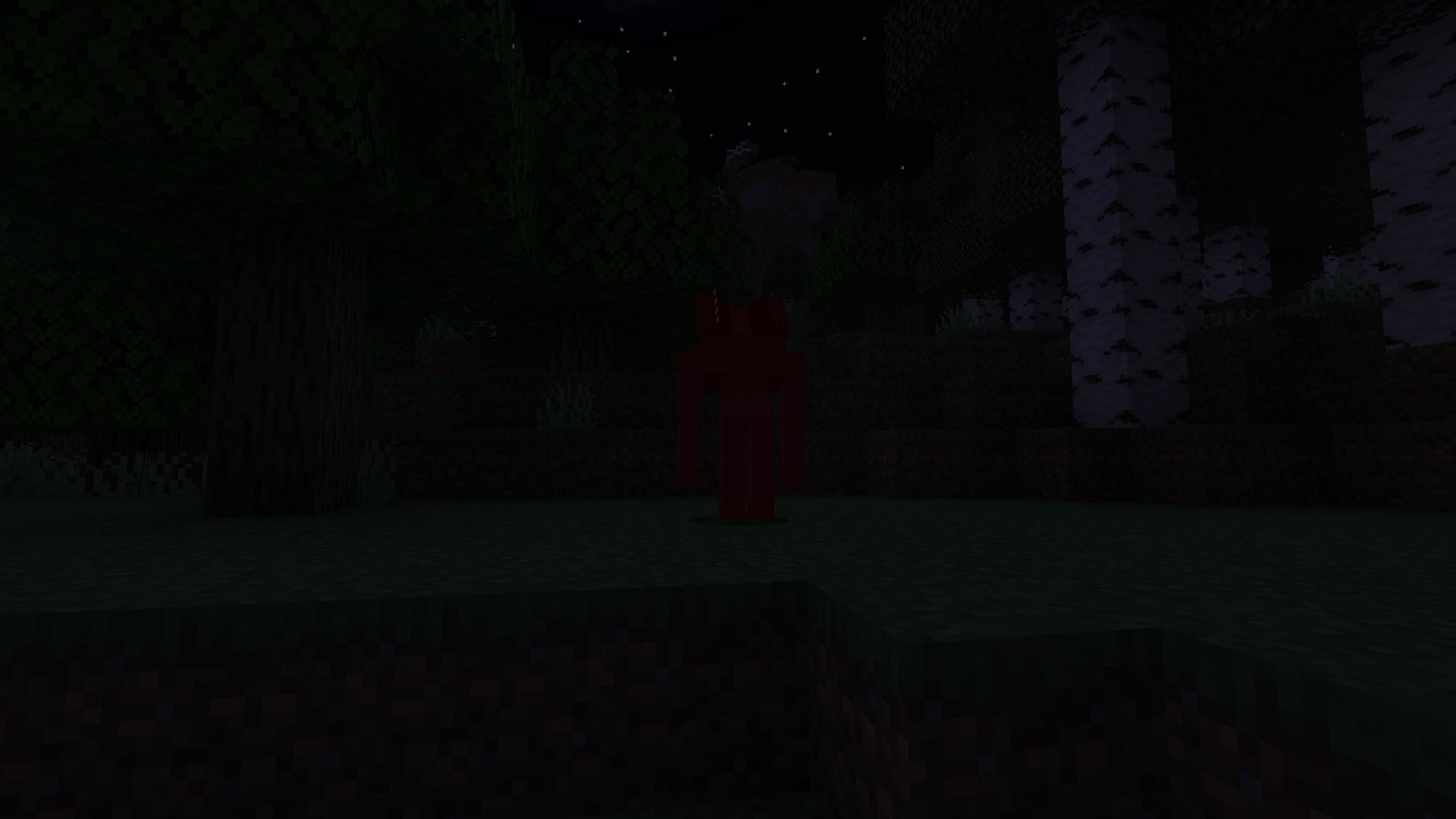
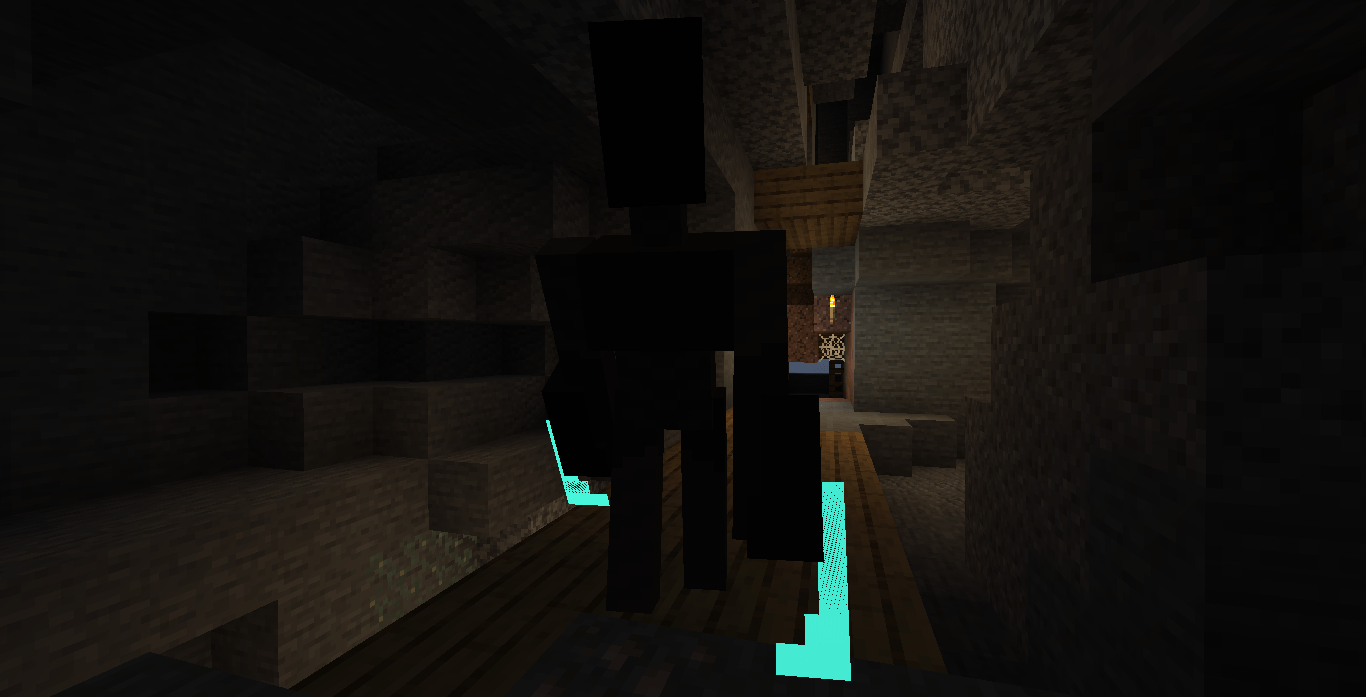
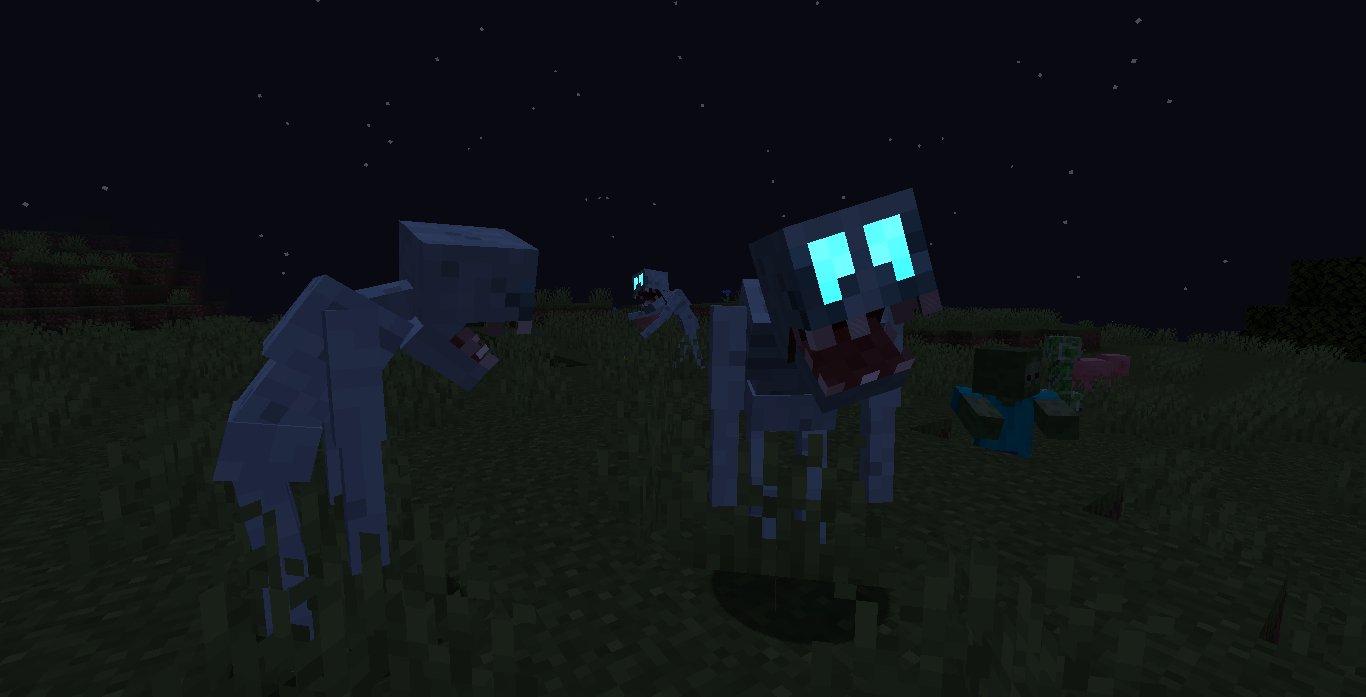
-- This mod adds 30+ new hostile mobs and 5 bosses to make the game more difficult --
Requires Geckolib to work
Check Images for recipes
Unfortunately it'll be a while until next updates, presumably months
The "hiatus" is over, more updates will be released!
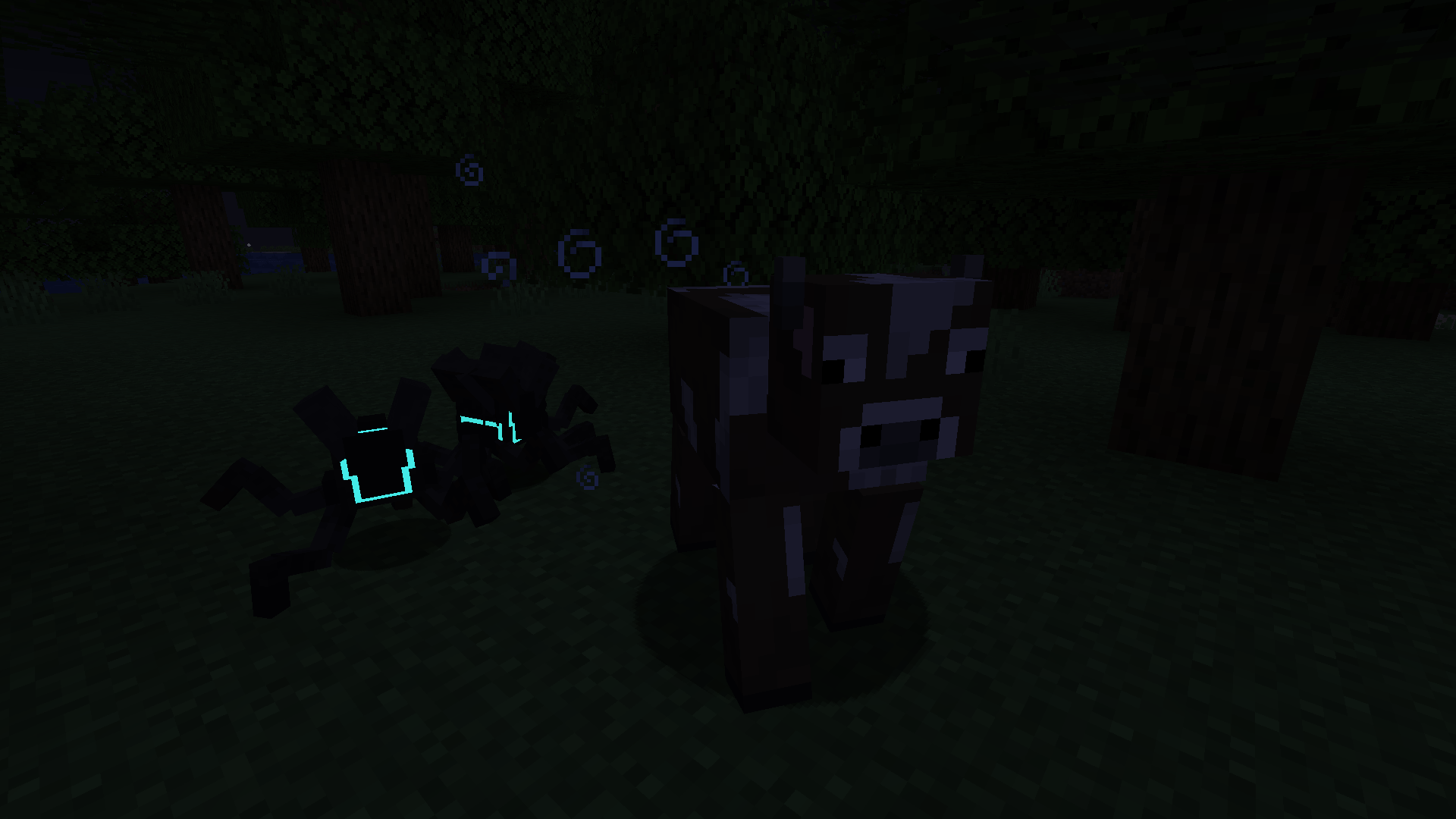
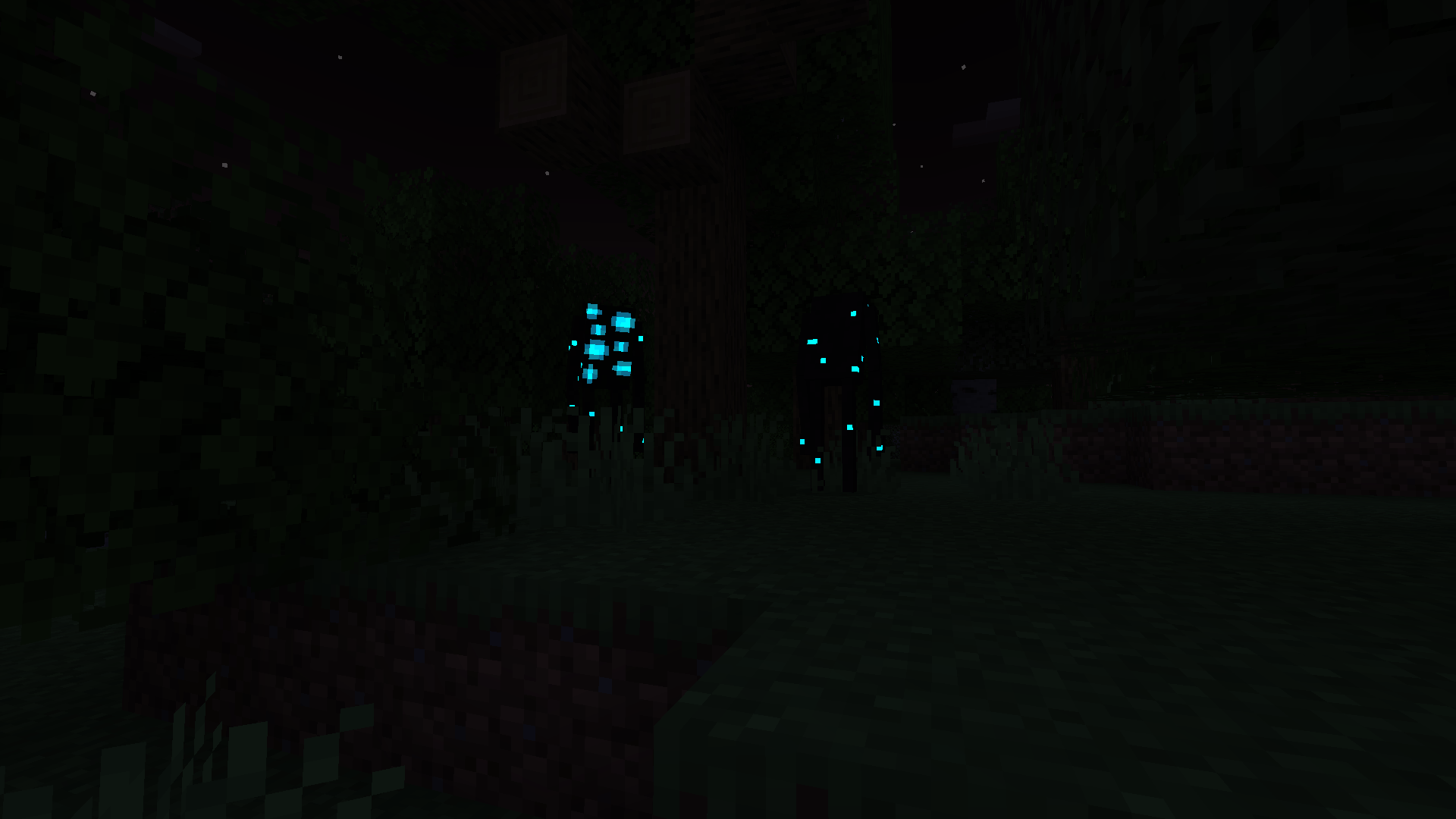
Deadly Dangers X is a simple and (kind of) vanilla mod that adds many new hostile mobs to make the game more difficult.
New items, food and 7 new weapons are added.
Most mobs spawn in the overworld, but some in the nether and end.
The mod is aiming for a horror theme. But It has nothing to do with Dweller Slop mods, I made everything by myself.
It was made through MCreator and is very simple, it doesn't interfere or change any vanilla mechanics and simply adds new mobs.
Updates will come whenever i feel like it, so there's no real schedule or anything. It is common for weeks or even months to pass before the next update.
If you have any questions about the mod, please feel free to ask.
Useful Information
The mod doesn't change any vanilla mechanics and won't add anything game breaking. So, if your worried on how much the mod will change your world, no need to worry. As it only introduces new mobs and leaves everything else untouched.
The player cannot place blocks when near any of my bosses. The blocks are not removed from their inventory though. If you click on where they are, they will reappear again. It's just a bug that makes them invisible or seem to dissapear.
Most bosses spawn in the plains biome because of their large size and to not get stuck or interupted by trees. Although the Wendigo boss spawns in the Taiga biome only. The bosses do not drop anything special for now, I want to add stuff though!
Compatability
The mod works plenty fine with most mods, and there won't be any problems most of the time.
Although, using mods that introduce attacks that hit mobs very quickly will most likely break the game as some mobs in the game rely on getting hit for their abilities to trigger.
For example, gun mods will often not work. As the rapidly hitting bullets will make the mobs mechanics break, not work properly or lag the game. Despite this, two mods that still work a little bit are MrCrayfish's Gun Mod [Unofficial] and Vanilla Animated Guns. The problems still occured, but if you really want to use gun mods, use these two.
Mobs won't spawn in any modded biomes. Revamped or "upgraded" vanilla biomes will work fine, just not any new ones.
If there any mobs you don't like, you can try using Bad mobs to disable them.
I also recommend using Just Enough Items (JEI) to see the things you can craft.
The mobs are in 4 different tiers, the higher the tier, the harder the mob is to fight.
Lesser tier: Weak mobs, usually not that difficult when alone.
Challenging: Moderate level, needs attention just not all of it.
Elite: Very dangerous enemies, some could be called mini-bosses.
Boss: The bosses of the mod, by far the most difficult mobs.
There are also different types of mobs.
Normal: Nothing special.
Parasite: Most parasite mobs are very weak to fire and often "work together".
Preview of a couple mobs:
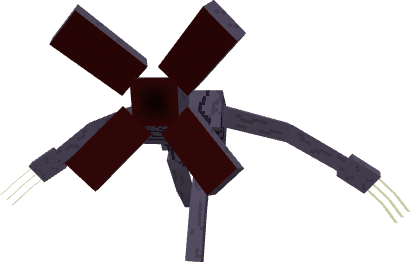
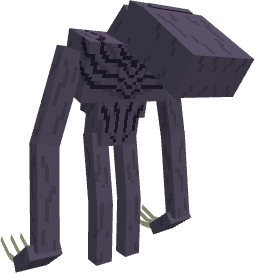
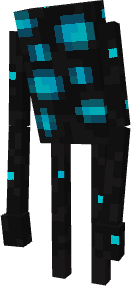
Louder
Tier: Challenging enemy / Type: Normal
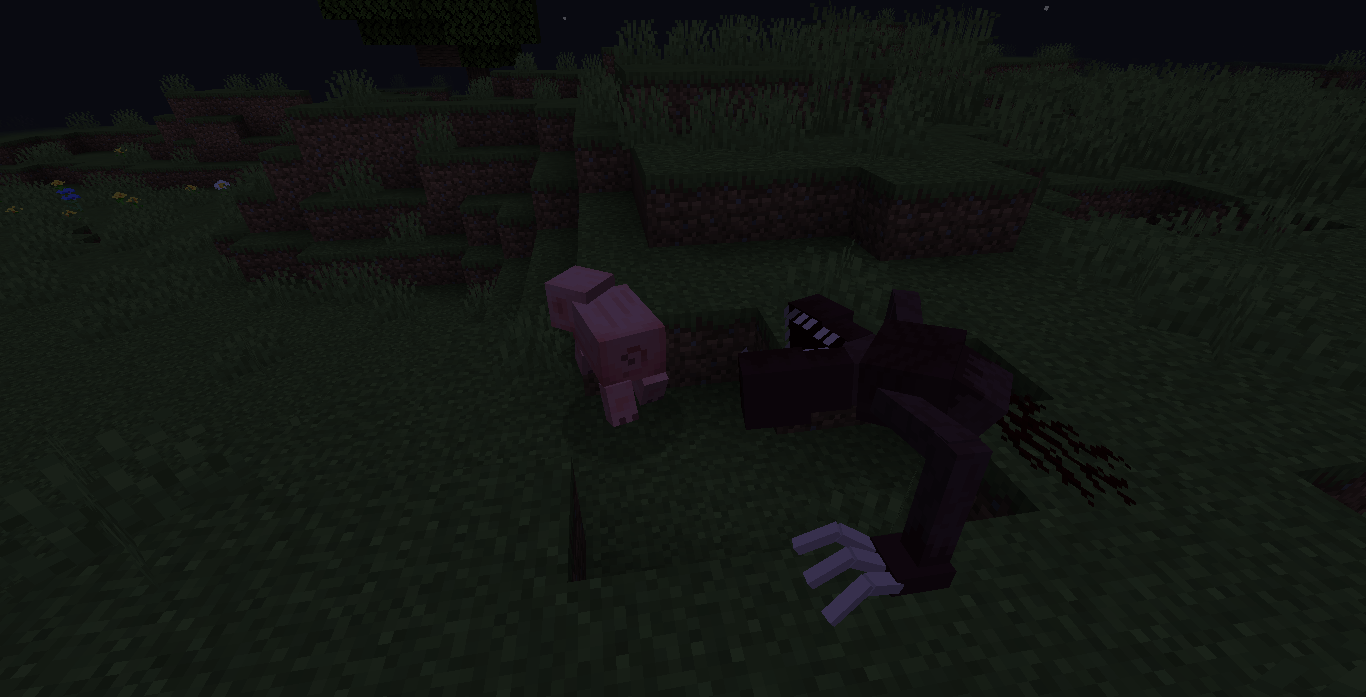
The Louder is fast, aggressive and scary. Quite difficult in a 1 vs 1 encounter.
Rarely spawns in grassy or wooden areas and hunts animals.
Natural enemy of the Starer.
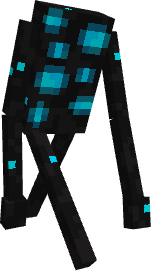
Starer
Tier: Lesser enemy / Type: Normal
Starer is grumpy mob that runs at you with anger in its many eyes.
Its often found throughout the night, searching for something to hit.

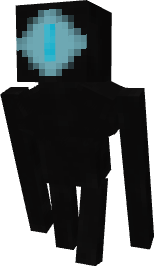
Kudo
Tier: Lesser enemy / Type: Normal
Kudo is a curious but shy mob that roams through forests and grassy areas.
If Kudo's hit 3 times, they'll spawn clones of themselves that help them fight.
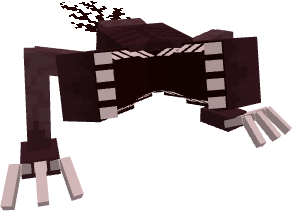
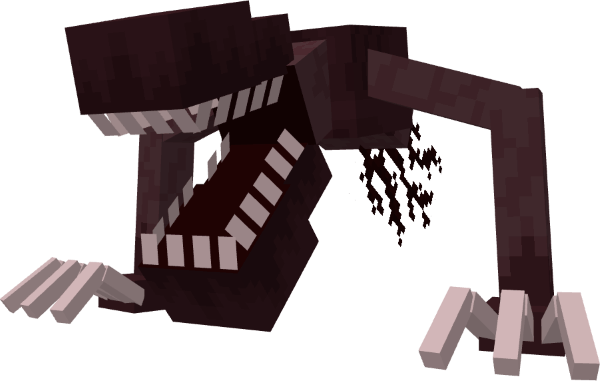
Chompling child (Left) and Chompling Adult (Right)
Tier: Lesser & Elite enemy / Type: Normal
Chomplings are hungry mobs that eat any meat they can find including zombies!
The adult Chomplings are stronger but slower and often harder to find. Both of them
have the ability to leap at the player and disable their shield with each attack.
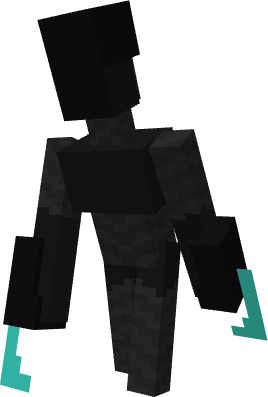
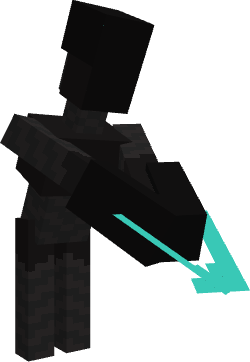
Tearer
Tier: Challenging enemy / Type: Parasite
Tearer is a parasitic enemy that deals high damage and can dash forwards
towards the player. Like all parasites, Tearer is weak to fire.
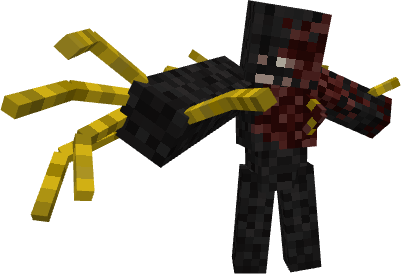
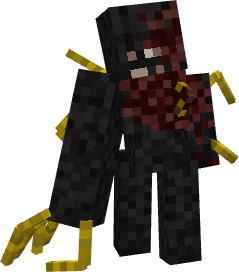
Burnt
Tier: Lesser enemy / Type: Normal
Burnt are slow moving nether mobs that can reach far with their large right arm.
When attacking they inflict the new Dread effect.
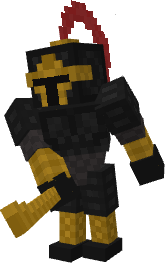
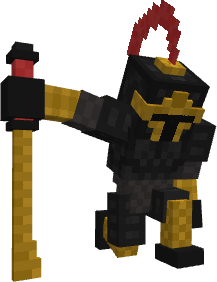
Cursed Knight
Tier: Elite enemy / Type: Normal
The Cursed Knight is a powerful dark knight that roams the hellish nether.
He wears very durable armor, wields a powerful sword that reaches far and
doesn't budge when hit making him a formidable foe to come across.
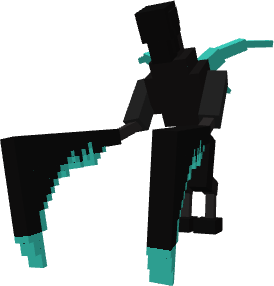
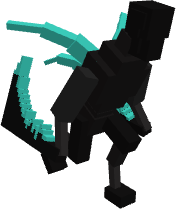
Slicer
Tier: Elite enemy / Type: Parasite
Slicer is a "swift killer" parasite with high speed and damage. But, it has a great
weakness, its low knockback resistance that lets you hit it away with each attack.
This is important as just one hit from it can lead to your death. After attacking,
Slicer waits for a bit before running again.
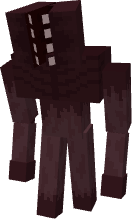
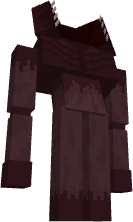
Chomper
Tier: Lesser enemy / Type: Normal
Chomper's are very weak creatures that die by almost anything.
But when they die, they spawn 2 child chomplings to fight instead.
They do have a weakness, arrows stops them from spawning
the chomplings.
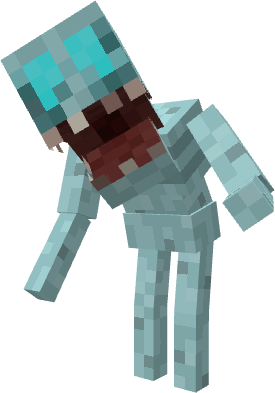
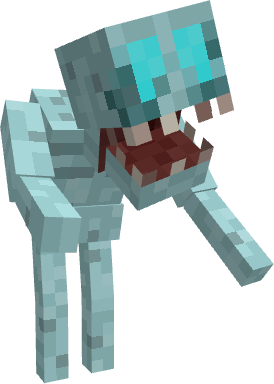
Hunchback
Tier: Lesser enemy / Type: Normal
Hunchback are zombie-like monsters that are hard to kill for good.
They're weak alone, but strong in numbers.
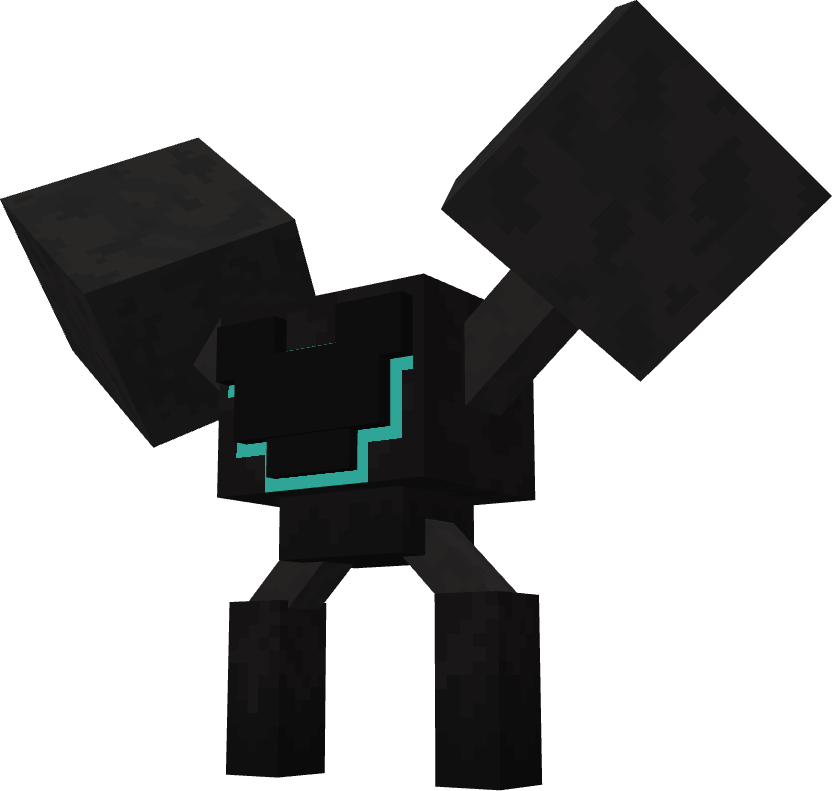
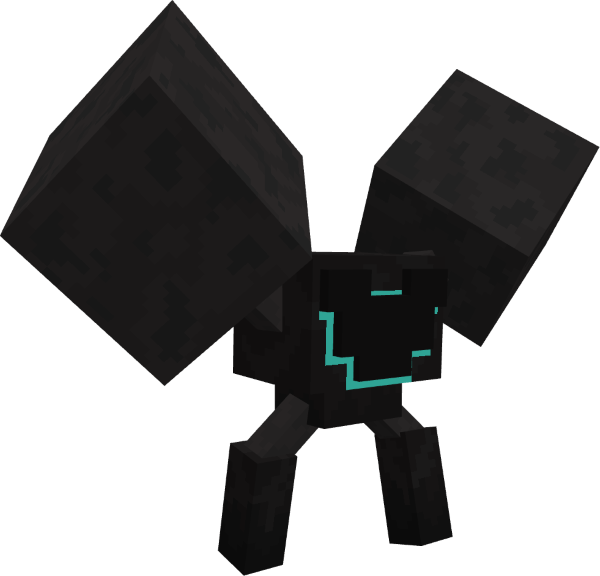
Hauler
Tier: Challenging enemy / Type: Parasite
Haulers are large slow moving parasites that spawn allied parasites every now
and then. When they are killed, they explode and spawn even more parasites
as a last attempt to spread the infection.
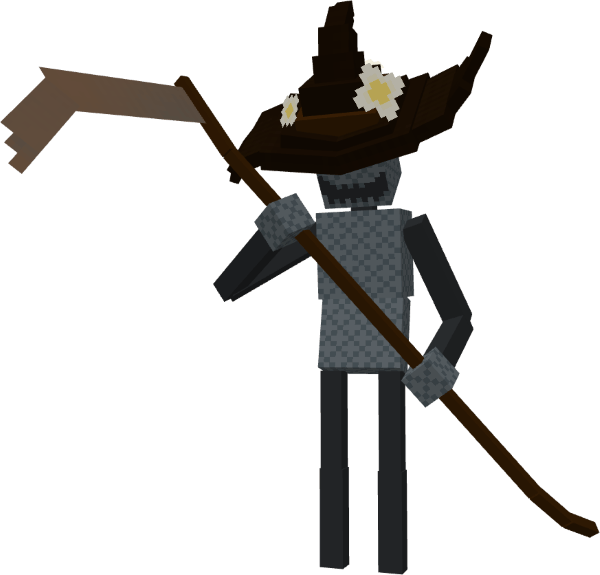
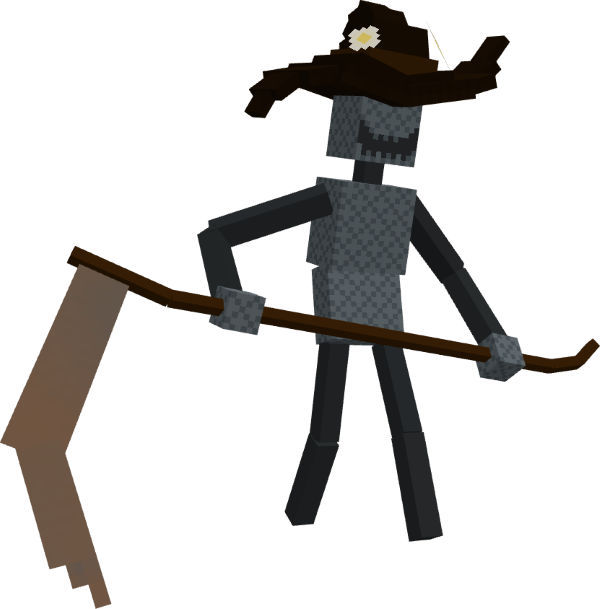
Scarecrow
Tier: Lesser enemy / Type: Normal
Scarecrows are common monsters that spawn in most biomes. They have far reach
with their rusty scythe and inflict the fear effect when attacking. Their scariness is
the most threatening thing about it, if you can get past that, then you can surely
defeat it.
If you want mobs to climb blocks!
1. Download this mod: Mob Spider Climb by FerrinEmber
https://www.curseforge.com/minecraft/mc-mods/mob-spider-climb
2. After starting the “modpack” and seeing the start menu (singleplayer etc.), close it and open the config file in the modpack’s folder on curseforge (the 3 dots beside the start button for your modpack on curseforge à open folder à config) and find the Mob Spider Climb config.
3. Inside it, find the text: climbingMobsAllowlist =
4. Then paste this: "deadly_dangers_sx:pester_2", "deadly_dangers_sx:infernalpester", "deadly_dangers_sx:chompling_child", "deadly_dangers_sx:chompling_adult" in the square brackets
5. When done, it should look exactly like this:
climbingMobsAllowlist = ["deadly_dangers_sx:pester_2", "deadly_dangers_sx:infernalpester", "deadly_dangers_sx:chompling_child", "deadly_dangers_sx:chompling_adult"]
Thanks to FerrinEmber for making this mod!
Special thanks!
- MrCrayfish's Gun Mod [Unofficial]
https://www.curseforge.com/minecraft/mc-mods/mrcrayfishs-gun-mod-unofficial
- Vanilla Animated Guns
https://www.curseforge.com/minecraft/mc-mods/vanilla-animated-guns
- Bad Mobs
https://www.curseforge.com/minecraft/mc-mods/bad-mobs
- Just Enough Items (JEI)
https://www.curseforge.com/minecraft/mc-mods/jei
- Scape and Run: Parasites - Used sounds
https://www.curseforge.com/minecraft/mc-mods/scape-and-run-parasites
- Darkwood - (Different game) - Used sounds
https://store.steampowered.com/app/274520/Darkwood
- Mob Spider Climb
https://www.curseforge.com/minecraft/mc-mods/mob-spider-climb
- Amnesia: The Dark Descent (Different game) - Used sounds
https://store.steampowered.com/app/57300/Amnesia_The_Dark_Descent
Allowed and Not Allowed to do:
Allowed:
- Use it in a private modpack and/or use the mod.
- Use it in a public/uploaded modpack, as long as you credit/reference back to this page.
- Include the mod in videos, reviews and or let’s plays (for example on YouTube, TikTok or Twitch) as long as you credit/reference back to this page.
Not Allowed:
- Redistribute the mod.
- Use any code from the mod.
- Use Assets from the mod (for example models, textures etc.)
- Commercial Use.
- Edition: Minecraft Java
- File type: .jar
- Minecraft version listed: 1.20.1
- How to install: Install the matching mod loader (Forge, Fabric or NeoForge) for your Minecraft version. → Download the .jar. → Put it in the .minecraft/mods folder and launch that loader profile.
- Where to get it: Opens on CurseForge — not every file is mirrored on our own servers.
Install steps are the general flow for this file type — How to install Minecraft Java mods & modpacks walks through it step by step.
Deadly Dangers X is a free Minecraft Java mod. Compatible with Minecraft 1.20.1. Downloaded 1,515 times (via CurseForge). Download it and open it directly in the game.