
Pin Tooltips 📌
Java mod listed for Minecraft 1.20–1.21. Downloads from the MC Java Mods app on Android.
Adds the ability to pin tooltips to the screen and view more information from them such as enchantment and mob effect descriptions.
I don't know my version or loader
Pin Tooltips 📌
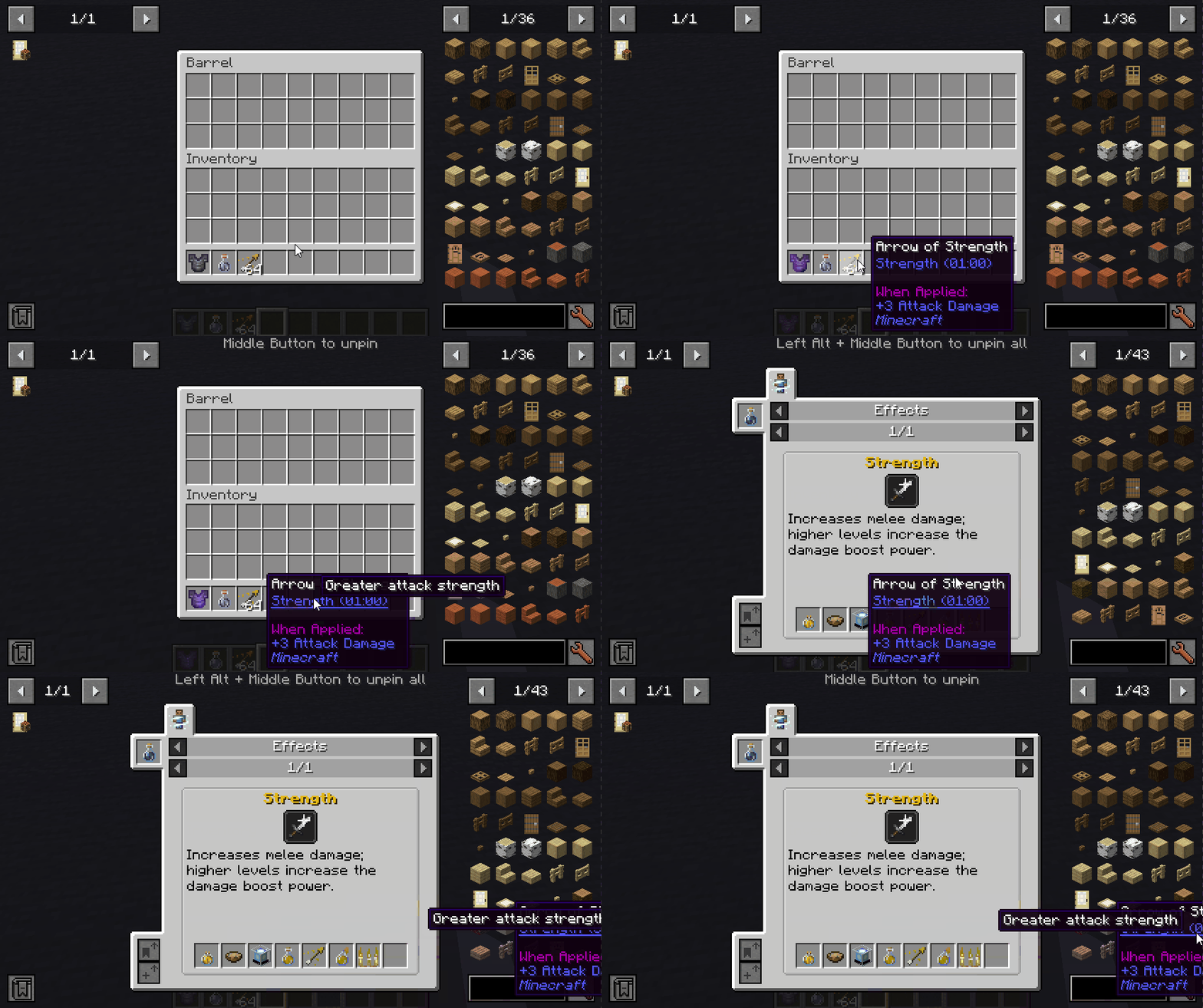
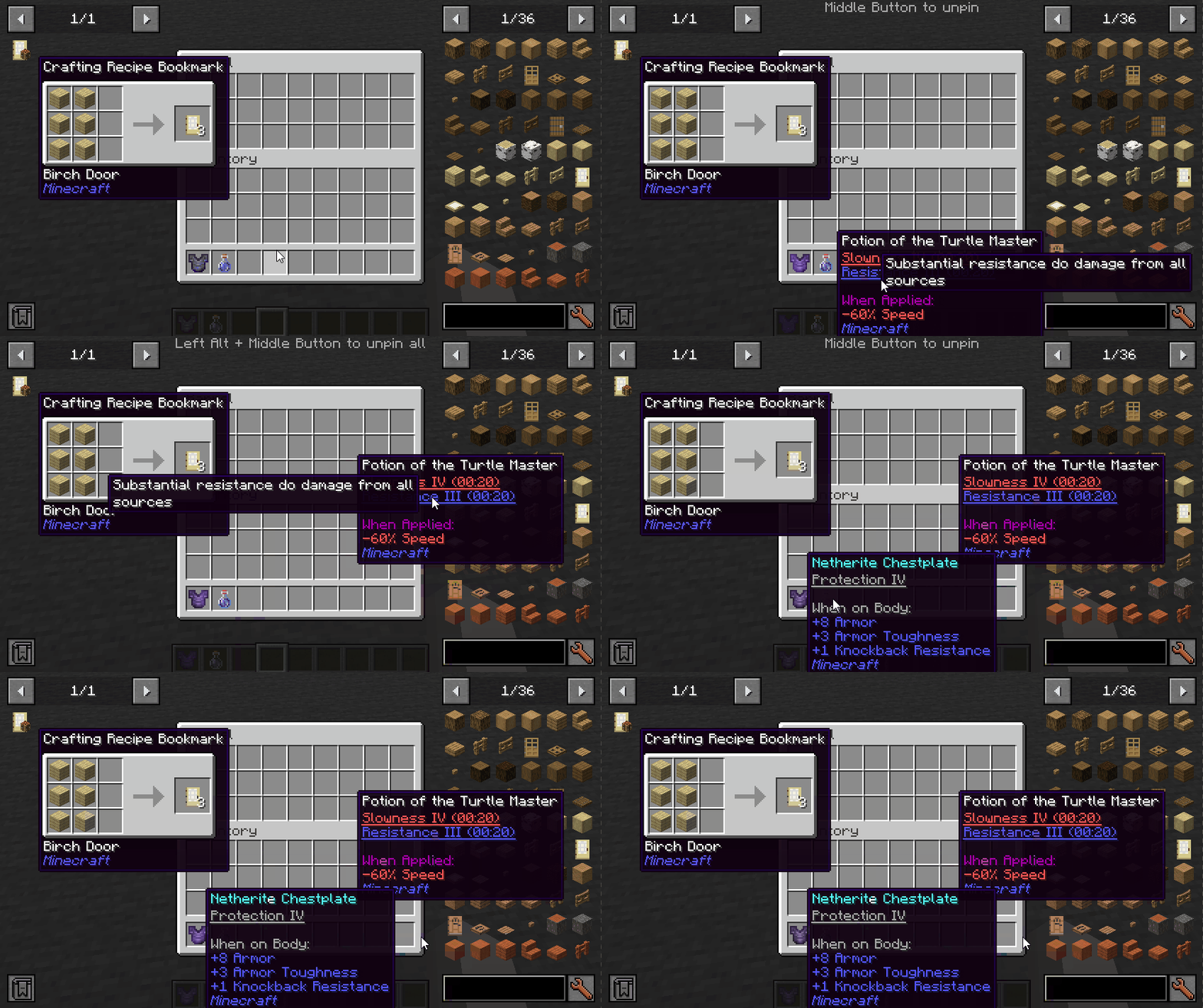
This mod adds the ability to pin tooltips to the screen and view more information from them such as enchantment and mob effect descriptions.
By default, when you stay on a tooltip for a while, it will be temporarily pinned until the cursor leaves.
Note: Pinned tooltips do not persist when you leave the game.
Keys (default):
- Left ALT: Pin the current tooltip
- Middle Button: Unpin the tooltip
- Left ALT + Middle Button: Unpin all tooltips
Mod Integration:
When Jade installed, you can see which mod is the enchantment/effect from.
When More Enchantment Info installed, you can click on the enchantment text to open the recipe GUI.
When Just Enough Effect Descriptions (JEED) installed, you can click on the effect text to open the recipe GUI.
When Tinkers Construct installed, you can view the description of the traits on tooltips.
Compatibility
| Mod | Status | Note |
|---|---|---|
| Equipment Compare | ✔️ Supported | |
| Obscure Tooltips | ✔️ Partially supported | Components are not interactable |
| Legendary Tooltips | ✔️ Partially supported | Title's interacting position is incorrect |
| Tooltips Reforged | ❌ Not supported | |
| Immersive:Tooltip | ❌ Not supported | |
| Tooltips Reforged | ❌ Not supported | |
| EnhancedTooltips | ❌ Not supported | |
| ModernUI | ❌ Not supported |

- Edition: Minecraft Java
- File type: .jar
- Minecraft versions listed: 1.21.1, 1.20.1
- How to install: Install the matching mod loader (Forge, Fabric or NeoForge) for your Minecraft version. → Download the .jar. → Put it in the .minecraft/mods folder and launch that loader profile.
- Where to get it: Opens on CurseForge — not every file is mirrored on our own servers.
Install steps are the general flow for this file type — How to install Minecraft Java mods & modpacks walks through it step by step.
- Ships as PinTooltips-1.20.1-Fabric-1.2.0.jar — drop this file into the mods folder
- Download size: 47 KB
- Download link checked 27 Sept 2026 — working
These come from our own check of the pack file, not from the source page.