ModsJava
Create: Tramways
Java mod listed for Minecraft 1.20. Downloads from the MC Java Mods app on Android.
I don't know my version or loader
Open the Minecraft launcher and look at the profile you play on — it names both, like fabric-loader-1.21.4. The version also shows in the bottom-right corner of the game's main menu.
No loader in the profile name? Then it's plain Minecraft, and these mods won't run — you need Fabric or NeoForge installed first.

Create: Tramways
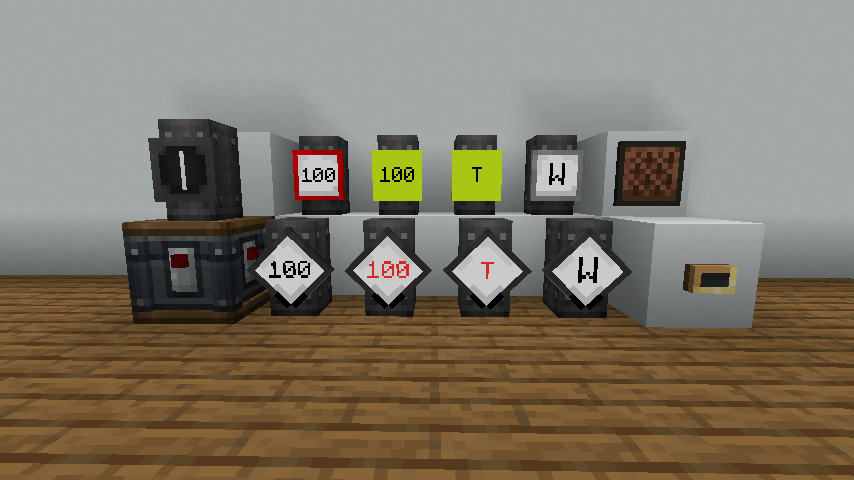
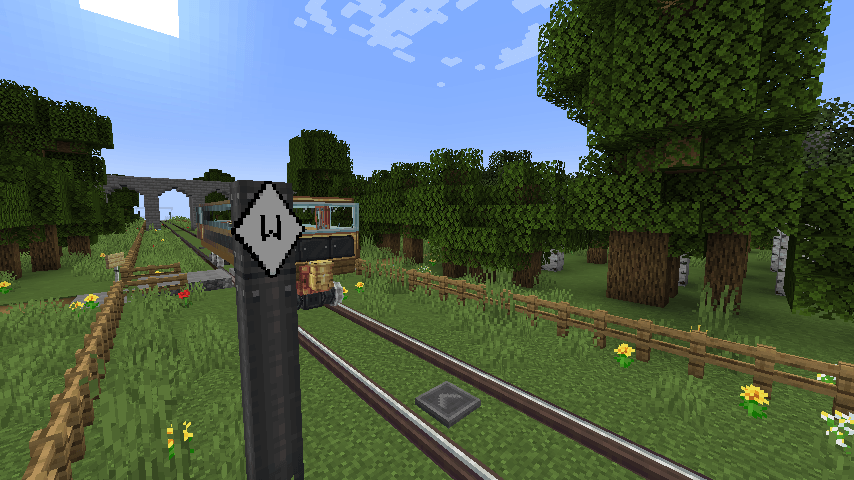
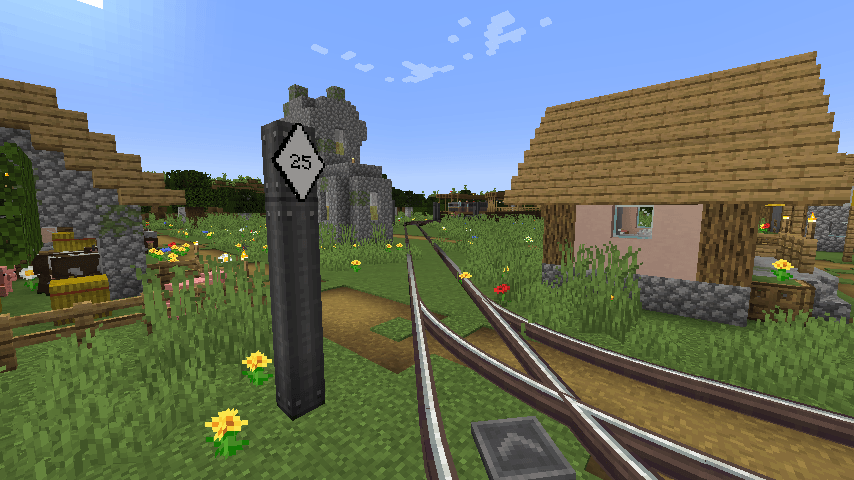
Create: Tramways adds a bunch of tram-related features. These features mainly relate to signalling and signage used on UK tramways and railways.
Warning: This mod probably contains a lot of bugs, so backups are a good idea. If you do find a bug, please report it!
Features
- Tram Signal - shows signal (or Steam 'n' Rails switch) state
- Tram and Railway Sign - speed limits and more for automatic trains
- Speaker - TTS on-board and station announcements
- Request Stops - only stop at a station on request
- Station Name Signs - with many sign variants
a Purple Create mod
Quick facts
- Edition: Minecraft Java
- File type: .jar
- Minecraft version listed: 1.20.1
- How to install: Install the matching mod loader (Forge, Fabric or NeoForge) for your Minecraft version. → Download the .jar. → Put it in the .minecraft/mods folder and launch that loader profile.
- Where to get it: Opens on CurseForge — not every file is mirrored on our own servers.
Install steps are the general flow for this file type — How to install Minecraft Java mods & modpacks walks through it step by step.
File checked by MCModsHub
- Ships as tramways-0.3.3-mc1.20.1-fabric-18.jar — drop this file into the mods folder
- Download size: 637 KB
- Download link checked 27 Sept 2026 — working
These come from our own check of the pack file, not from the source page.