
Too Many Keybinds
Java mod listed for Minecraft 1.20. Downloads from the MC Java Mods app on Android.
Menu that adds buttons to activate key binds in place of using actual binds, saves keyboard room on mod packs.
⬇ Download on CurseForgeThe author built this one for Minecraft 1.20.1 on Forge. On other versions it may install and then do nothing.
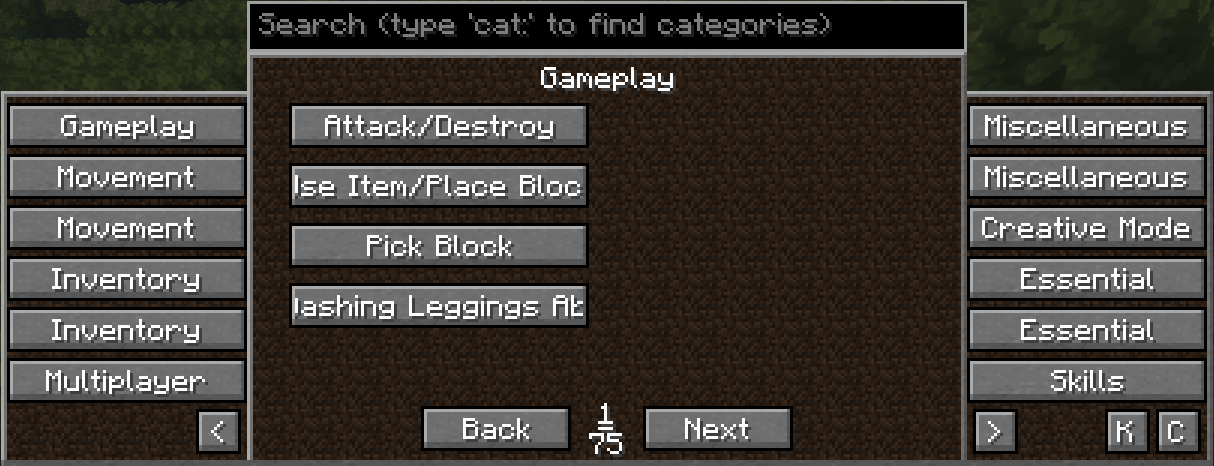
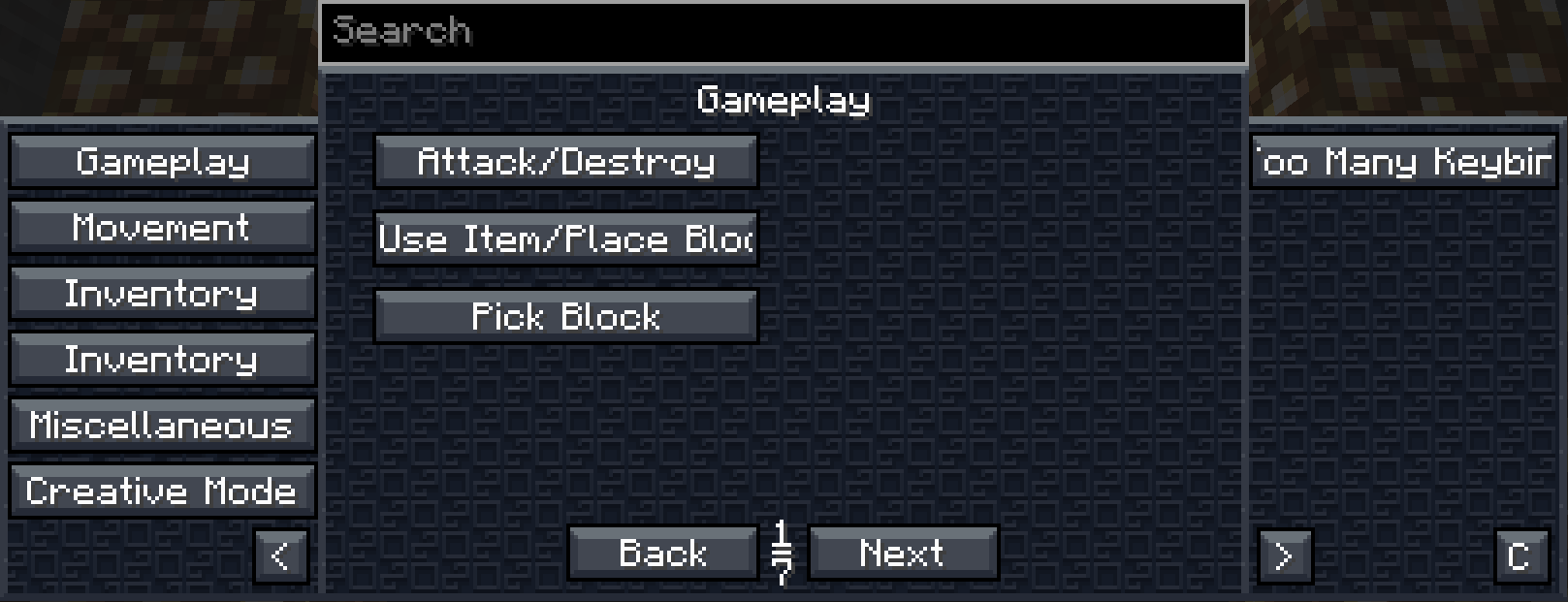
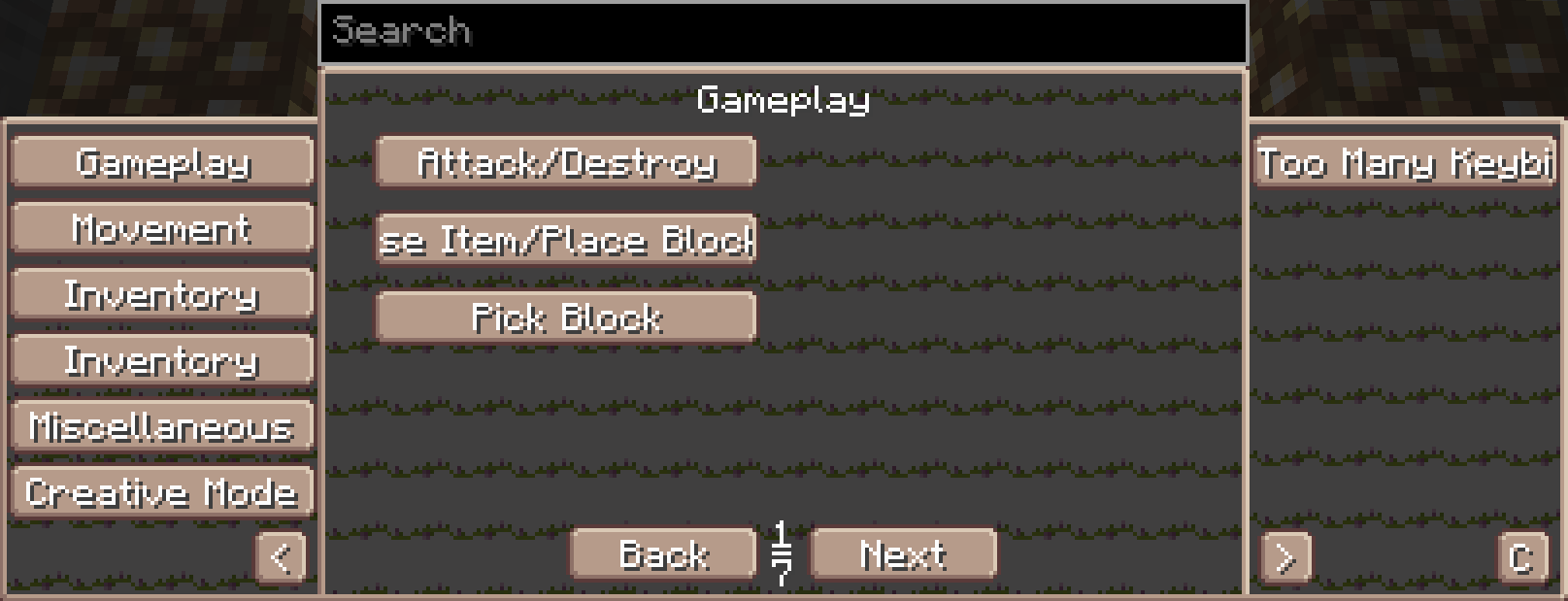
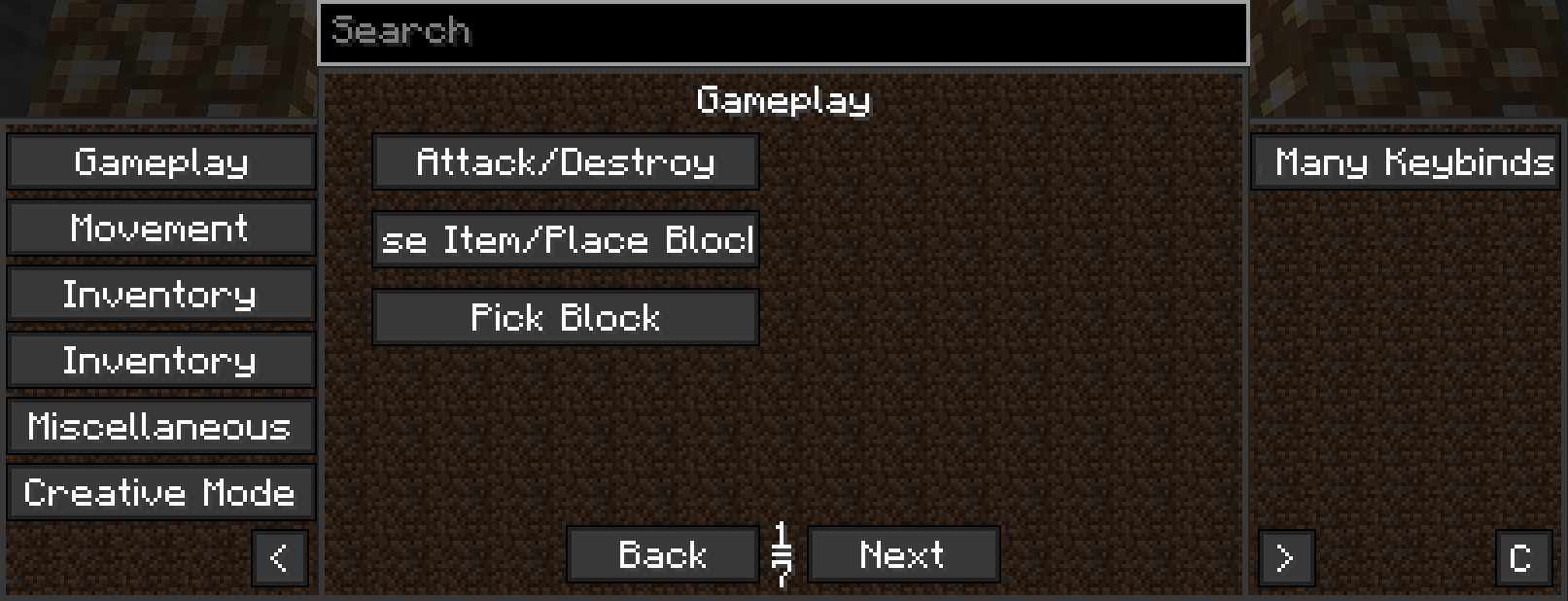
Too Many Keybinds
By: Kaan Smythe
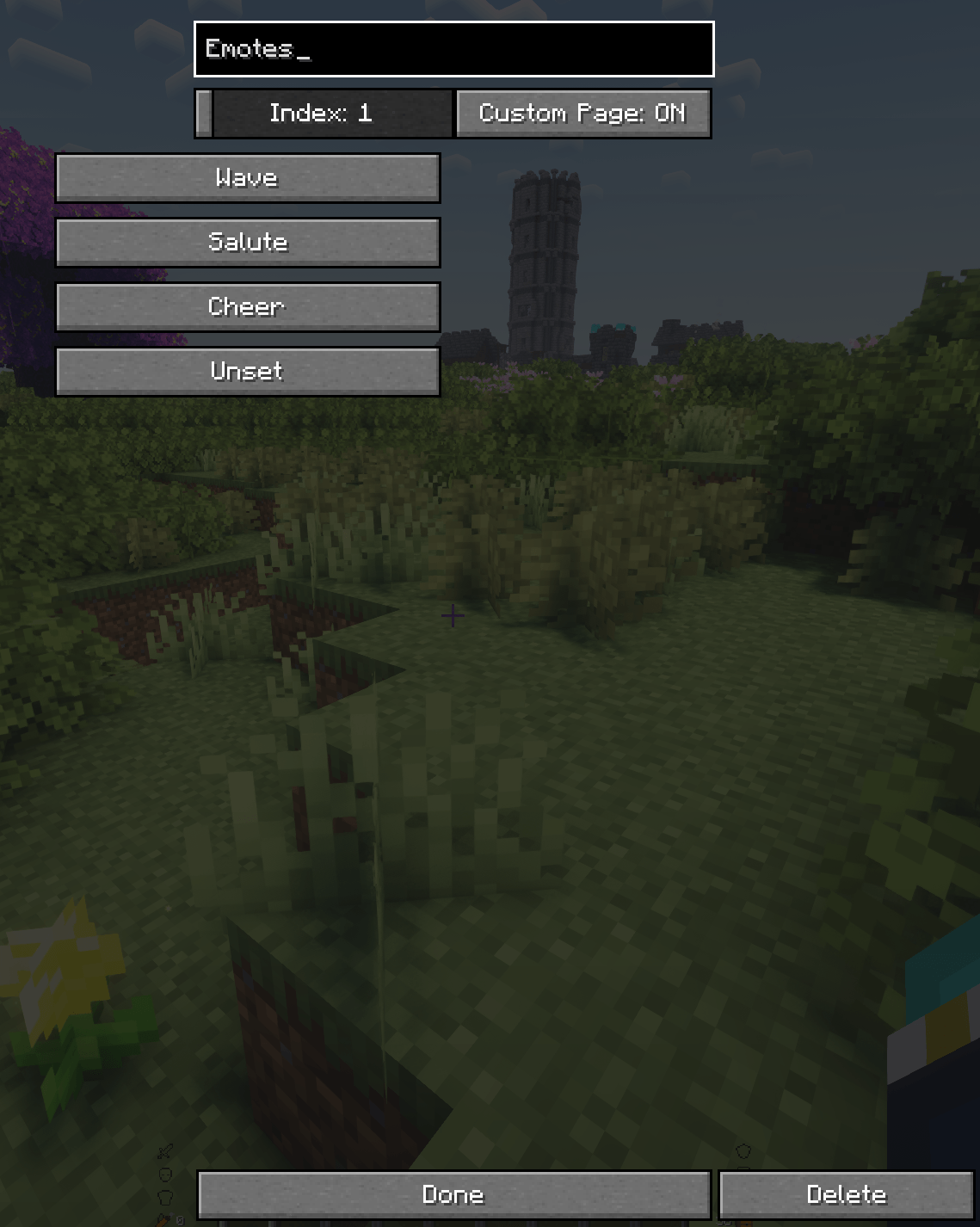
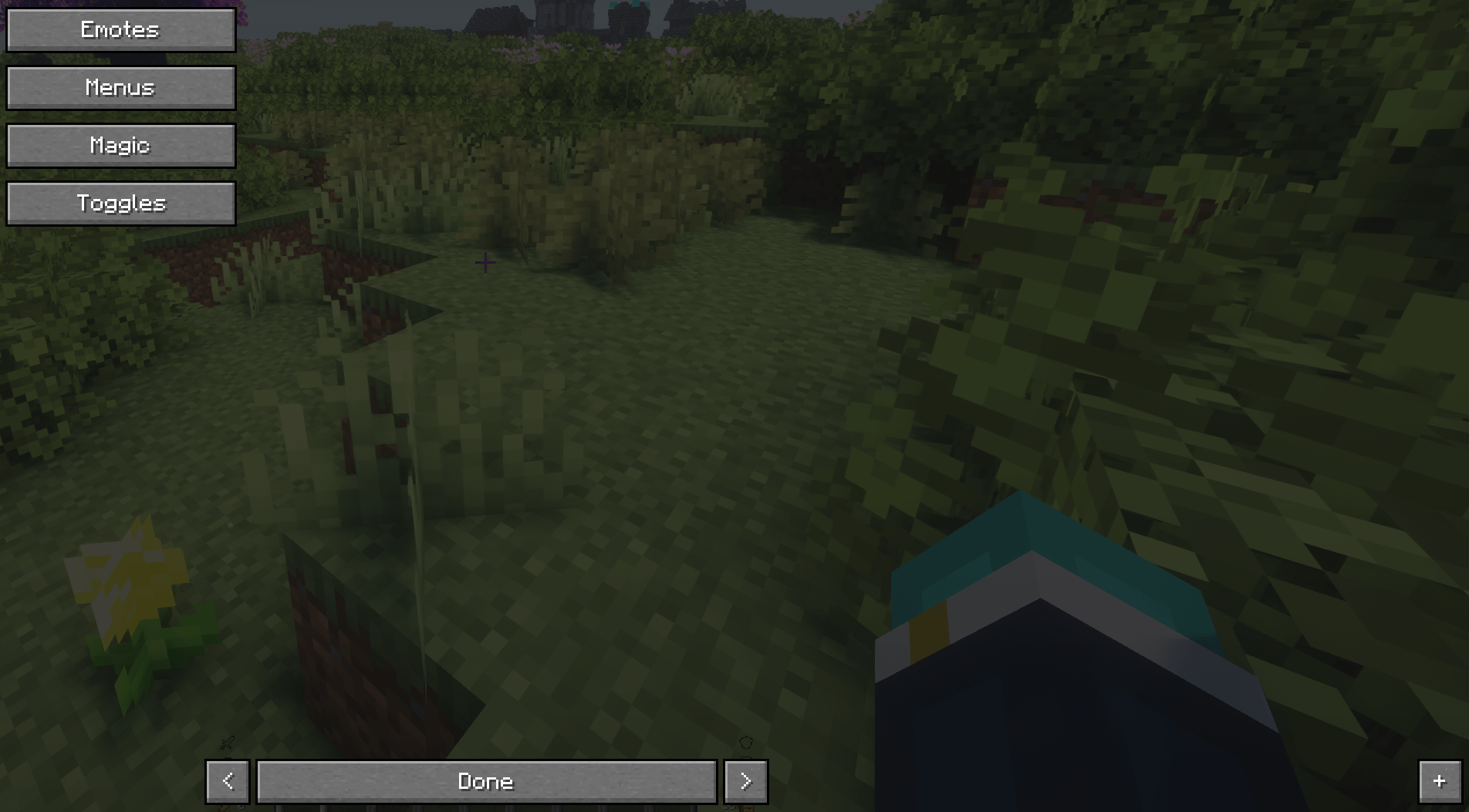
Modded Minecraft has far too many key binds, in-fact most of them end up being unbound because keyboards just aren't big enough! Too Many Keybinds removes that issue by creating a UI for the user to find and select whichever key bind they wish to use and activate it regardless of its bind state! All the keys are pulled from Minecraft's saved key binds and the categories are stored too, meaning it supports any mod that registers its key binds and sorts everything automatically.

The menu is also drawn using Minecraft's native resources meaning it is compatible with resource packs and will change its look to match your style.
How Does it Work?
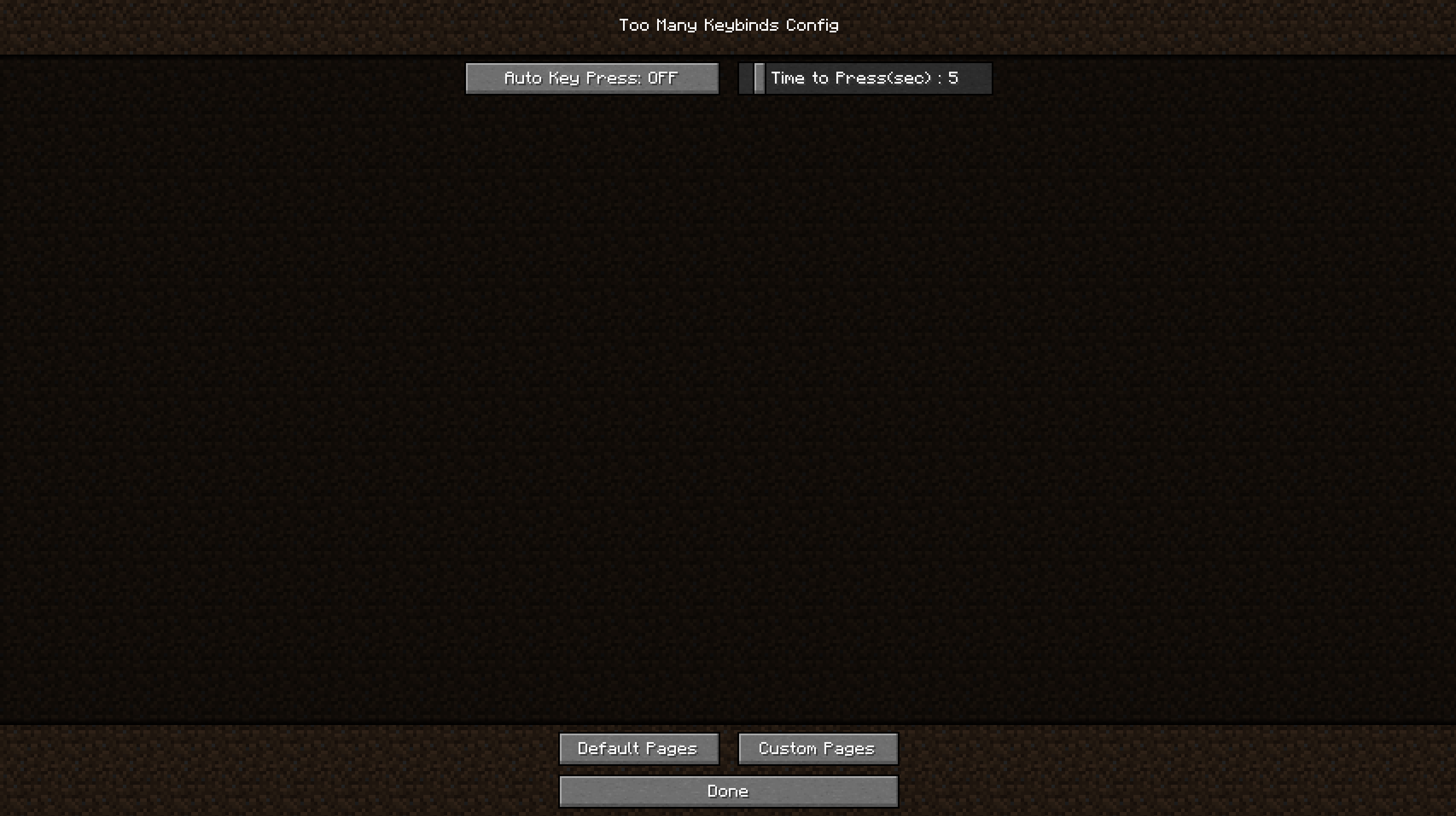
It has a single key bind that is used to open the mods menu, and once an action is selected it will change the selected actions key bind to the menu bind and automatically press the key for you, where it promptly sets everything back to normal. It uses a Java Robot to handle this as it covers more of the key binds used by mods, but the Java Robot requires the system to set a property called "headless" to false, which some mods don't like. It's okay though, Too Many Keybinds will automatically detect when a mod doesn't like the robot and turn it off, instead switching to a less robust method, Minecraft's internal key pressing methods. These struggle to press some keys such as Quarks emotes, but that can be bypassed by switching from automatic key presses to manual, as seen in the GIF above.
Features
- The mod uses a Java robot object to simulate key presses.
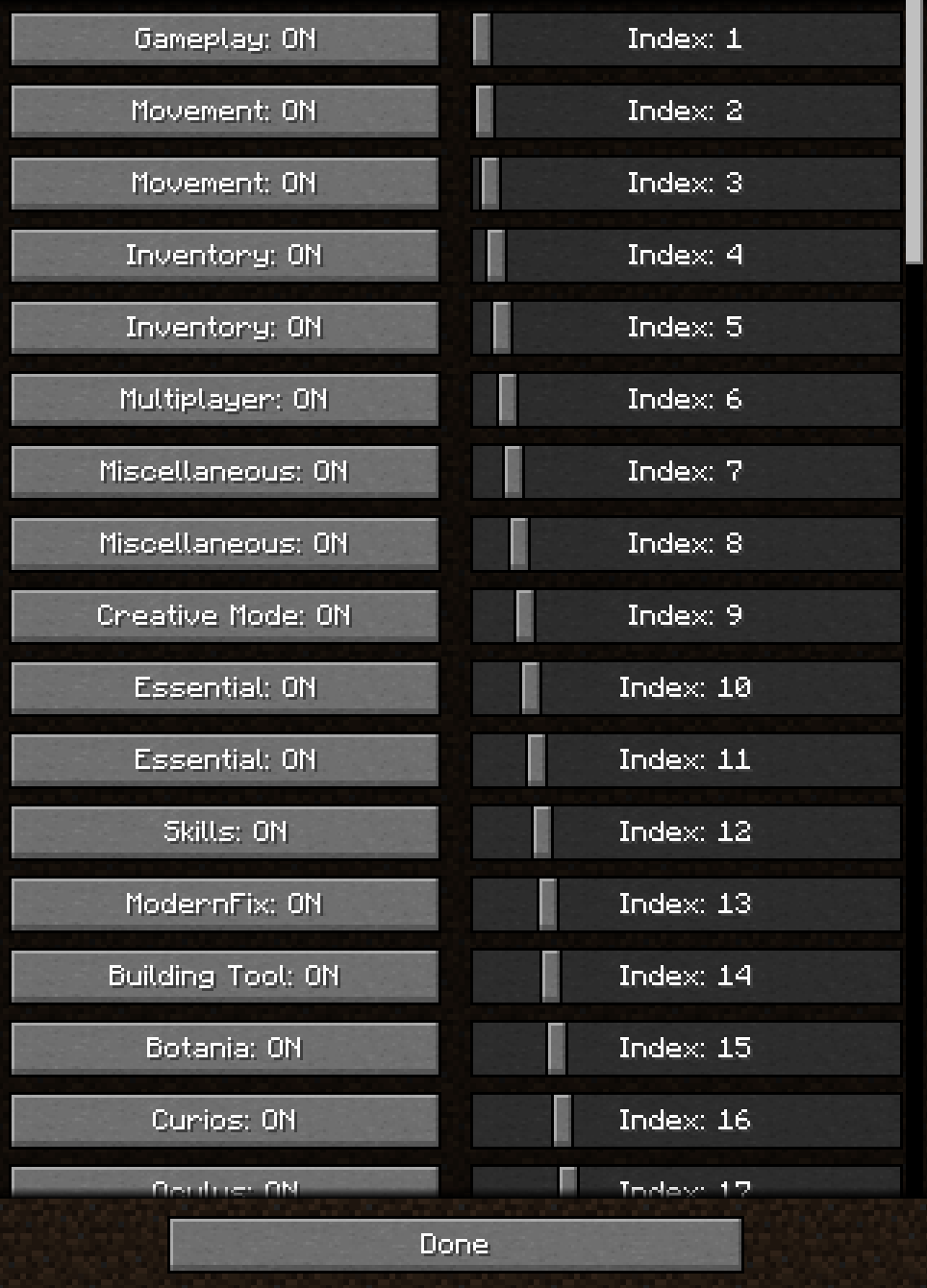
- Sorts key binds by category in blocks of 10. Each category gets its own page.
- Page select allows the user to scroll less by having 12 page select ribbons displayed at a time, making large key bind lists easier to navigate.
- Search bar allows you to search for a specific key bind in real time.
- Search for category
- Automatic mod support means all you need to do is install this mod and it'll create a menu for all mods.
- Works in-game but not in GUIs (As far as I know, it isn't told to but I also didn't tell it not to)
- Configuration to allow switching between automatic and manual key presses, along with manual delay.
- Hide and change the order of pages
- Create custom pages and set up to 10 keys per page
Known Bugs
- Doesn't work with some binds depending on how the game reacts to them, I made work arounds but they don't perfectly solve the issue (The robot solves it but doesn't work all the time, so manual key presses solve that but who wants to press a key by themselves!)
Known Conflicts
As said above, not all mods like to use the robot, so some of them will cause it to disable itself and use the back-up key methods. I will call these soft conflicts. Known ones are listed below, please share if you find others.
Known Mod Soft Conflicts:
- Essential Mod - Sparkuniverse_
- Edition: Minecraft Java
- File type: .jar
- Minecraft version listed: 1.20.1
- How to install: Install the matching mod loader (Forge, Fabric or NeoForge) for your Minecraft version. → Download the .jar. → Put it in the .minecraft/mods folder and launch that loader profile.
- Where to get it: Opens on CurseForge — not every file is mirrored on our own servers.
Install steps are the general flow for this file type — How to install Minecraft Java mods & modpacks walks through it step by step.
- Ships as toomanykeybinds-0.7.2a-test build.jar — drop this file into the mods folder
- Download size: 60 KB
- Download link checked 27 Sept 2026 — working
These come from our own check of the pack file, not from the source page.