Server Economy
A full server economy for Minecraft Bedrock, in one addon. Money, shops, jobs, banking, auctions, and a casino, all running off the same balance and the same set of rules. Nothing else is required to make it work.
_**Vibrant visuals is required for the best experience with the signs and lights in this addon.**_
This is a beta. The systems below are all in and playable, but they have not been through a wide public test yet. Balance numbers will move, and worlds started on beta may need adjusting later. Back up anything you care about, and please report what breaks.
- Expect bugs, rough edges, and changes between versions. What you see here does not reflect the polish or stability of the final release. Things will look and work better as development continues.
- This version uses the UUIDs if the final release version, any progress made in this version will carry over to new versions unlike the Alpha.
Thanks for helping test. Bug reports and suggestions are welcome and genuinely help shape the full version.
Many feature such as additional jobs, improved menu navigation and info, and more will be coming in the full release.
Money
Every player has a balance. It shows on the sidebar, the player list, or under nameplates, whichever you pick (off by default).
Cash is separate. Cash bills are physical items you can hold, drop, and lose on death. You never spend from bills directly, so you deposit them at an ATM to turn them into balance. Casino machines, tip jars, and your own shop register pay out in cash. Jobs, auctions, and anything paid to you while offline go straight to the balance.
The Phone is the player hub. It is handed out on first join and craftable after that. From it you can pay another player, read your transaction history, browse the shop directory, view your security cameras, buy gathering licenses, and open the help guide.
Shops
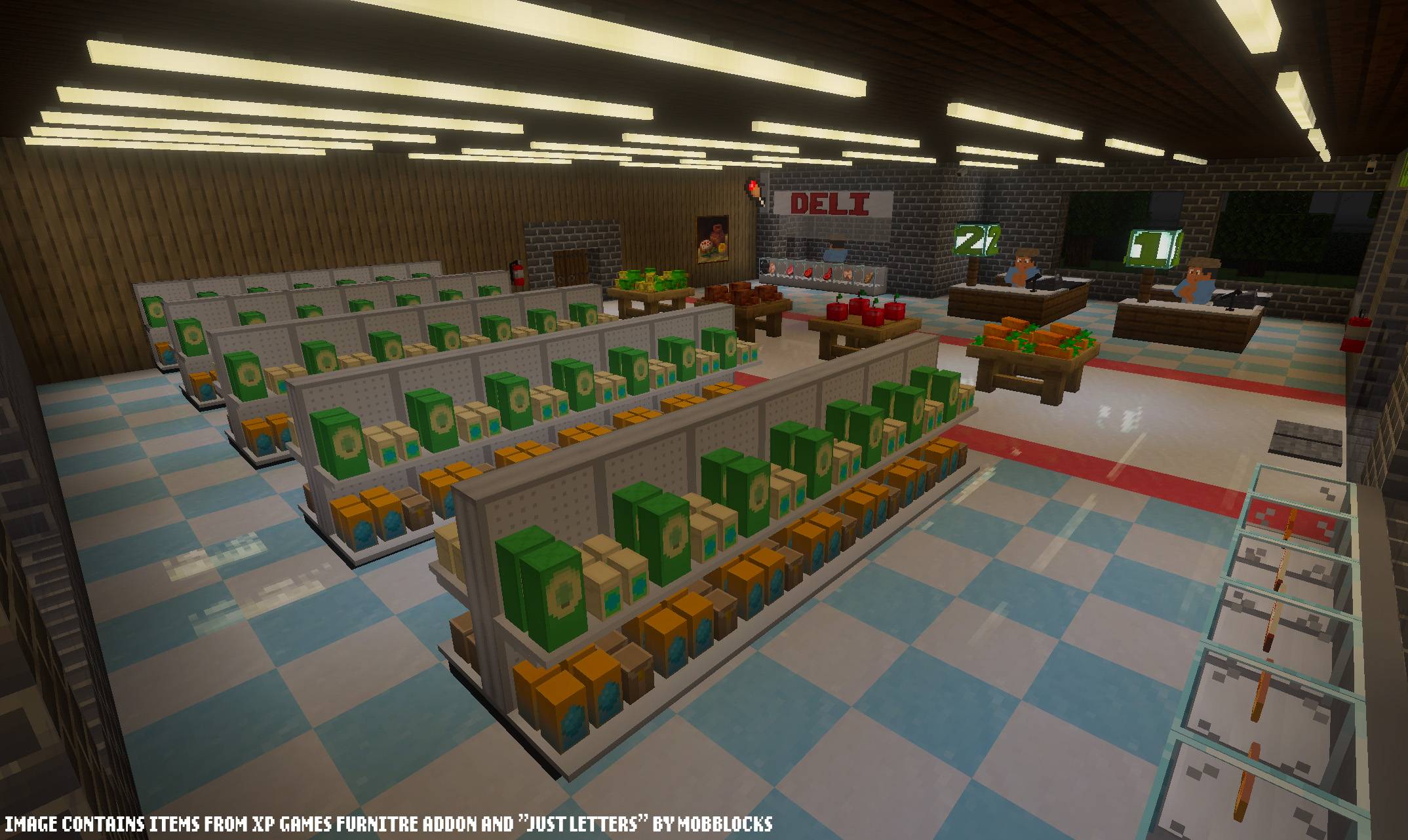
The Server Shop buys and sells at prices you set. Every tap opens an item screen showing quantity and total before any money moves. There is a daily sell cap per player, and the shop rotates discounts and announces them.
Player shops are built and priced by players. Place a shopkeeper or a market stand, stock it, and set your own prices. Shop owners get:
- Buy orders, so you can pay other players for items you want
- Payroll, with employees taking a percentage of each sale
- Chains, linking multiple shops under one name with a shared till and shared staff
- Shared stock between branches in range, so one shelf can supply several locations
- Pack up, which settles the stock and till and removes the trader in one step
The Shop Directory on the Phone finds shops, searches for an item across all of them, and drops a waypoint on the one you want. A Scanner block reads the item in your hand and reports the best buy and sell prices on the server.
For paid areas, a Ticket Machine sells entry and a Turnstile takes the ticket.
Jobs
Job Boards hand out work. Five tracks:
- Contracts, daily and weekly kill, mining, and gathering tasks
- Bounties, hunting players with a price on their head
- Explorer, discovering zones, taking expeditions, and walking travel goals
- Trash Collector, selling junk at a Recycling Bin
- Courier, delivering letters to a mailman across the map
Each job has its own guide on the board. Working raises skill levels per track, and higher levels pay a bonus.
Gathering licenses (early development)
Optional, and off unless you turn it on. With licenses running, breaking ores, logs, and crops, and using a fishing rod, needs the matching license. A failed attempt leaves the block where it was and costs nothing. Stone, dirt, building blocks, and anything a player placed are never gated, so builds stay editable.
Players can only hold a few licenses at a time, which pushes them to specialize and trade for the rest. Mining licenses come in tiers, with the higher tiers unlocking diamond and ancient debris. Licenses can expire after a set number of in-game days and get renewed at the License Office.
Banking
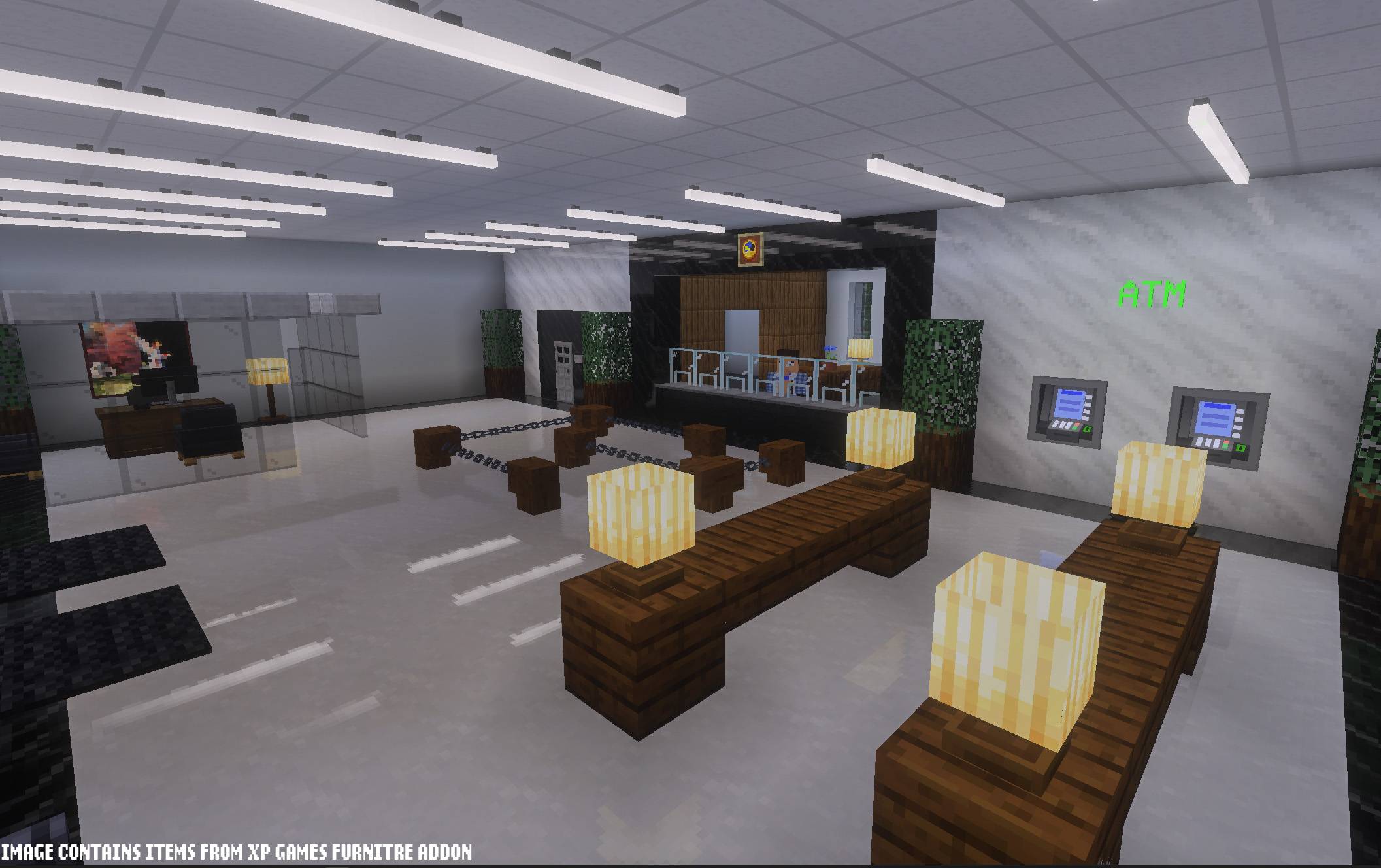
A Banker allow you to use all the functions of an ATM and more. Deposit and withdraw cash, send money, check history, manage savings, and take or repay a loan, all in one place.
Savings earn interest daily up to a cap, and keep accruing while the player is offline. Loans are paid out of the server treasury, and an overdue loan pulls from the balance and blocks outgoing payments until it is settled.
ATMs handle cash, transfers, and history out around the map. They need an ATM card, which the Banker gives out free in any of sixteen colors.
Auction house
Hold an item at an Auction Stand, pick a duration, a starting price, and an optional buy-now price.
Bids are held out of the bidder's balance and refunded in full the moment they are outbid. A bid near the end pushes the countdown back, so nothing gets sniped in the last second. Items you win and listings that didn't sell wait for you at the stand they were listed at. Listing fees and sale tax, if you have them enabled, are shown on the List button before anything is committed.
Casino
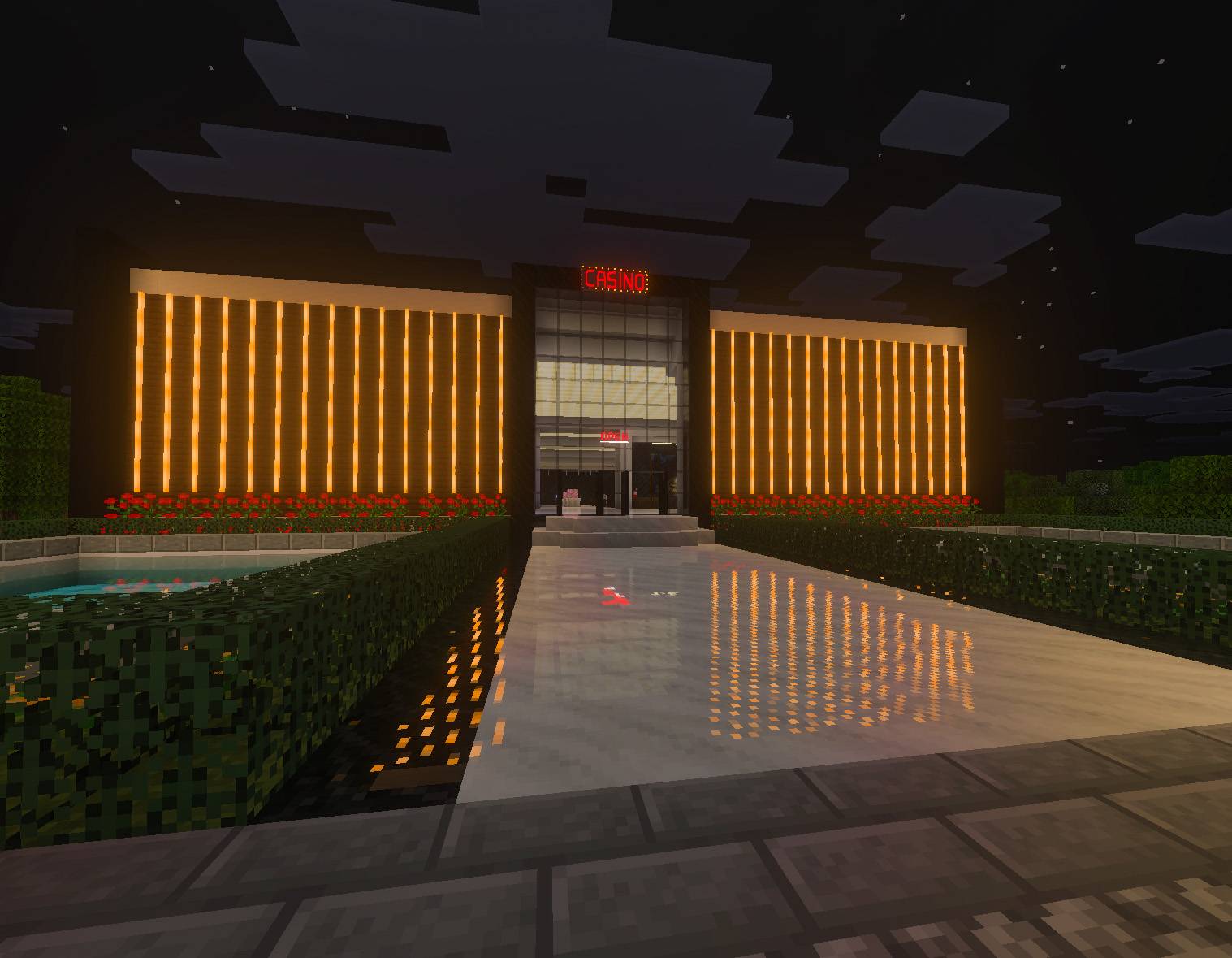
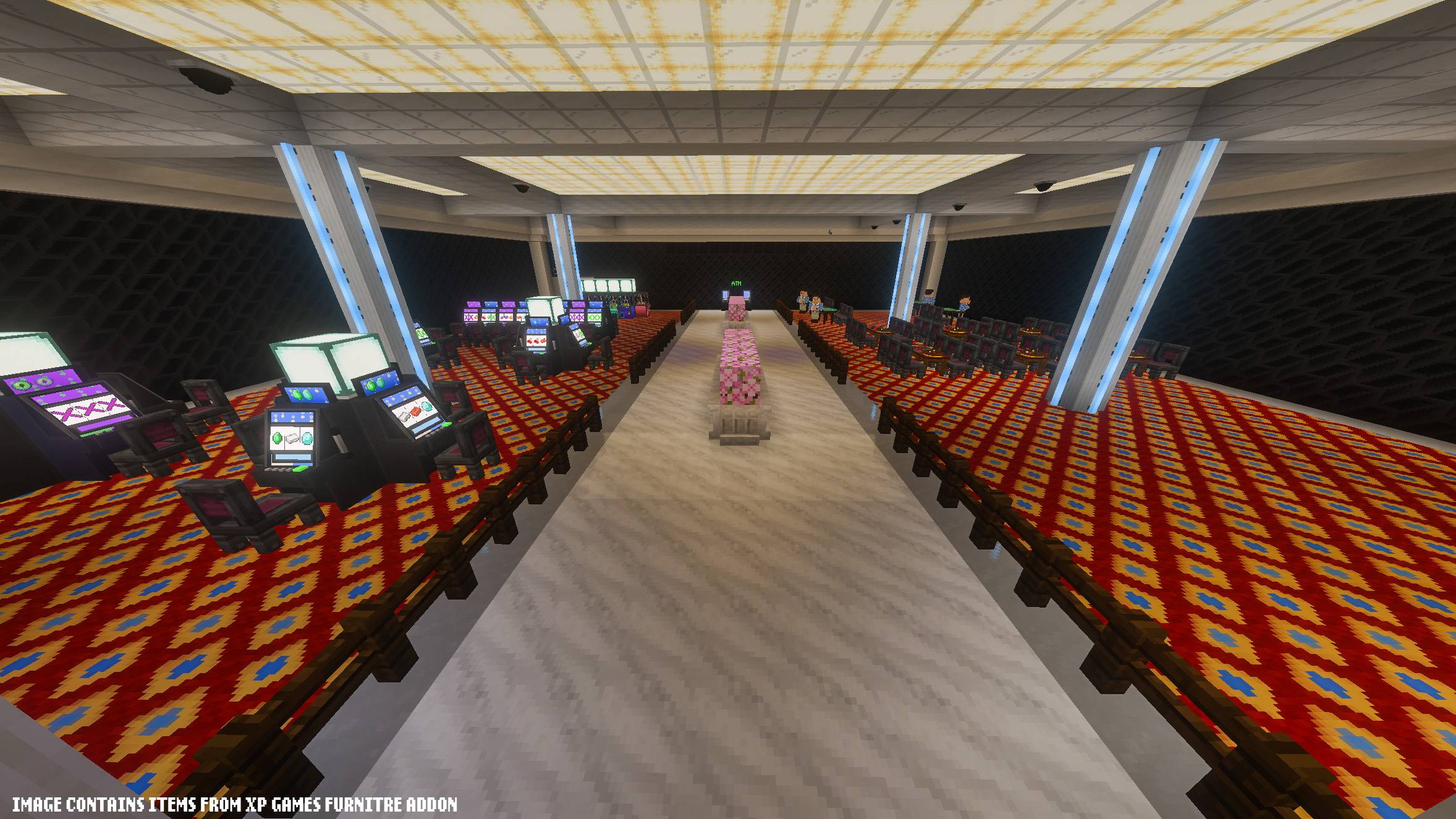
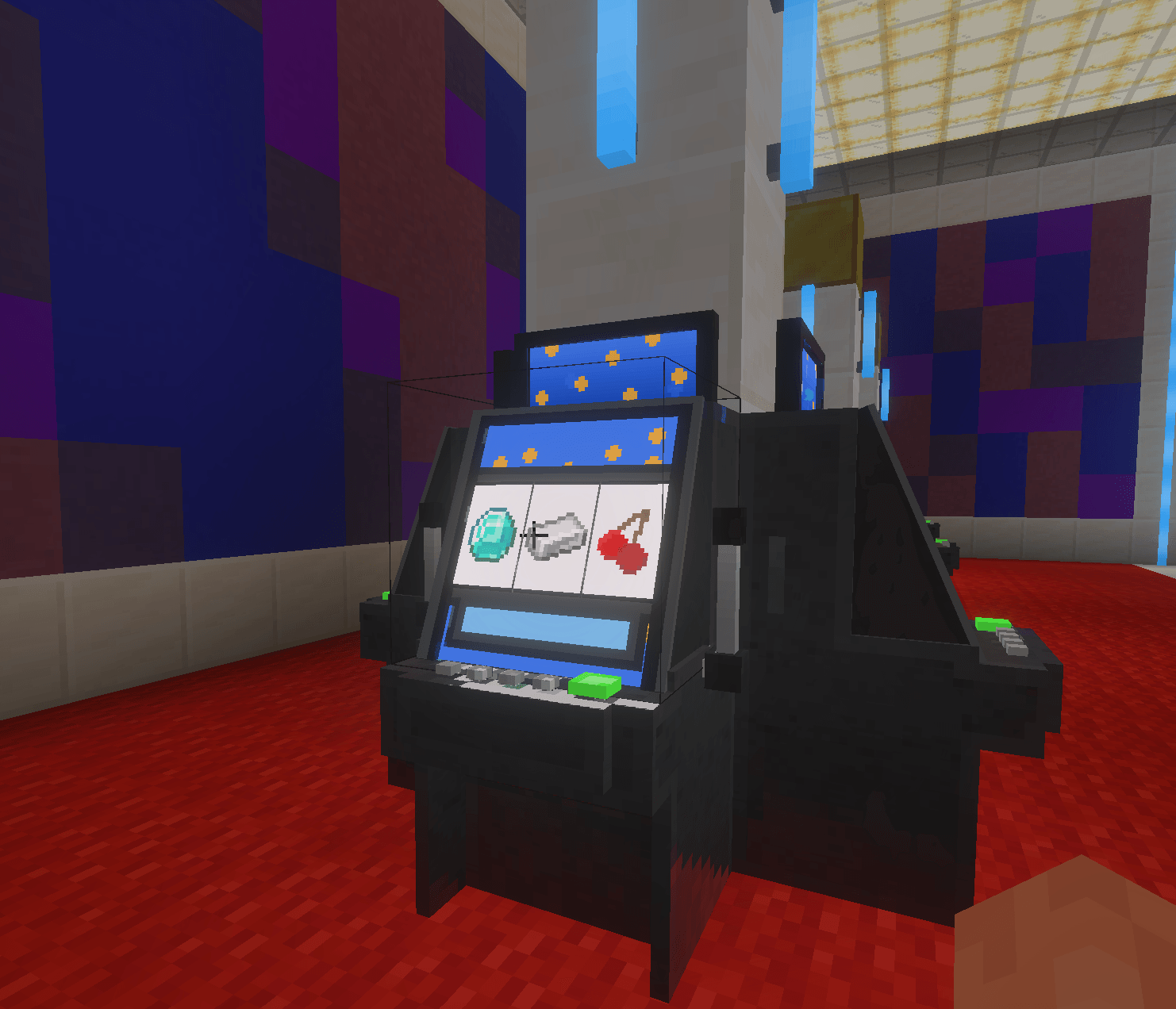
Slot machines, blackjack, roulette, claw machines, and lottery scratch tickets.
Every machine states the cost of a play before it takes anything, and most list their prizes and odds on screen. Blackjack and roulette each have a full how-to-play. The odds shown are read from the same table that pays out, so they cannot drift apart. The jackpot grows as players spin the slots and pays on a lucky spin.
The house keeps an edge on every game, and the help text says so.
Security
Security cameras you can place, then view and configure from the Phone. Keypads with PINs, vault doors, glass doors, and owner-locked safes. Blocks you own, including keypads, vault doors, and your shop, can only be broken by you or an admin, and the game tells you on the first swing instead of after the full break.
Building set
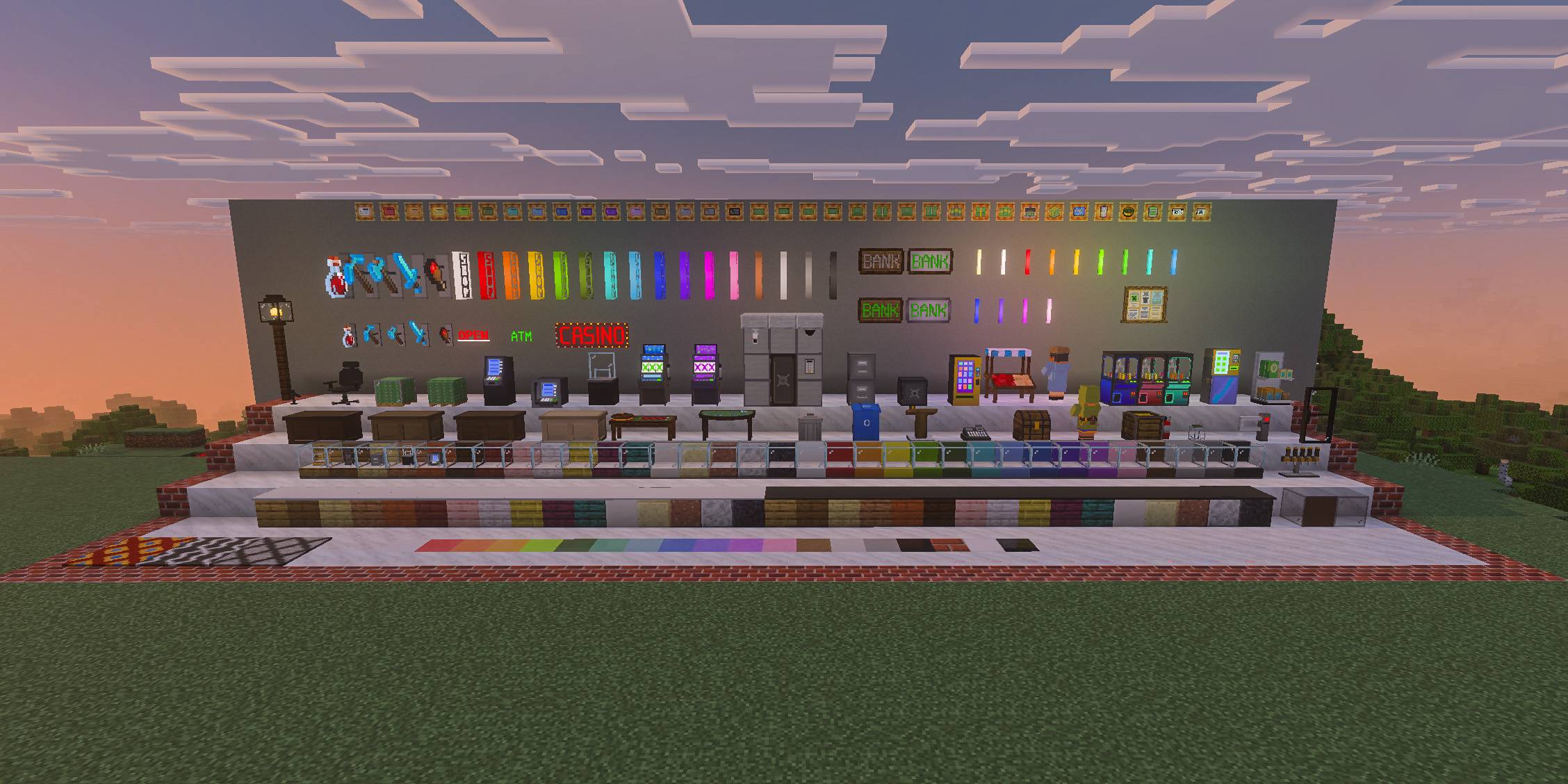
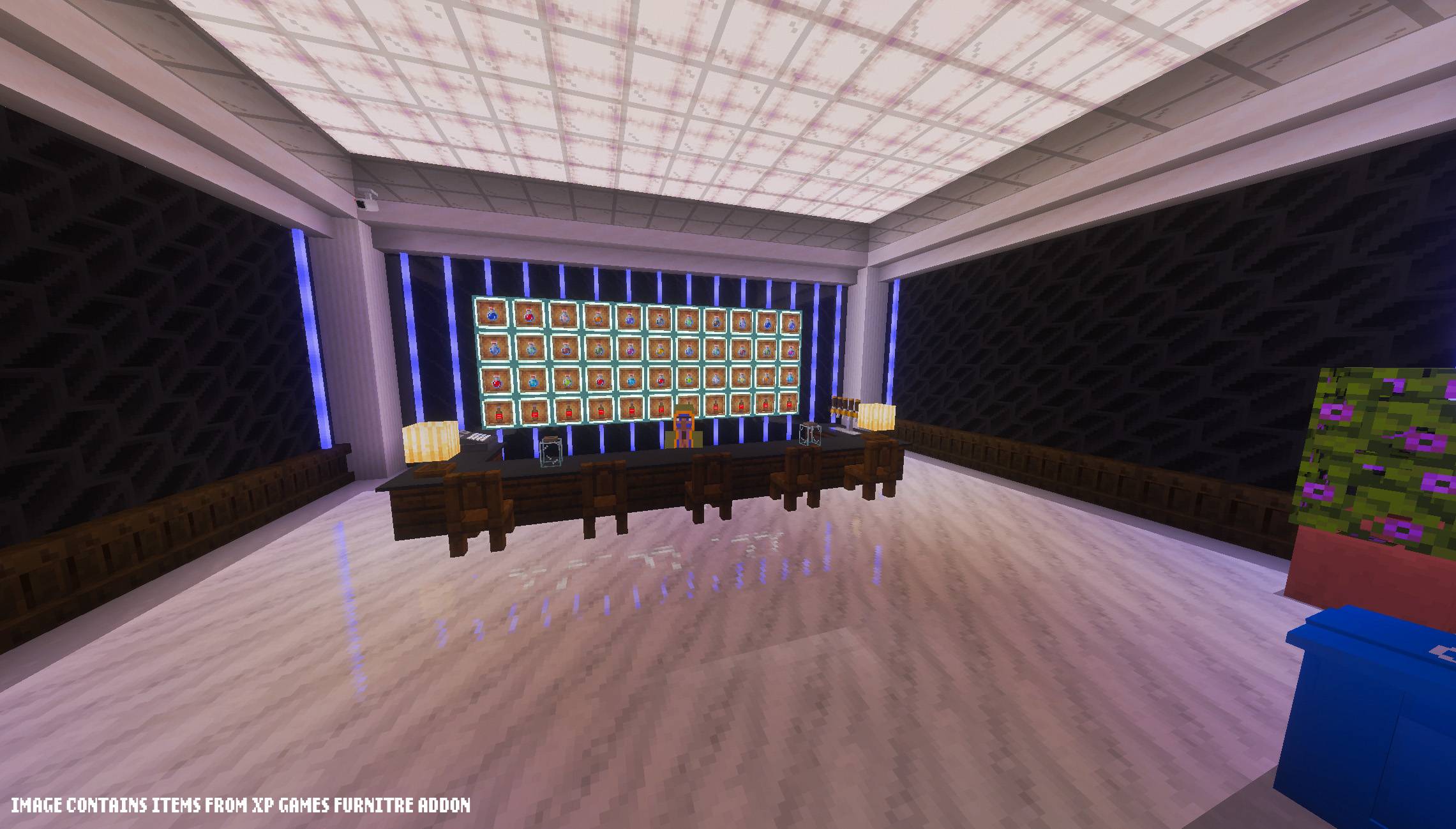
Around 230 blocks for building out the shops, banks, and casinos the systems need:
| Set | Count |
|---|---|
| Counters | 34 |
| Display cases | 33 |
| Signs | 33 |
| Building blocks | 17 |
| Store tiles | 16 |
| Lights | 14 |
| Decorations | 11 |
| Shops and stations | 10 |
| Banking and security | 9 |
| Casino | 9 |
| Office furniture | 7 |
| Wallpaper | 3 |
Display cases show whatever you put in them. Counters, desks, and cases come in matching wood and stone finishes. Everything is craftable but can also be purchased from the server shop.
Admin tools
The Admin Tablet is what allows total contol over your server's economy, handed to the first admin to join. Operators are admins automatically, and you can hand the eco_admin tag to trusted staff.
One hub per feature, each holding that feature's settings, panels, and actions. From it you can:
- Edit the Server Shop catalog and reload it live
- Set starting balance, transfer tax, and sales tax
- Look up any player, and give, take, or set balances, including for offline players
- Run the Treasury, which collects the taxes and funds the loans
- Tune jobs, bounties, contracts, courier, explorer, recycling, and slot machines
- Place Bankers and Mailmen
- Manage player shops
- Import balances from a previous economy addon
- Wipe the economy to start fresh.
- And more!
There is a setup guide built into the tablet that walks through standing a server up one system at a time.
Notes
Works on realms, dedicated servers, and singleplayer. Balances and shop data are stored on the world, so they survive restarts and travel with a world copy.
If you are upgrading from a previous economy addon, use Economy Import on the Admin Tablet before letting players in. (The previous addon may need to stay on your world untill all players have joined once after activating the transfer)
Made by JM.
- Edition: Minecraft Bedrock
- File type: .mcpack or .mcaddon
- Minecraft versions listed: 26.30, 26.40
- How to install: Download the .mcpack or .mcaddon file. → Open it — Minecraft imports it. → In your world: Behavior Packs → Available → Activate, then the same under Resource Packs.
- Where to get it: Opens on CurseForge — not every file is mirrored on our own servers.
Install steps are the general flow for this file type — How to install Minecraft Bedrock addons & mods walks through it step by step.
Server Economy (Achievement Friendly) is a free Minecraft Bedrock addon. Compatible with Minecraft 26.30, 26.40. Downloaded 428 times (via CurseForge). Download it and open it directly in the game.