Omnichunk
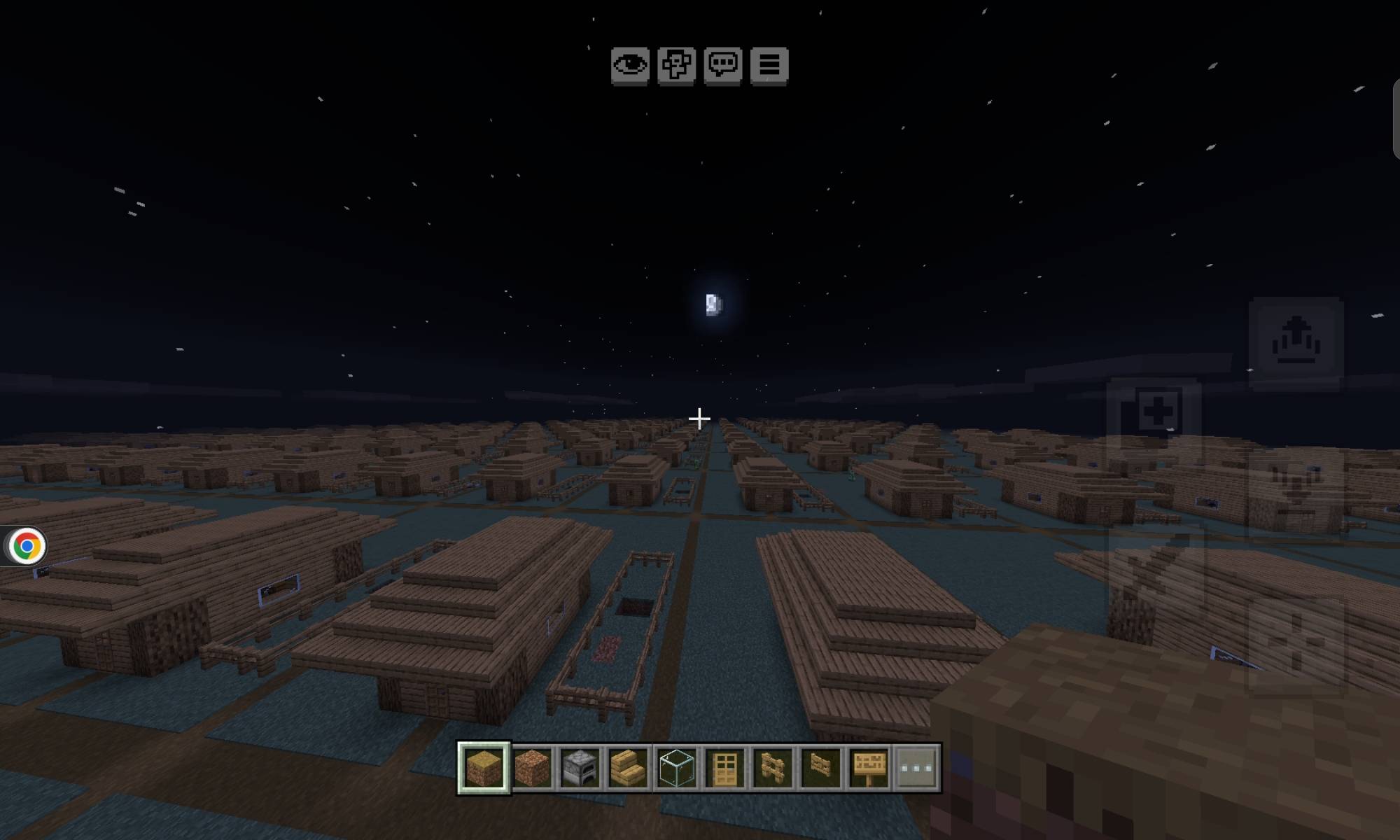
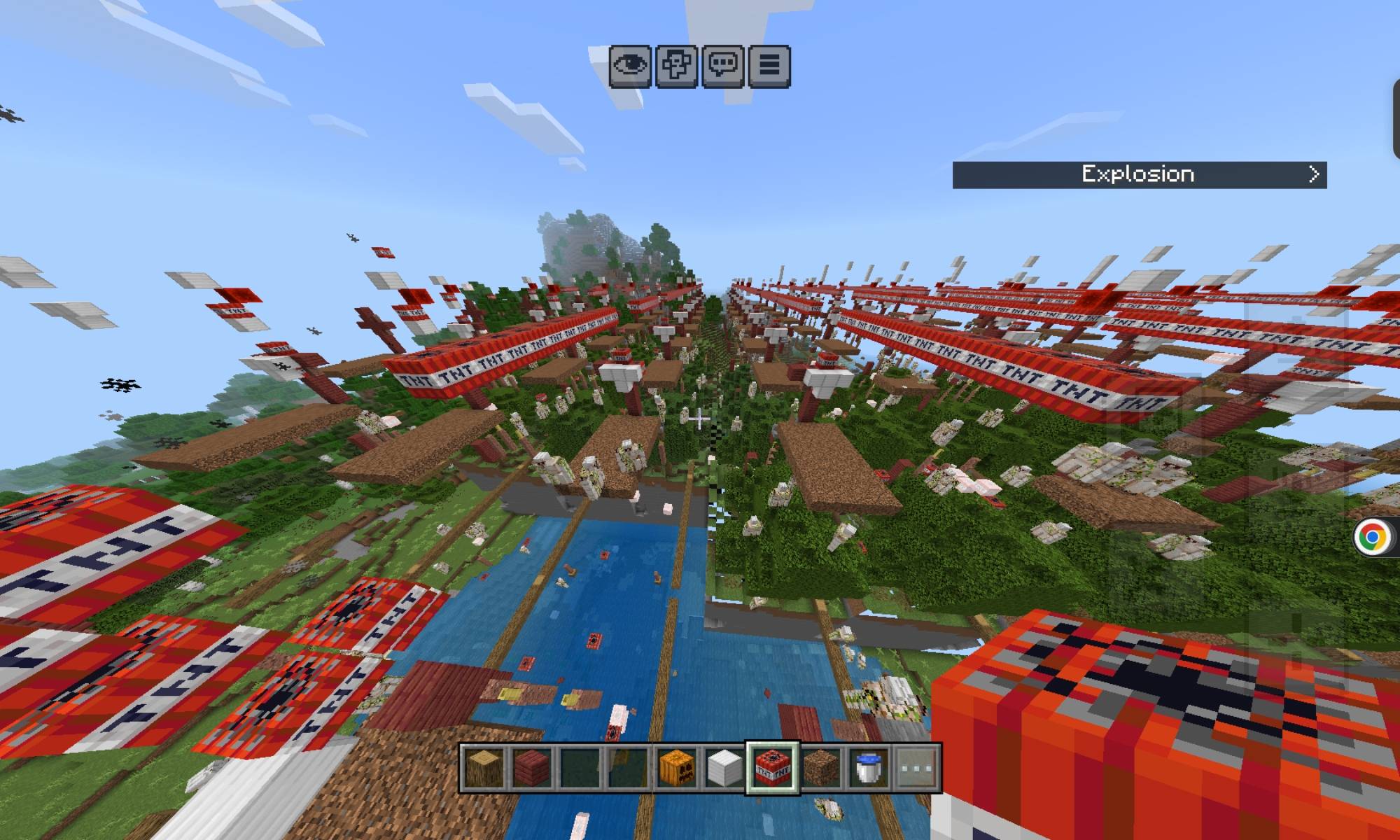
Every block you place, break, or change echoes across the entire world, forever!
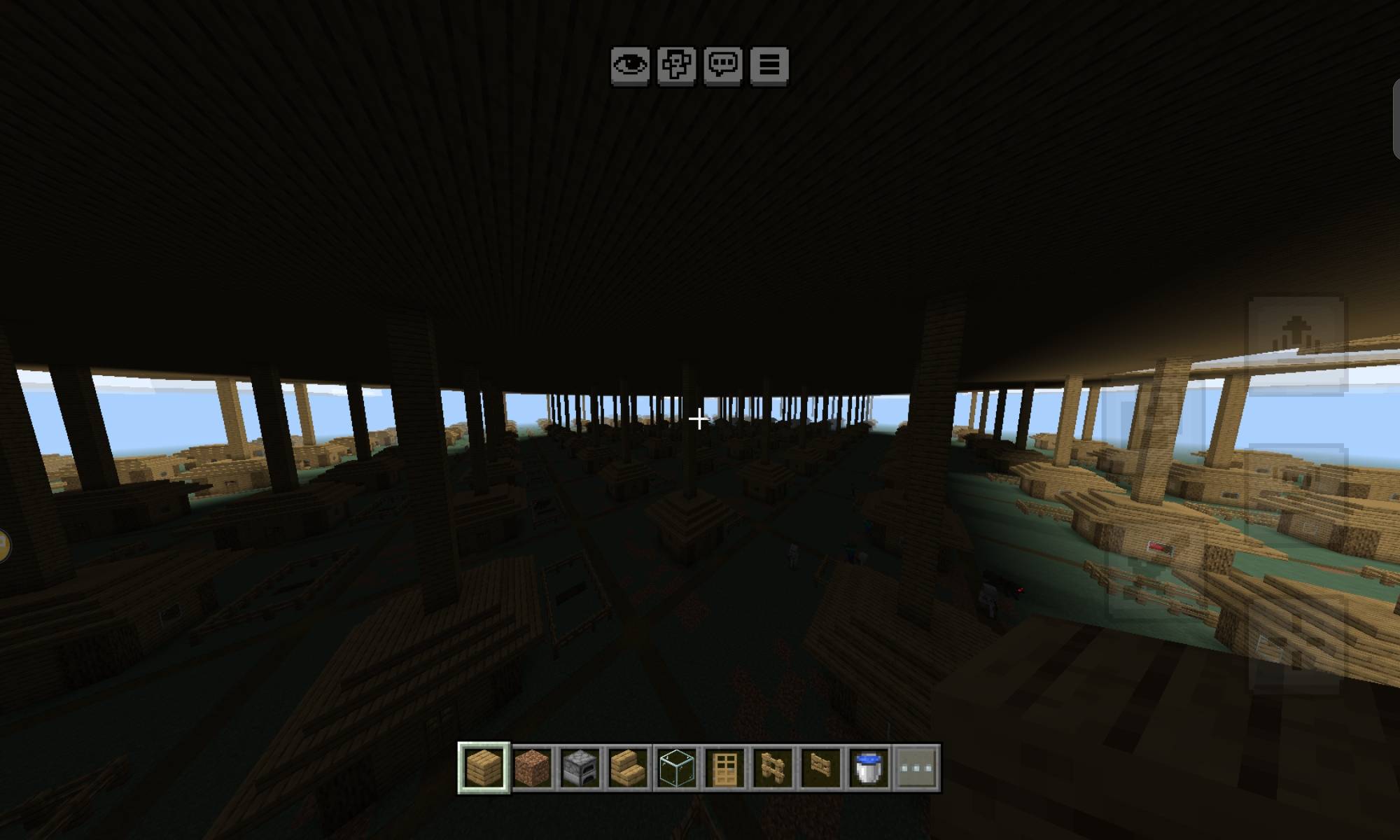
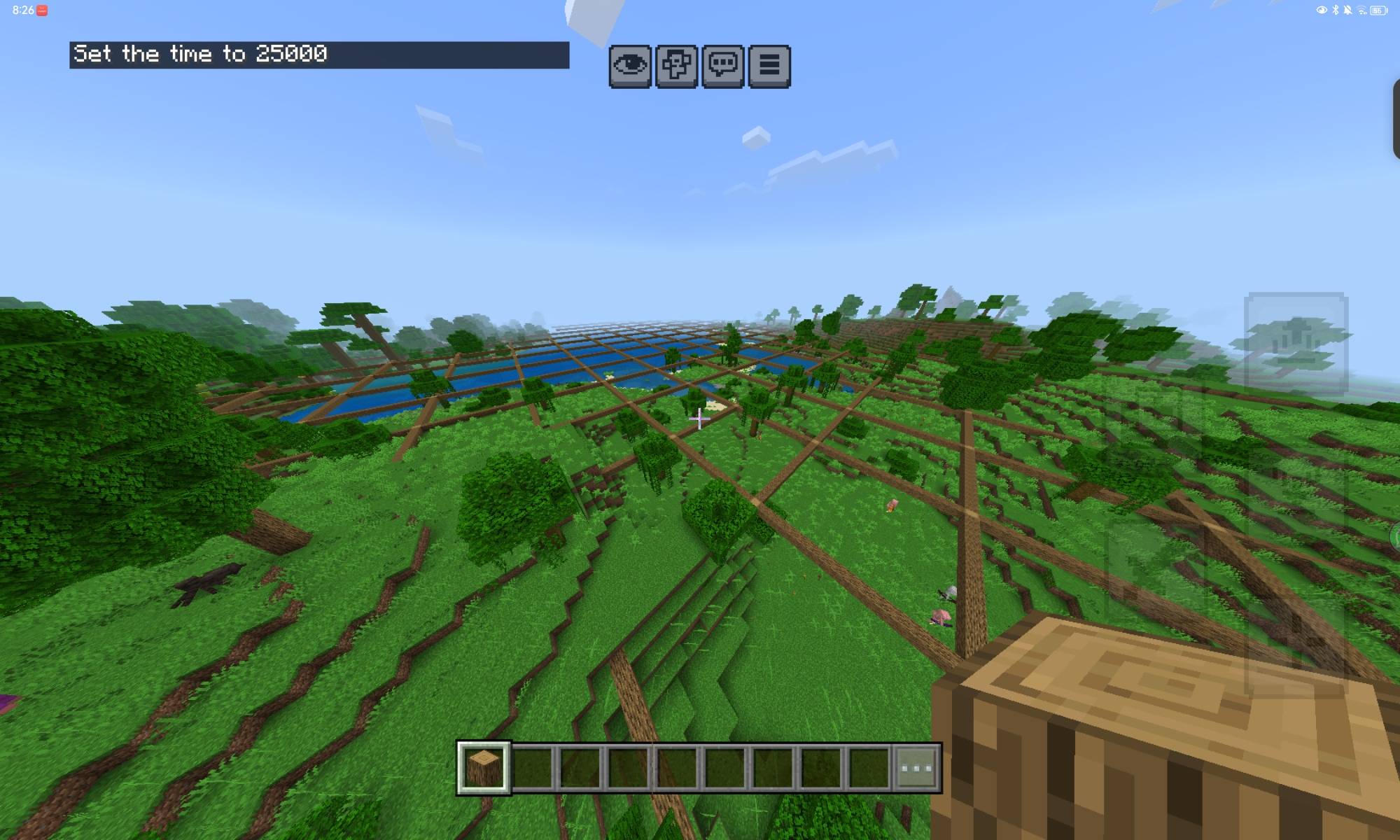
Build a house in one chunk, walk somewhere you've never been, and it's already there. Dig a moat and river systems ripple across the map behind you. Light a nether portal or complete an end portal frame and it opens everywhere. No plugins, no commands to remember, no waiting — it just happens as you play...
How it works
Omnichunk treats your world as one infinite repeating pattern. Every change you make gets remembered at its position within a chunk, and a background patrol continuously stamps that pattern onto every chunk near you — including ones you've never set foot in. Travel 10,000 blocks in any direction and the pattern is waiting for you the moment the chunk loads. No range limit, no cooldown, no "must interact first."
Features
• Infinite radius — not a fixed copy radius, a genuinely unbounded repeating pattern
• Full block-entity sync — chests, barrels, and shulkers stay in sync in real time; beds, banners, skulls, and item frames keep their exact color/pattern/contents
• Portals — light a nether portal or complete an end portal anywhere and every copy lights up too
• Signs, jukeboxes, redstone, and mob spawns also get copied
• Natural growth stays in sync — bonemealed trees, growing crops, and spreading fire replicate just like anything you build by hand
• Fully persistent — closing and reopening your world doesn't lose a thing
• Built for performance — enforcement is spread across ticks and prioritizes chunks near you first, so it never hitches even on long play sessions
Commands (requires cheats enabled)
• /scriptevent omnichunk:pause — freeze recording/stamping so you can build freely
• /scriptevent omnichunk:resume — turn the madness back on
• /scriptevent omnichunk:status — see pattern size, tracked chunks, and more
• /scriptevent omnichunk:reset — wipe the pattern and start fresh
• /scriptevent omnichunk:verify — clean up any stale records near you
Requirements
• Minecraft Bedrock 1.21.90+
• Beta APIs experimental toggle enabled when creating/editing your world
Enjoy!! :D
- Edition: Minecraft Bedrock
- File type: .mcpack or .mcaddon
- Minecraft versions listed: 26.20, 26.30, 26.40
- How to install: Download the .mcpack or .mcaddon file. → Open it — Minecraft imports it. → In your world: Behavior Packs → Available → Activate, then the same under Resource Packs.
- Where to get it: Opens on CurseForge — not every file is mirrored on our own servers.
Install steps are the general flow for this file type — How to install Minecraft Bedrock addons & mods walks through it step by step.
- Pack type: .mcaddon — behaviour and resource pack in one file
- Manifest requires Minecraft 1.21.120 or newer
- Complete pack — everything it depends on is inside the file
- Download size: 280 KB
- Download link checked 28 Sept 2026 — working
These come from our own check of the pack file, not from the source page.