ModsJava
Cyberware Reforged Mod (26.1.2, 1.20.1) – Rebuild Your Body with Powerful
Java mod listed for Minecraft 1.20. Downloads from the MC Java Mods app on Android.
⬇ Download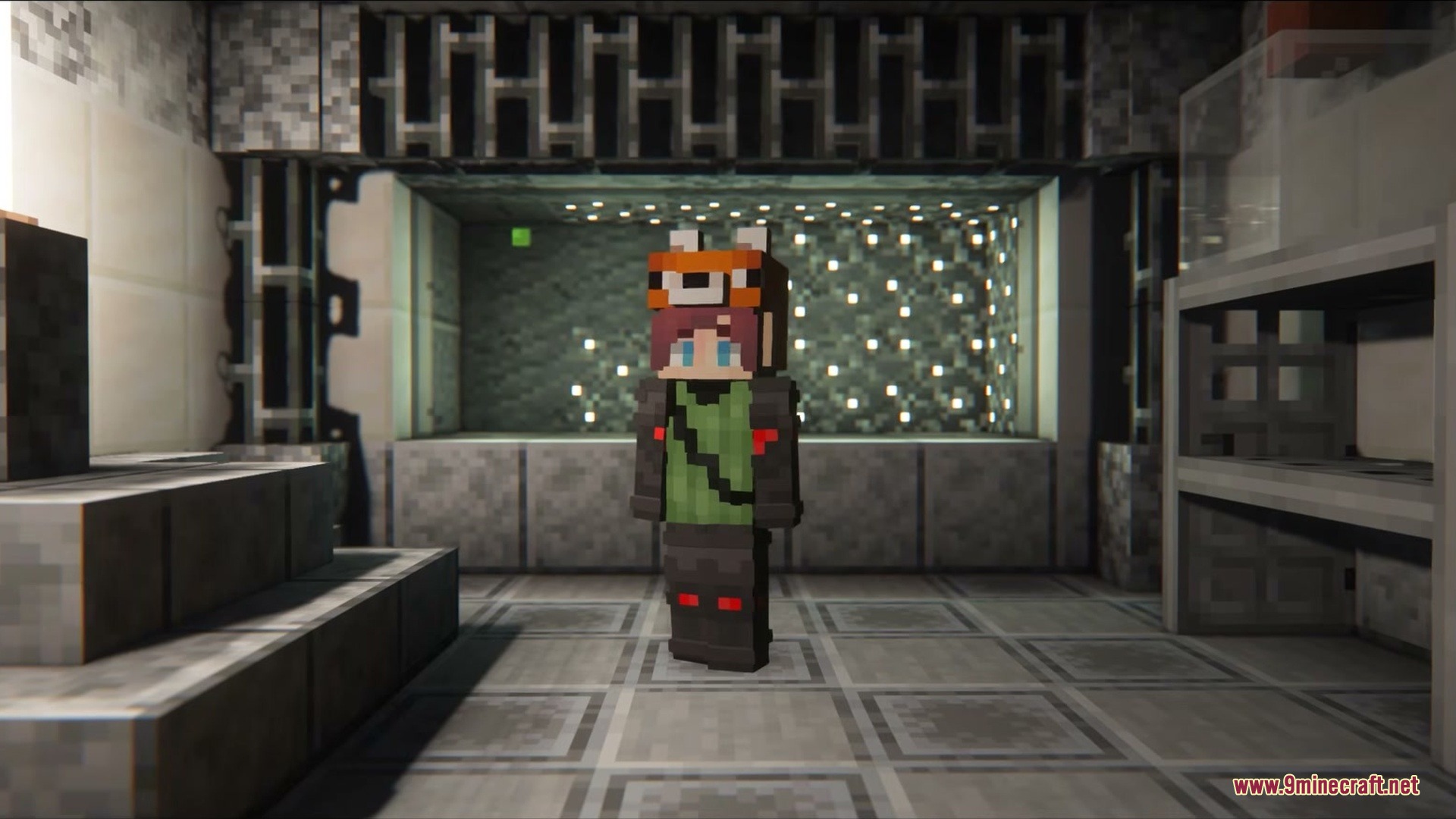
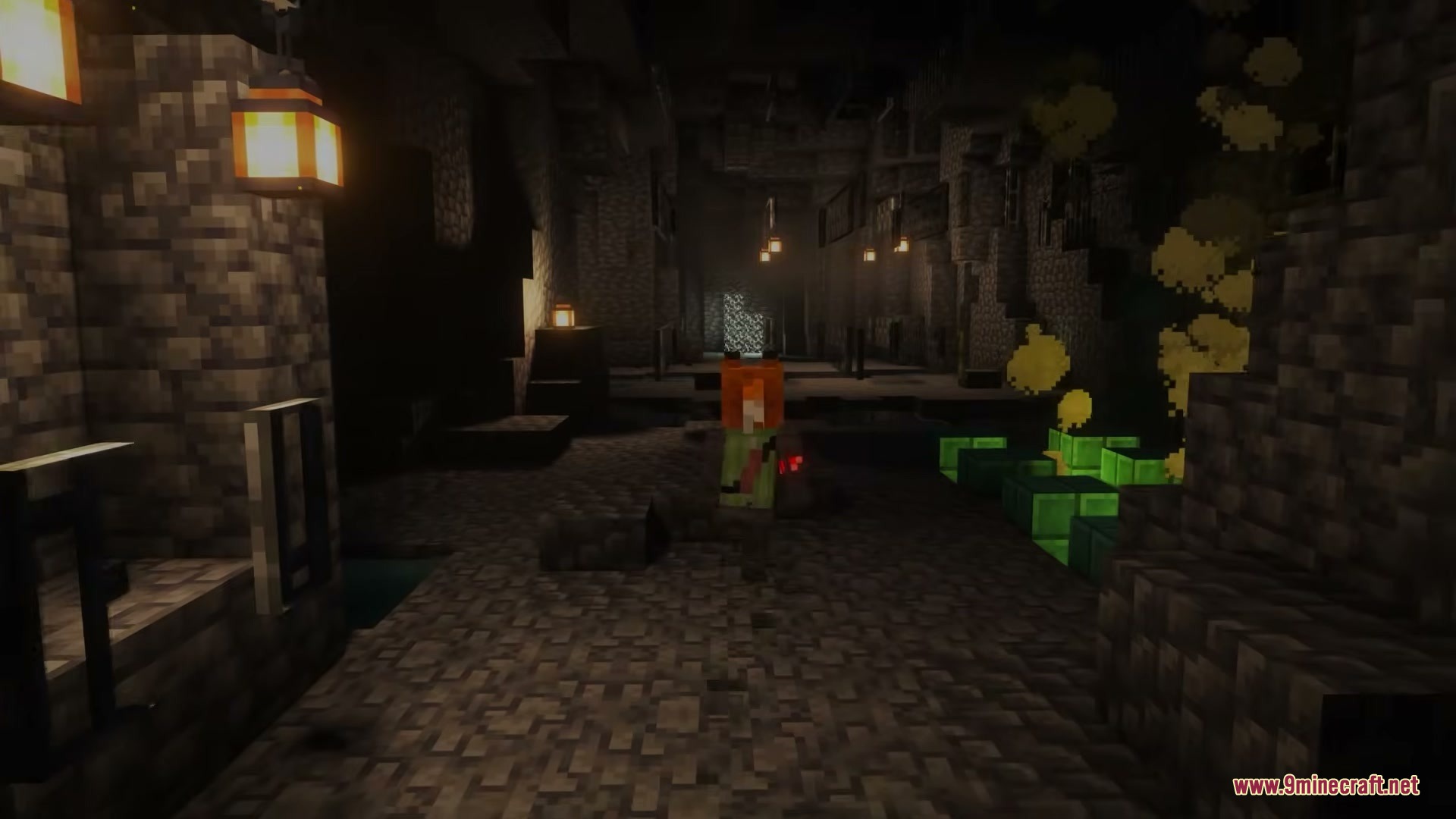
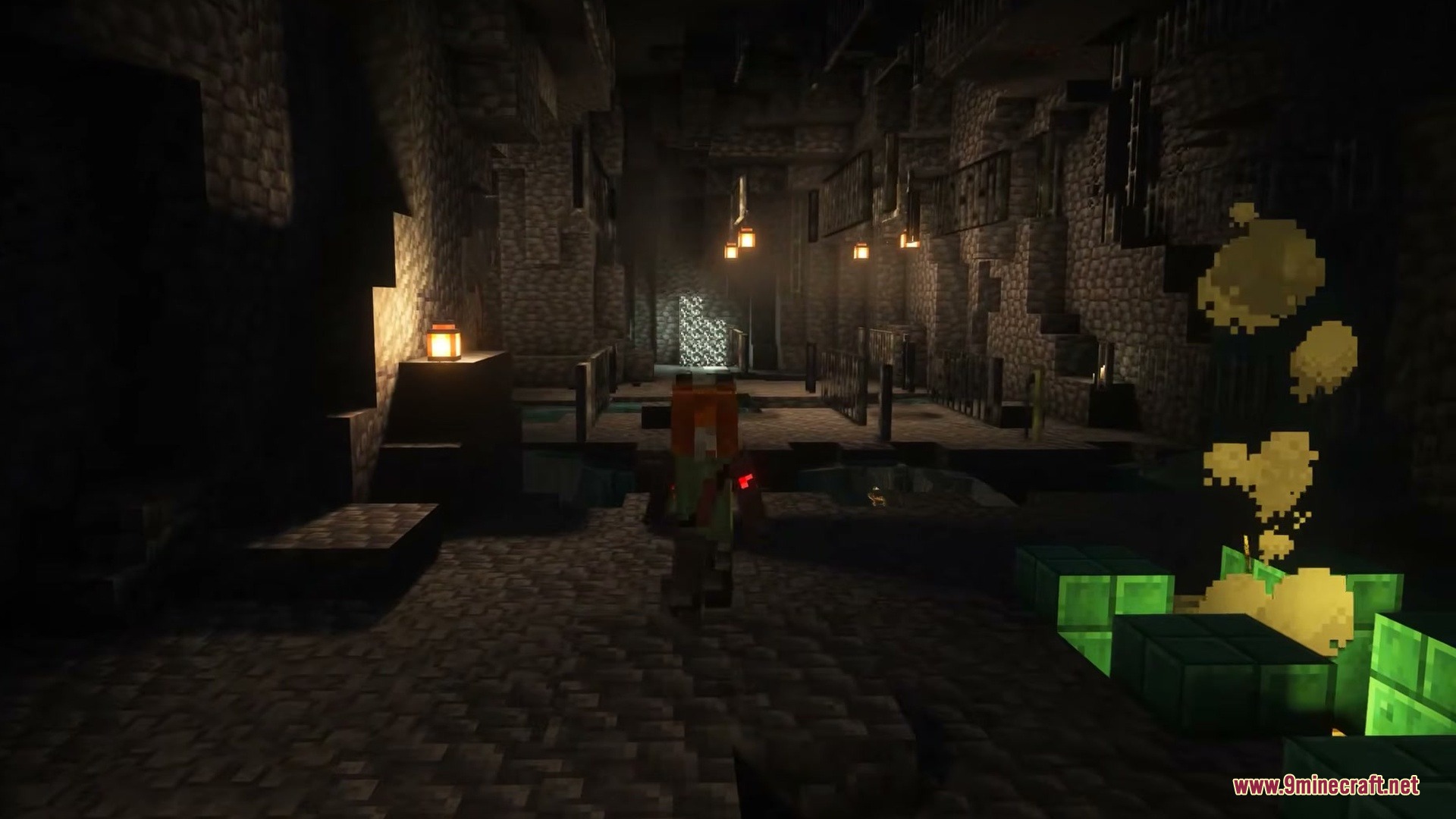
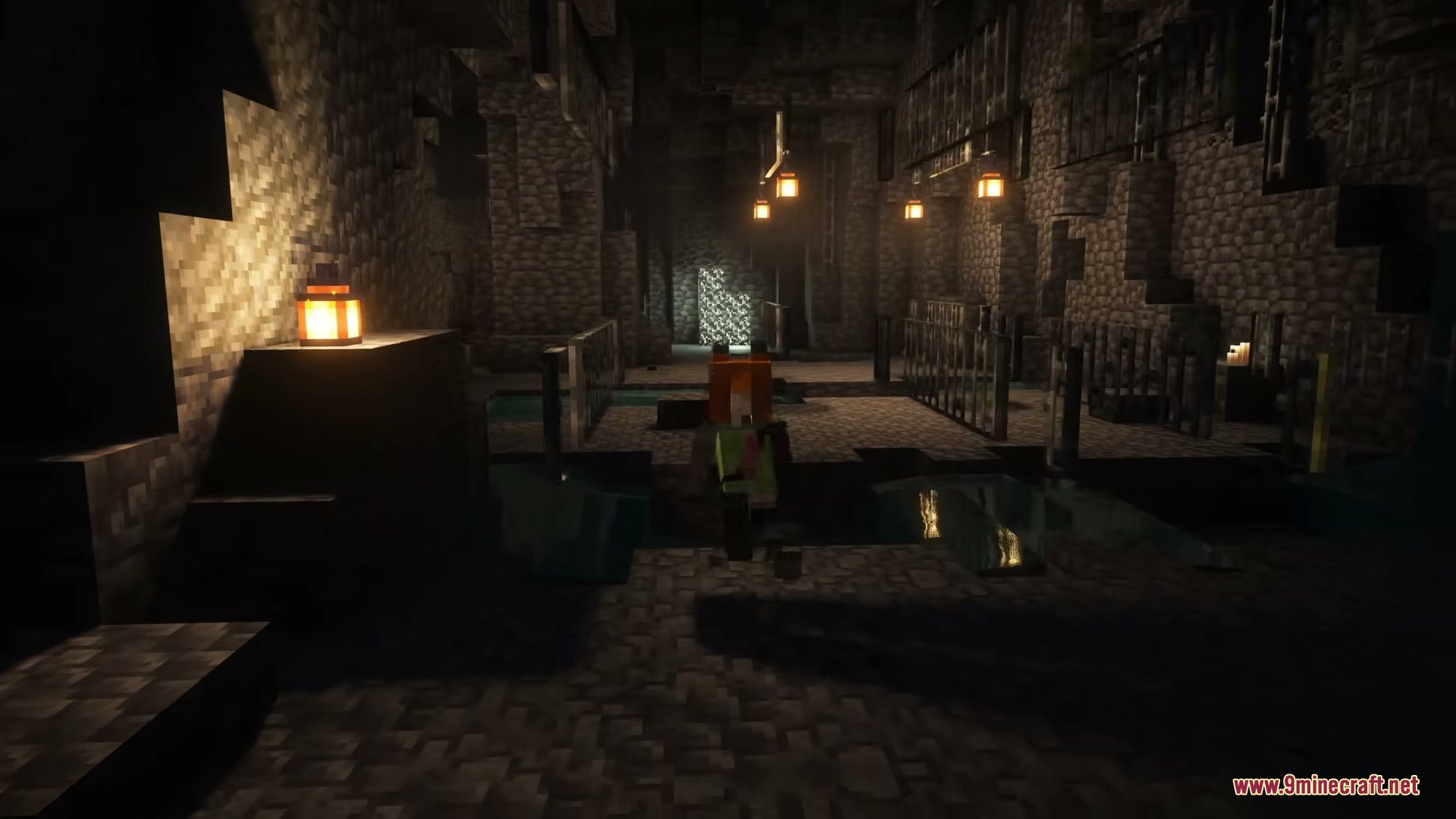

Cyberware Reforged Mod brings robotic body parts and advanced tech upgrades to Minecraft. You can rebuild your character piece by piece using specialized medical machinery. Hunt down cybernetic monsters across the world to collect spare tech and blueprints. Install mechanical hearts, bionic eyes, and reinforced bones to survive tougher battles and gain supernatural agility.
Features:
- Allows you to install robotic implants into your character using a surgery chamber.
- Replaces your heart with a mechanical pump to improve your stamina and survivability.
- Adds an experience storage canister that fits directly inside your head.
- Boosts underwater breathing time with built-in internal oxygen tanks.
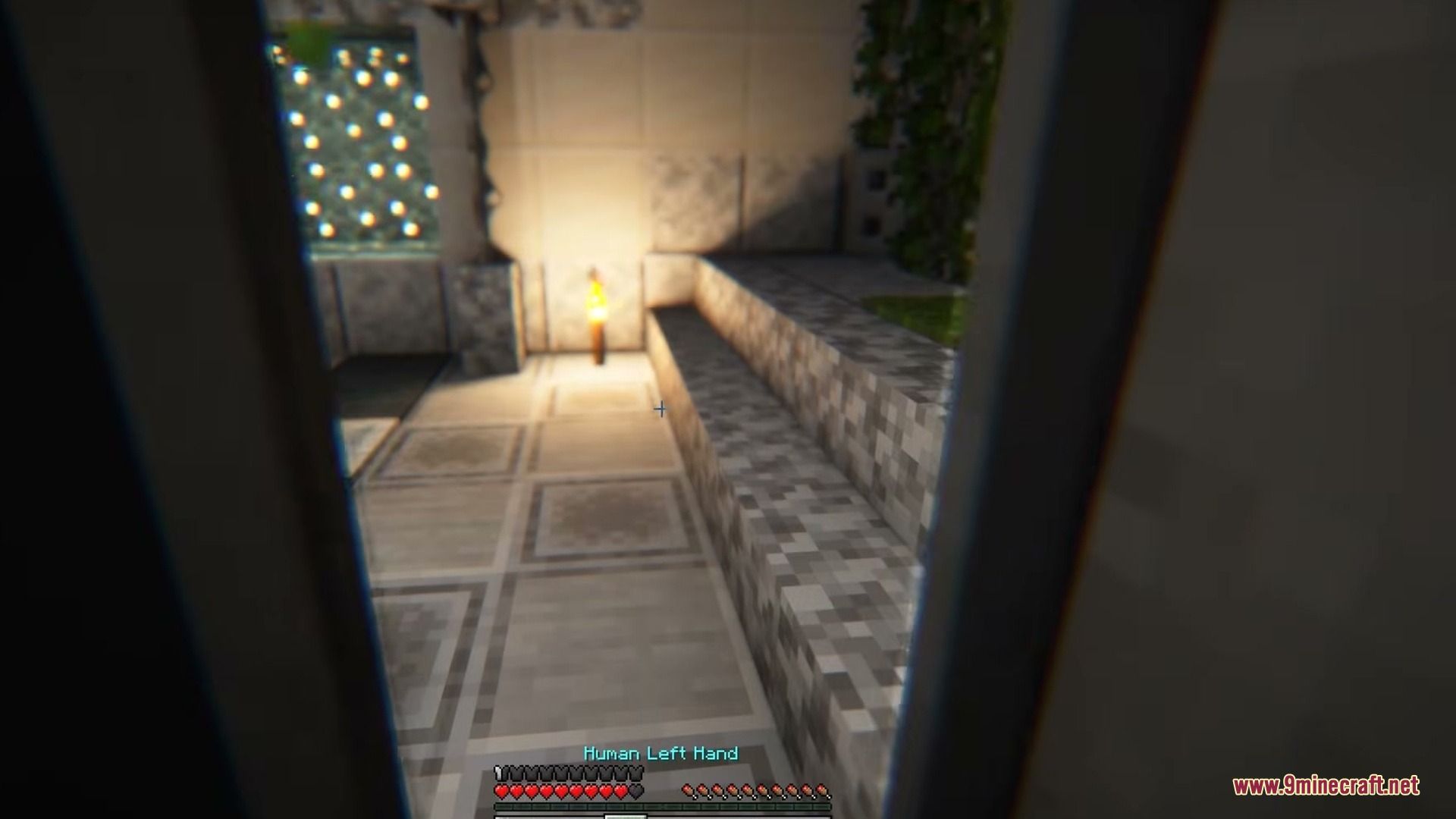
- Lets you swap normal arms and legs for robotic limbs with jump boosts or retractable claws.
- Adds bionic eyes with night vision, underwater clarity, and mob targeting systems.
- Reinforces your bone structure with synthetic polymers to reduce incoming damage.
- Installs brain processors that let you quickly dodge incoming enemy attacks.
- Spawns dangerous augmented monsters that drop valuable tech components when defeated.
- Requires power management and biological balance to keep all installed hardware running.
How to Use:
- Hunt down augmented monsters at night to collect starter robotic components and blueprints.
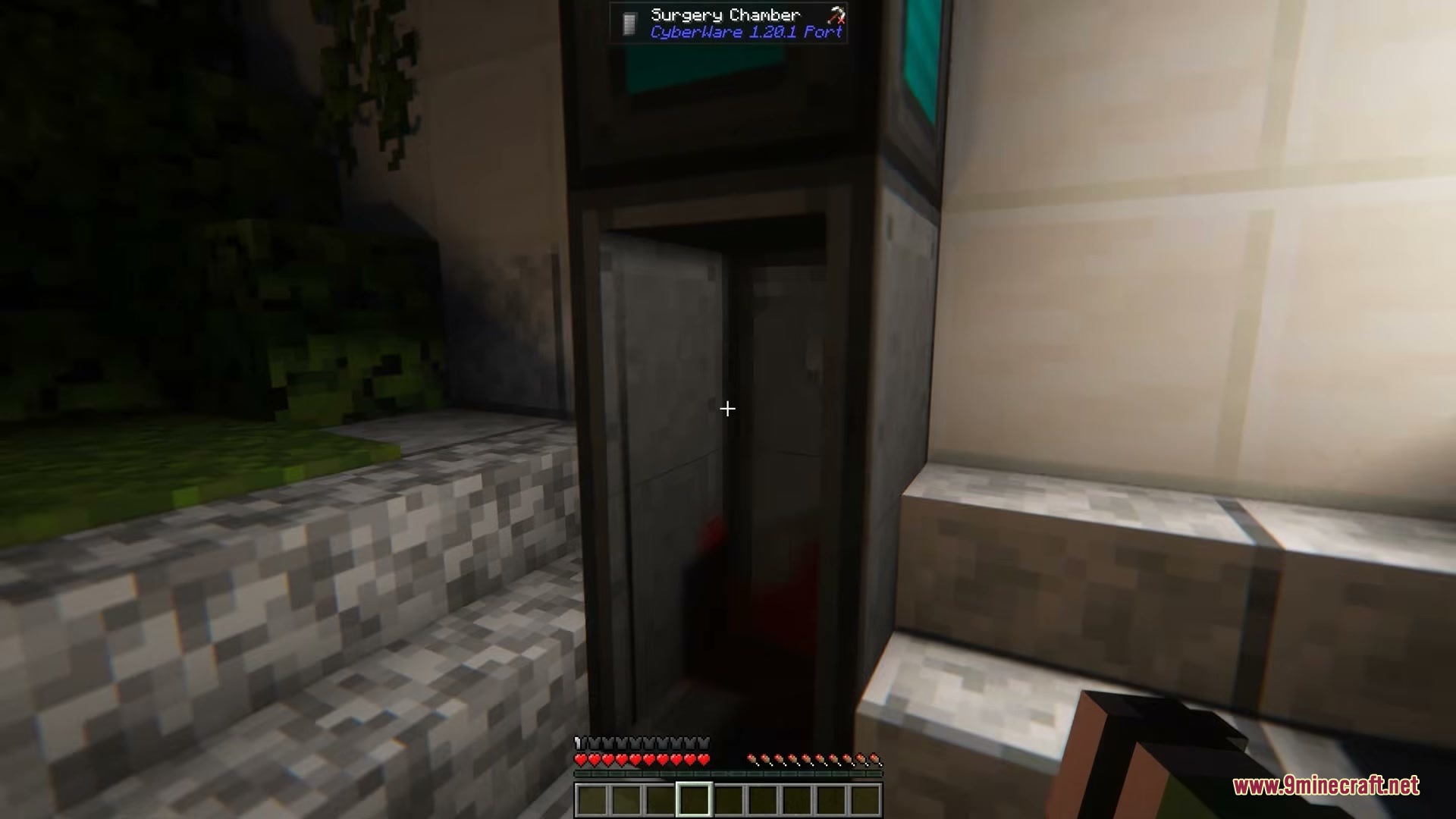
- Craft a surgery chamber and a surgery chamber door to build your medical station.
- Step inside the closed surgery chamber to open the body customization screen.
- Insert your chosen tech implants into specific body slots while monitoring your power needs.
- Step out of the chamber to test your new abilities and active upgrades.
Screenshots:
Cyberware Reforged Mod Download Links
Quick facts
- Edition: Minecraft Java
- File type: .jar
- Minecraft version listed: 1.20.1
- How to install: Install the matching mod loader (Forge, Fabric or NeoForge) for your Minecraft version. → Download the .jar. → Put it in the .minecraft/mods folder and launch that loader profile.
- Where to get it: In MC Java Mods, or directly above on this page.
Install steps are the general flow for this file type — How to install Minecraft Java mods & modpacks walks through it step by step.
File checked by MCModsHub
- Downloads as 464961.mcaddon
- Download size: 862 KB
- Download link checked 25 Sept 2026 — working
- Mirrored on our own servers — the download does not depend on the original host
These come from our own check of the pack file, not from the source page.