ModsJava
Narcosis Mod (1.21.1) – Grow Specialty Crops and Trade Refined Goods
Java mod listed for Minecraft 1.21. Downloads from the MC Java Mods app on Android.
⬇ Download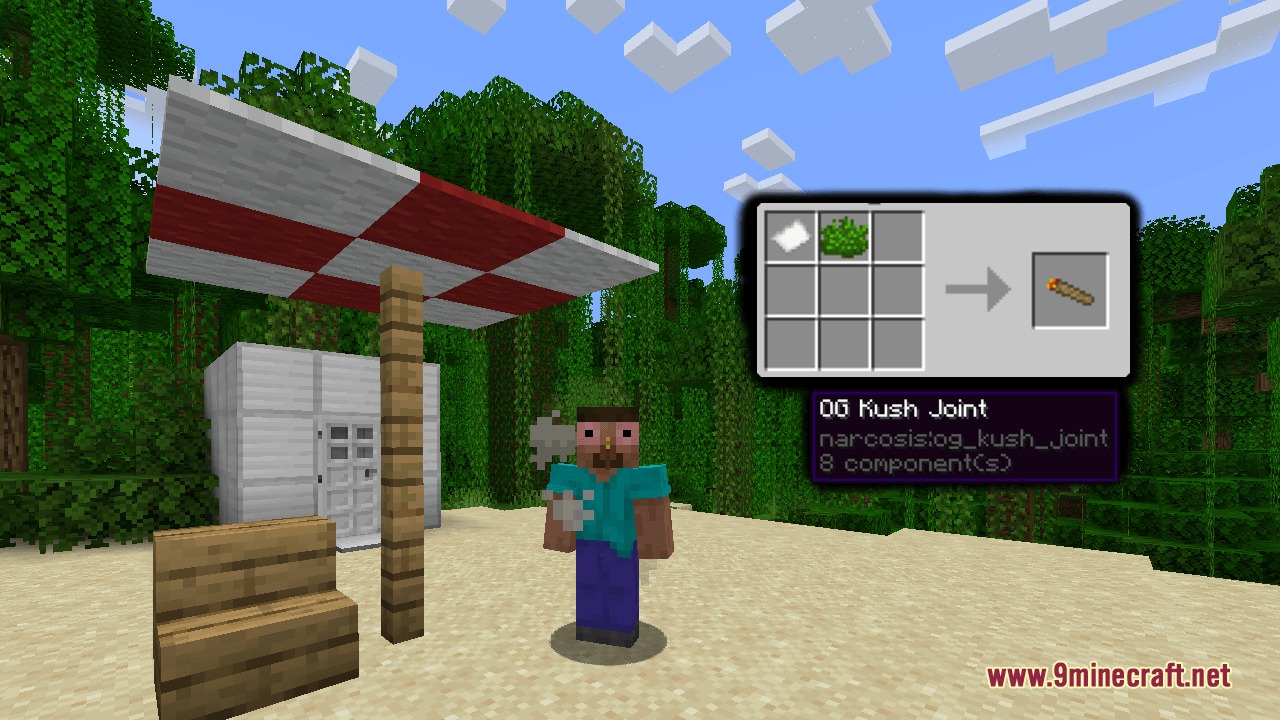
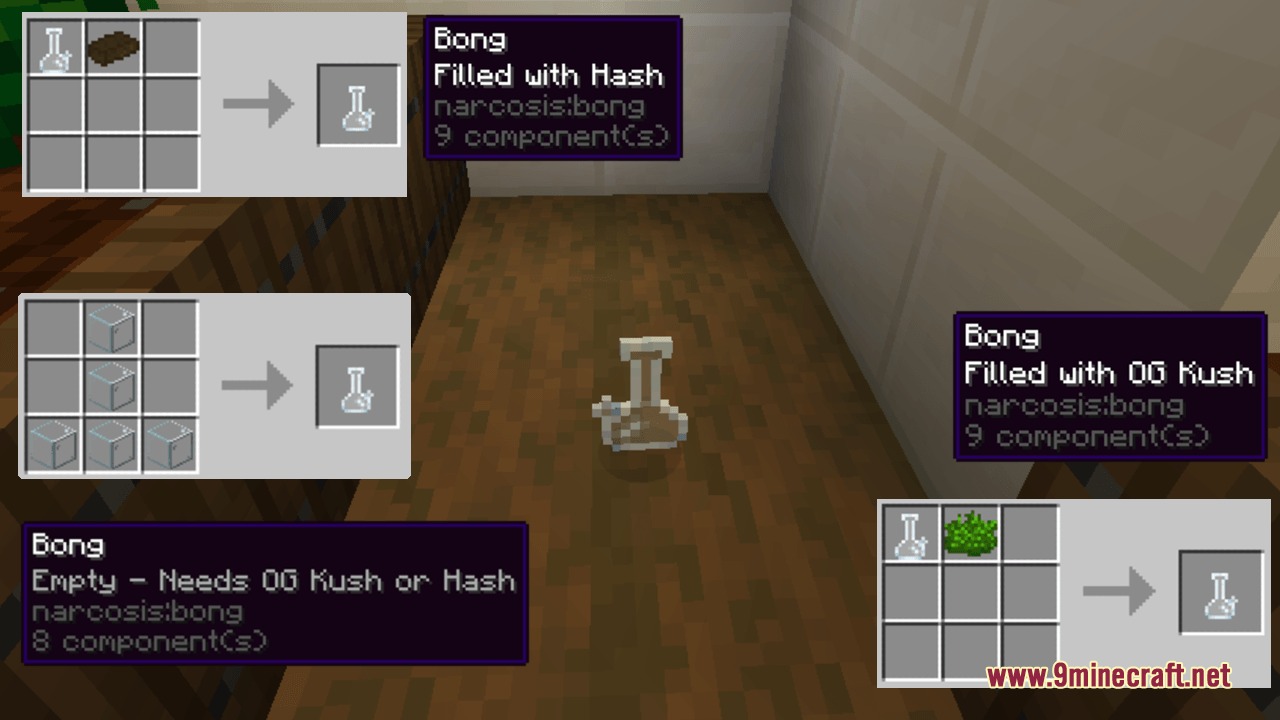
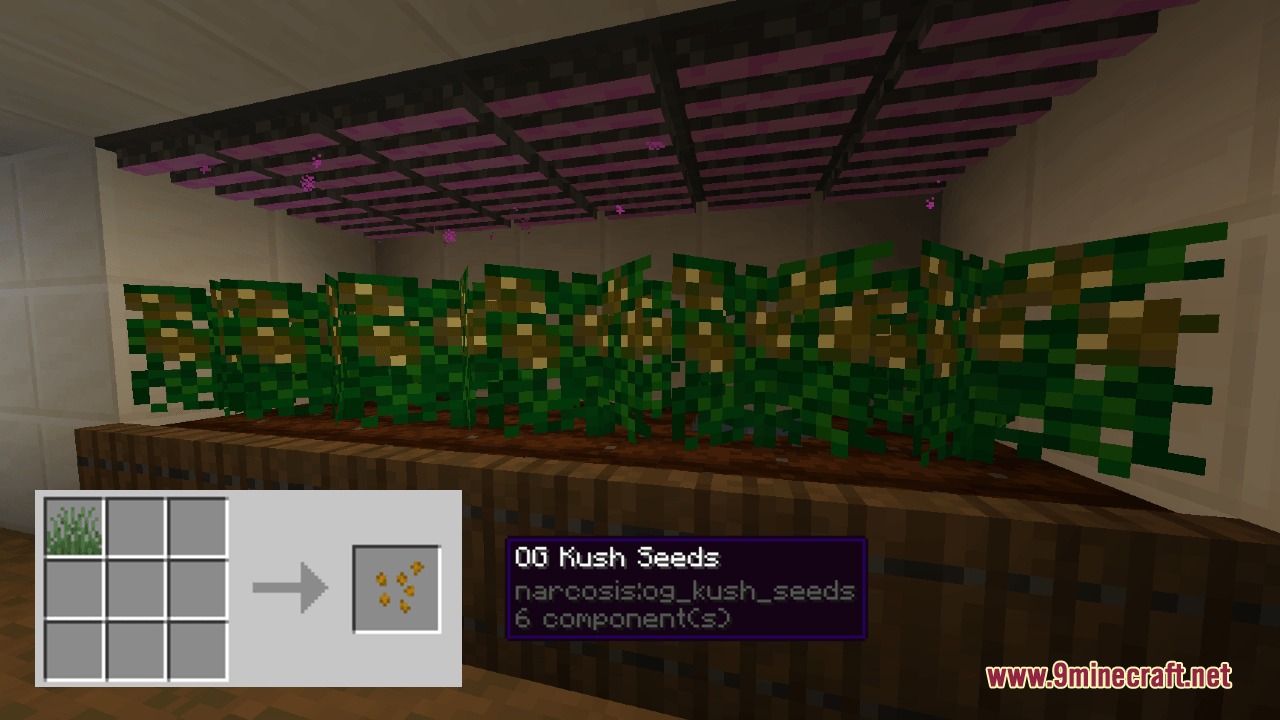
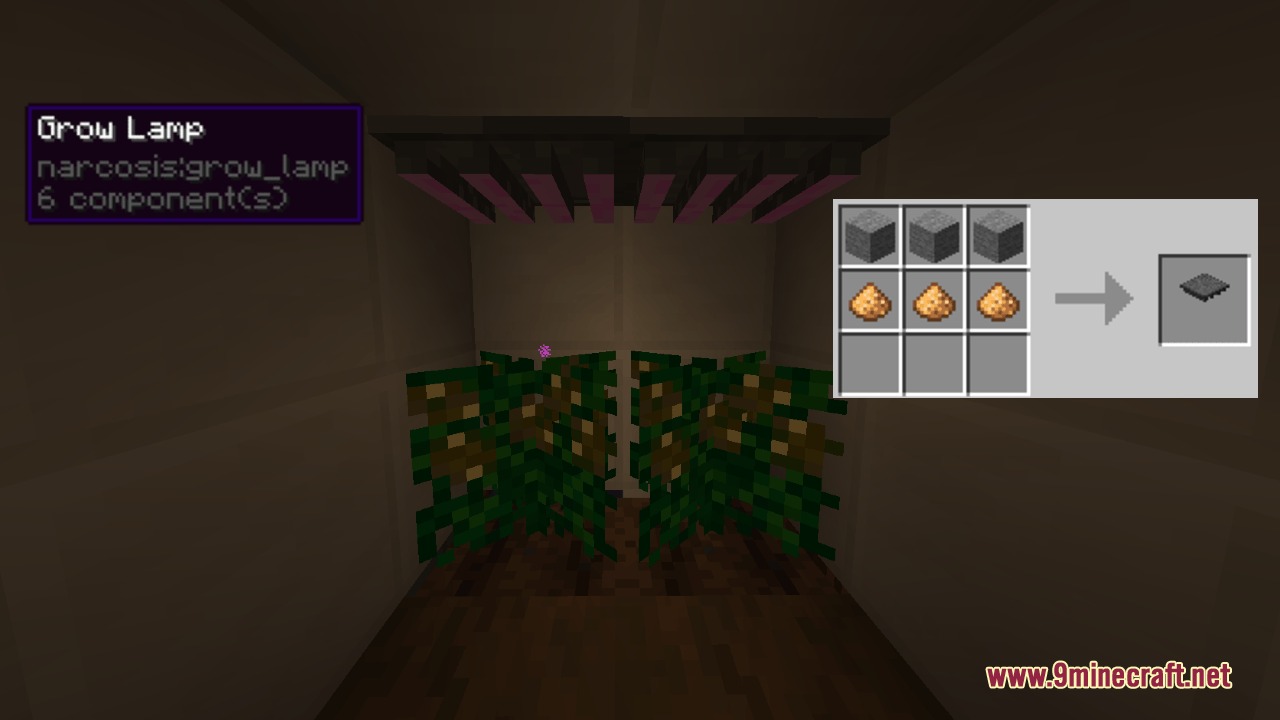
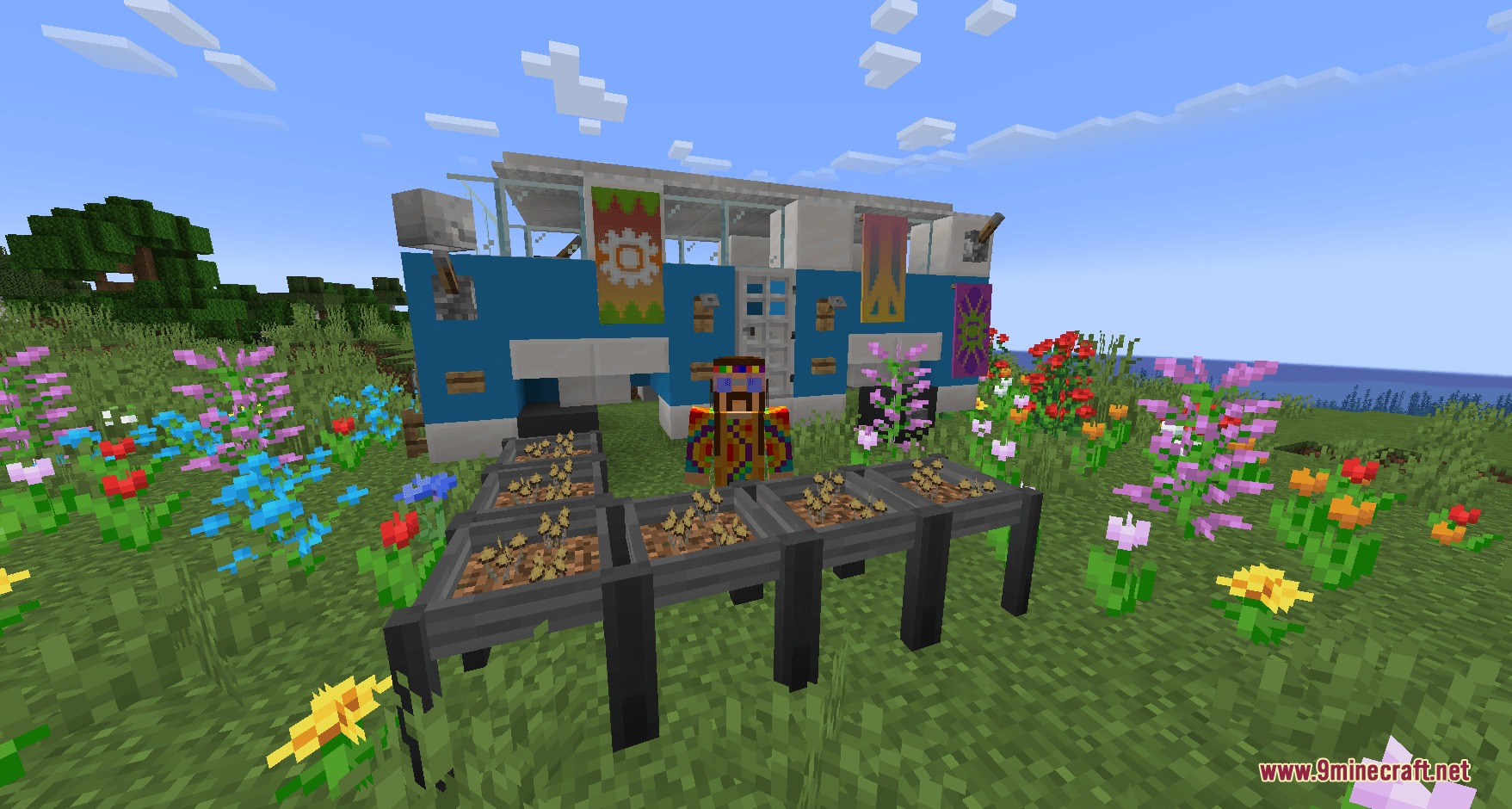
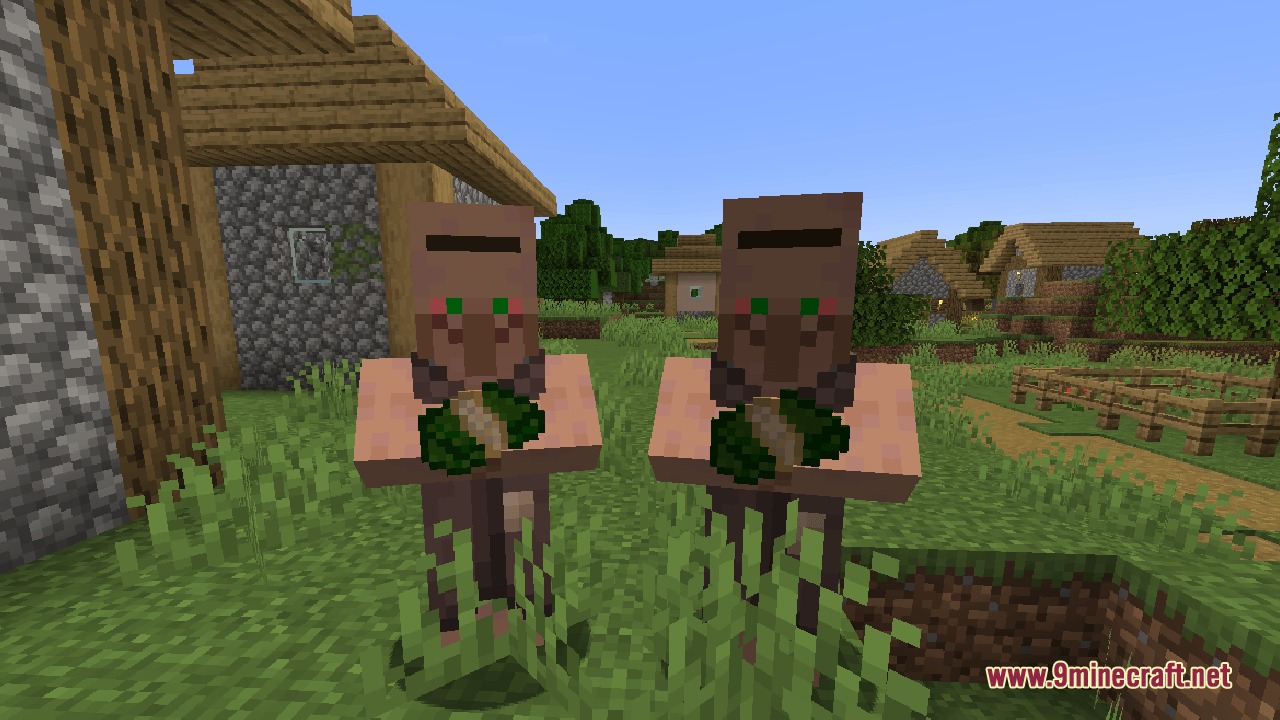
Narcosis Mod brings specialized farming and industrial processing systems into Minecraft. It adds custom crops, processing machines, and trading mechanics to your world. You can collect rare seeds from nature, build refining equipment, and sell finished goods to villagers for profit.
Features:
- Adds custom crop cultivation with specialty seeds gathered from wild vegetation.
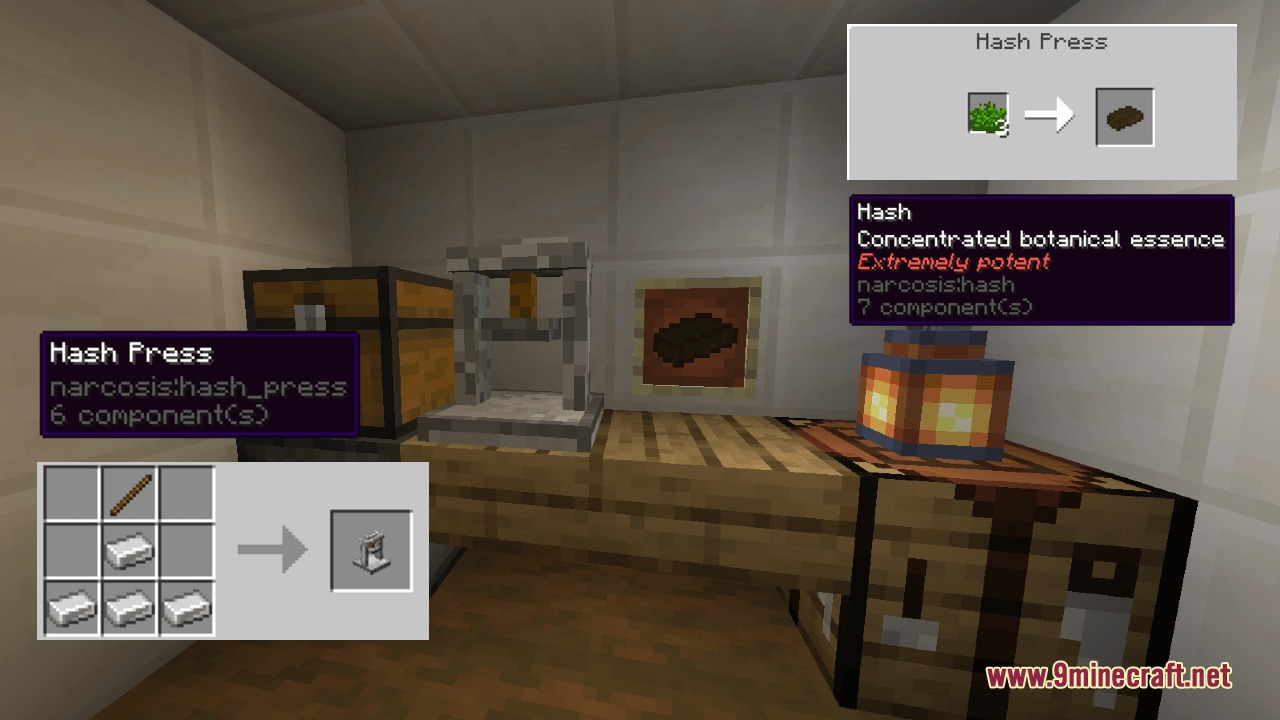
- Features multi-stage processing equipment including the Hash Press and Cooking Vat.
- Introduces specialized mushroom growing beds that rely on spore syringes and substrate.
- Allows you to sell finished goods to villagers and establish trade networks.
- Includes a Laundering Station to convert earned earnings into valuable game resources.
- Adds tobacco farming with drying racks and humidor aging boxes to raise item value.
Crop and Herbal Processing:
- Find rare seeds in wild grass and grow custom plants on farmland.
- Process harvested plants into baked goods, rolled items, vapor goods, and extracts.
- Use the Hash Press machine to press materials into refined items.
- Place grow lamps above crops to speed up their growth cycle indoors.
Industrial Refining and Fungi:
- Harvest leaves from tropical plants and combine them in the Cooking Vat with fuel and gasoline.
- Prepare substrate and spore syringes to cultivate mushrooms in growing beds over time.
Trade and Economy:
- Buy tobacco seeds from Wandering Traders and hang harvested leaves on Drying Racks.
- Store cigars inside Humidors to age them and boost their trade quality.
- Sell finished products to villagers across different settlements.
- Process suspicious income inside the Laundering Station to acquire standard Minecraft items.
Screenshots:
Narcosis Mod Download Links
Quick facts
- Edition: Minecraft Java
- File type: .jar
- Minecraft version listed: 1.21.1
- How to install: Install the matching mod loader (Forge, Fabric or NeoForge) for your Minecraft version. → Download the .jar. → Put it in the .minecraft/mods folder and launch that loader profile.
- Where to get it: In MC Java Mods, or directly above on this page.
Install steps are the general flow for this file type — How to install Minecraft Java mods & modpacks walks through it step by step.
File checked by MCModsHub
- Downloads as 464968.mcaddon
- Download size: 314 KB
- Download link checked 25 Sept 2026 — working
- Mirrored on our own servers — the download does not depend on the original host
These come from our own check of the pack file, not from the source page.