Create Bits 'n' Dyes Mod (1.21.1) – Color Code Your Factory Pipes
Java mod listed for Minecraft 1.21. Downloads from the MC Java Mods app on Android.
Create Bits 'n' Dyes Mod extends Bits 'n' Bobs with full dye color options for Create. It lets you paint fluid pipes, tanks, pumps, item vaults, and…
⬇ Download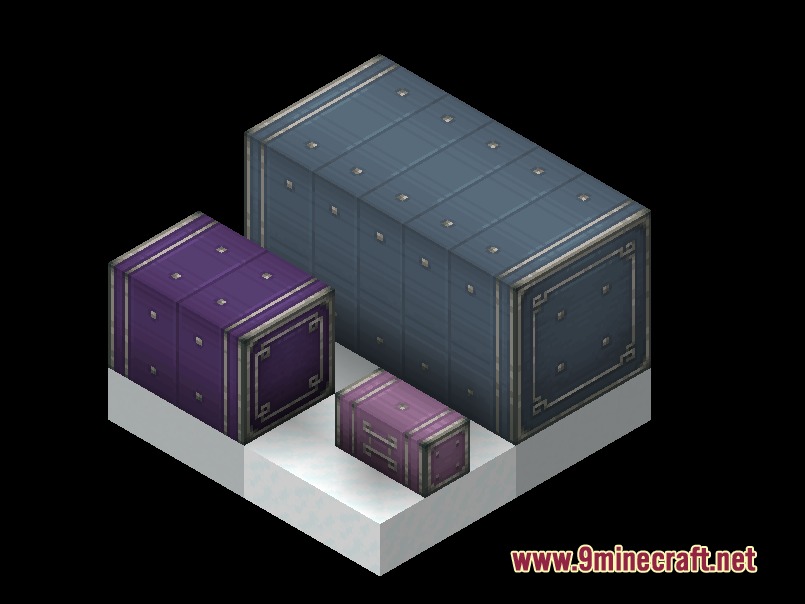
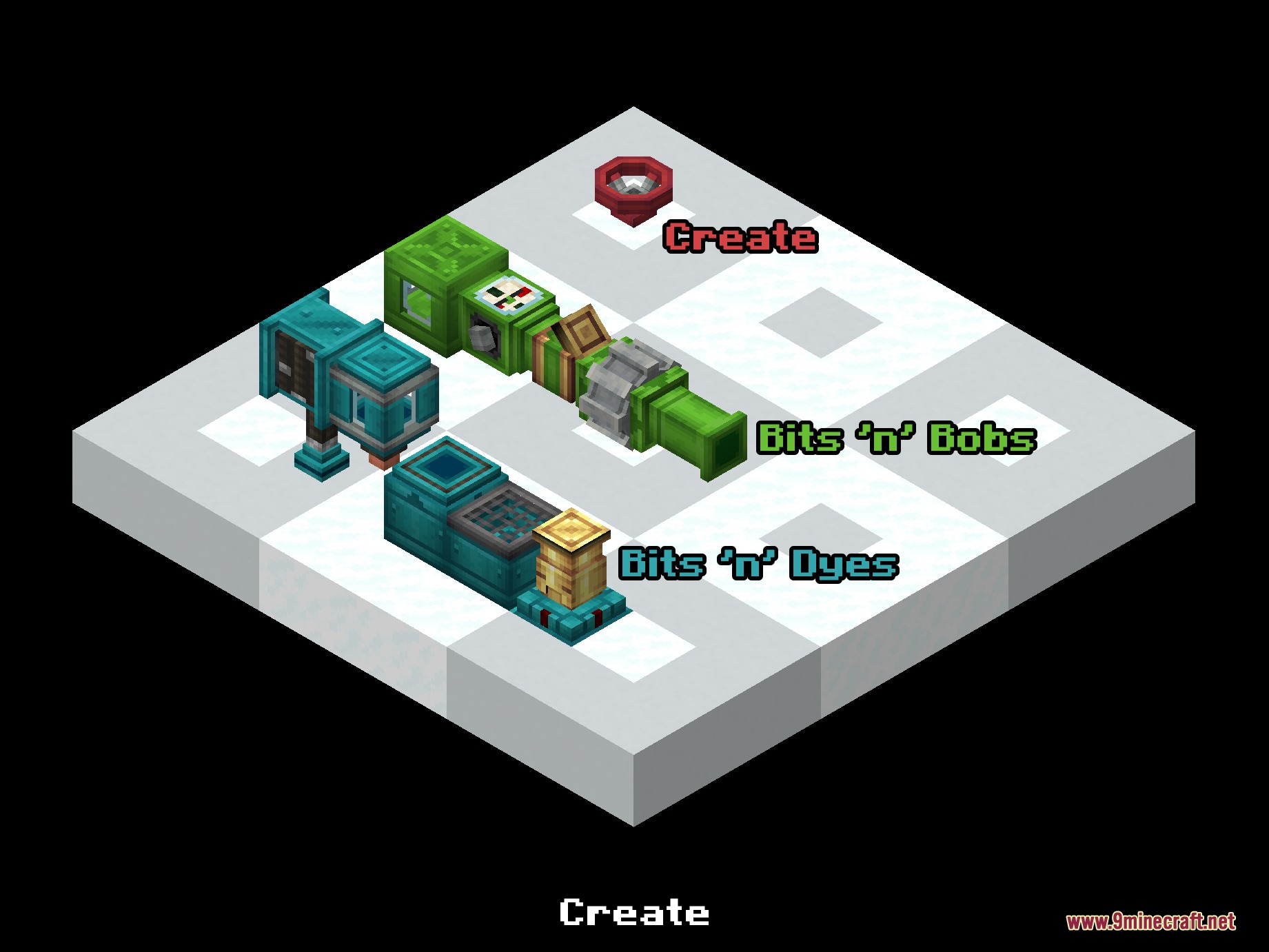
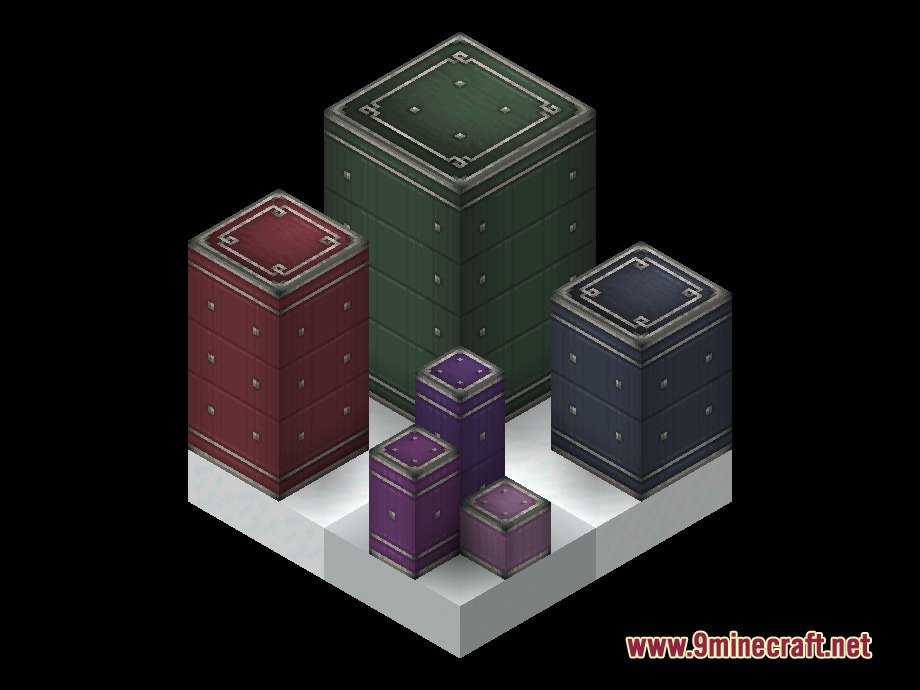
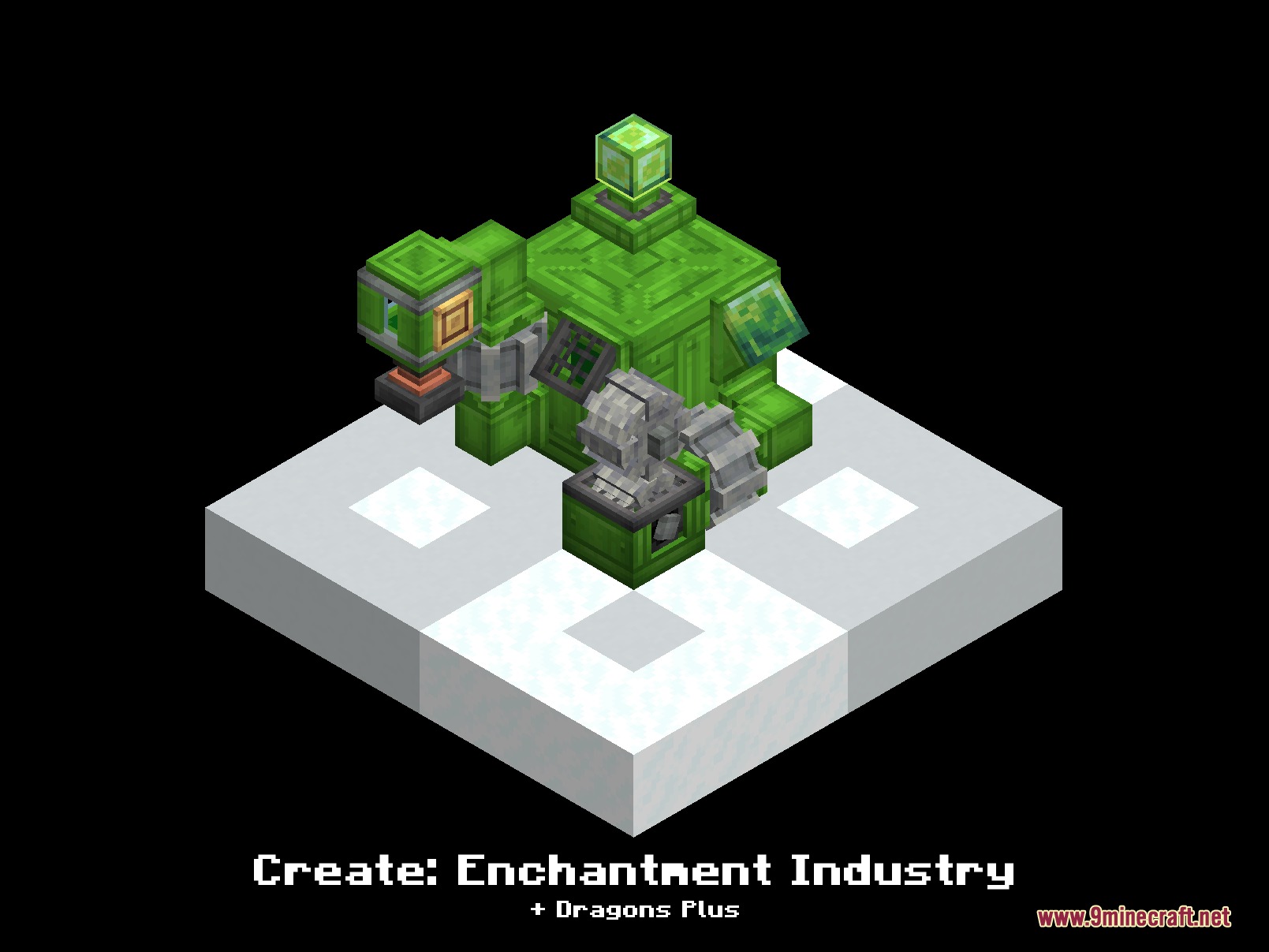
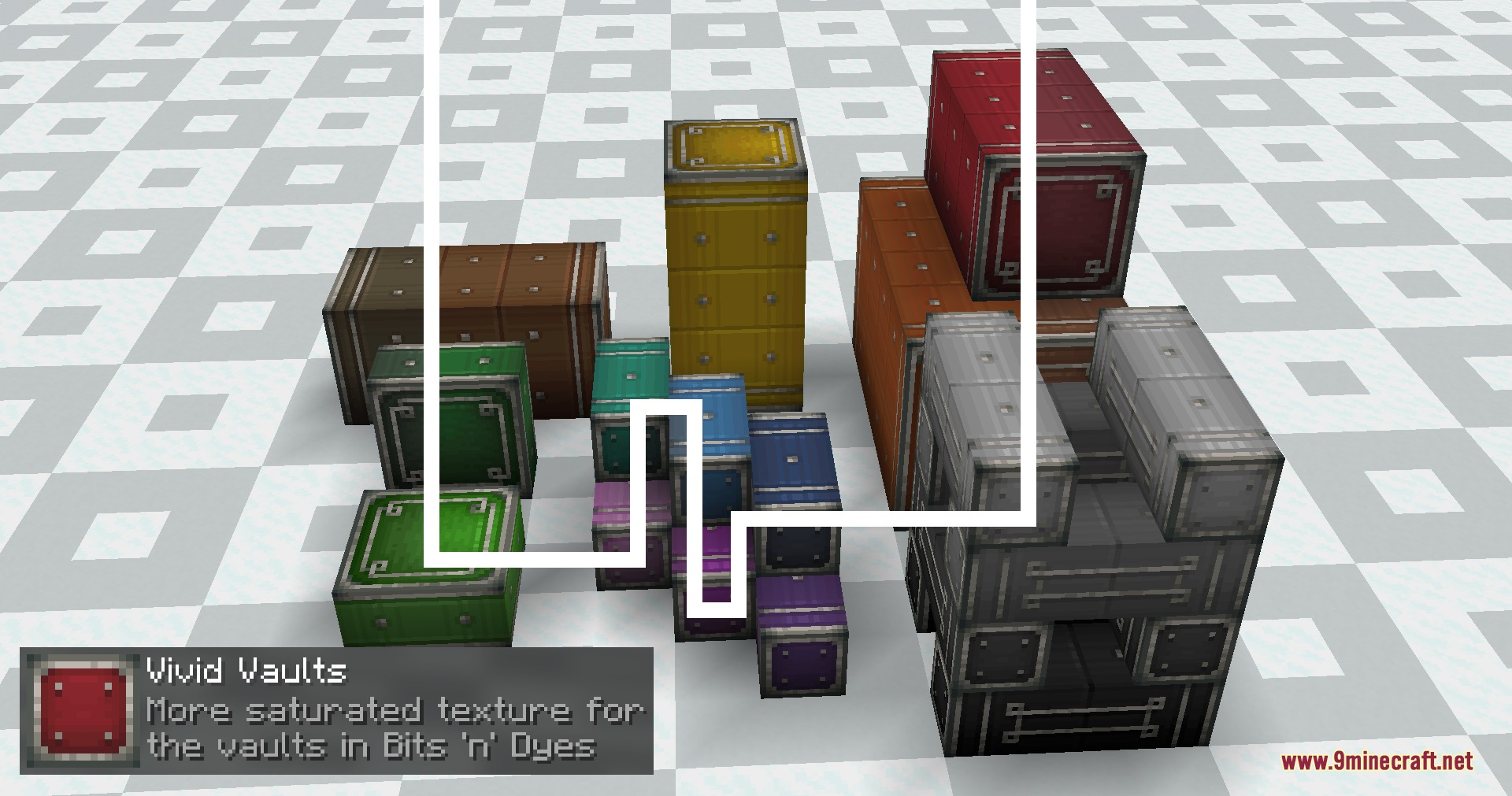
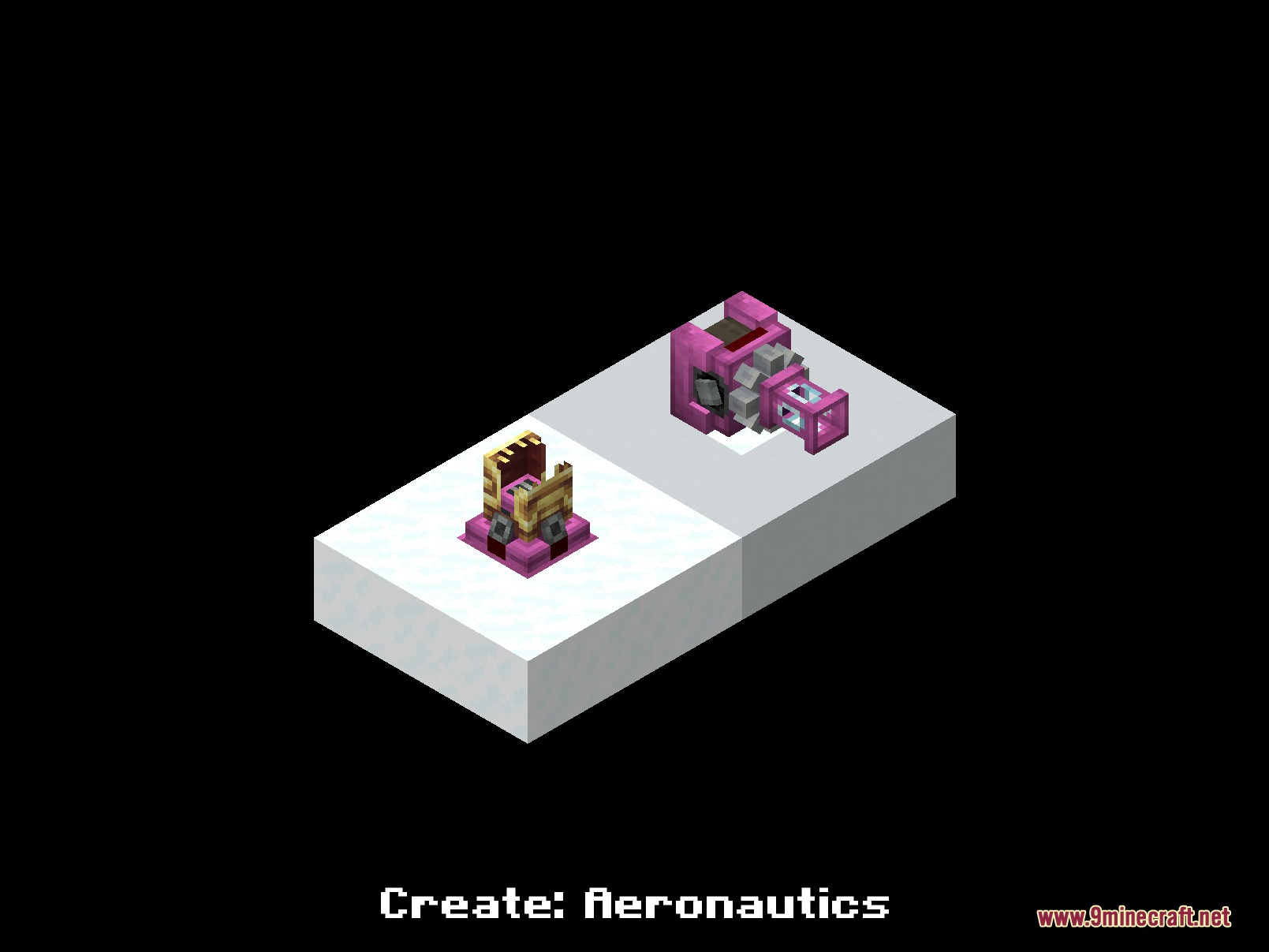
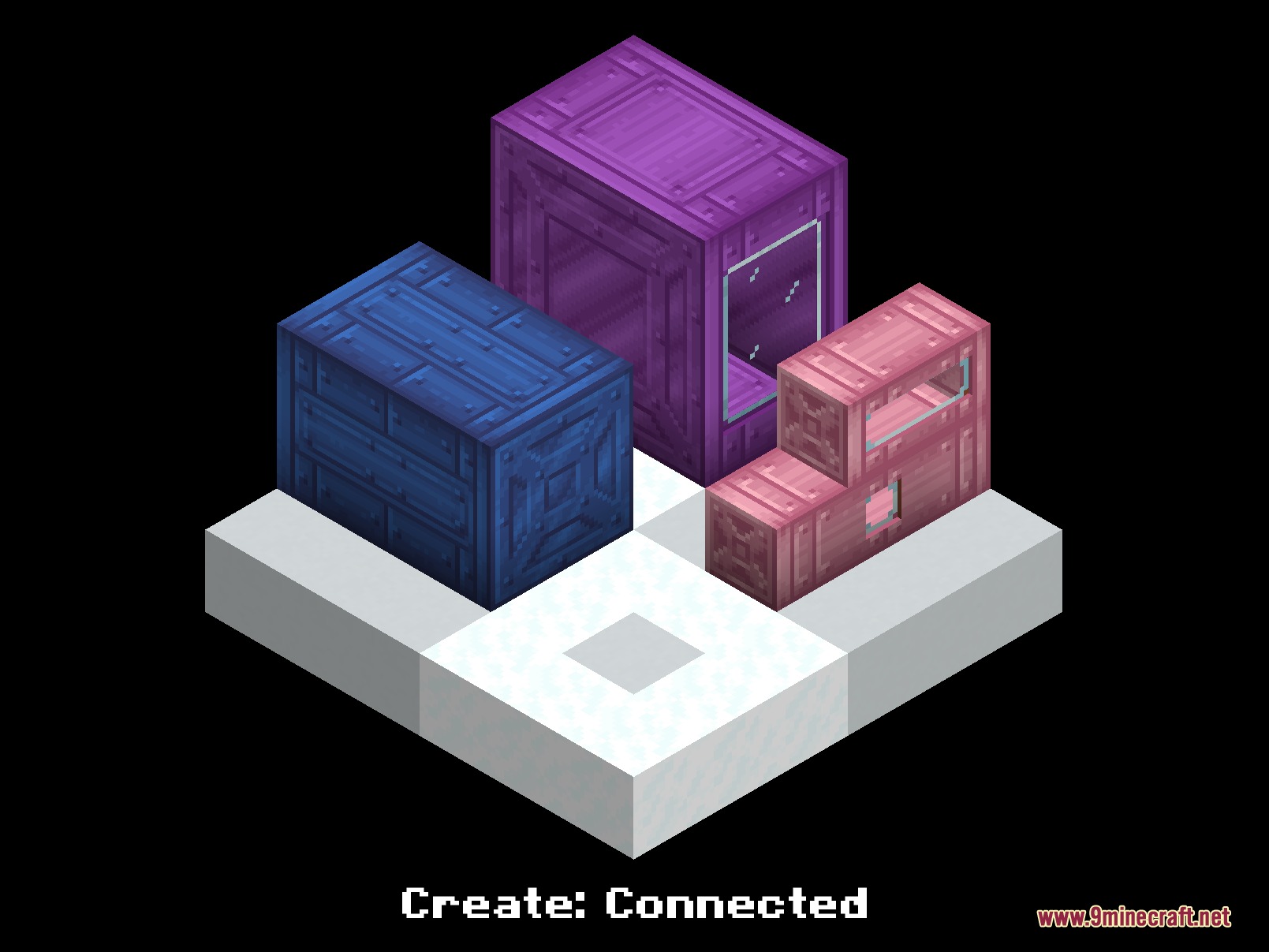
Create Bits ‘n’ Dyes Mod extends Bits ‘n’ Bobs with full dye color options for Create. It lets you paint fluid pipes, tanks, pumps, item vaults, and logistics blocks using standard dyes. The mod saves color data directly onto block data rather than adding new blocks, keeping your game running fast. You can color-code your factory pipe setups and storage rooms across your base.
Features:
- Applies custom dye colors to fluid components across the entire base factory system.
- Stores colors directly in block data to maintain top performance without cluttering block registries.
- Colors item vaults, vertical item vaults, Frogports, and Redstone Requesters.
- Suppresses duplicate dyed blocks from other addons to keep your creative menu and crafting recipes clean.
- Works alongside many popular factory addon mods.
Supported Addons:
- Create: Connected – item silos and addon parts.
- Create: Slice & Dice – food processing components.
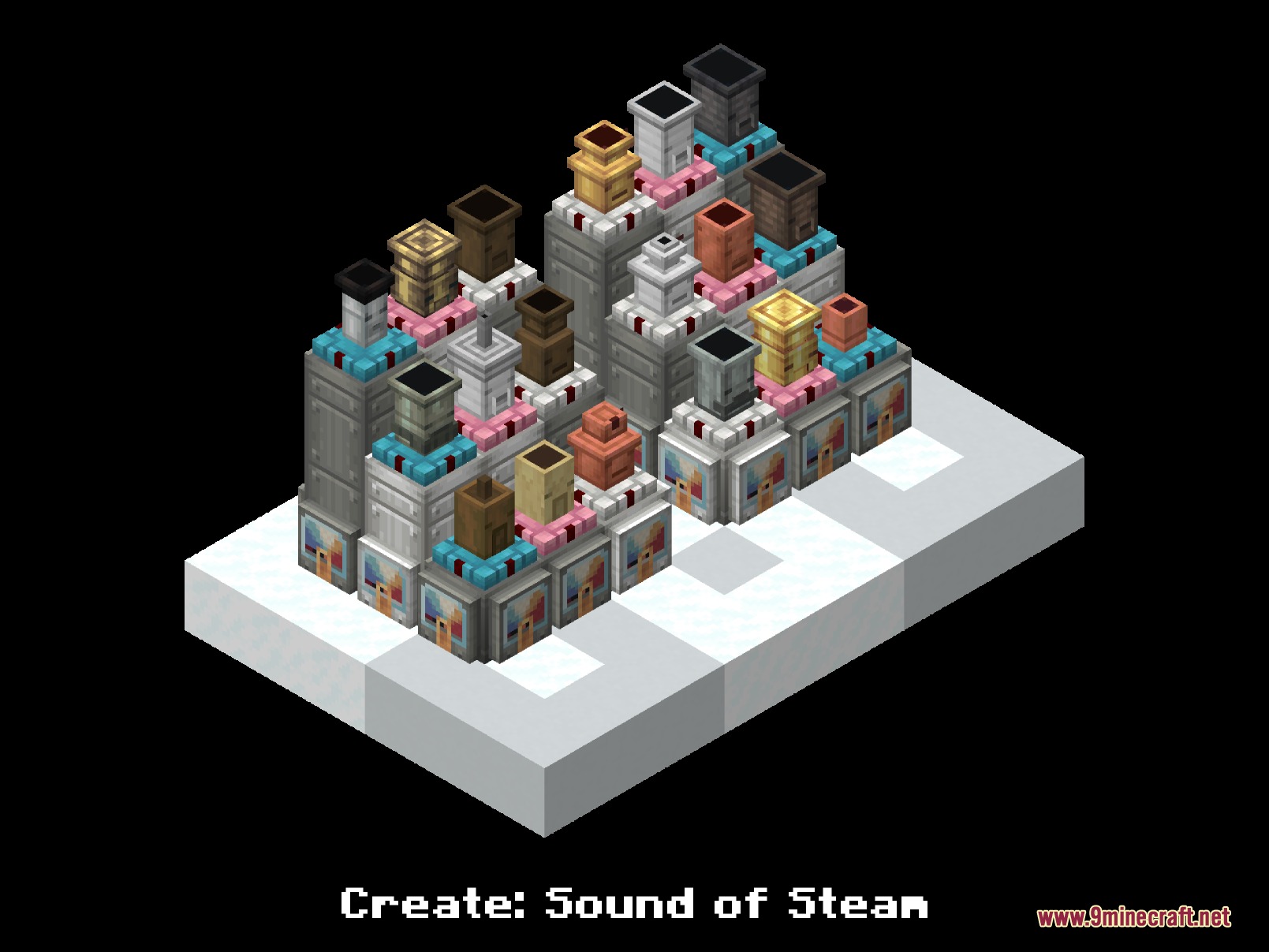
- Create: Sound of Steam – steam-powered machines.
- Create: Electro Energetics – electrical network devices.
- Create: Enchantment Industry (+Dragons Plus) – liquid experience tools.
- Create: Aeronautics – flying vessel components.
- Create: Vibrant Vaults – vertical and colored vault styles.
Configuration:
feature_suppression: hides duplicate dyed blocks from other installed addons in creative tabs and recipes.
Screenshots:
Create Bits ‘n’ Dyes Mod Download Links
- Edition: Minecraft Java
- File type: .jar
- Minecraft version listed: 1.21.1
- How to install: Install the matching mod loader (Forge, Fabric or NeoForge) for your Minecraft version. → Download the .jar. → Put it in the .minecraft/mods folder and launch that loader profile.
- Where to get it: In MC Java Mods, or directly above on this page.
Install steps are the general flow for this file type — How to install Minecraft Java mods & modpacks walks through it step by step.
- Downloads as 464984.mcaddon
- Download size: 1.4 MB
- Download link checked 23 Sept 2026 — working
- Mirrored on our own servers — the download does not depend on the original host
These come from our own check of the pack file, not from the source page.