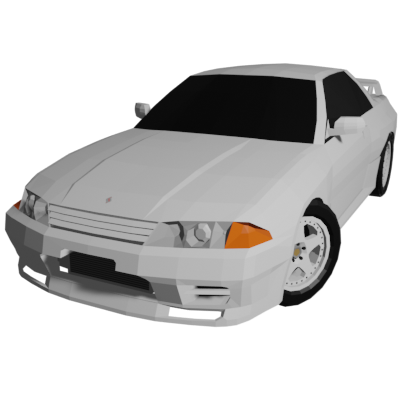
GT CRAFT Template Pack
Minecraft Java mod. File opened and checked on 5 Nov 2026; downloads from the MC Java Mods app on Android.
⬇ Download on CurseForge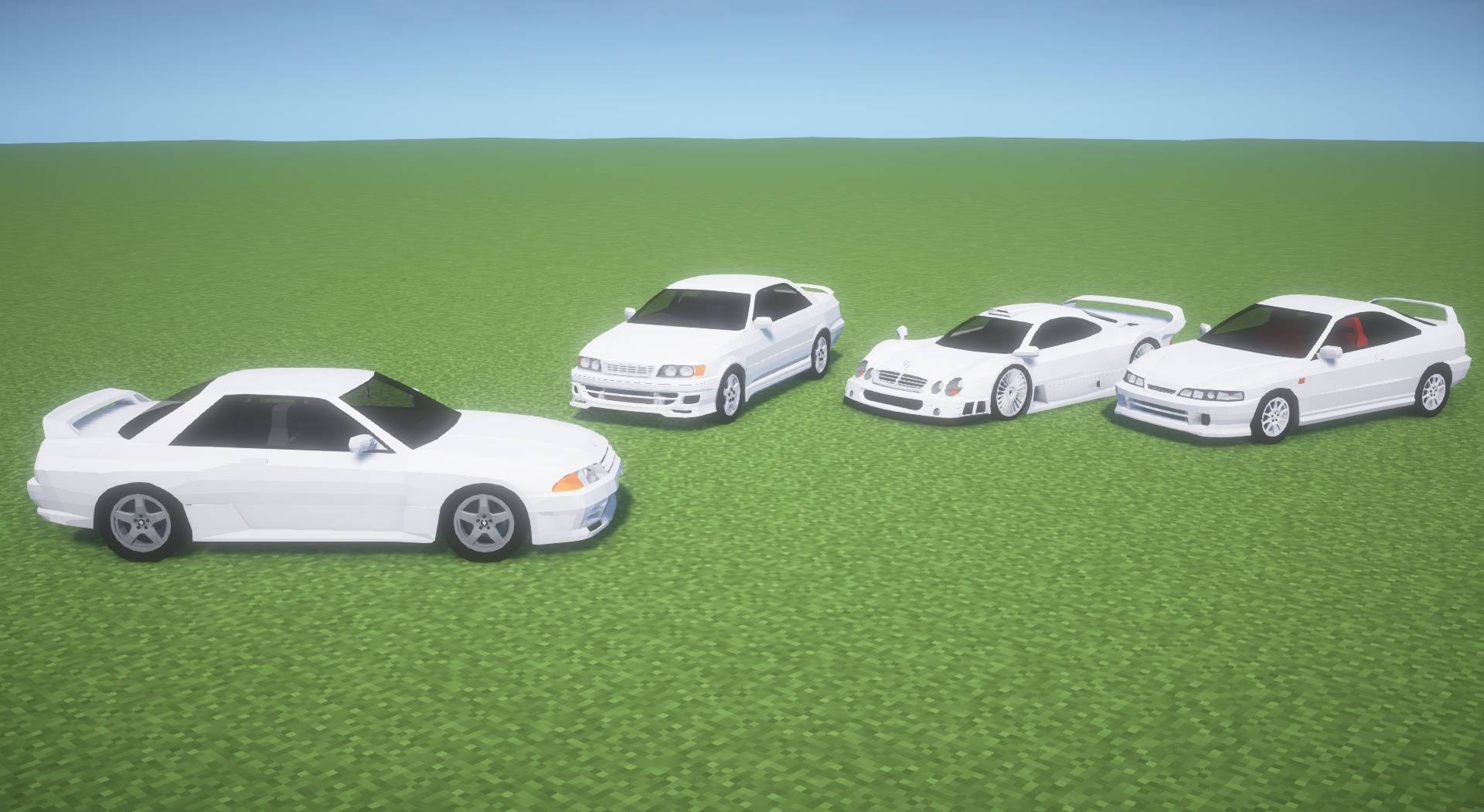
You cannot add cars with this content pack alone. Please install GTCRAFT first.
Tutorial Video
The GT CRAFT Template pack is a pack released for advanced users who want to make their own textures.
GT CRAFT has been creating textures with the assumption that you can make your own skins for a long time. If you use the GT CRAFT Template Pack, you can add your own skins by linking them to the GT CRAFT main body.
You can also use this template pack to create your own skins and release them as content packs.
If you still don't understand after watching the tutorial, please feel free to come to my Discord server and ask questions!
Notes
- Please note that the template pack does not allow you to edit the textures of all the cars included in GT CRAFT.
- If you are creating a content pack, change the extension from .jar to .zip, extract the pack, and refer to the readme and tutorial folders, etc.
- As I mentioned earlier, this content pack is for those who want to make their own skins. This content pack will work as is, but the only thing that will be added is a white car
- Edition: Minecraft Java
- File type: .jar
- How to install: Install the matching mod loader (Forge, Fabric or NeoForge) for your Minecraft version. → Download the .jar. → Put it in the .minecraft/mods folder and launch that loader profile.
- Where to get it: Opens on CurseForge — not every file is mirrored on our own servers.
Install steps are the general flow for this file type — How to install Minecraft Java mods & modpacks walks through it step by step.
- Ships as gtcraft template pack-2.0.jar — drop this file into the mods folder
- Download size: 313 KB
- Download link checked 9 Nov 2026 — working
These come from our own check of the pack file, not from the source page.