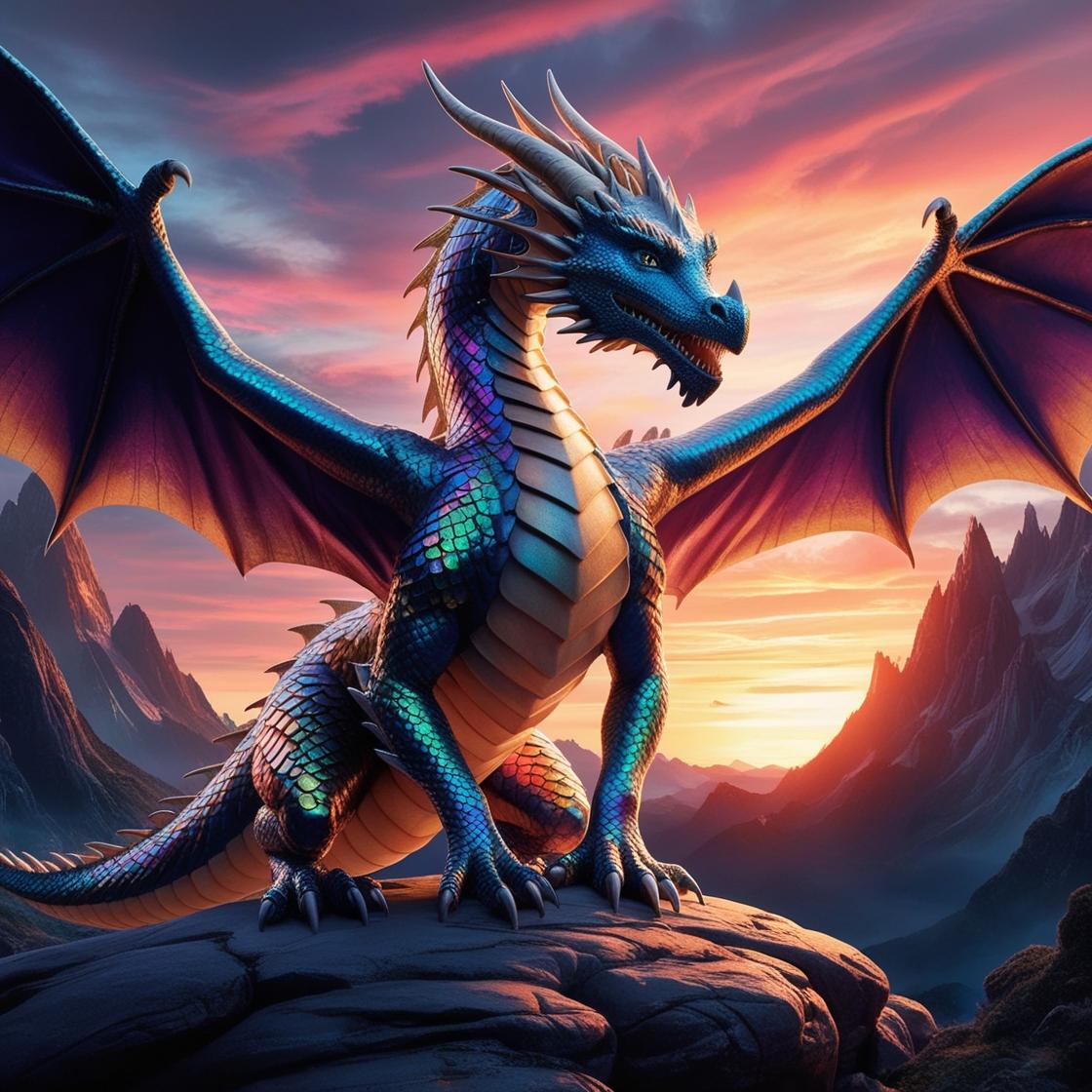
Lord of the Rings AND Dragons
Minecraft Java modpack. Downloads from the MC Java Mods app on Android.
This is a compilation of mods including the LOTR mod for minecraft 1.7.10 that adds middle earth, combat stuff and dragons!
⬇ Download on CurseForge"Adventure Awaits in Middle-Earth and Beyond"
This modpack is designed for an immersive experience where you and your friends can dive deep into epic quests, challenging combat, and a world full of discovery on our server. From the realms of Middle-earth to the skies with dragons, each mod has been carefully selected to enhance your gameplay with adventure, exploration, and customization. Here’s what you can look forward to:
-
LOTR Legacy Mod: Step into the rich, expansive world of Middle-earth. Journey through the Shire, brave the Mines of Moria, and confront dark forces. Encounter iconic factions, powerful artifacts, and legendary creatures, giving you a Tolkien-inspired experience where alliances and battles shape the land around you.
-
DragonMounts: Ever wanted your own dragon? With DragonMounts, hatch, raise, and ride dragons across the skies. Each dragon species has unique abilities, making your bond with these creatures a key to travel, exploration, and power in combat.
-
Mine and Blade Battlegear 2: Equip dual-wielding weapons, shields, and armor sets that transform combat into a tactical experience. Whether you prefer swords, axes, or shields, this mod lets you fine-tune your loadout to suit your playstyle in any battle.
-
Configurable Health: Adapt your health levels based on your achievements and challenges in-game. This mod rewards progress with increased resilience or ups the challenge, making survival in tough environments or boss battles a rewarding experience.
-
Goki Stats: Level up your character’s skills as you adventure through the world. Boost your agility, strength, and other abilities to create a unique, personalized character build that enhances your effectiveness in combat and survival.
-
Dynamic Sword Skills: Unlock a range of new combat moves, from parries and dodges to special attacks. This mod deepens the melee experience, adding layers of skill and timing to your battles as you face increasingly difficult foes.
-
Assassin’s Creed Parkour Mod: Leap across rooftops, scale walls, and dive from heights with this parkour mod, adding dynamic movement options for those who want to explore every corner of the world or escape tricky situations with style.
-
Electroblob’s Wizardry: Harness the power of magic by learning spells, collecting wands, and upgrading your wizardry abilities. This mod brings a whole new level of mystical power to your character, allowing you to go beyond traditional weaponry and become a formidable spellcaster.
Additionally, several Quality of Life mods are included, such as the Gravestones Mod, which ensures you won’t lose your hard-earned items on death; Treecapitator for faster woodcutting; and BetterHUD for a more customizable in-game interface, so you can personalize your experience.
Together, these mods create a balanced mix of adventure, combat, exploration, and convenience, giving you a fully-customizable RPG experience with a unique twist. Gather your friends, prepare your gear, and enjoy a world where your choices shape the journey!
EASY TUTORIAL AND GETTING STARTED:
Welcome to Middle Earth
Your journey awaits you in this vast world. Here's everything you need to know:
LOTR in General
- Talk to Gandalf when he pops up near you, right click and complete his quest to learn the basics
- There are armies in this game. Gain enough alignment with your chosen faction, pledge yourself to them and find the NPC that let's you hire troops
- Other units can be hired such as farmers and more
- There is a TON of extra gear, blocks and items in this mod. Use the search bar at the bottom of your inventory to explore
- Conquest! You can conquer territory for your faction once you have 100 alignment and pledge to them
- Dragons! Currently, you can hatch and tame your own dragon. You must defeat Smaug in the Lonely Mountain, or the Ice Drake in Dain's Halls to receive an egg
- Banner protection. If you want to protect your base from other players or from NPC mobs, place your factions banner on top of a gold, silver or bronze block. Gold blocks cover the most area, if you press F3 you can see the area it's protecting
- You can learn everything there is to know about the LOTR mod by visiting the wiki. Just google "LOTR Mod Minecraft Wiki".
OTHER MODS:
- Assassin's craft: You can climb and scale blocks like in Assassin's Creed. Press shift while mid air to grab a block, or ledge, and press X to scale.
- Dynamic sword skills. Press P to open your sword skills menu. This makes combat more fun. To use your skills, read the description of each one (you must find skill orbs to learn skills by killing mobs). To use any skills you must lock onto a mob by pressing TAB
- Goki Stats: This is a mod that allows you to use XP to level up certain stats like mining, swords, bows and more!
- MCMMO: This is a passive skill mod that will give you benefits as you go. Type /mcmmo skills to see all your skills for this mod
- Wizardry! There is a magic mod. You will encounter wizard towers as you explore. These contain useful spell books, wands, and other things. Google "electroblob's wizardry wiki" to learn more.
- Inventory Tweaks: This lets you organize your inventory. YUGE! Press your ~ button to sort your inventory while it's oopen.
- More Player Models: This allows you to customize your appearance. Want to be a hobbit? No problem! Press F12 to access this menu
- RPG stamina: there is stamina in this version of minecraft, pay attention and make sure you don't run out! You won't be able to shoot a bow, run, or move quickly if it's out ofr low.
- Treecapitator: Keep our world pretty. You can chop a whole tree if you just hit the bottom log with an axe. DON'T DESTROY LOTHLORIEN OR FANGORN :P
Utilize the wiki!!! There's so much to do!
- Edition: Minecraft Java
- File type: .jar
- How to install: Install the matching mod loader (Forge, Fabric or NeoForge) for your Minecraft version. → Download the .jar. → Put it in the .minecraft/mods folder and launch that loader profile.
- Where to get it: Opens on CurseForge — not every file is mirrored on our own servers.
Install steps are the general flow for this file type — How to install Minecraft Java mods & modpacks walks through it step by step.
- Downloads as Lord of the Rings AND Dragons-v3.5.2.zip
- Download size: 70.3 MB
- Download link checked 28 Sept 2026 — working
These come from our own check of the pack file, not from the source page.