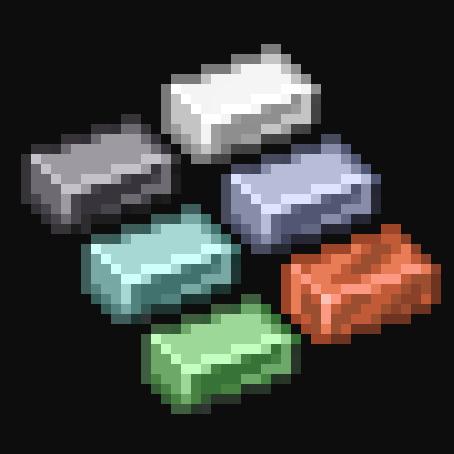
Levia's Metals (Fantasy)
Java mod listed for Minecraft 1.19–1.20. Downloads from the MC Java Mods app on Android.
I don't know my version or loader
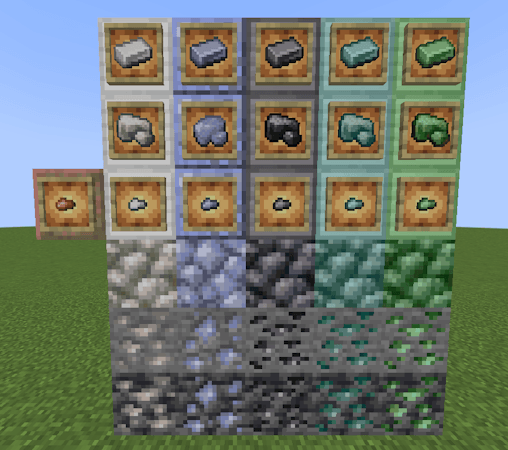
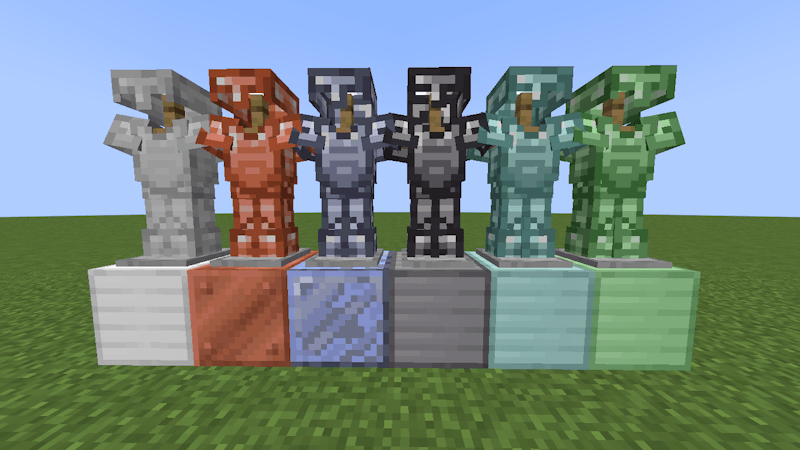
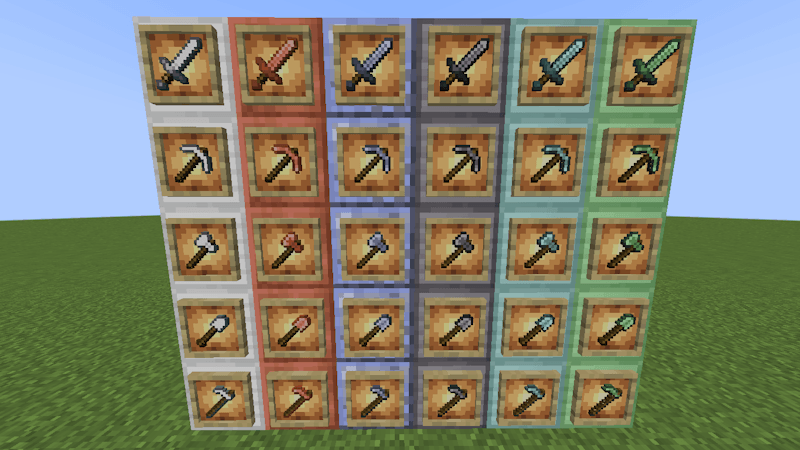
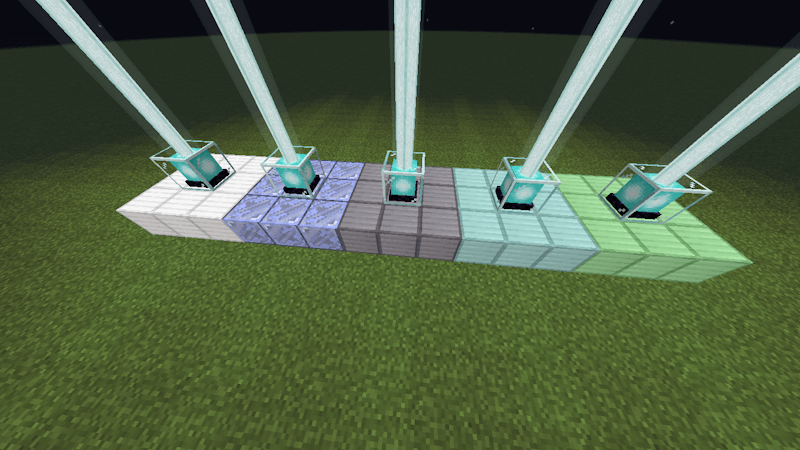
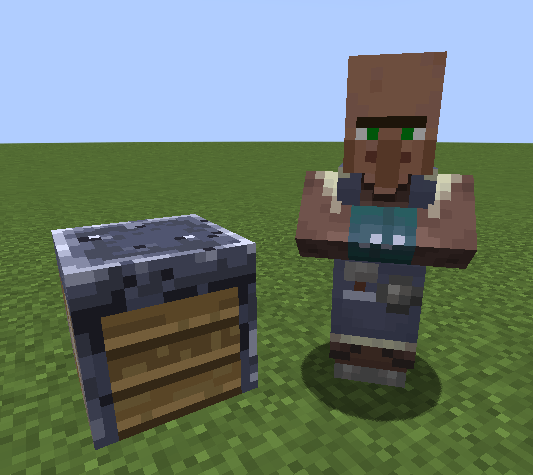
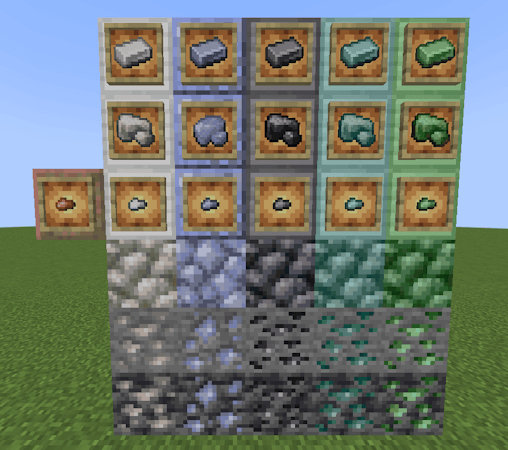
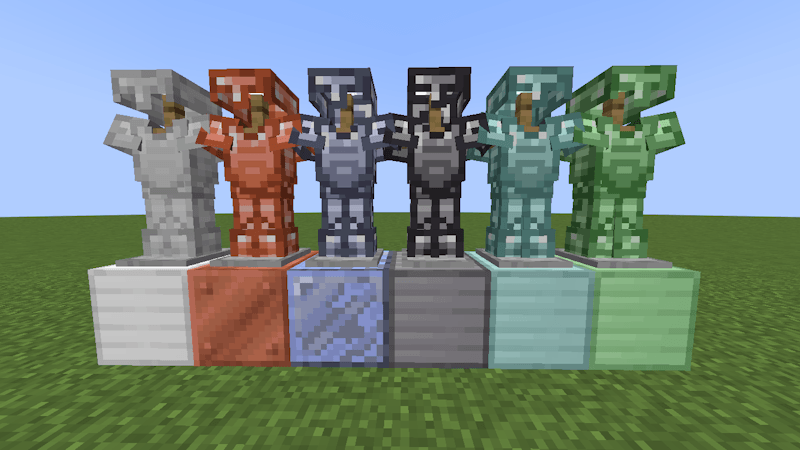
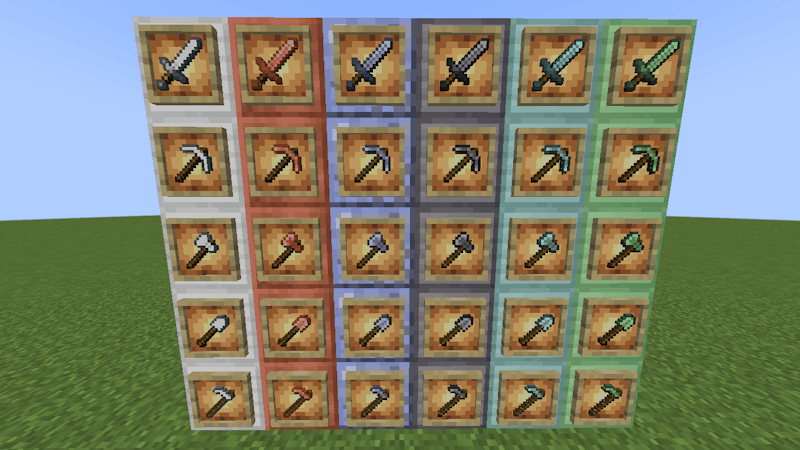
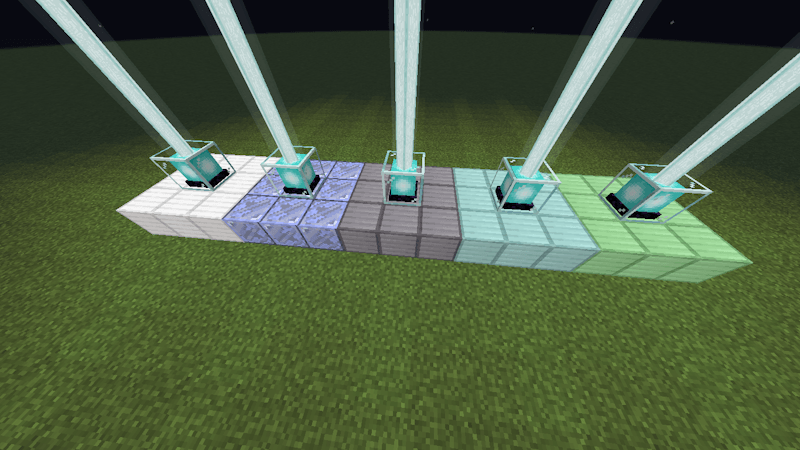
This mod adds 5 new metals: aluminium, platinum, titanium, chromium and tungsten. In addition, it allows the creation of copper weapons and armor.
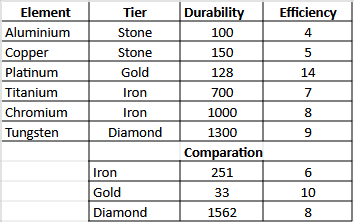
Minerals can be found everywhere, they will be better the deeper you are. Platinum is special, it lasts x3 than gold and has 40% more speed. In addition, you will be able to have very good enchantments with a high probability.
Review 😊:
Content:
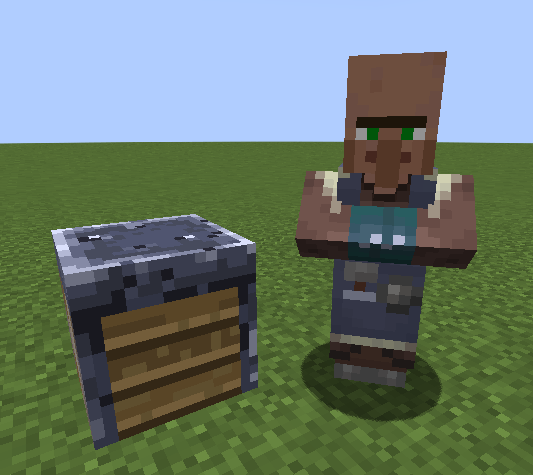
The metallurgist
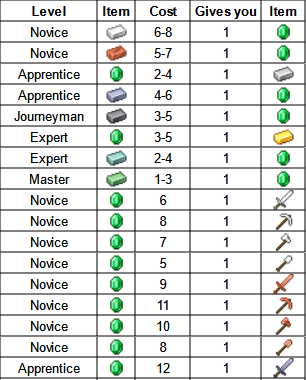
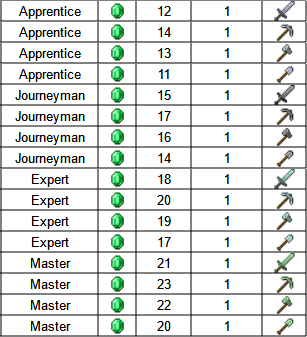
With him you will be able to exchange the metals of the mod, as well as copper, and buy tools in exchange for emeralds.
Graphic Comparation:
Translation:
0.1 beta: es-us
1.0 release: en-us / es-cl / es-ar / es-es / es-mx / es-uy / es-ve / es-ec
Changes:
1.0 release:
- 7 translations added.
- 2 trades added to the villager.
- Armor advancement fixed.
- Incorrect words corrected.
My mods:
- Quartzes: https://www.curseforge.com/minecraft/mc-mods/levias-quartzes
- Garnets: https://www.curseforge.com/minecraft/mc-mods/levias-garnets
- Beryls: https://www.curseforge.com/minecraft/mc-mods/levias-beryls
- Corundums: https://www.curseforge.com/minecraft/mc-mods/levias-corundums-fantasy
Notes:
I will be working on more project. To be honest I would like to upload it to almost all minecraft versions after 1.16.5. If you want to give me a hand, write me at leviatteinne@gmail.com
Also “Fantasy” is a category of mods I plan to make, such as "realistic", "pluggin", etc.
Hope you like it! comment if you like the mod and what it could be improved. I am eternally grateful for this opportunity, I bid you a cordial farewell.
- Edition: Minecraft Java
- File type: .jar
- Minecraft versions listed: 1.20.1, 1.19.4
- How to install: Install the matching mod loader (Forge, Fabric or NeoForge) for your Minecraft version. → Download the .jar. → Put it in the .minecraft/mods folder and launch that loader profile.
- Where to get it: Opens on CurseForge — not every file is mirrored on our own servers.
Install steps are the general flow for this file type — How to install Minecraft Java mods & modpacks walks through it step by step.
- Ships as Levia's Metals 0.1 beta forge 1.20.1.jar — drop this file into the mods folder
- Download size: 330 KB
- Download link checked 18 Oct 2026 — working
These come from our own check of the pack file, not from the source page.