
AHZNB`s Tools
Minecraft Java mod. Downloads from the MC Java Mods app on Android.
A client-side mod for Minecraft that enhances player interactions with advanced targeting mechanics and information overlays.
⬇ Download on CurseForge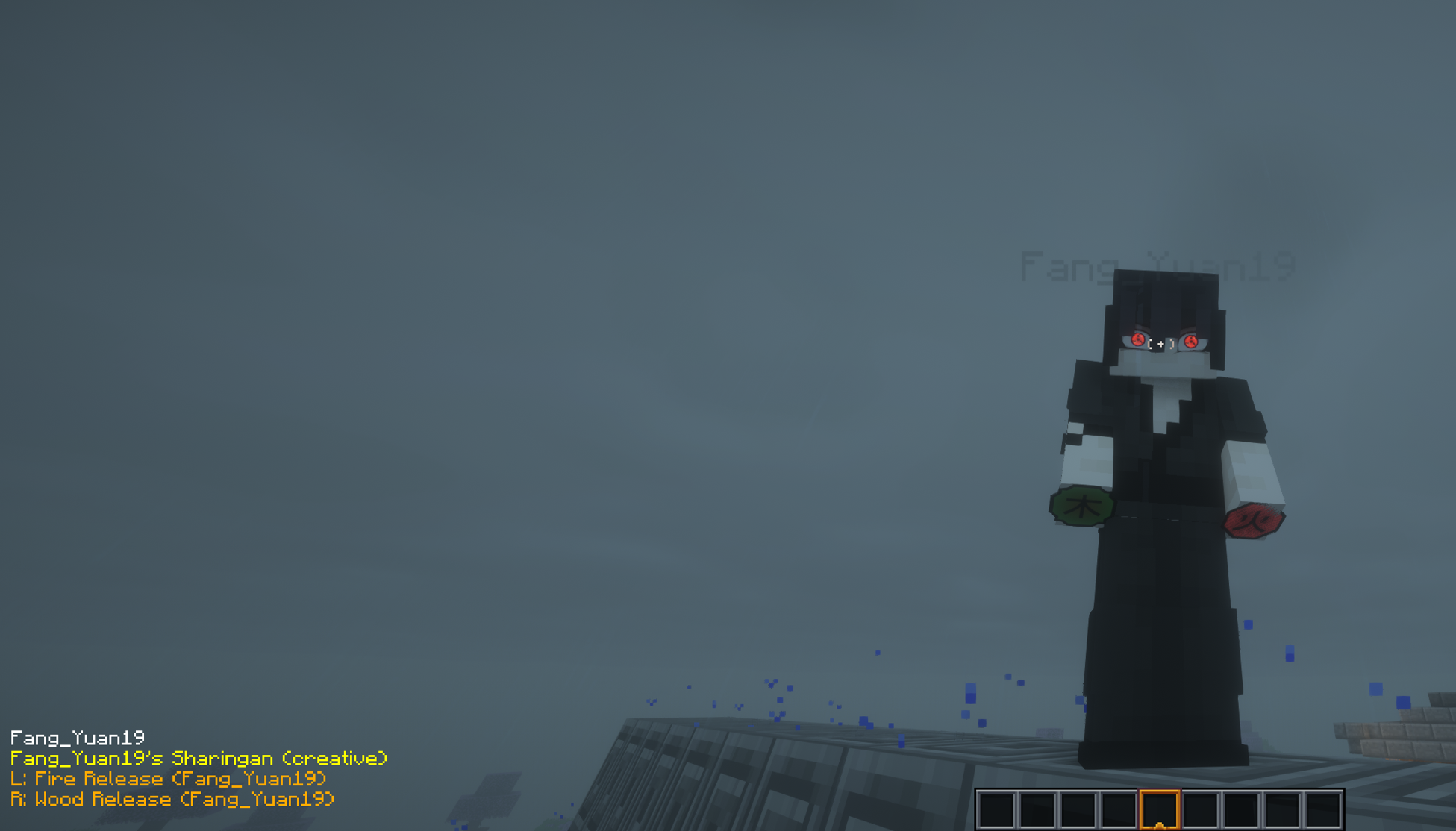
( Click on me to join my Mods Testing server where you can get the pre-releases )
AHZNB's Tools is a client-side mod designed to improve PvP and player tracking experiences. The mod features a target-locking system that allows players to lock onto entities and displays an information overlay showing details such as the entity's name, helmet, and held items. All functionality is fully client-side, ensuring compatibility with servers without requiring server-side installation.
HOW IT WORKS:
Go near an entity and press the Hotkey to Target it.
I am on the official Discord server for the AHZNB Naruto Mod, so feel free to reach out if you need any help:
- Edition: Minecraft Java
- File type: .jar
- How to install: Install the matching mod loader (Forge, Fabric or NeoForge) for your Minecraft version. → Download the .jar. → Put it in the .minecraft/mods folder and launch that loader profile.
- Where to get it: Opens on CurseForge — not every file is mirrored on our own servers.
Install steps are the general flow for this file type — How to install Minecraft Java mods & modpacks walks through it step by step.
- Ships as ahznbstools-1.6.jar — drop this file into the mods folder
- Download size: 7 KB
- Download link checked 28 Sept 2026 — working
These come from our own check of the pack file, not from the source page.