MoBBz Chronicles: WWII
Minecraft Java modpack. File opened and checked on 7 Oct 2026; downloads from the MC Java Mods app on Android.
⬇ Download on CurseForge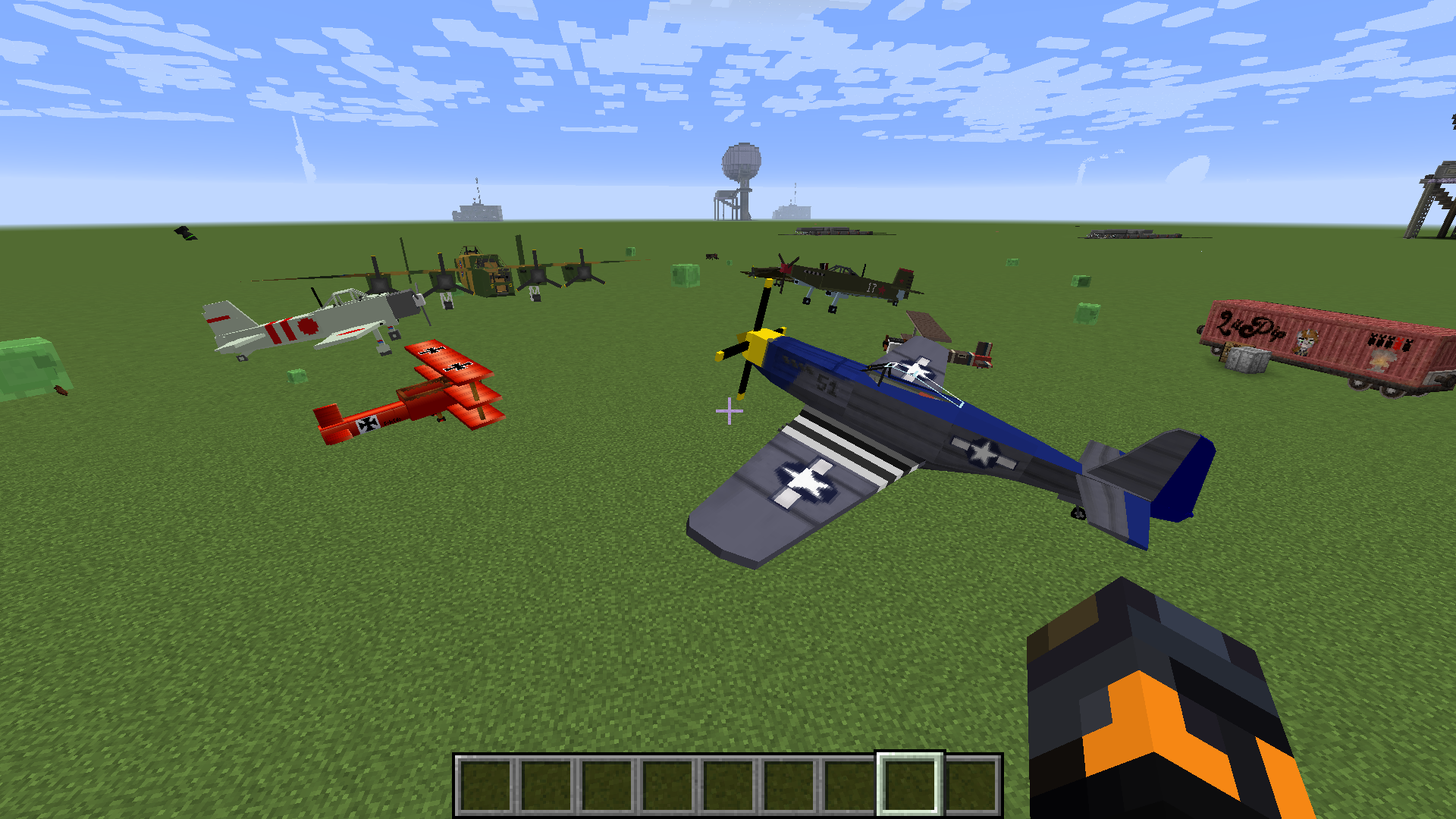
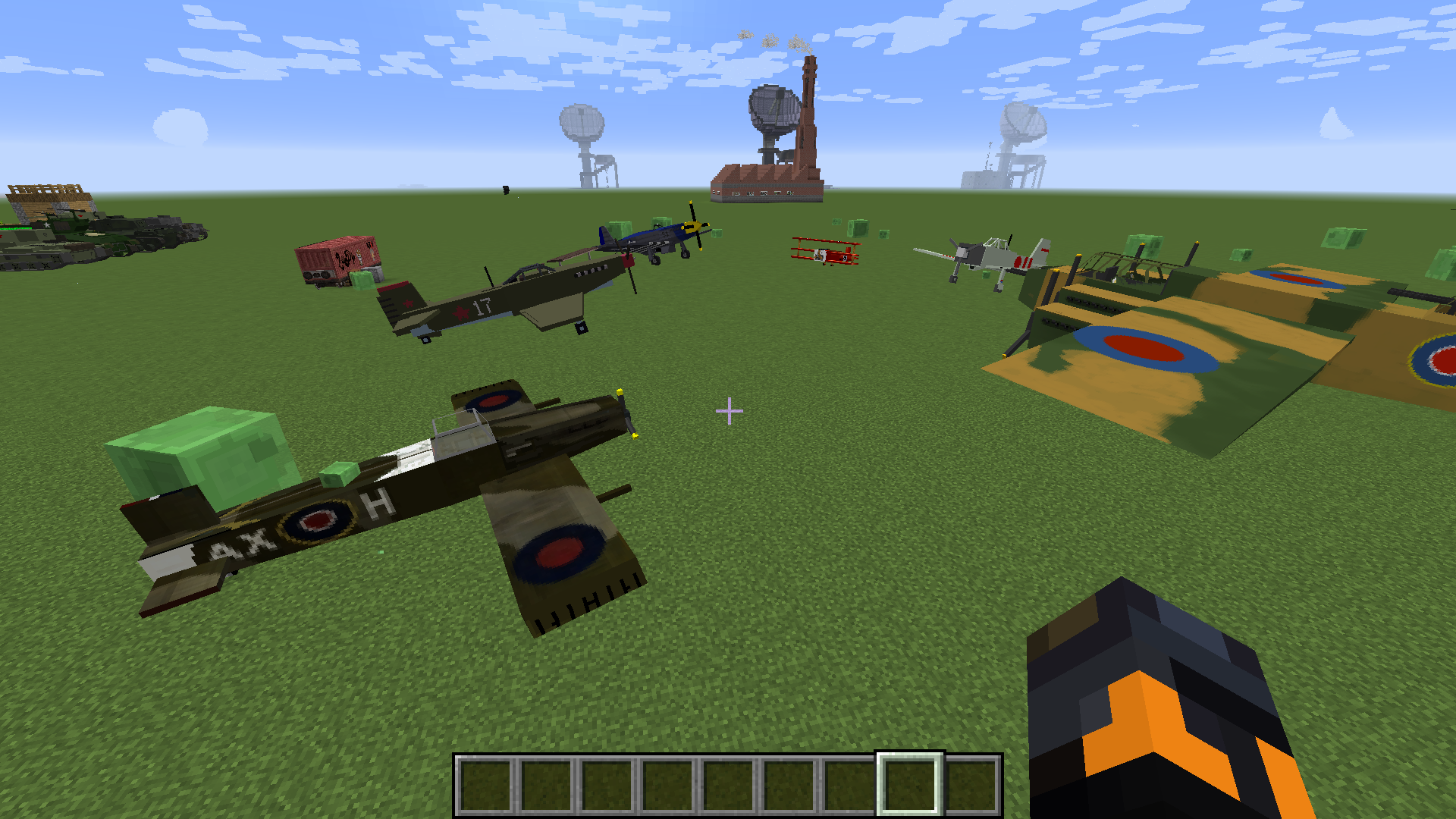
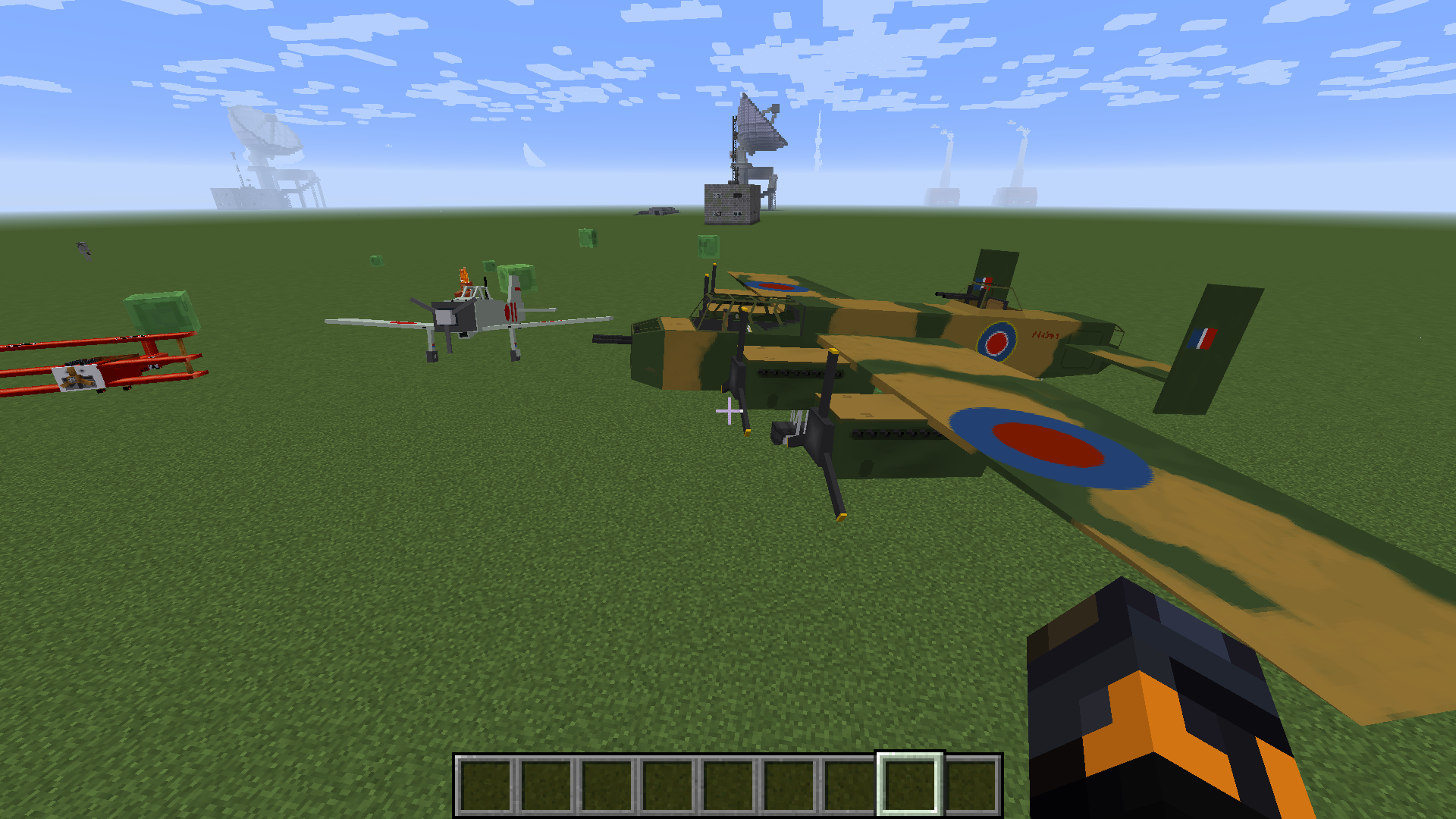
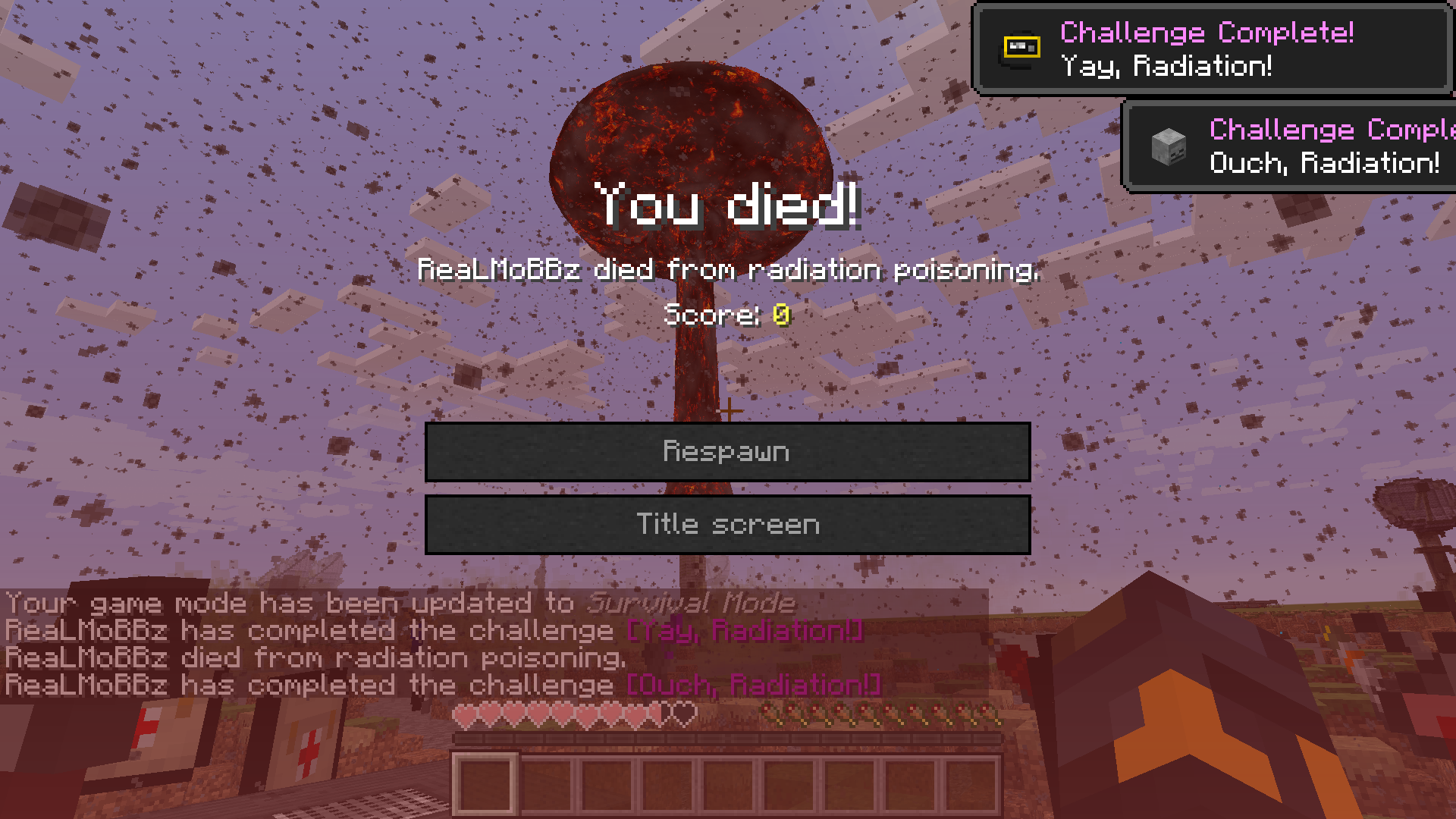
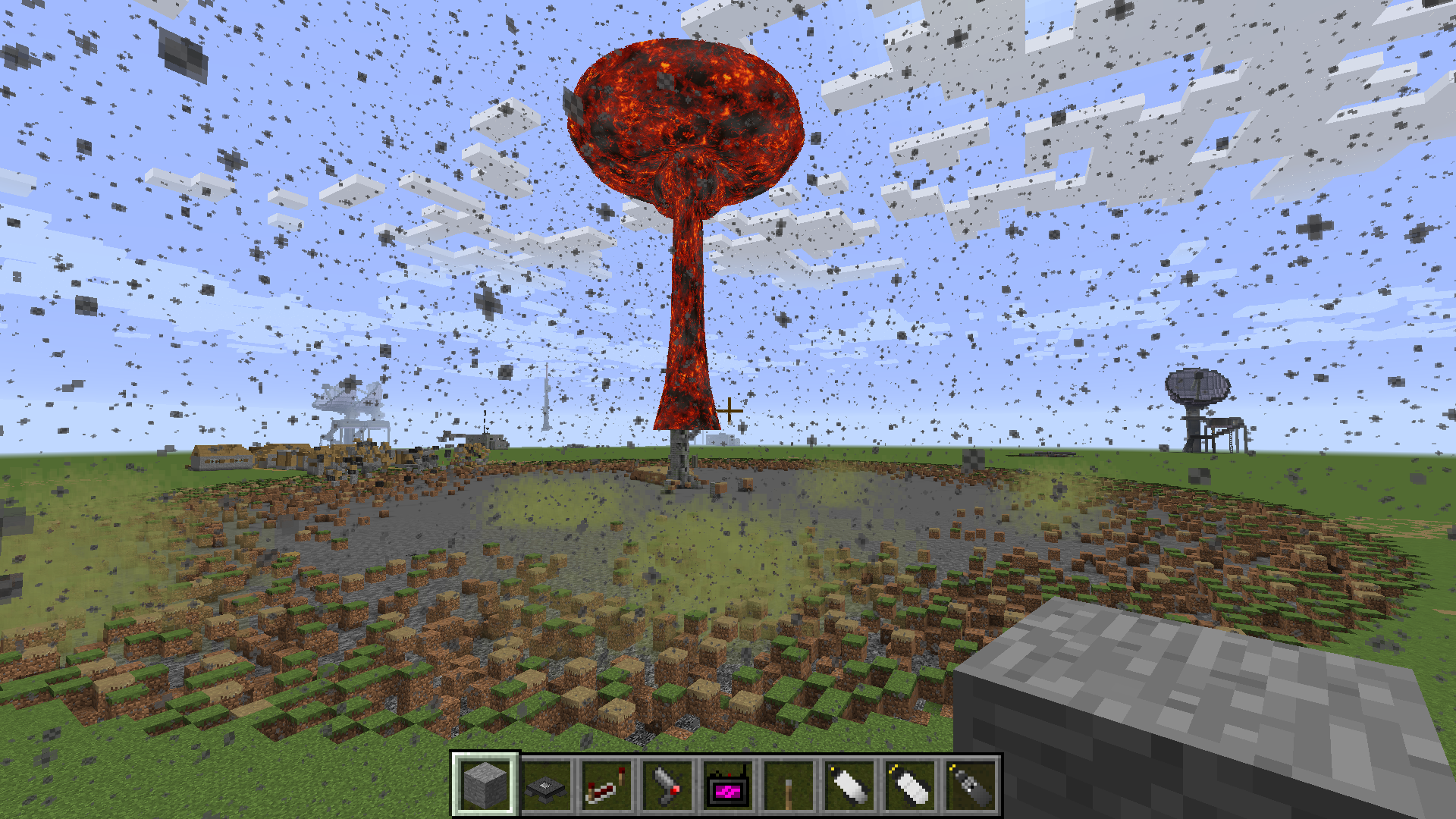
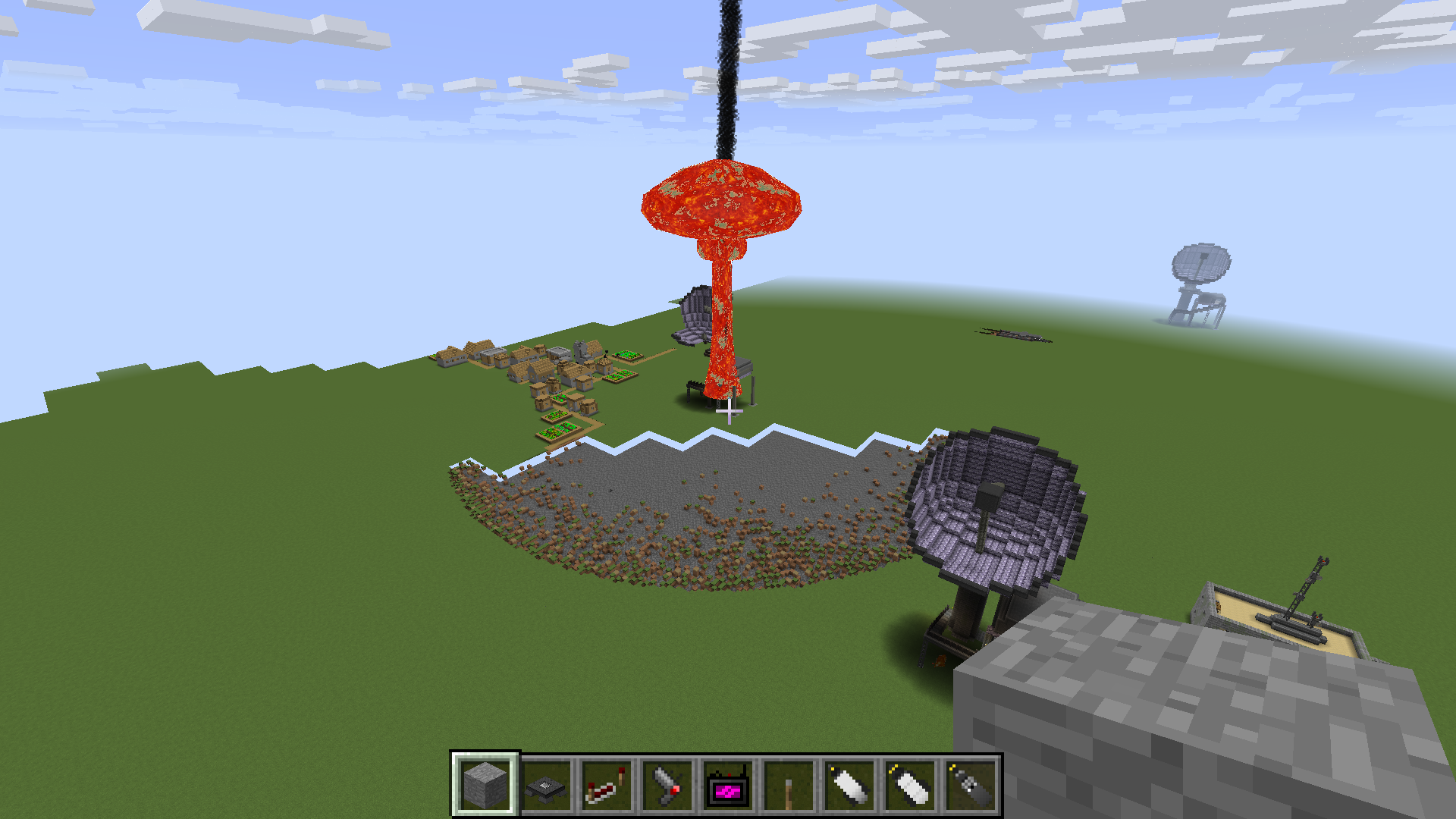
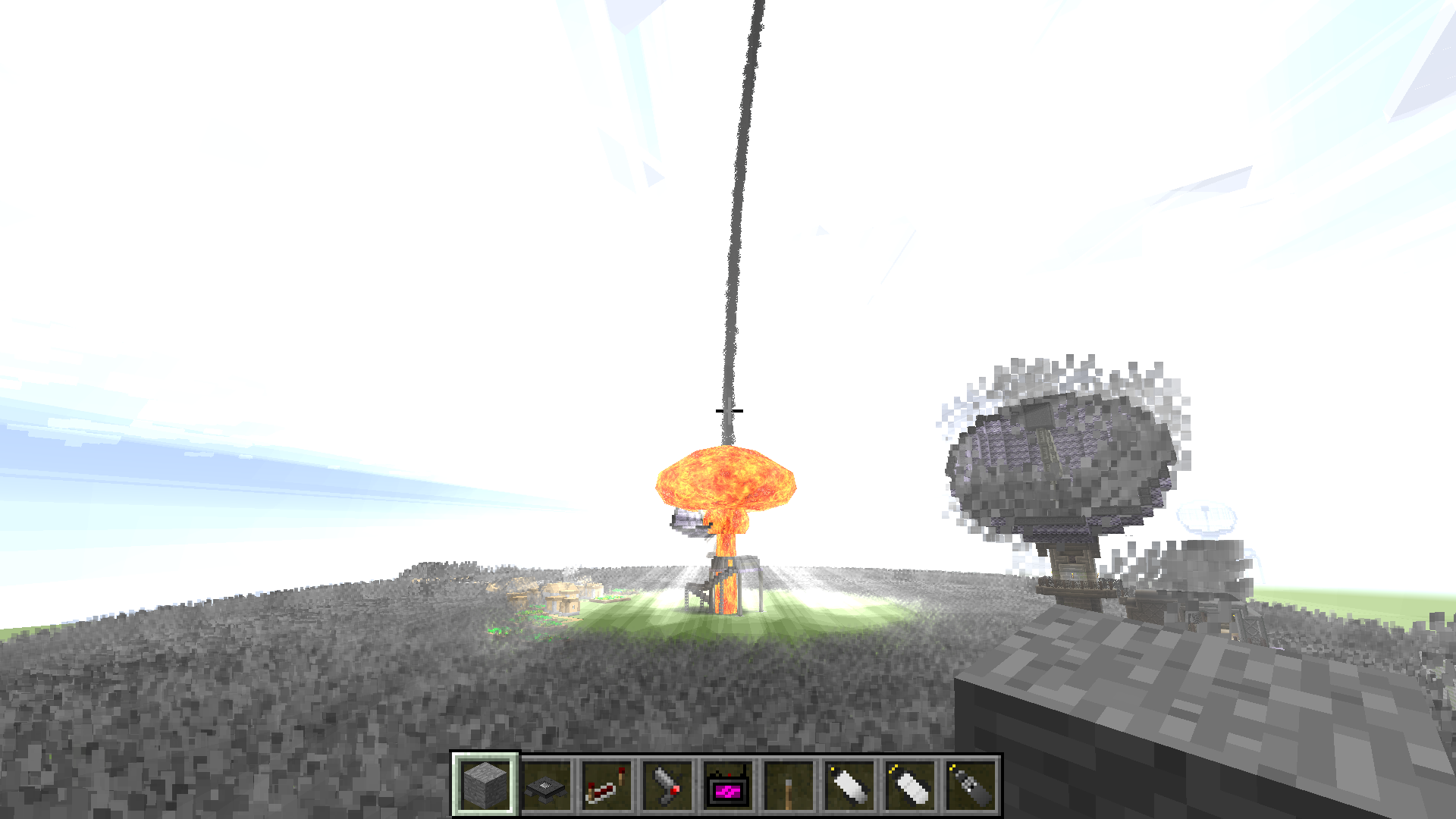
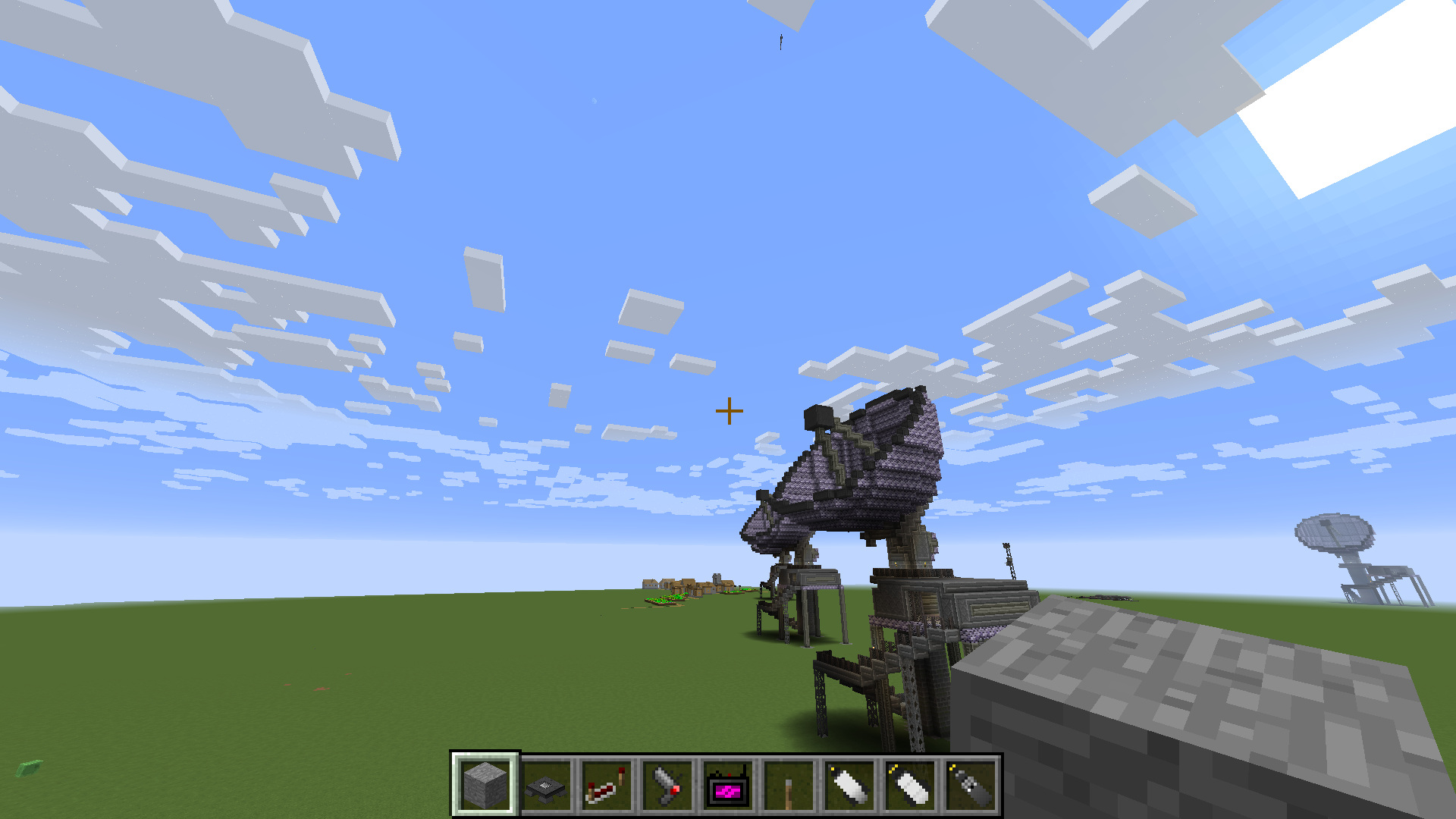
This mod pack is thrown together thoughtfully to bring you a Minecraft experience like none other. Introducing popular mods like Flans, we have guns, vehicles, tanks, artillery, and NUKES?? featuring HBM's nuclear tech mod. We are currently working through the custom npc mod to bring you an army for your own disposal- working on USA, USSR, JAPAN, and GERMANY, with Great Britian closely behind them. Lead your army of soldiers, medics, officers, snipers, and more into epic encounters with your friends or server wide!
This mod pack also has a handful of quality-of-life improvements to help you get by! There is FTB Quests as well in process to help you navigate through this amazing pack with ease, just stay tuned for an update on that.
IF THIS PACK GETS TRACTION, I WILL be opening up a public server for all to join and make friends, brother in arms, and enemies.
******************Allright so to get the custom npcs, you need to install their textures FIRST!
Here they are! https://drive.google.com/drive/folders/1cBkjZ2mjijTqa1Ve7RbpseBOnfIgS0VL?usp=sharing
SO, take these textures, copy them then go to the mod pack folder, then open customnpcs/assets/customnpcs/textures then paste them into the textures folder, if there is not one already, make one. Now that we have the textures, let's get the innards. https://drive.google.com/drive/folders/1pQjcyKAacSeKe4ItnObNwJEDP0wuCNPD?usp=sharing
Go ahead and copy all those and then open the mod pack folder again-or go back to root if you still have it open. Then open customnpcs/clones/1 if there is not a folder named 1, make one now. inside 1, paste those npcs! Now when you load into your game, pull out a npc clone axe and click the ground, select one of the custom npcs and hit spawn, Enjoy!
- Edition: Minecraft Java
- File type: .jar
- How to install: Install the matching mod loader (Forge, Fabric or NeoForge) for your Minecraft version. → Download the .jar. → Put it in the .minecraft/mods folder and launch that loader profile.
- Where to get it: Opens on CurseForge — not every file is mirrored on our own servers.
Install steps are the general flow for this file type — How to install Minecraft Java mods & modpacks walks through it step by step.
- Downloads as MoBBz Chronicles- WWII-4.zip
- Download size: 201 KB
- Download link checked 19 Oct 2026 — working
These come from our own check of the pack file, not from the source page.