Imgur Display
Java mod listed for Minecraft 1.20–1.21. Downloads from the MC Java Mods app on Android.
I don't know my version or loader
If you want to put this mod in your modpack, feel free to use it :)
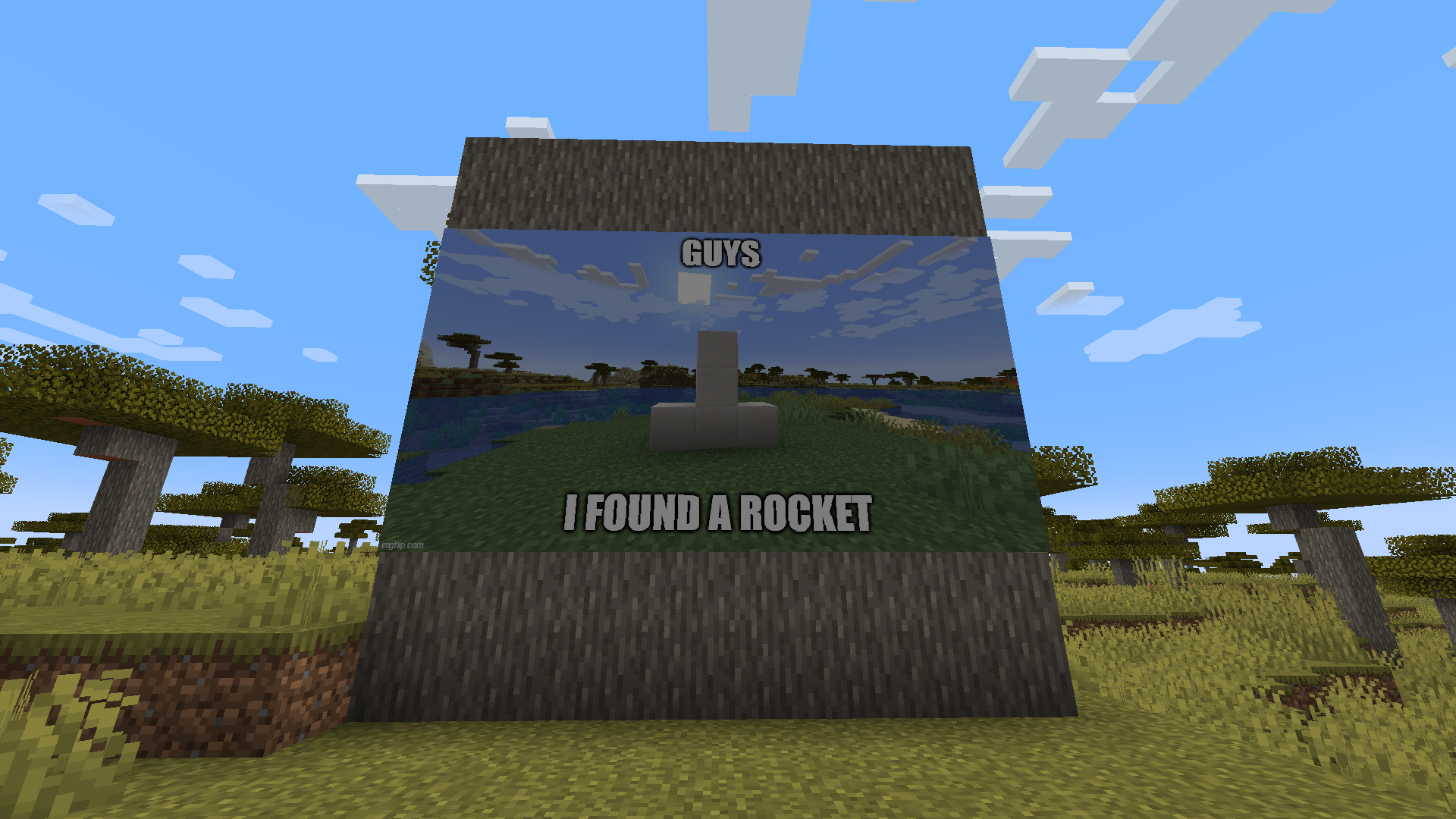
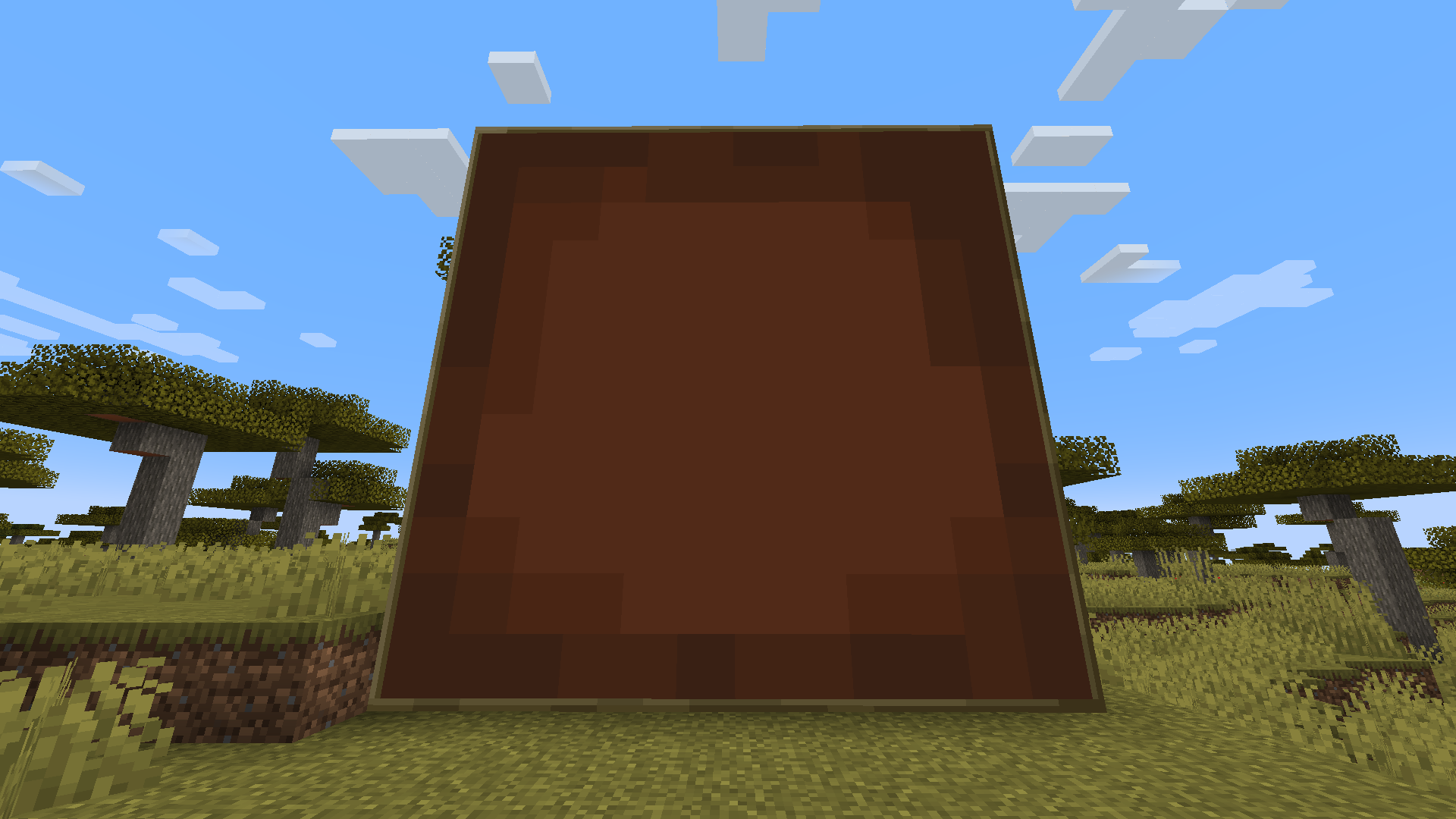
This mod adds a new block called "Display" that allows you to showcase images directly from Imgur (Only imgur is allowed to prevent porn from being displayed).
The maximum allowed size is 8x8 (by default). To display an image, simply right-click the block and paste the image URL (e.g., "https://i.imgur.com/W7lJrbu.jpeg" or "W7lJrbu").
Only png, jpg, jpeg or gif files are allowed.


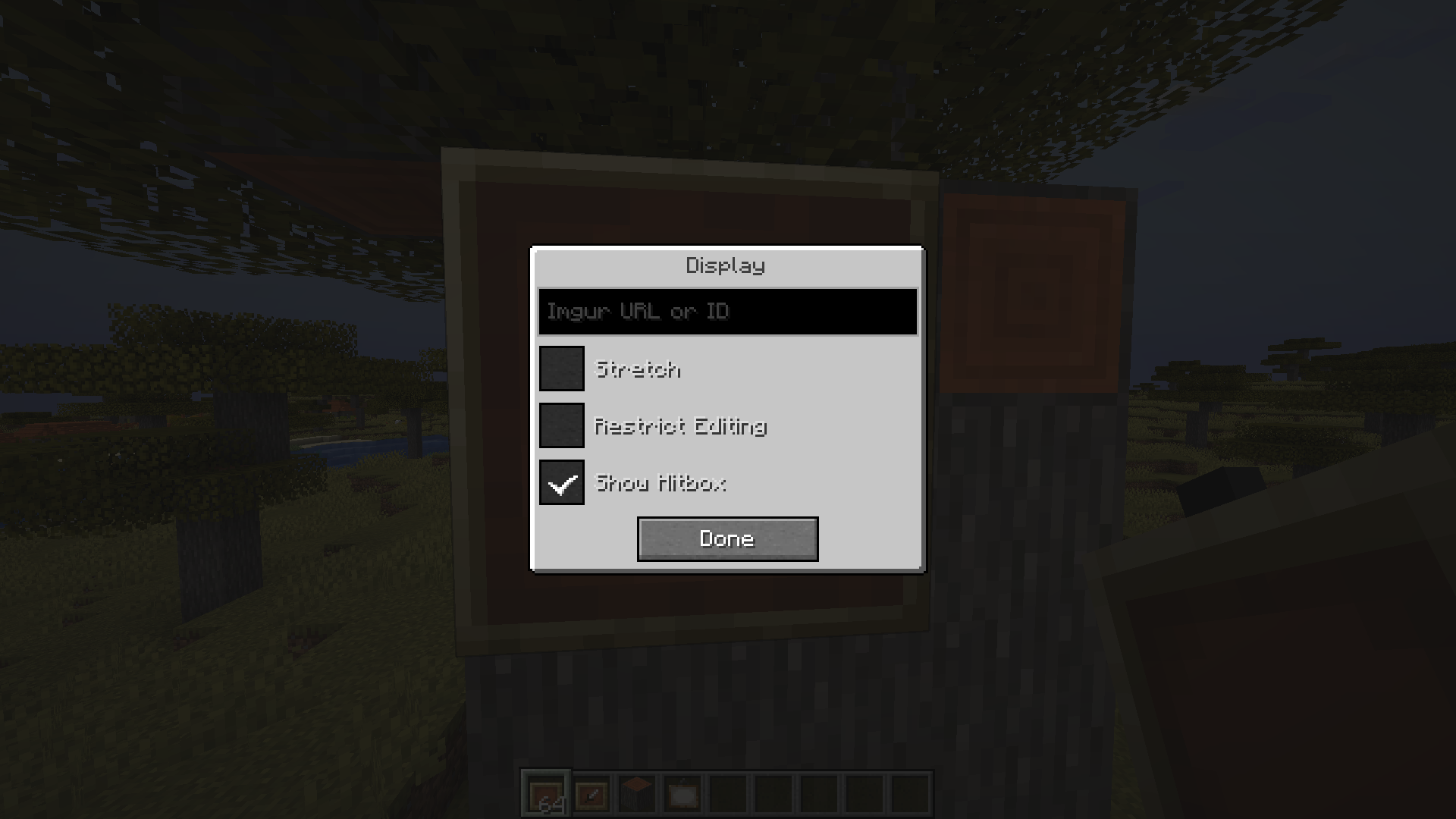
Display gui:
Stretch: Scales the image to fill the entire space.
Restrict Editing: Limits access to the GUI, allowing only the owner to make changes.
Show Hitbox: Toggles the visibility of the bounding box, which appears when the crosshair is over the block.
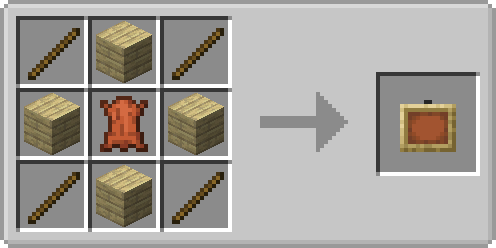
Recipe:
- Edition: Minecraft Java
- File type: .jar
- Minecraft versions listed: 1.21.1, 1.20.1
- How to install: Install the matching mod loader (Forge, Fabric or NeoForge) for your Minecraft version. → Download the .jar. → Put it in the .minecraft/mods folder and launch that loader profile.
- Where to get it: Opens on CurseForge — not every file is mirrored on our own servers.
Install steps are the general flow for this file type — How to install Minecraft Java mods & modpacks walks through it step by step.
- Ships as imgurdisplay-1.20.1-0.1.0.jar — drop this file into the mods folder
- Download size: 154 KB
- Download link checked 28 Sept 2026 — working
These come from our own check of the pack file, not from the source page.