InfiniteAdventure+
Java modpack listed for Minecraft 1.21. Downloads from the MC Java Mods app on Android.
⬇ Download on CurseForgeThe author built this one for Minecraft 1.21.1 on NeoForge. On other versions it may install and then do nothing.
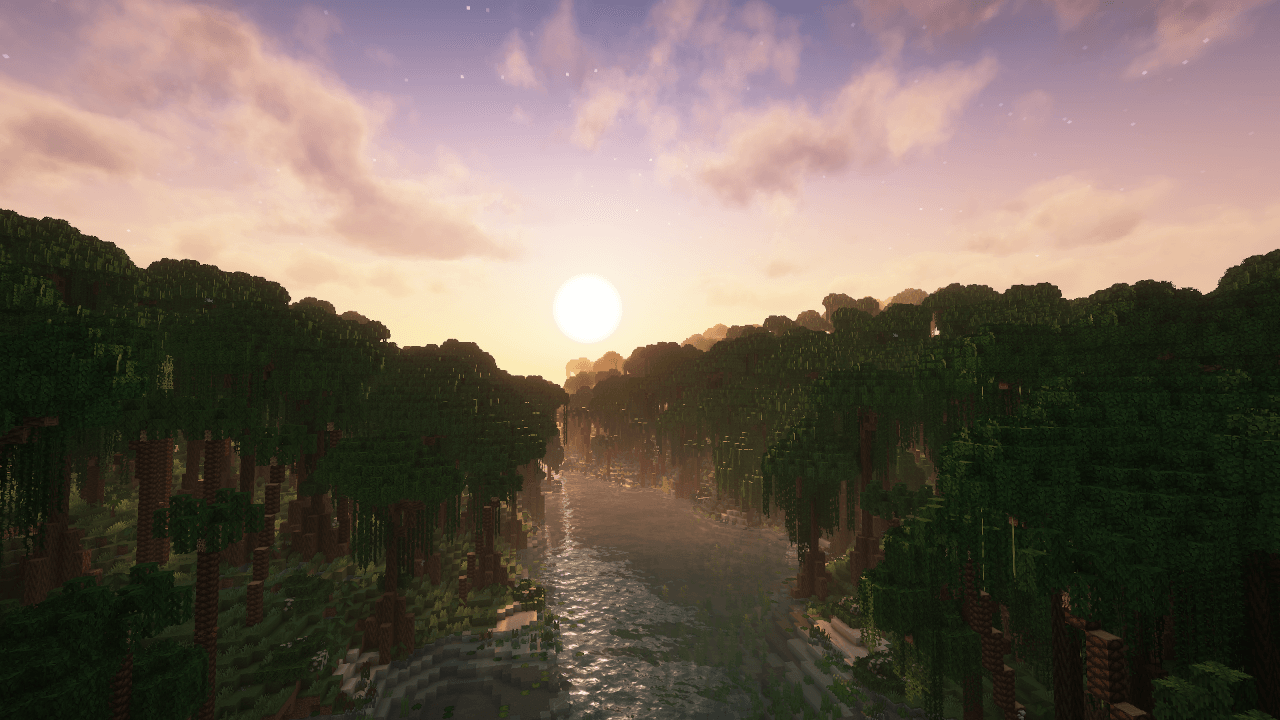
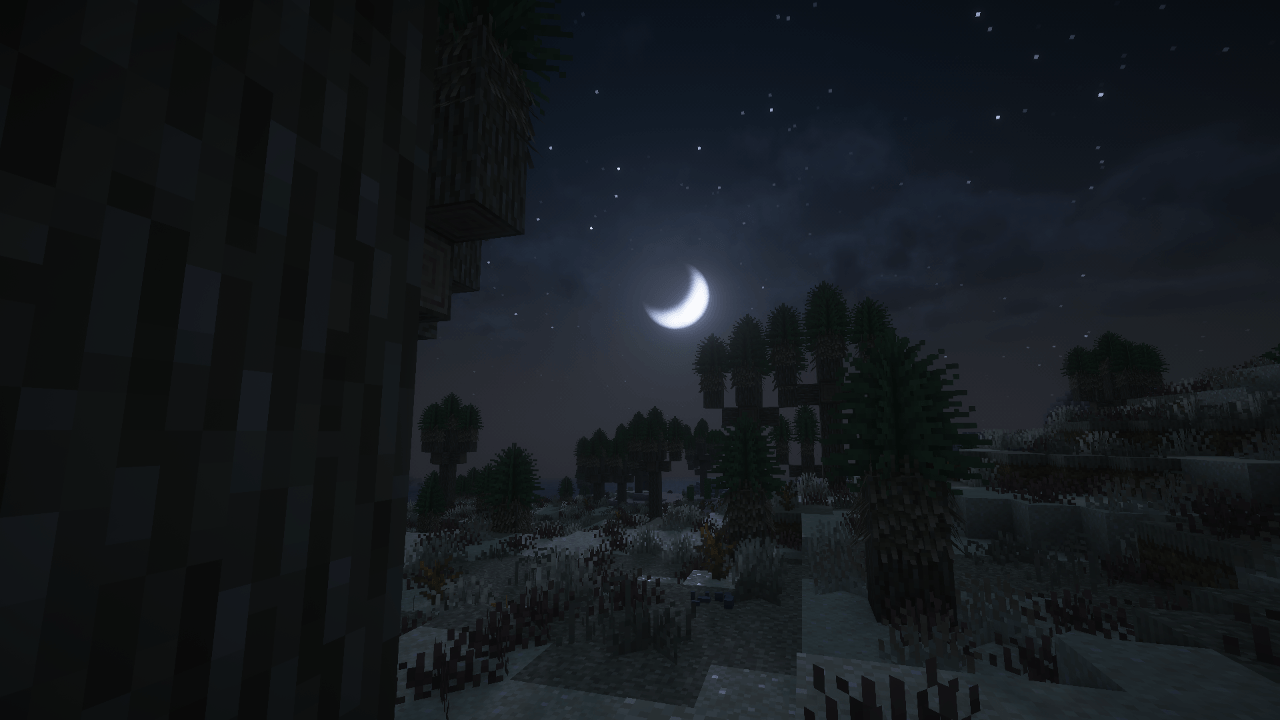
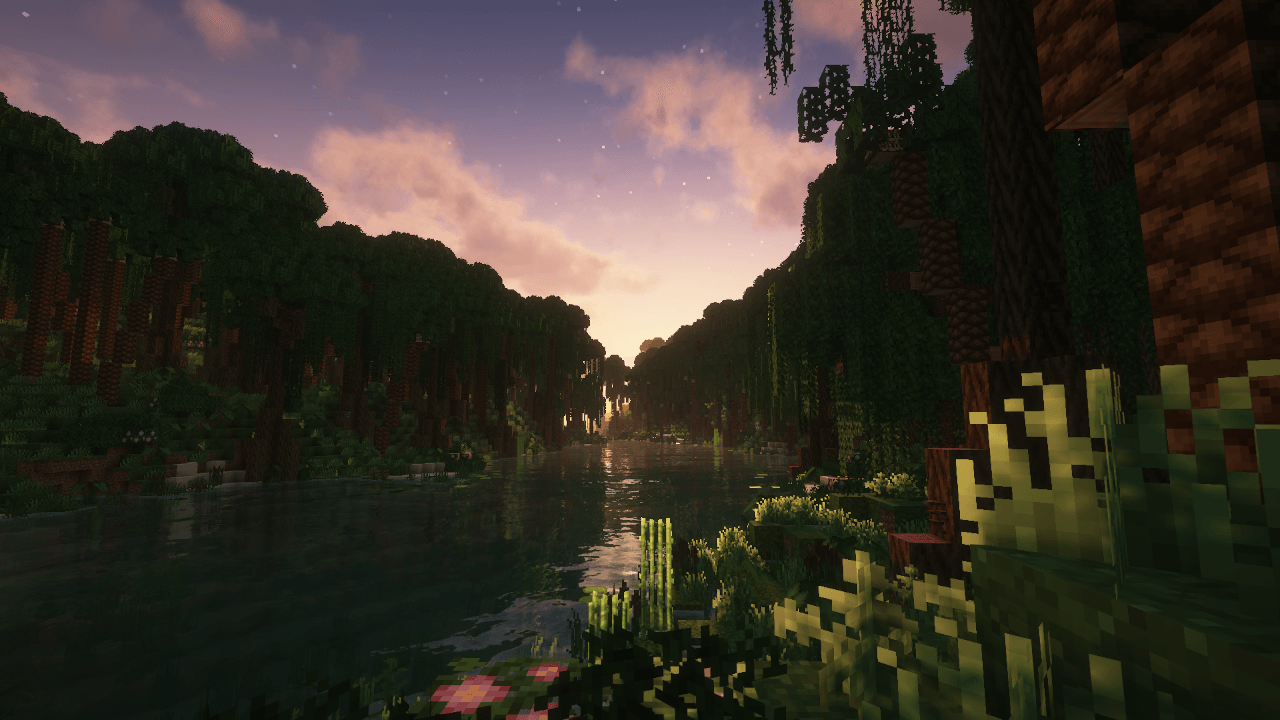
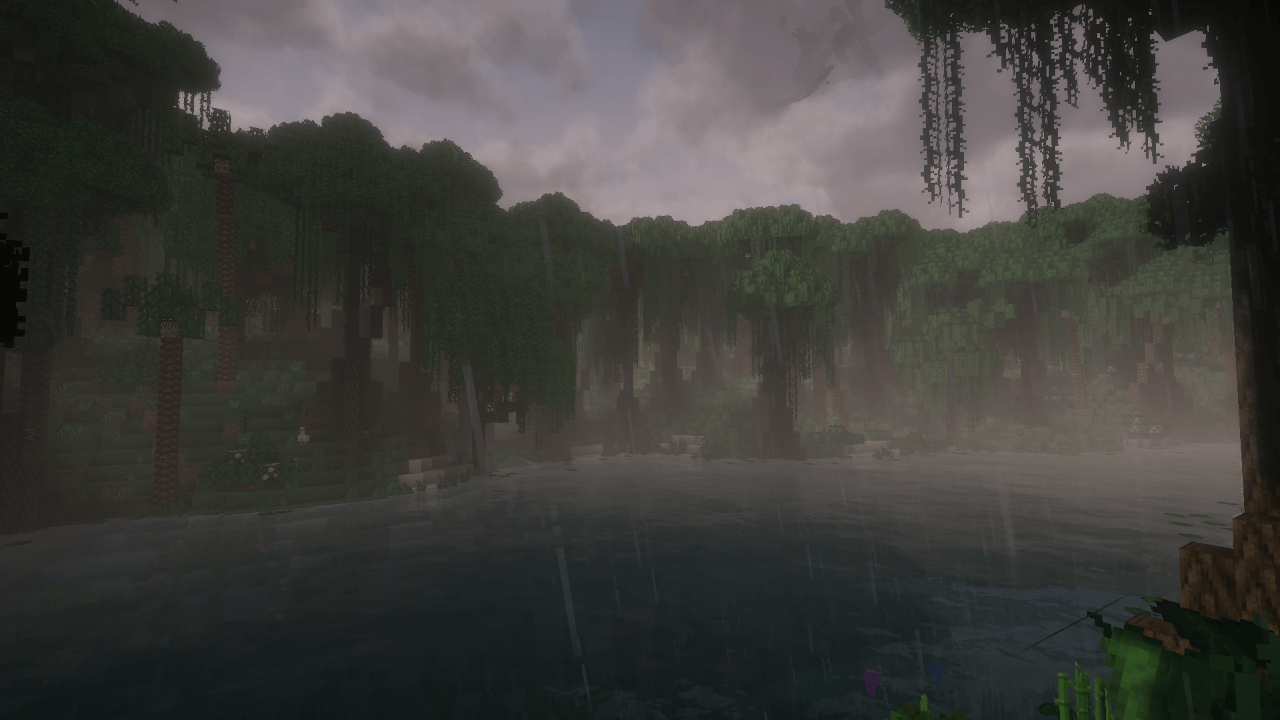


Tired of boring vanilla Minecraft? InfinitiAdventure throws you into a world with over 400 mods, packed with adventure, mystery, and crazy possibilities. Explore stunning new biomes, fight dangerous bosses, build epic colonies with MineColonies, and even blast off to other planets!
Collect tons of new resources, craft powerful gear, and shape your own story. Whether you want to explore, fight, build, or travel the stars – this pack gives you the freedom to do it all.
Your next big adventure starts here. Are you ready to go infinite?
MODPACK GOALS
Over 400 carefully selected mods for endless fun
Focused on adventure – not just tech grind
Tons of dungeons, planets, monsters, biomes, adventures, and dimensions to explore
A little bit of tech – just enough to make things interesting
Challenging but rewarding gameplay – not too easy!
INFO
Recommended 8-10gb ram(more than 10 GB may cause fps drops)
Known issues: Changing shaders only works in the menu
The modpack is in beta phase so there may be bugs or some things may not work!!
Due to the very large number of biomes, world generation may be slow; I recommend waiting a while before starting.
If you notice any errors or know what spoils the gameplay or have an idea to add or remove a mod, etc. Write in a comment, I'll think about it
Modpack works in multiplayer mode (the latest server version of the pack will be added if there is interest)
-- IMPORTANT: MANUAL INSTALL REQUIRED --
To get the full experience, you must manually download and add the following mods to your mods folder. These mods are for the Fabric modloader, but they work with this NeoForge pack thanks to a compatibility mod.
Mythic Metals: https://www.curseforge.com/minecraft/mc-mods/mythicmetals
Mythic Metals Decorations: https://www.curseforge.com/minecraft/mc-mods/mythic-metals-decorations
Alloy Forgery: https://www.curseforge.com/minecraft/mc-mods/alloy-forgery
CurseForge's automated system does not allow these files to be included directly in the pack.
- Edition: Minecraft Java
- File type: .jar
- Minecraft version listed: 1.21.1
- How to install: Install the matching mod loader (Forge, Fabric or NeoForge) for your Minecraft version. → Download the .jar. → Put it in the .minecraft/mods folder and launch that loader profile.
- Where to get it: Opens on CurseForge — not every file is mirrored on our own servers.
Install steps are the general flow for this file type — How to install Minecraft Java mods & modpacks walks through it step by step.
- Downloads as InfiniteAdventure+-3.1.zip
- Download size: 33.9 MB
- Download link checked 19 Oct 2026 — working
These come from our own check of the pack file, not from the source page.