World Templates Plus
Java mod listed for Minecraft 1.20–1.21. Downloads from the MC Java Mods app on Android.
This mod lets players create and use custom world templates for easy, personalized Minecraft world generation.
I don't know my version or loader


World Templates Plus
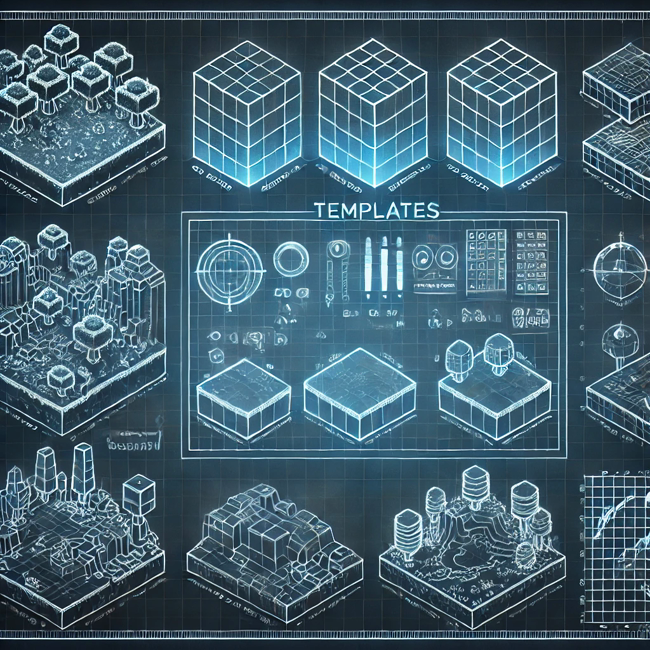
This mod introduces a powerful and intuitive system for creating and managing Minecraft worlds using customizable templates. Players can define the exact world they want to create by making a template world with specific world generation settings, structures, and environmental features. With streamlined options and reusable templates, it simplifies the process of generating new worlds tailored to specific gameplay experiences, whether for survival challenges, creative builds, or unique adventure maps.

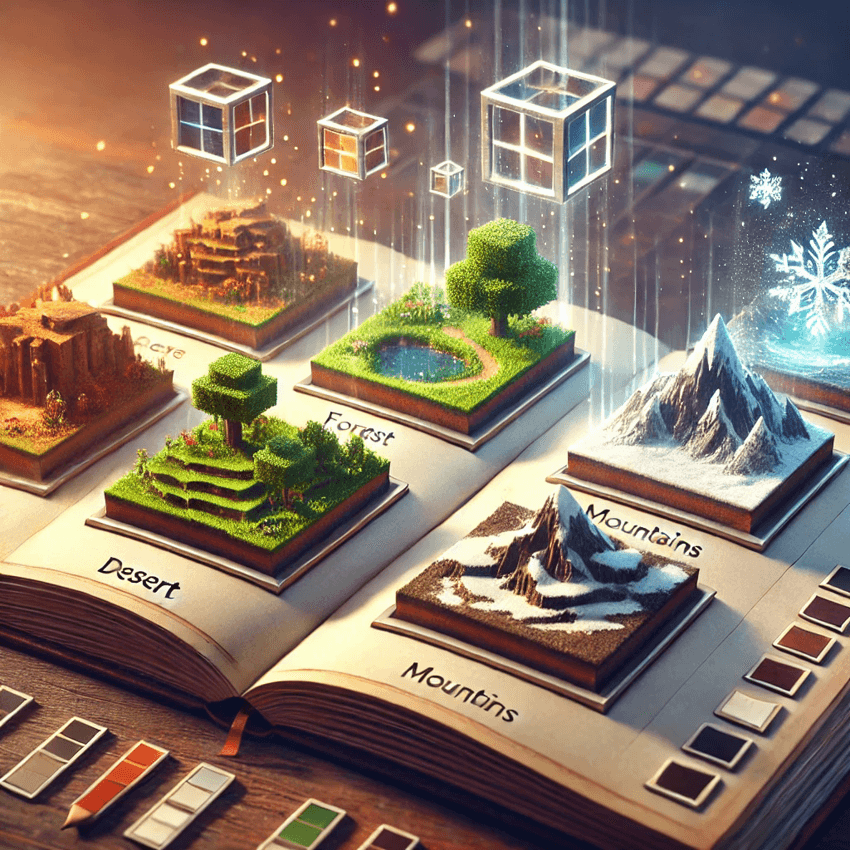
This is perfect for players and mapmakers seeking flexibility and control over their Minecraft worlds!
How to use:
To create the template world, copy the world folder of the world you want to use as a template, and place it in "yourinstance" folder. Rename the world folder to "template".
File structure should be like this: Instances\"yourinstace"\template
- Edition: Minecraft Java
- File type: .jar
- Minecraft versions listed: 1.21.8, 1.21.6, 1.21.7
- How to install: Install the matching mod loader (Forge, Fabric or NeoForge) for your Minecraft version. → Download the .jar. → Put it in the .minecraft/mods folder and launch that loader profile.
- Where to get it: Opens on CurseForge — not every file is mirrored on our own servers.
Install steps are the general flow for this file type — How to install Minecraft Java mods & modpacks walks through it step by step.
- Ships as worldtemplatesplus-0.0.2-1.21.6.jar — drop this file into the mods folder
- Download size: 1.9 MB
- Download link checked 18 Oct 2026 — working
These come from our own check of the pack file, not from the source page.