Command Sticks
The author built this one for Minecraft 1.21.1 on NeoForge. On other versions it may install and then do nothing.
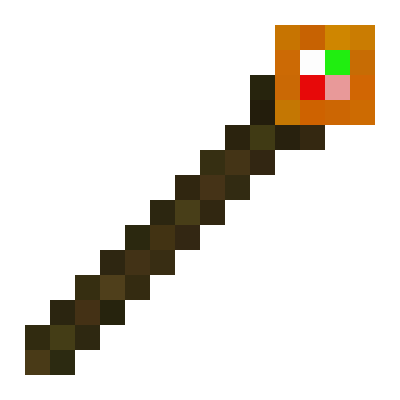
Welcome to Command Sticks! This is a very simple Creative Utility mod. The main focus is the Command Stick. A command stick just executes the command that you enter into the GUI.
Steps:
- Run "/give @s command_sticks:command_stick" in chat, or "/give @p command_sticks:command_stick" from a command block. The command stick is also availible in the Operator Items tab of the creative inventory.
- Hold Sneak + Right Click on the Command Stick to open up the Command Stick GUI.
- Enter whatever command you want to run into the text box, then click "OK".
- Now, just right-click your Command Stick to execute the command!
I hope this mod helps make your Minecrafting a little more fun and less tedious. Have fun!
FYI: Holding down a Command Stick does not run the command multiple times. you will need to click each time to run the command. I plan on adding Repeating Command Sticks in the future.
FYI 2: As of version 1.0.0, all command sticks share a universal command to run. I plan on adding individual commands for each item in the future.
Please keep in mind that this mod is a work in progress. Current version support:
- 1.21.1 NeoForge
Create a Minecraft server with Bisect Hosting with my Command Stick Mod! From using this link, you'll get 25% off your first purchase, and support future development!
https://url-shortener.curseforge.com/vDufm
Note: This is not an ad-shortener.
Thanks for downloading Command Sticks!
- Edition: Minecraft Java
- File type: .jar
- Minecraft version listed: 1.21.1
- How to install: Install the matching mod loader (Forge, Fabric or NeoForge) for your Minecraft version. → Download the .jar. → Put it in the .minecraft/mods folder and launch that loader profile.
- Where to get it: Opens on CurseForge — not every file is mirrored on our own servers.
Install steps are the general flow for this file type — How to install Minecraft Java mods & modpacks walks through it step by step.
- Ships as command_sticks_1.0.0-1.21.1.jar — drop this file into the mods folder
- Download size: 33 KB
- Download link checked 28 Sept 2026 — working
These come from our own check of the pack file, not from the source page.