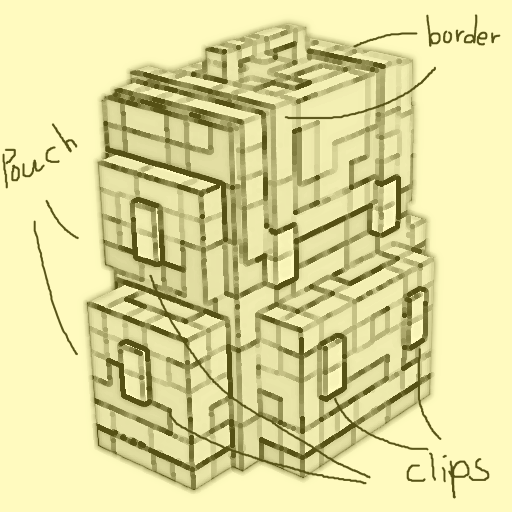
Retro Sophisticated Backpacks
Minecraft Java mod. Downloads from the MC Java Mods app on Android.
⬇ Download on CurseForge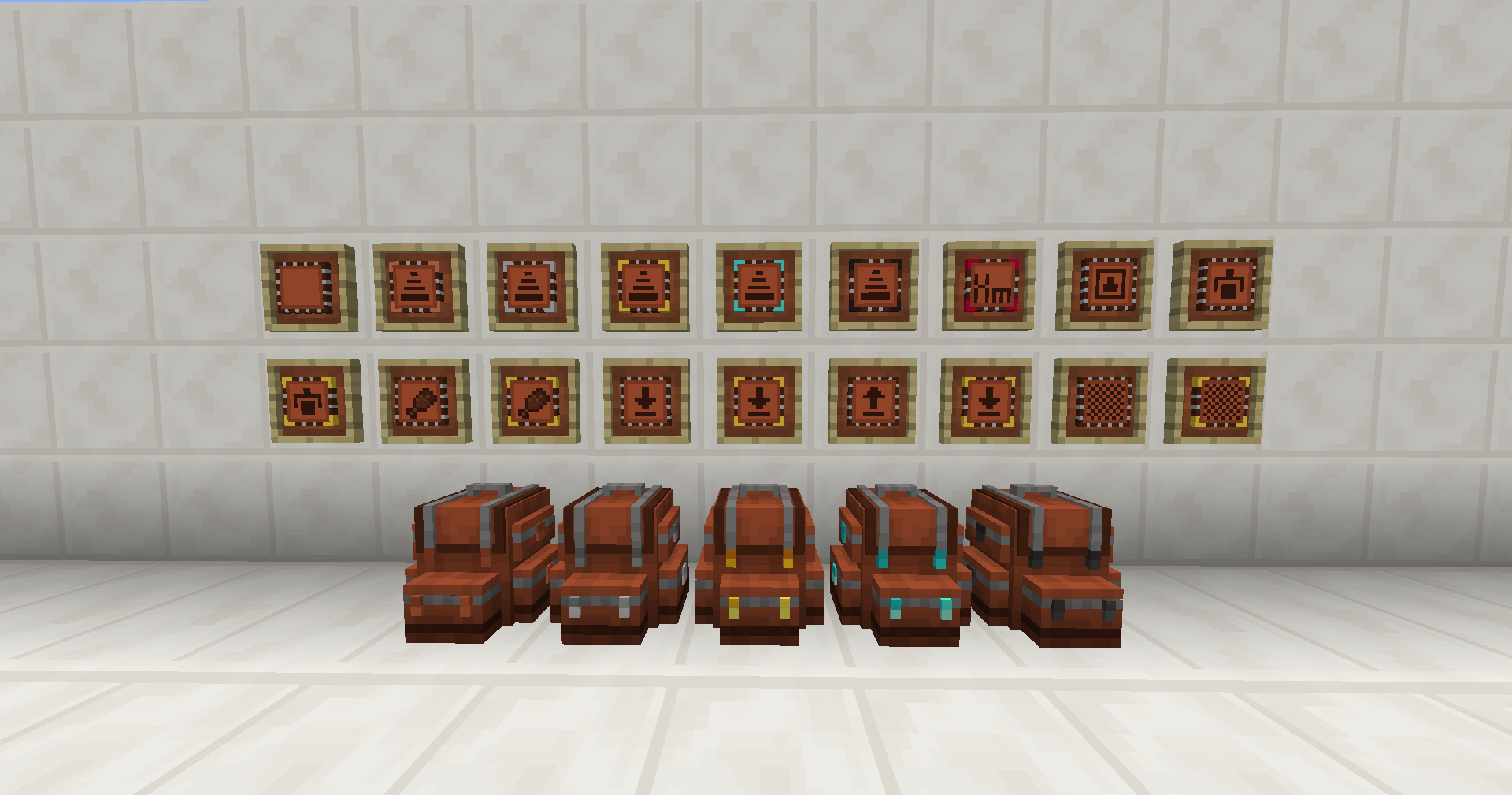
Disclaimer
This mod IS NOT OFFICIAL WORK of original author P3pp3rF1y, please do not report any issue to original author.
This mod is still under early development, do not use it on production purpose or without backup your save.
Recent Update from Author
I am finally free and have time to keep maintain this mod, but please still do expect some bugs, if you have encountered some bugs or have some suggestions, please head to Cleanroom discord #retro-sophisticated-backpacks or file an issue on GitHub.
Sophisticated Backpacks has been rescued back to 1.12.2!
Currently Retro Sophisticated Backpacks aims to add as much features as possible, alongs with some adjustment to best fit 1.12.2's gameplay.
Features
- Placeable backpacks with various tiers, ranging from leather to obsidian
- Multiple upgrades to customize your portable storage strategy
- Highly customizable configuration to customize your backpacks and upgrades' settings
**Regarding towards RLCraft compatibility
There's a lot of people encountering crash when adding Retro Sophisticated Backpacks to RLCraft, the error varies from the reports, but the following workaround may fit for general purpose. Please ensure that your RLCraft is latest and didn't get other modification.
Disclaimer: This workaround may not work for fork of RLCraft.
- IF YOU ALREADY HAVE AN INSTANCE BEFORE, PLEASE ENSURE THAT YOU HAVE ALREADY BACKUP YOUR WHOLE INSTANCE.
- Remove the following mods from the mod folder
- Shadowfacts' Forgelin
- LibrarianLib
- Phosphor
- Install the following mods (it's recommended to install with any launcher such as Prism Launcher to ensure you have installed latest versions of each mod)
- Mixin Booter
- Modular UI
- Forgelin Continuous
- Retro Sophisticated Backpacks
- LibrarianLib Conitnuous
- After the previous steps, your RLCraft should be able to launch.
- Edition: Minecraft Java
- File type: .jar
- How to install: Install the matching mod loader (Forge, Fabric or NeoForge) for your Minecraft version. → Download the .jar. → Put it in the .minecraft/mods folder and launch that loader profile.
- Where to get it: Opens on CurseForge — not every file is mirrored on our own servers.
Install steps are the general flow for this file type — How to install Minecraft Java mods & modpacks walks through it step by step.
- Ships as RetroSophisticatedBackpack-0.3.0.jar — drop this file into the mods folder
- Download size: 707 KB
- Download link checked 28 Sept 2026 — working
These come from our own check of the pack file, not from the source page.