Border Banner
Java mod listed for Minecraft 1.20. Downloads from the MC Java Mods app on Android.
⬇ Download on CurseForgeThe author built this one for Minecraft 1.20.1 on Forge. On other versions it may install and then do nothing.
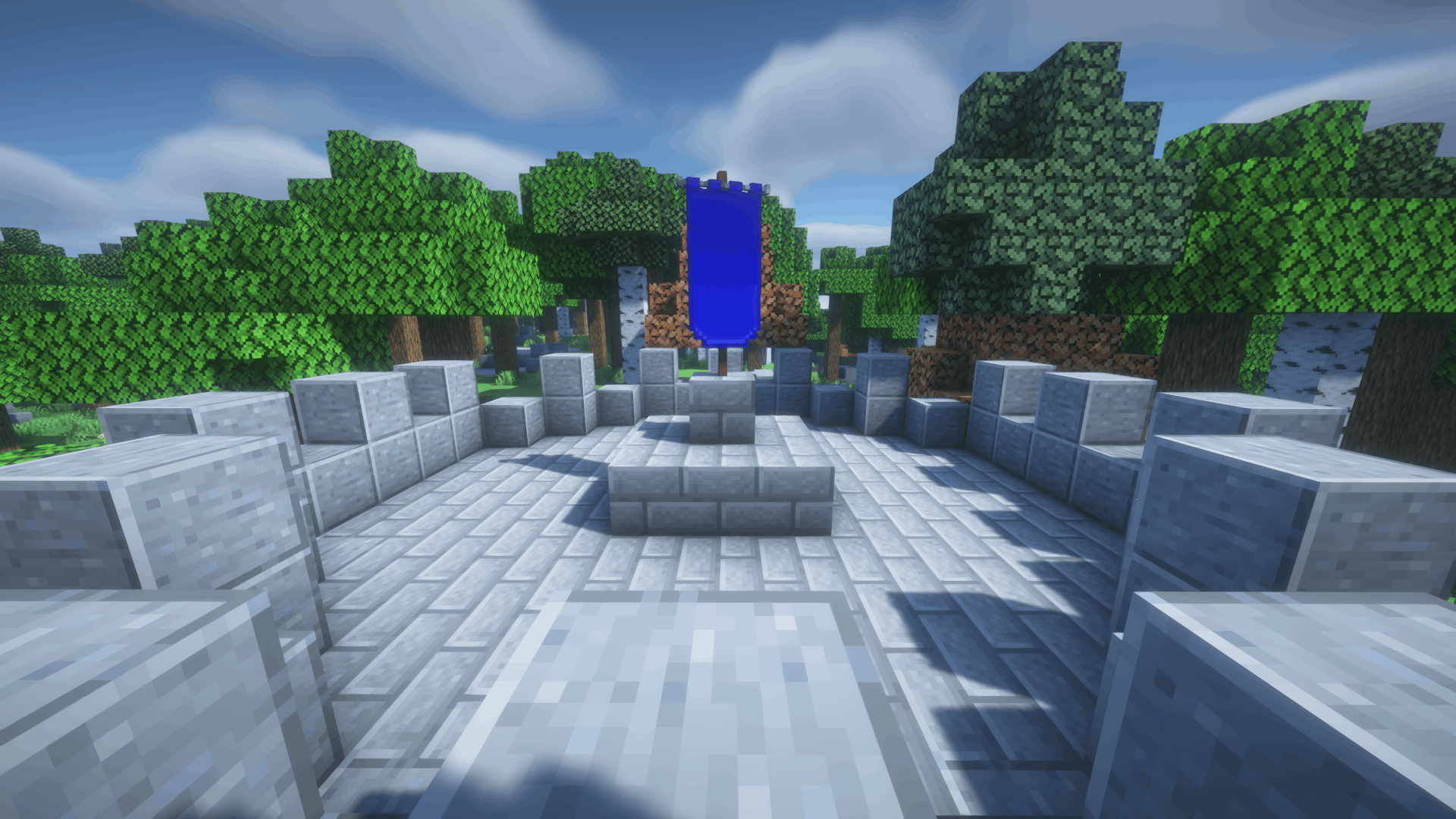
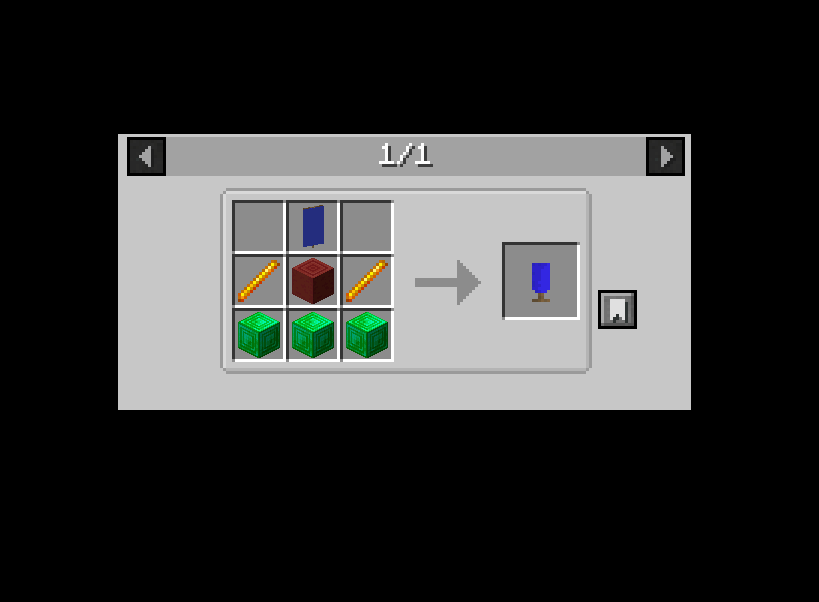
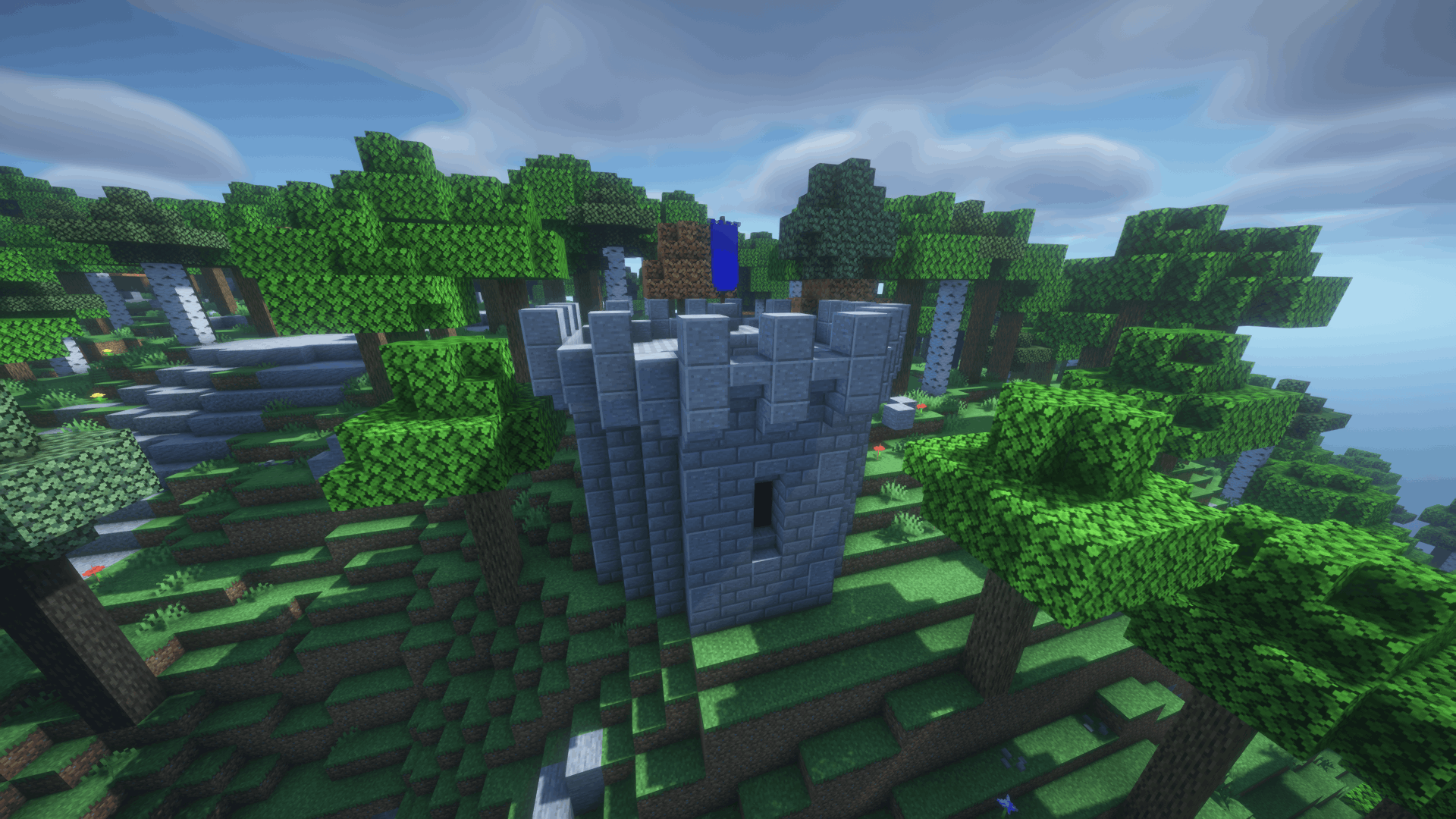
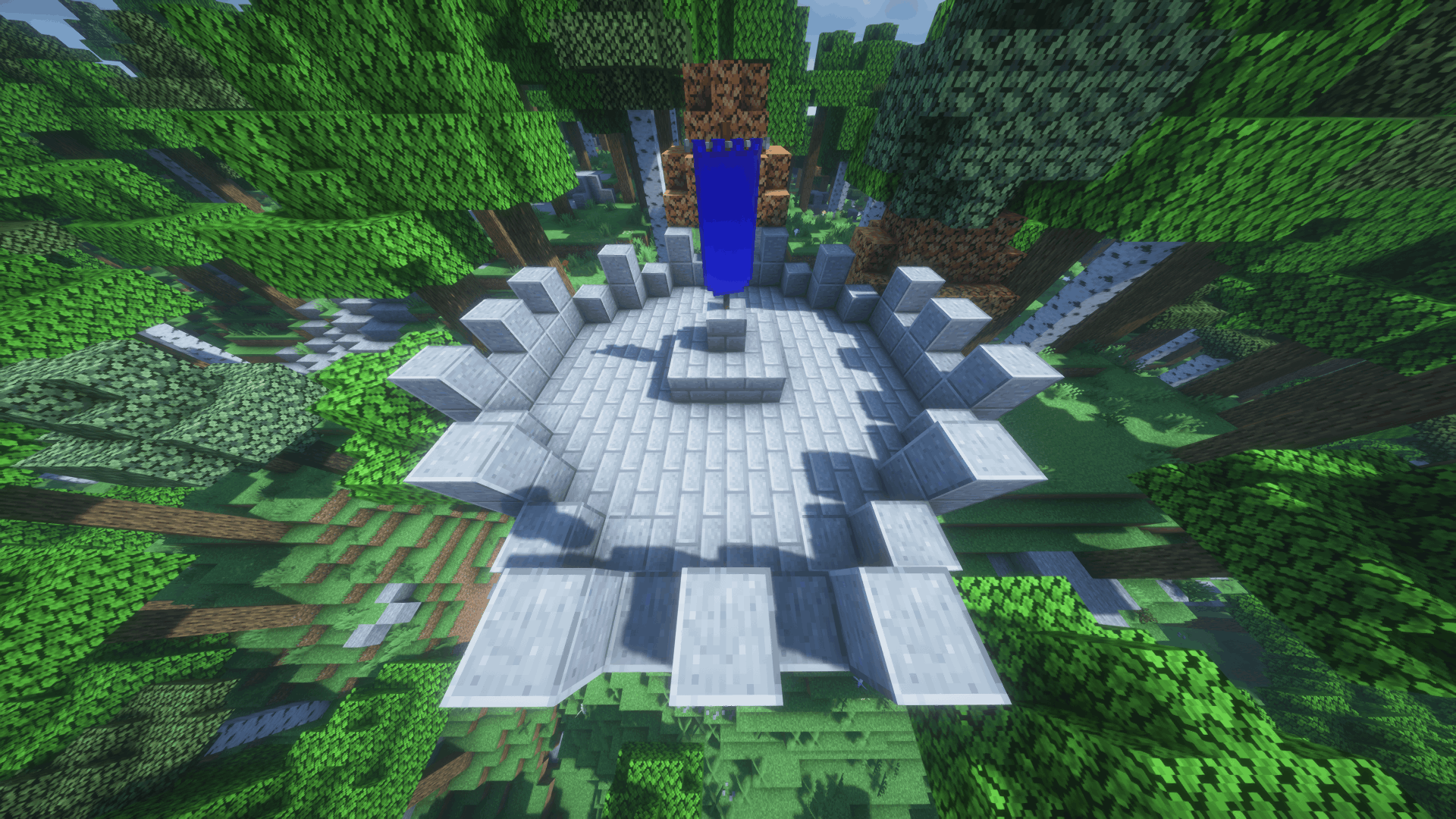
This mod will allow you to protect your territory from the tricks of other players, without privates and other things, in a vanilla way - for this you will simply need a special Border Banner!
After placing the Border Banner, within a radius of 32 blocks, no player will be able to destroy or place blocks, to remove this effect from yourself, right-click on the Border Banner, holding emeralds in your hand, after that you will become the only owner of the banner and it will ignore you. Consider that the Border Banner can be destroyed, so it is better to take care of its protection!
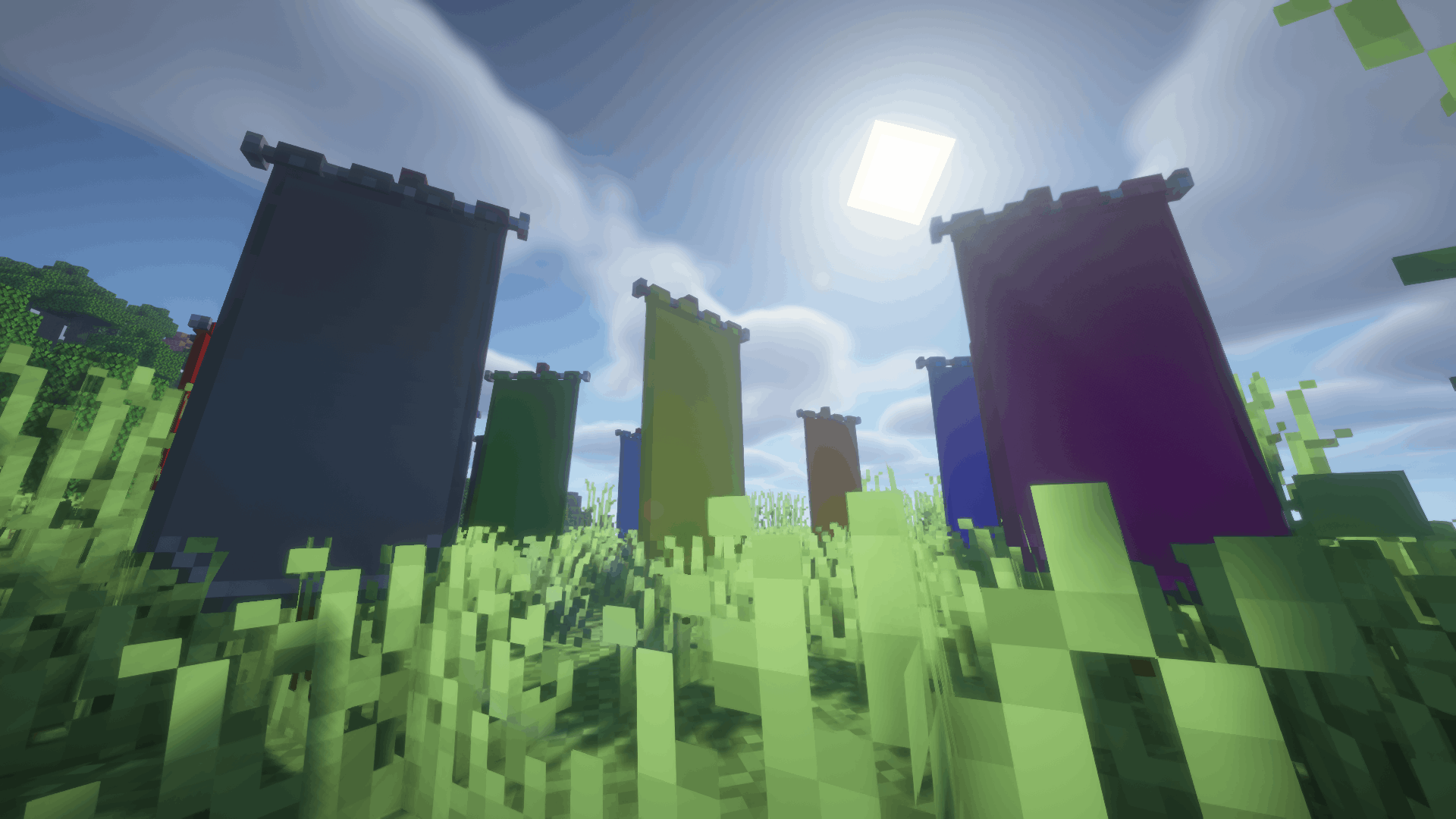
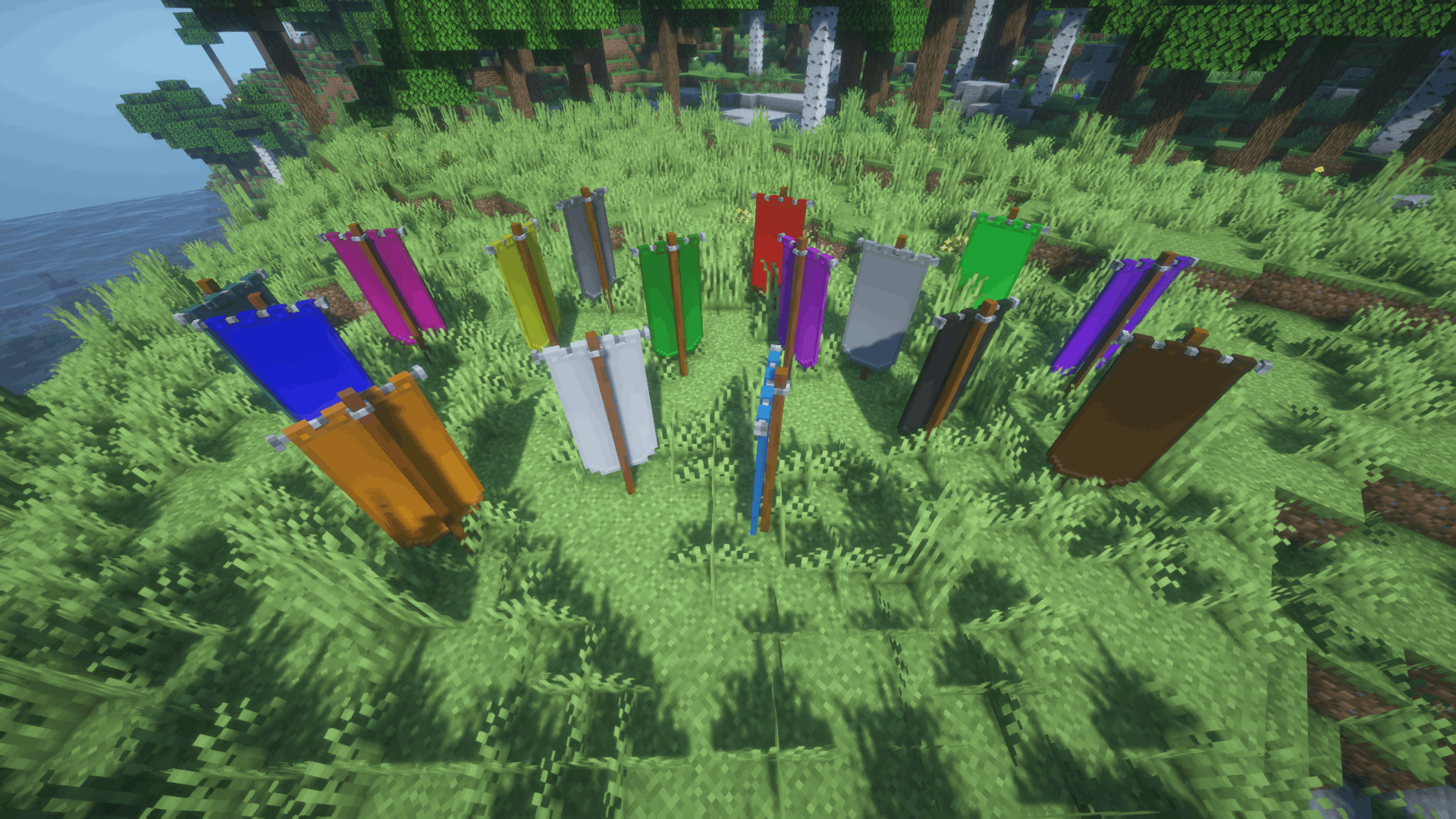
Border Banner are available in all 16 basic colors of Minecraft.
Perfect as an add-on for playing with friends or a server with a mod Villager Recruits
- Edition: Minecraft Java
- File type: .jar
- Minecraft version listed: 1.20.1
- How to install: Install the matching mod loader (Forge, Fabric or NeoForge) for your Minecraft version. → Download the .jar. → Put it in the .minecraft/mods folder and launch that loader profile.
- Where to get it: Opens on CurseForge — not every file is mirrored on our own servers.
Install steps are the general flow for this file type — How to install Minecraft Java mods & modpacks walks through it step by step.
- Ships as border_banner-1.0.0-forge-1.20.1.jar — drop this file into the mods folder
- Download size: 308 KB
- Download link checked 9 Nov 2026 — working
These come from our own check of the pack file, not from the source page.