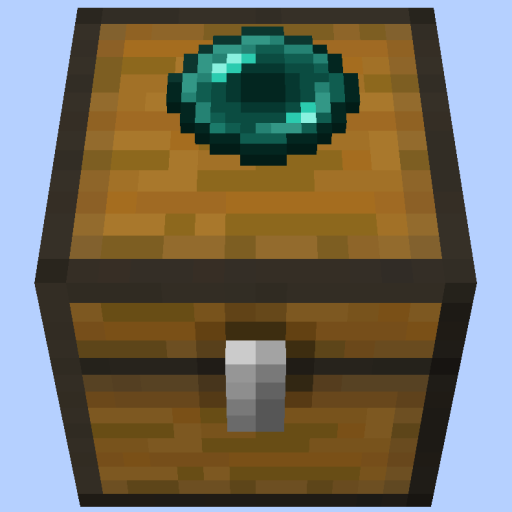
Pepsi's Remote Chests
Java mod listed for Minecraft 1.21. Downloads from the MC Java Mods app on Android.
I don't know my version or loader
Info
You'll need at least two chests, two item frames, an ender pearl, paper, and an anvil. One chest will be your 'source' chest, while the other will be your 'destination' chest.
Ender pearl (source) chests are chests that transport items to the paper (destination) chests on a given item channel.
The name given to the ender pearl and paper will be the item channel. This is how you specify where exactly you want the items to go. This way, you can have multiple instances of remote chests.
Items will be transported from a source chest to the closest destination chest of the same channel. It transports a stack/slot every 8 ticks.
It has overflow protection so don't worry about putting too much in. It will only transport items when it can.
You can have MULTIPLE source/destination chests that have the same channel. The source chests' items always go to the nearest same-channel destination chest.
It works cross-dimensions, too! Perfect for mods like Easy Multi Item Sorter
The source chest and destination chest must be in loaded chunks to function!
How to build a remote chest
1) Place these chests according to how you want the flow of your items to be 2) Place an item frame on the top side of both chests 3) Rename both the ender pearl and the paper any same name with the anvil. The name will be the 'item channel' 4) Stick the ender pearl in the source chest (where items will transport from) 5) Stick the paper in the destination chest (where items will transport to)
And you're done building a remote chest.
See my other mods
- Edition: Minecraft Java
- File type: .jar
- Minecraft versions listed: 1.21.8, 1.21.5, 1.21.4
- How to install: Install the matching mod loader (Forge, Fabric or NeoForge) for your Minecraft version. → Download the .jar. → Put it in the .minecraft/mods folder and launch that loader profile.
- Where to get it: Opens on CurseForge — not every file is mirrored on our own servers.
Install steps are the general flow for this file type — How to install Minecraft Java mods & modpacks walks through it step by step.
- Ships as remote-chests-1.0.0.jar — drop this file into the mods folder
- Download size: 45 KB
- Download link checked 28 Sept 2026 — working
These come from our own check of the pack file, not from the source page.