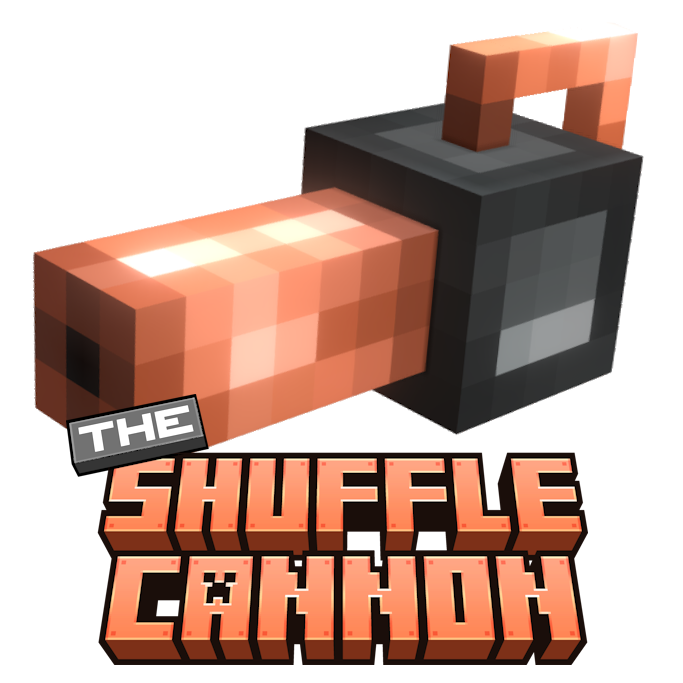
The Shuffle Cannon
Java mod listed for Minecraft 1.21. Downloads from the MC Java Mods app on Android.
With the Shuffle Cannon, you can select a set of blocks and place them randomly with a single click, making it easier than ever to create textured builds…
I don't know my version or loader

The Shuffle Cannon
Click. Shuffle. Build.
The Shuffle Cannon introduces a powerful new tool for builders who love variety and randomness!
With the Shuffle Cannon, you can select a set of blocks and place them randomly with a single click, making it easier than ever to create textured builds, natural landscapes, or chaotic designs.

Showcase
Placing random blocks

Shuffle Cannon GUI
Shift + right click opens a menu that lets you choose which blocks will the Shuffle Cannon shoot and adjust their frequency. 
Recipe

3D Model

- Edition: Minecraft Java
- File type: .jar
- Minecraft versions listed: 1.21.1, 1.21.4, 1.21
- How to install: Install the matching mod loader (Forge, Fabric or NeoForge) for your Minecraft version. → Download the .jar. → Put it in the .minecraft/mods folder and launch that loader profile.
- Where to get it: Opens on CurseForge — not every file is mirrored on our own servers.
Install steps are the general flow for this file type — How to install Minecraft Java mods & modpacks walks through it step by step.
- Ships as the_shuffle_cannon-1.0.0+1.21.1.jar — drop this file into the mods folder
- Download size: 628 KB
- Download link checked 28 Sept 2026 — working
These come from our own check of the pack file, not from the source page.