ModsJava
Despawn Wand
Java mod listed for Minecraft 1.20–1.21. Download on the author's site.
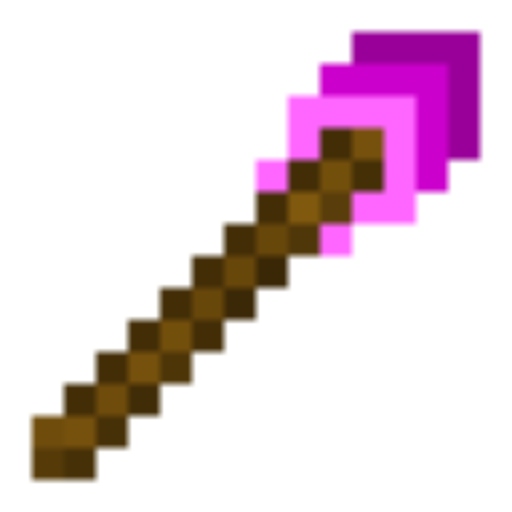
⬇ Download on CurseForgeDespawn Wand is a mod about making your life easier while dealing with entities. The despawn wand is an item you can get by 1. going into Optins --> Controls, and 2. Enabling the operator items tab. In this tab, you will find the despawn wand.
The Despawn wand has two different modes. The first mode is called single. In this mode, left clicking an entity will despawn it. The second mode is called area mode. The entities inside the box-shaped area around you will despawn. When you switch to it, a GUI will show up, asking what you want your box's half width to be. You can switch between the two modes by right clicking.
How to use the wand's filter mode: Type the command: /wandfilter (Name of player to change their filter) (Filtered Entity) NOTICE: The filter is a whitelist, NOT a blacklist
Please comment any suggestions you have for the mod:)
My mod's 1.20.1 versions are NOT going to be receiving new updates.
Quick facts
- Edition: Minecraft Java
- File type: .jar
- Minecraft versions listed: 1.21.8, 1.21.4, 1.20.1
- How to install: Install the matching mod loader (Forge, Fabric or NeoForge) for your Minecraft version. → Download the .jar. → Put it in the .minecraft/mods folder and launch that loader profile.
- Where to get it: Opens on CurseForge — not every file is mirrored on our own servers.
Install steps are the general flow for this file type — How to install Minecraft Java mods & modpacks walks through it step by step.
Despawn Wand is a free Minecraft Java mod. Compatible with Minecraft 1.21.8, 1.21.4, 1.20.1, 1.21.1. Downloaded 752 times (via CurseForge). Download it and open it directly in the game.