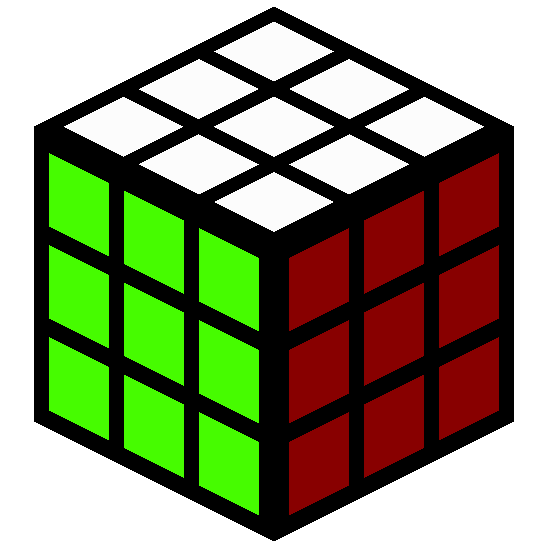
Rubiks Cube
Java mod listed for Minecraft 1.20–1.21. Downloads from the MC Java Mods app on Android.
I don't know my version or loader


Description
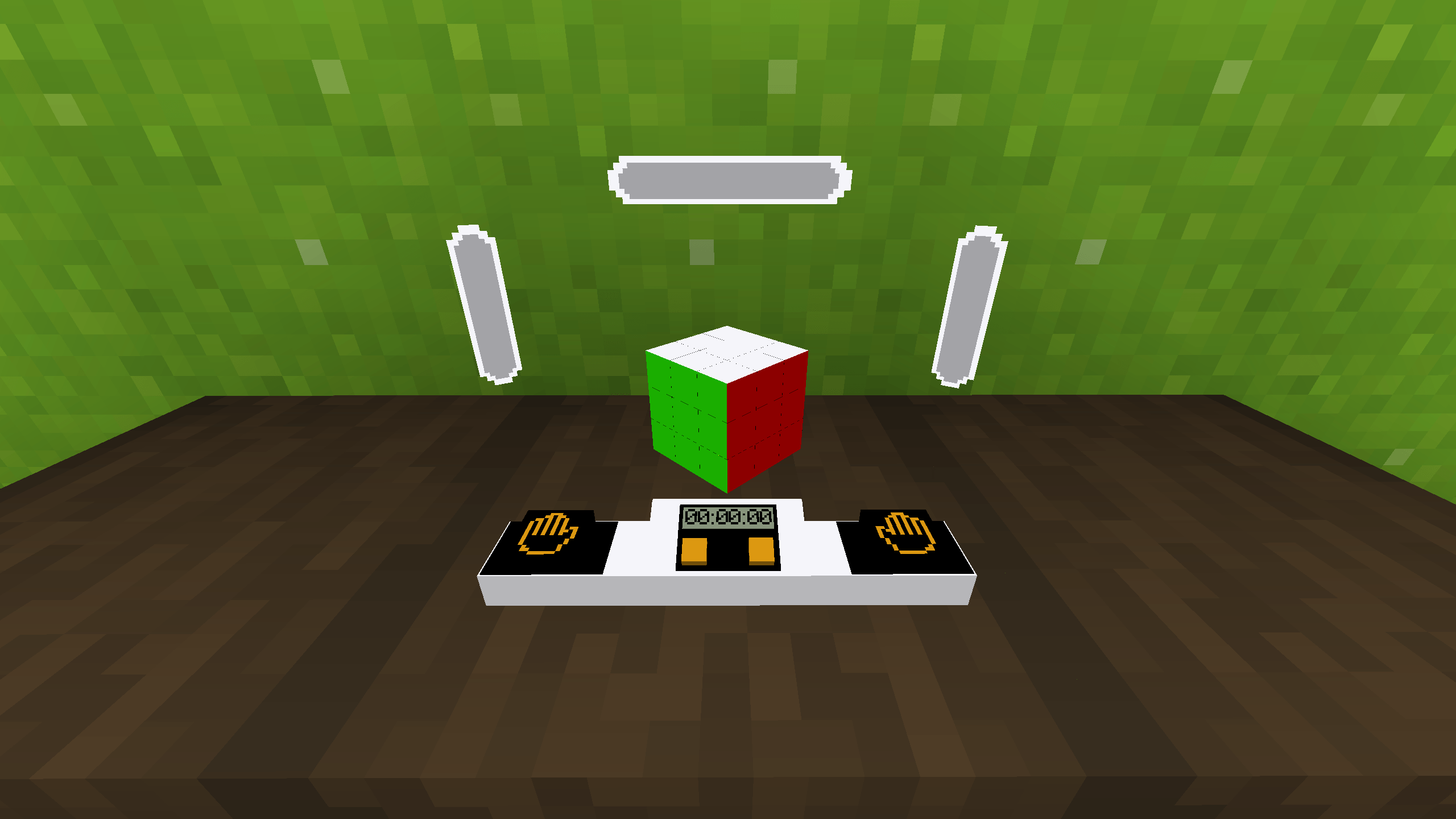
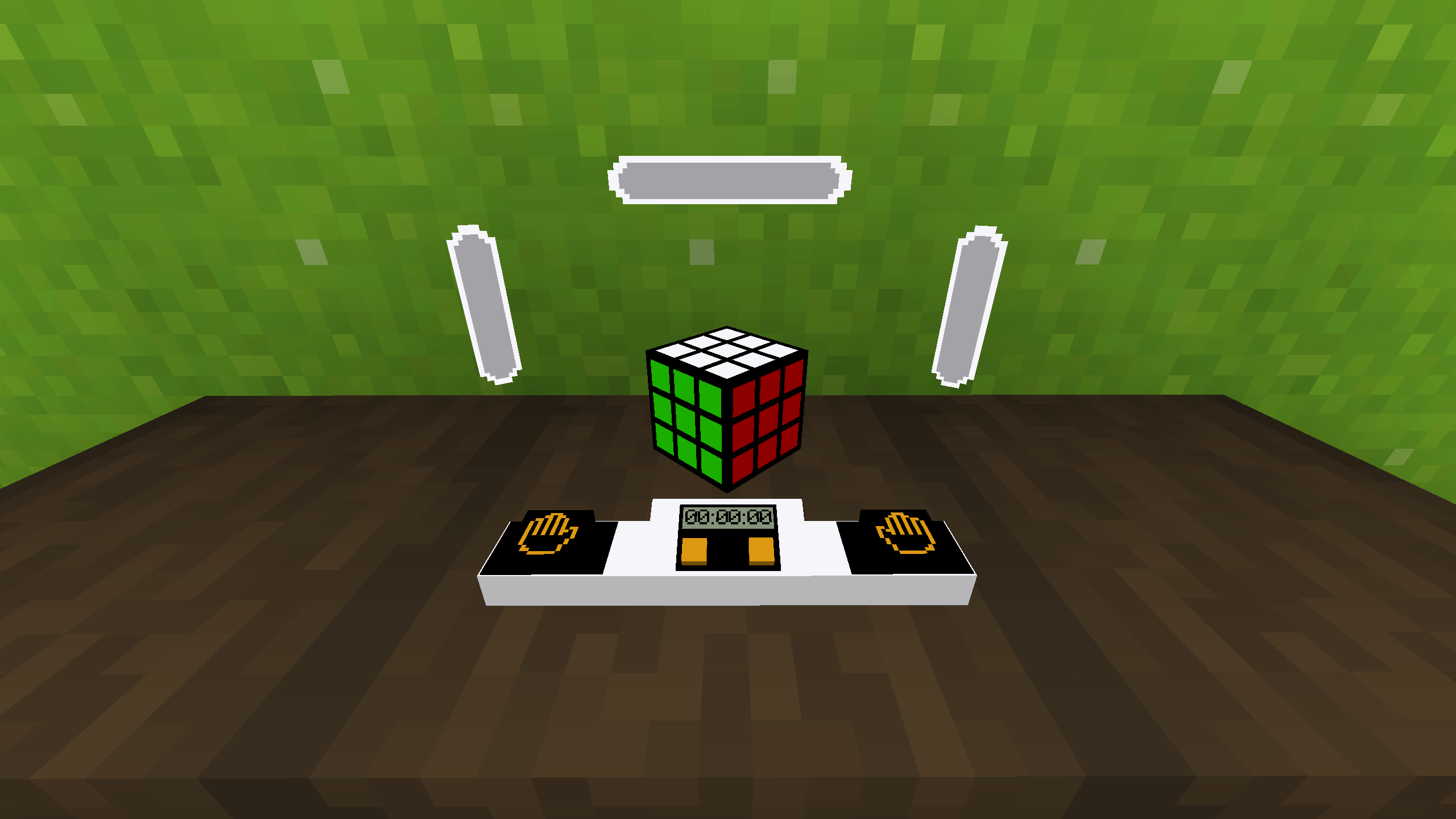
Mod/datapack adds a working Rubik's cube.
How to use
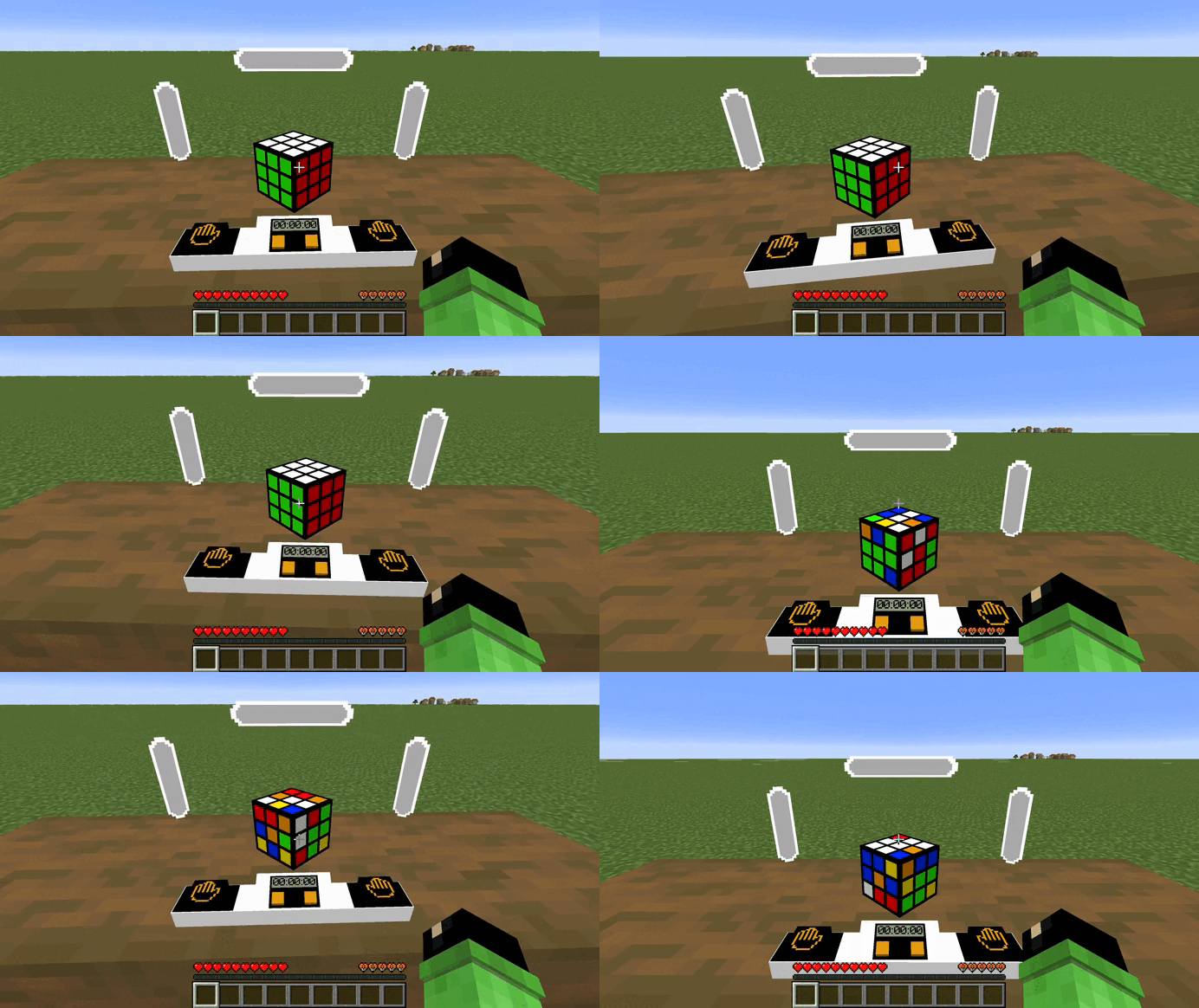
In order for the cube to appear or assemble, you need to use this command.
/function cube:cubeTo make the cube colored you need to use this command.
/function cube:color_cubeTo make a cube with stickers you need to use this command.
/function cube:stiker_cubeTo rotate the edges, you need to sit on the seat (in order for the hitboxes to work correctly), hold down the left mouse button and turn in the direction where you want to scroll the edge. To start the timer you need to press the left button with the image of a palm, to stop it - on the right. To disassemble the cube you need to press the right orange button or the left one. The result is the same, but not the process.
Dependencies
- Fabric loader requires Fabric API
- Edition: Minecraft Java
- File type: .jar
- Minecraft versions listed: 1.20.2, 1.21, 1.20.5
- How to install: Install the matching mod loader (Forge, Fabric or NeoForge) for your Minecraft version. → Download the .jar. → Put it in the .minecraft/mods folder and launch that loader profile.
- Where to get it: Opens on CurseForge — not every file is mirrored on our own servers.
Install steps are the general flow for this file type — How to install Minecraft Java mods & modpacks walks through it step by step.
- Ships as rubiks-cube-v1.5.jar — drop this file into the mods folder
- Download size: 120 KB
- Download link checked 28 Sept 2026 — working
These come from our own check of the pack file, not from the source page.