
Sodium/Embeddium Device Check
Java mod listed for Minecraft 1.16–1.21. Downloads from the MC Java Mods app on Android.
I don't know my version or loader
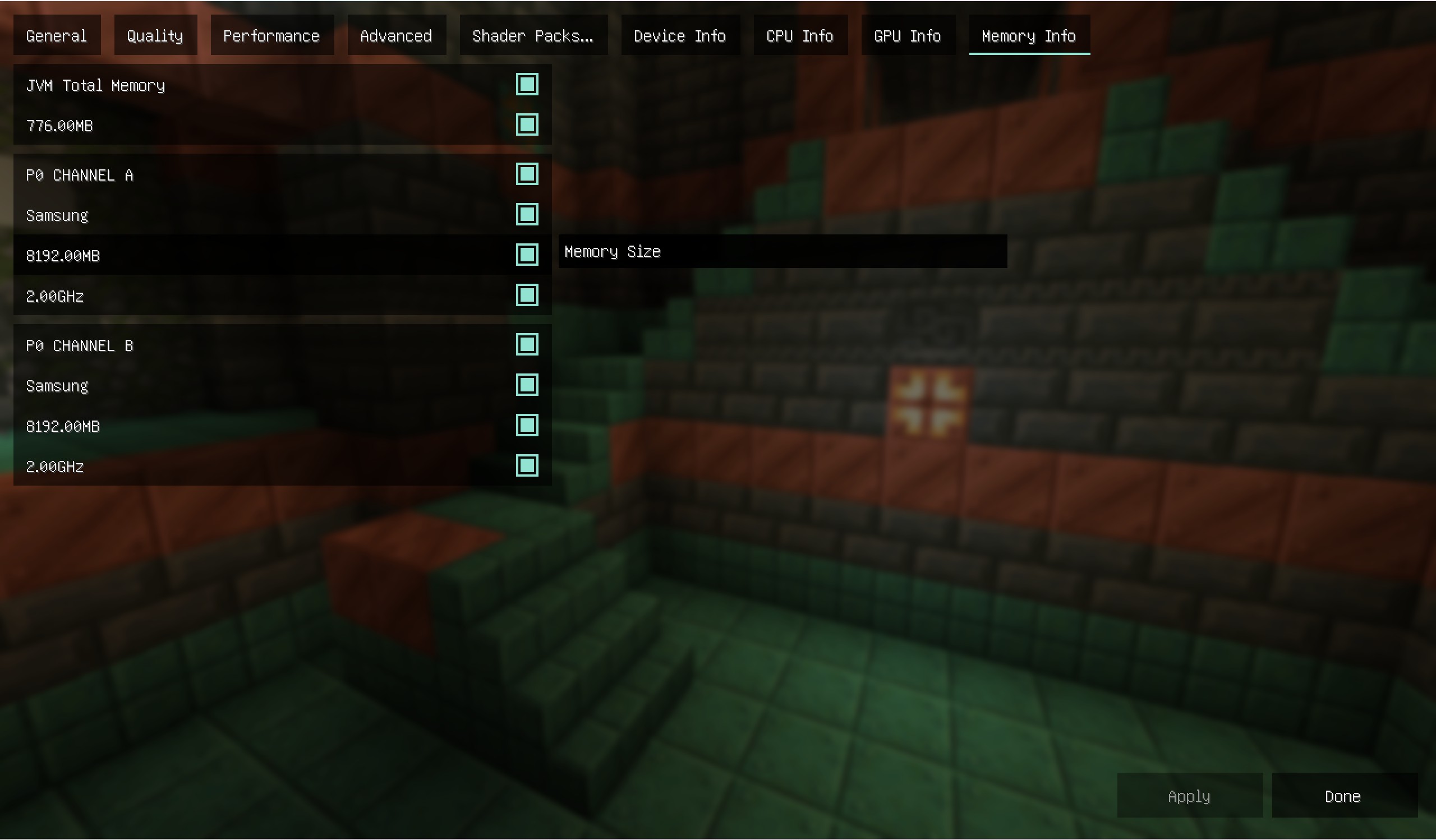
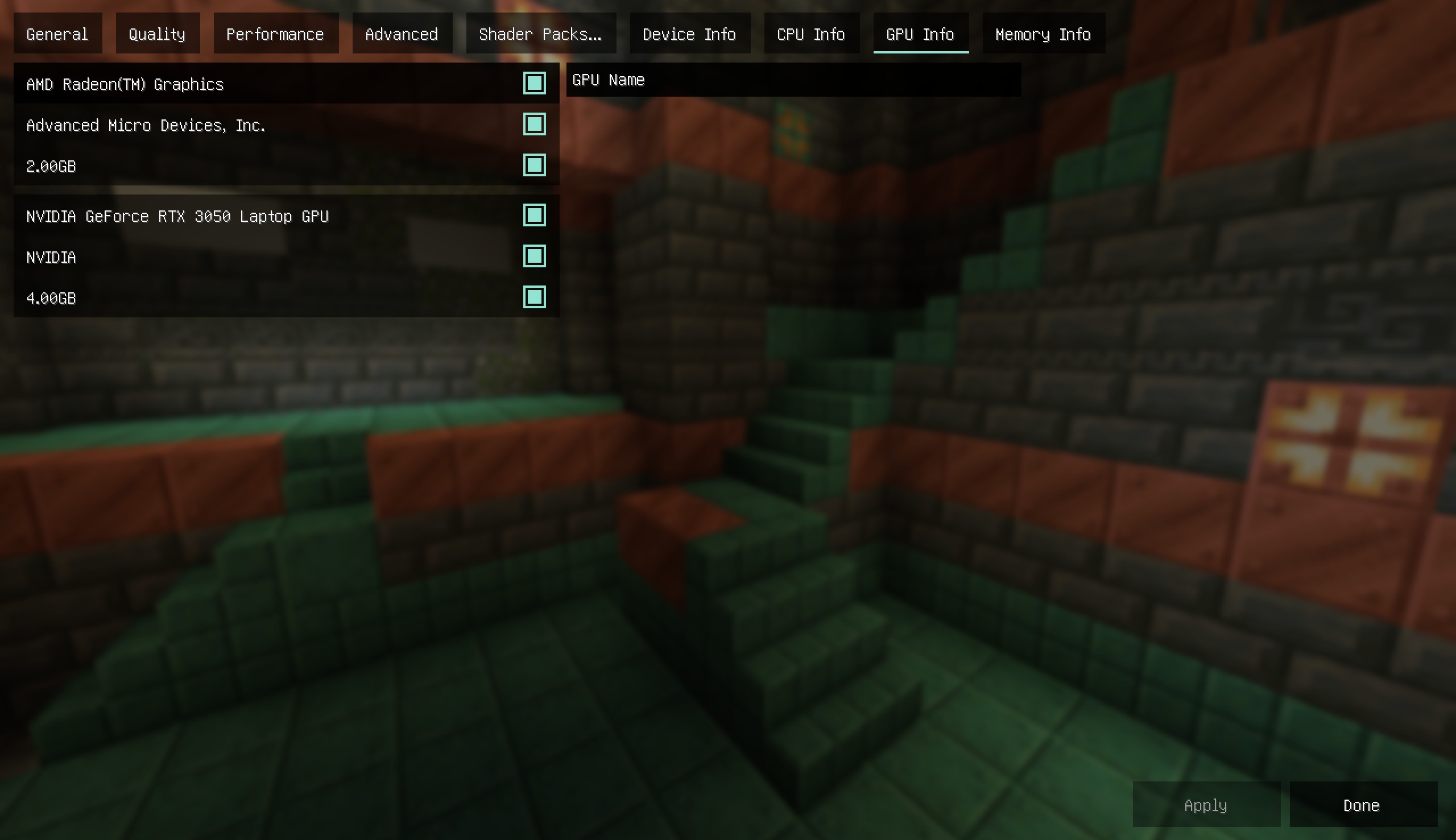
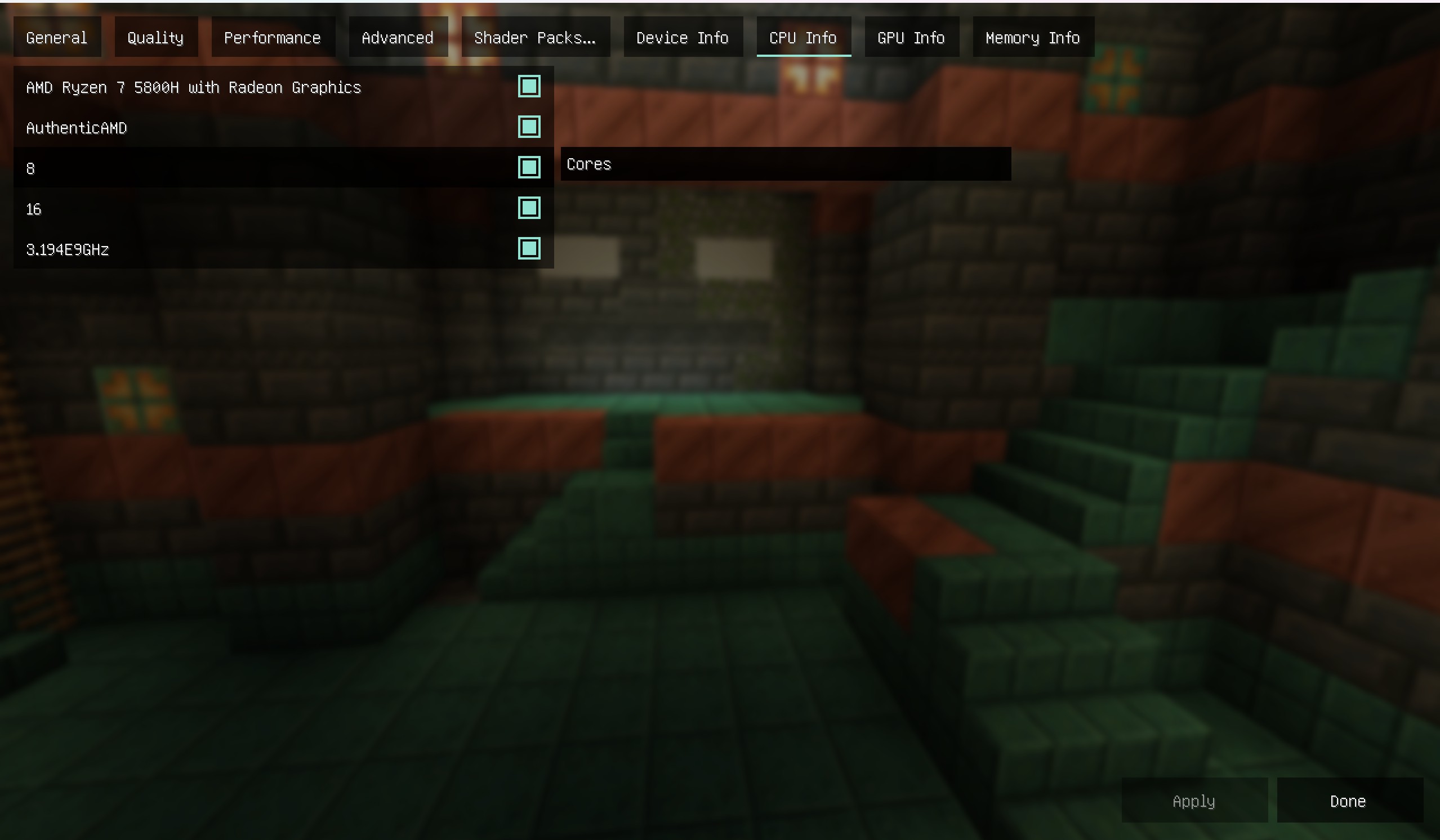
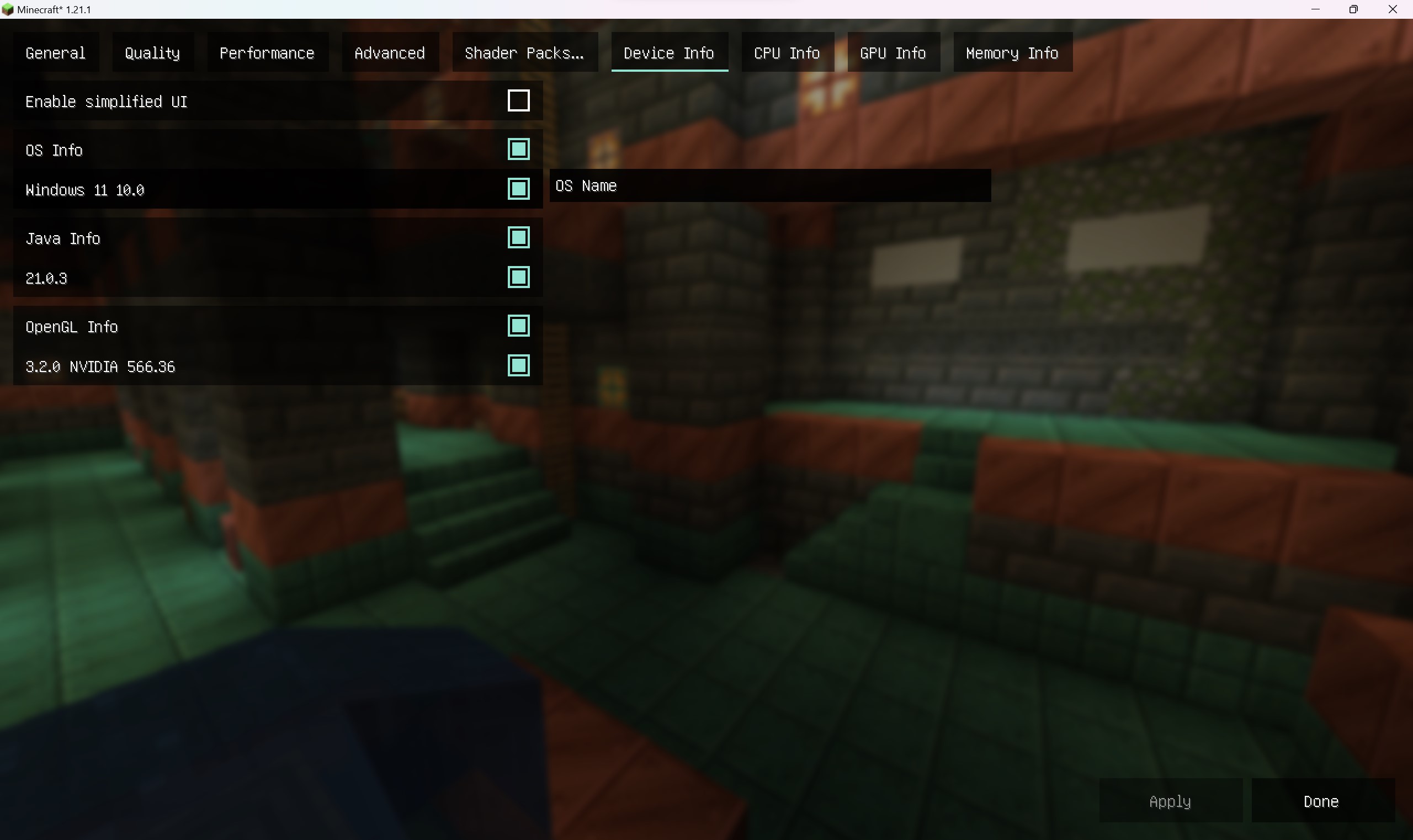


Sodium Device Check
Sodium Device Check is an auxiliary module for sodium. Please install the Sodium before installation
After installing the module, you can view platform information as a reference for adjusting image quality
The functions are as follows
1. View CPU information, including model, supplier, number of physical cores (cores), number of logical cores (threads), frequency
2. View graphics card information, including the model, supplier, and memory of each graphics card on the computer
3. View memory information, including the model, supplier, and size of each memory module on the computer
4. View software information, including Java information, operating system information, and OpenGL information
钠-设备检测
钠-设备检测是钠的附属模组,安装前请先安装钠模组(Sodium)
安装模组后可以查看平台信息以作为调节画质时的参考
功能如下
1.查看CPU信息,包含型号,供应商,物理核心数(核心数),逻辑核心数(线程数),频率
2.查看显卡信息,包含计算机上每一张显卡的型号,供应商,显存
3.查看内存信息,包含计算机上每一根内存条的型号,供应商,大小
4.查看软件信息,包含Java信息,操作系统信息和OpenGL信息
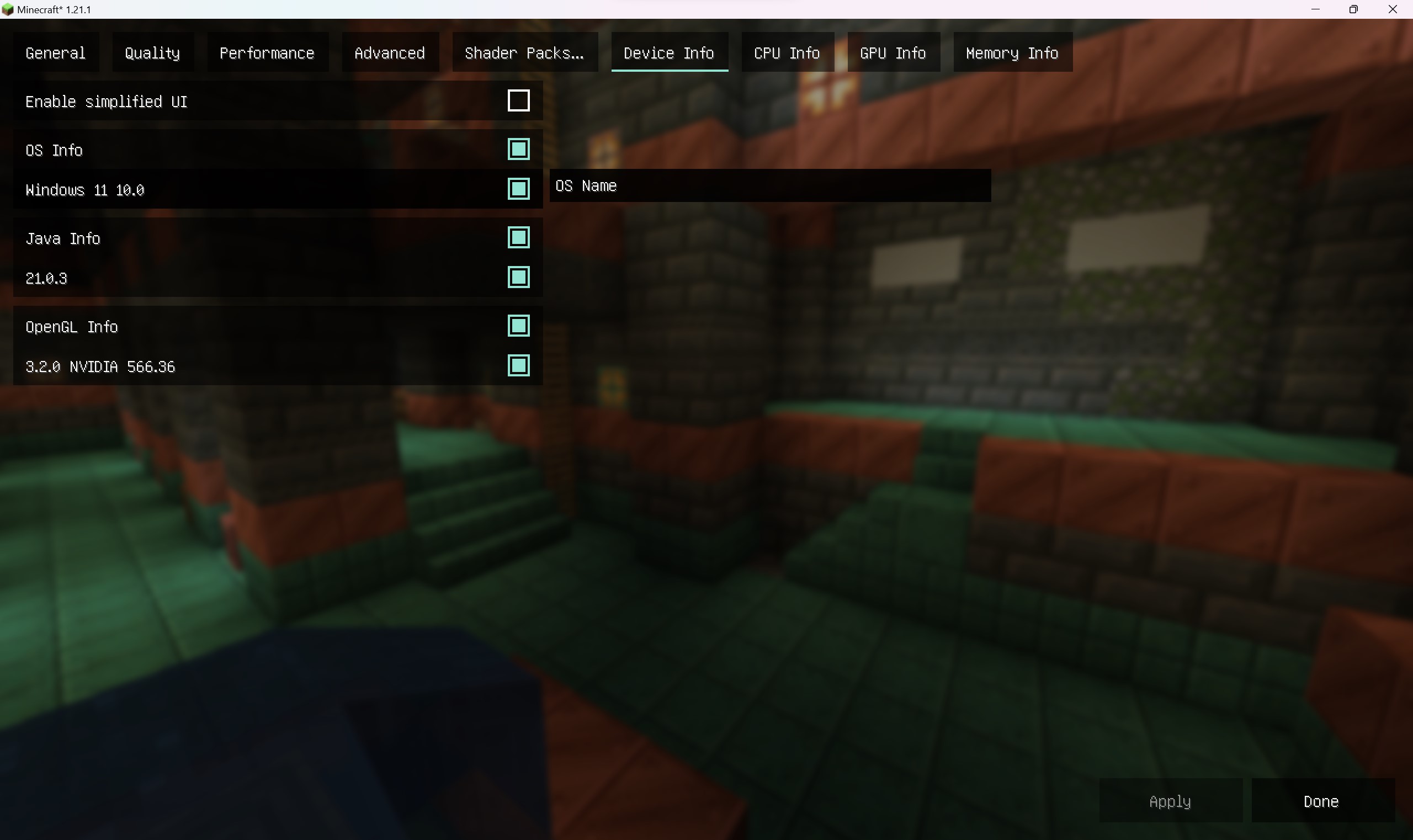
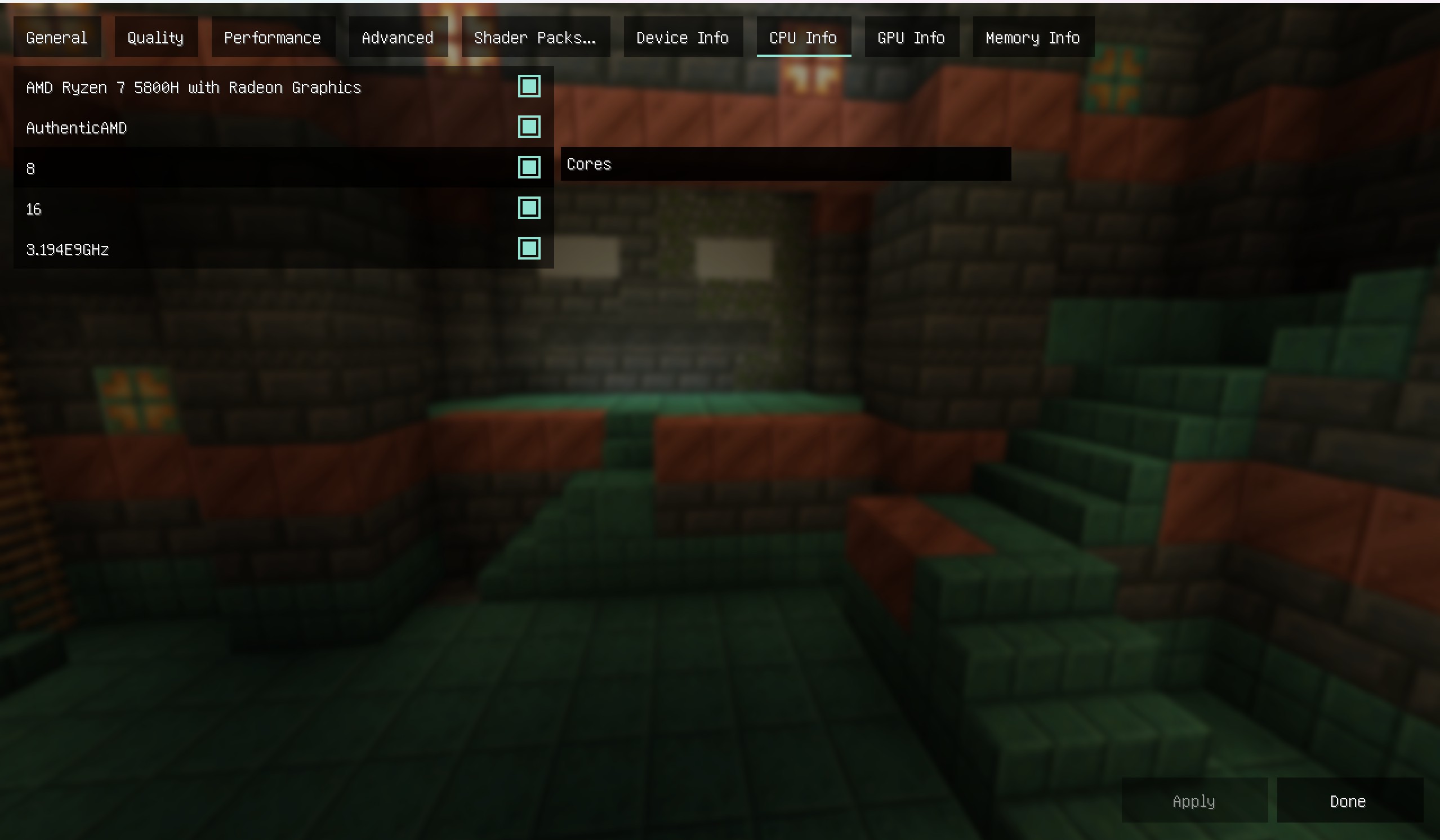
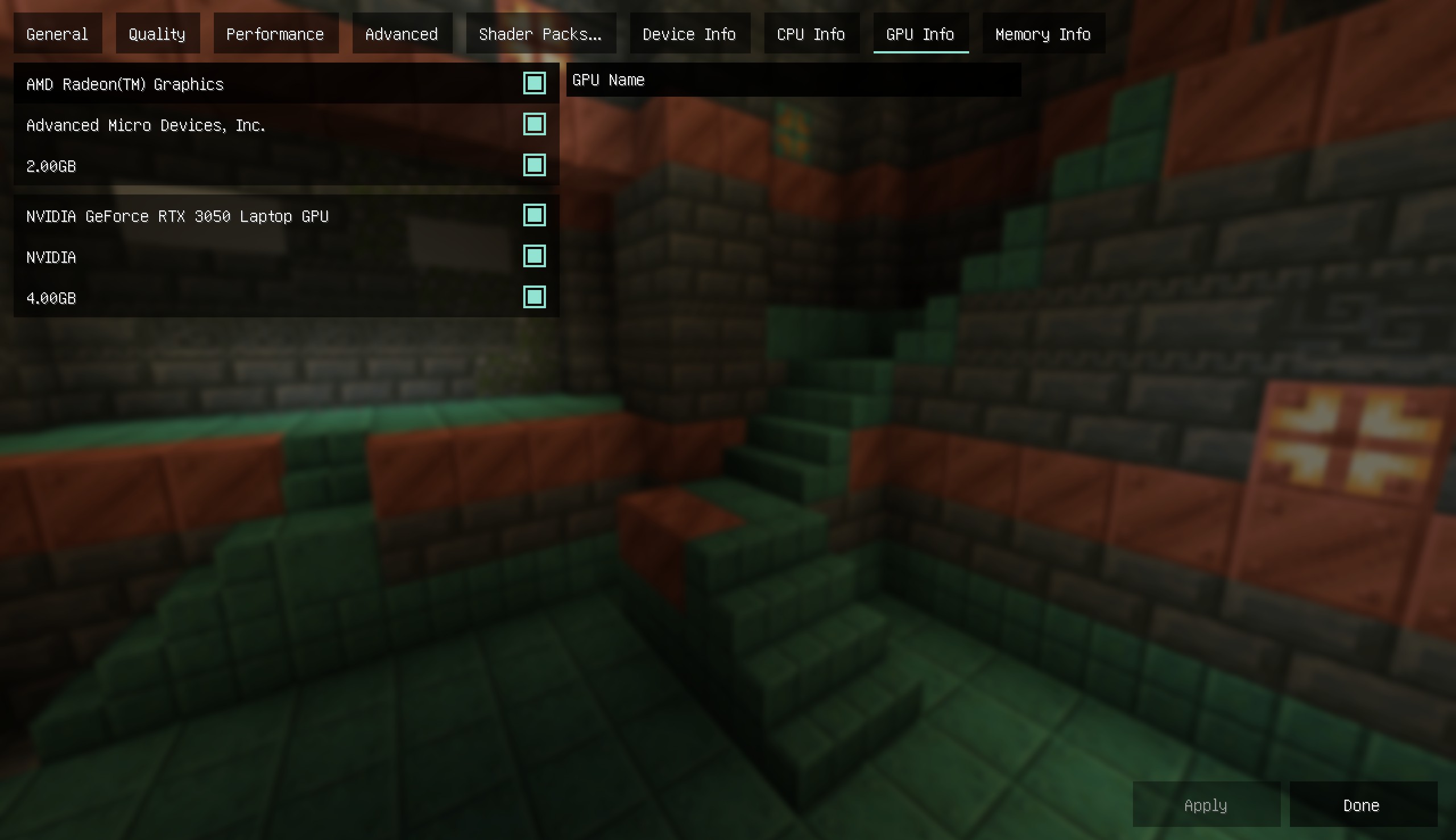
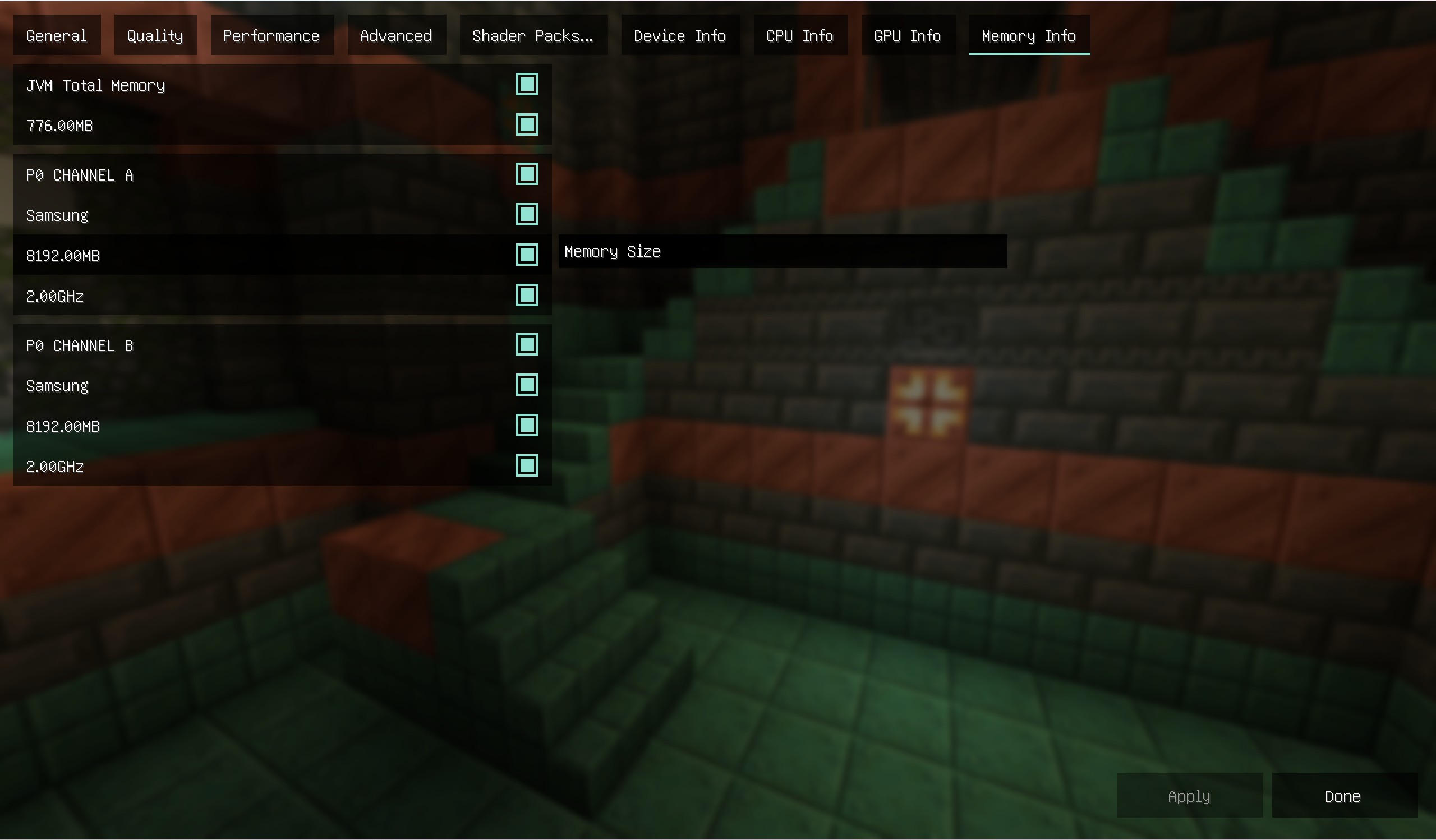

- Edition: Minecraft Java
- File type: .jar
- Minecraft versions listed: 1.21.1, 1.21.11, 1.18.2
- How to install: Install the matching mod loader (Forge, Fabric or NeoForge) for your Minecraft version. → Download the .jar. → Put it in the .minecraft/mods folder and launch that loader profile.
- Where to get it: Opens on CurseForge — not every file is mirrored on our own servers.
Install steps are the general flow for this file type — How to install Minecraft Java mods & modpacks walks through it step by step.
- Ships as rubidium-device-check-2.0.1+mc1.18.2-unknown.jar — drop this file into the mods folder
- Download size: 173 KB
- Download link checked 28 Sept 2026 — working
These come from our own check of the pack file, not from the source page.