Graves (Fabric/Forge/NeoForge/Quilt)
Java mod listed for Minecraft 1.21. Download on the author's site.
⬇ Download on CurseForge
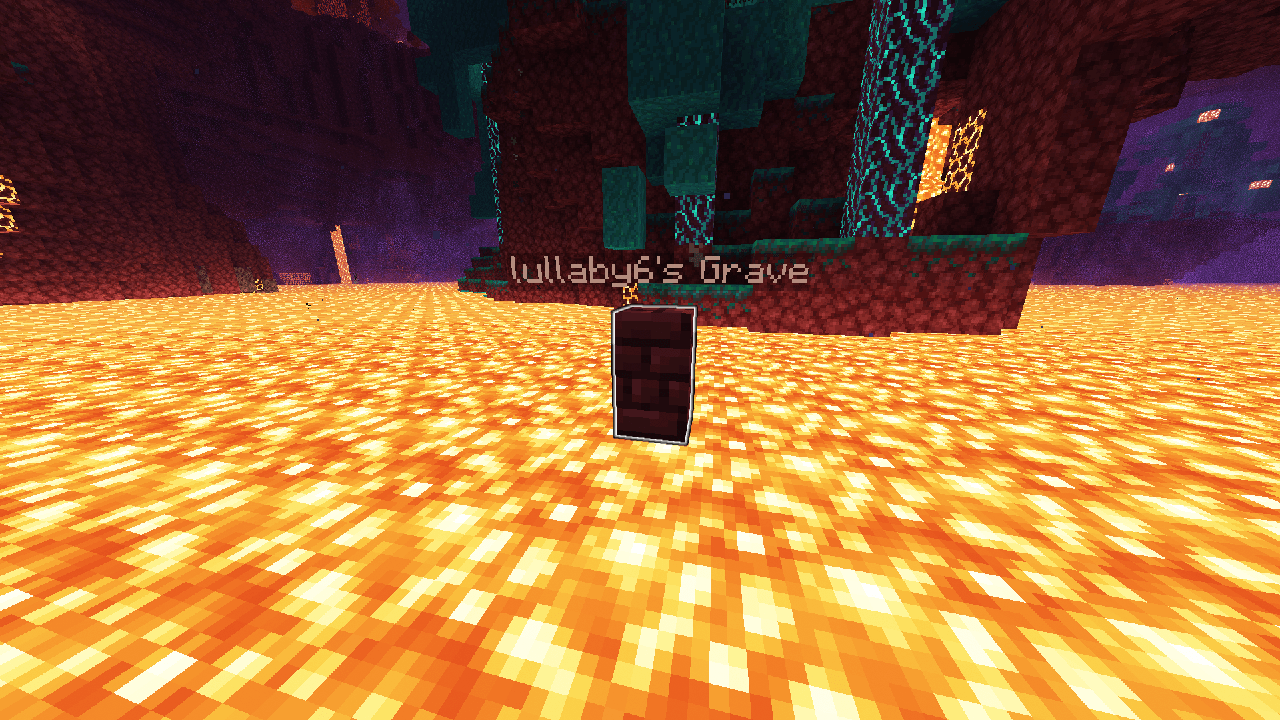
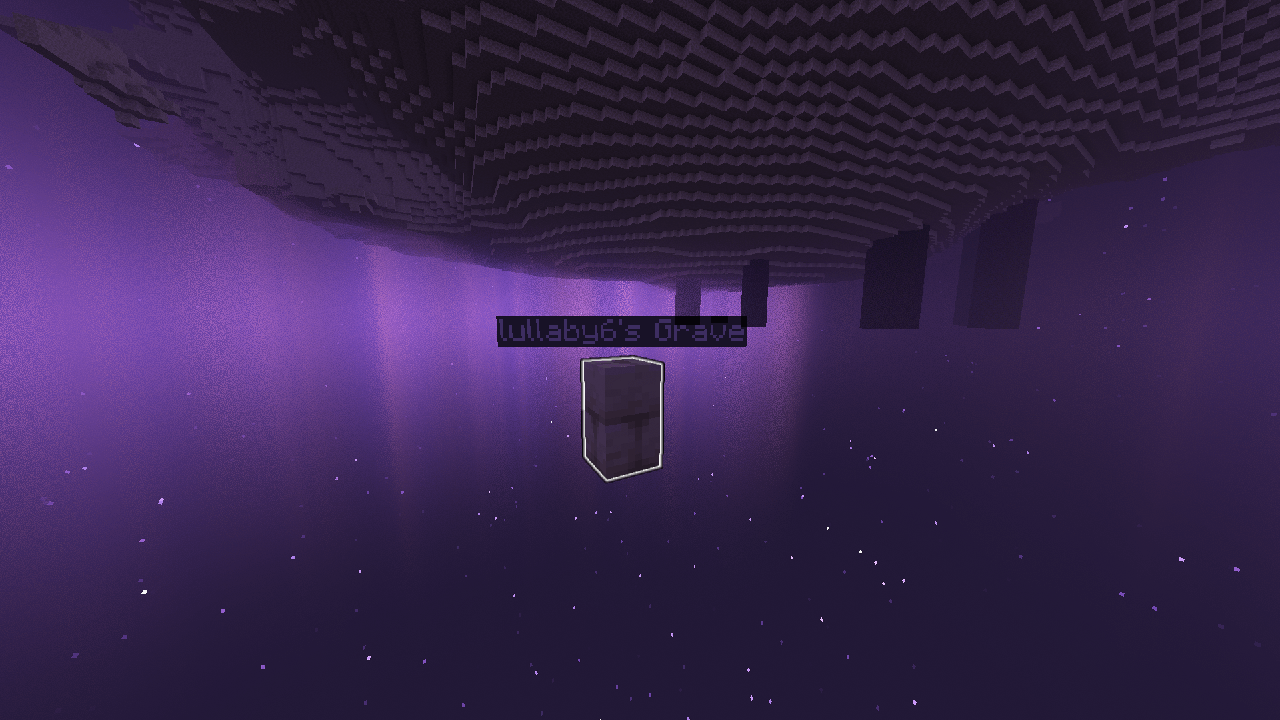
Graves




📖 Description
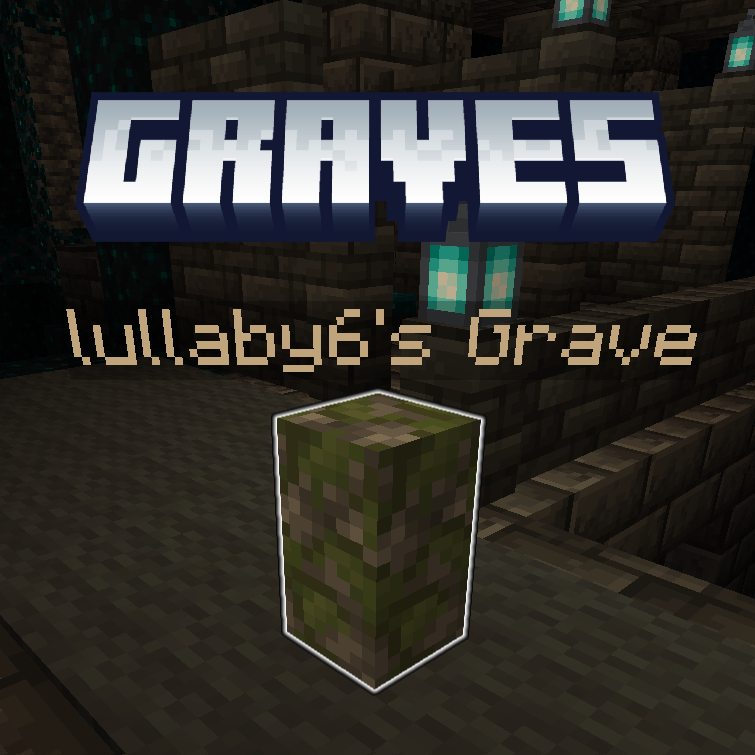
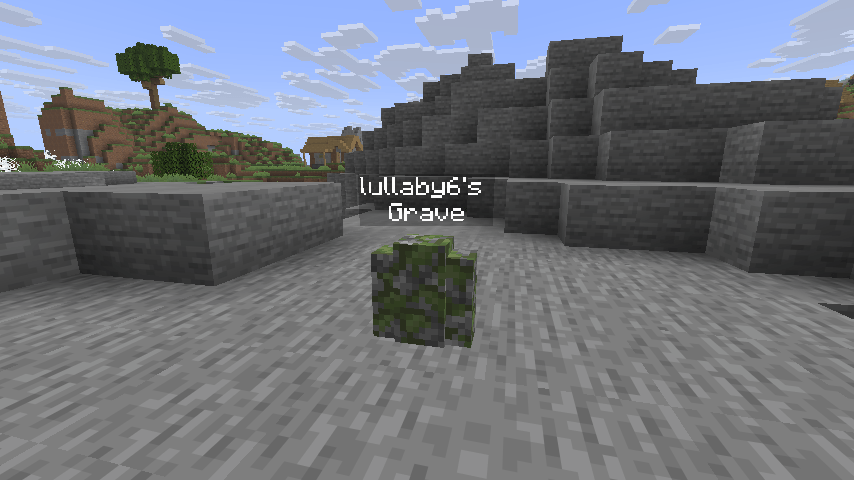
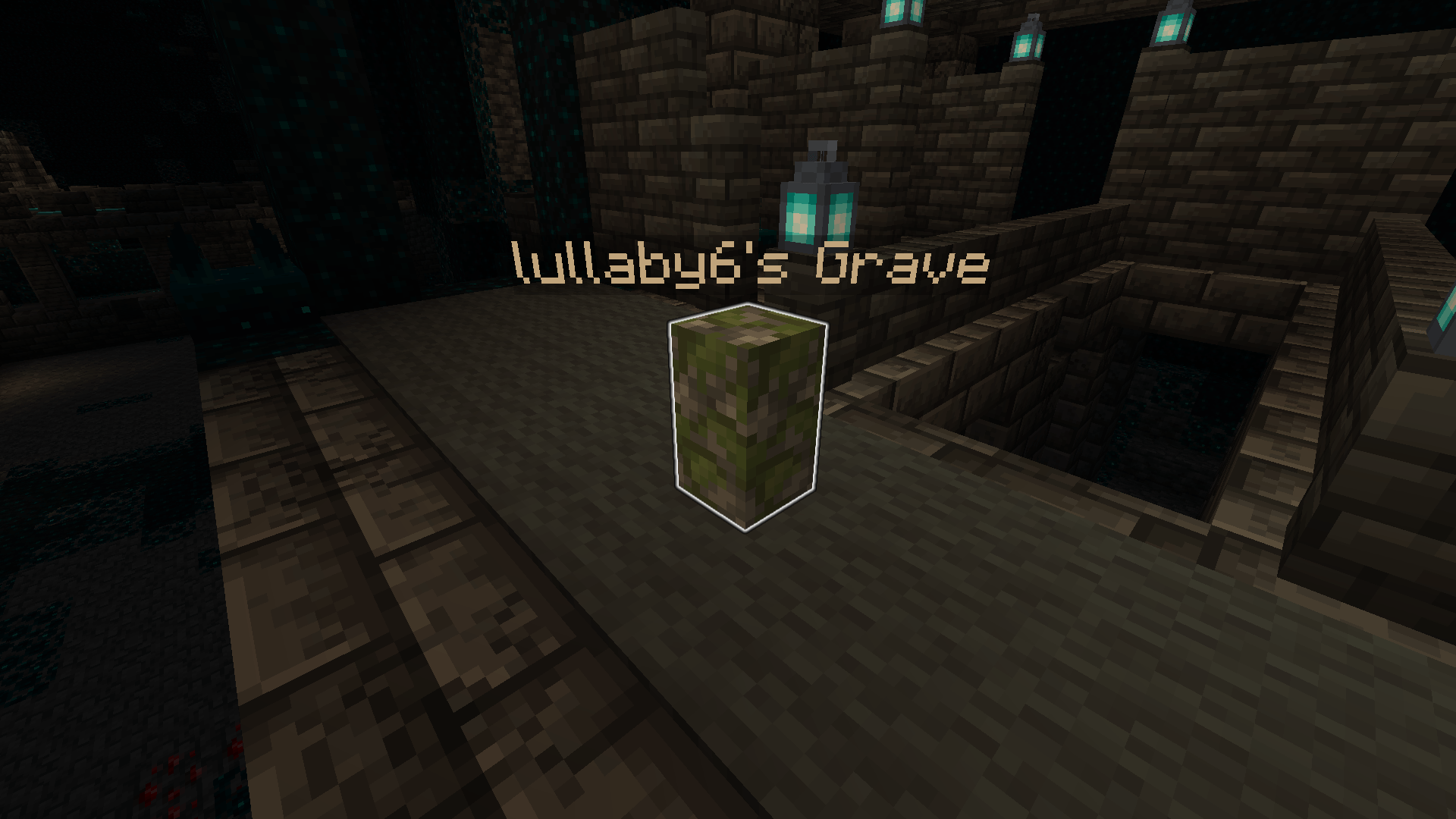
A fully customizable grave to save your loot upon death!
The graves in the end's void generate at Y = 1, and the graves that are under the lava will rise to the surface of the lava!
Keep Inventory is setted true to work.
❗ Compatibility
- Compatible with Soulbound Enchantment!
- NOT compatible with curios or accessories.
⌨️ Commands
Player
See trigger commands:
/trigger graves.helpSee last grave:
/trigger graves.last_graveSee nearest grave:
/trigger graves.nearest_graveSee all graves:
/trigger graves.all_gravesAdmin
Config options:
- Despawn (default: enabled)
- Despawn Time (default: 100000 ticks)
- Owner (default: enabled)
- Auto Equip (default: enabled)
- Loot In Position On Sneak (default: enabled)
- Glowing (default: disabled)
- Glowing Items (default: disabled)
- Visible Name (default: enabled)
- Name (default: enabled)
- XP (default: enabled)
- Death Message (default: enabled)
- Triggers (default: enabled)
- Effects (default: enabled)
- Suffocable (default: disabled)
- Lava Protect (default: disabled)
- Water Protect (default: disabled)
- Void Protect (default: disabled)
- End Protect (default: disabled)
/function graves:config/optionsConfig commands:
- Loot Nearest Grave
- Loot Nearest Grave In Inventory
- Loot All Graves
- Clear Nearest Grave
- Clear All Graves
- TP To Nearest Grave
- Reset Options
/function graves:config/commandsPrevent player generating graves (The player will keep the items in their inventory):
/tag <player> add graves.player.no_graveUninstall:
- Run
/function graves:uninstall. - Run
/datapack disable <datapack>. - If there any entity of Graves left, run
/kill @e[tag=graves.entity].
🪪 License
👾 Bugs/Issues
Please report any problem/bug/issues in the Discord Server.
💌 Donate

https://bisecthosting.com/lullaby
Creating your own server can be a very lengthy, tedious and costly process.
But with BisectHosting, you get your own server in just a couple of clicks! With their 24/7 support and fast-response time, no issues shall stand in your way! Interested? Then we've got a deal for you!
- Edition: Minecraft Java
- File type: .jar
- Minecraft versions listed: 1.21.4, 1.21.3, 1.21.2
- How to install: Install the matching mod loader (Forge, Fabric or NeoForge) for your Minecraft version. → Download the .jar. → Put it in the .minecraft/mods folder and launch that loader profile.
- Where to get it: Opens on CurseForge — not every file is mirrored on our own servers.
Install steps are the general flow for this file type — How to install Minecraft Java mods & modpacks walks through it step by step.
Graves (Fabric/Forge/NeoForge/Quilt) is a free Minecraft Java mod. Compatible with Minecraft 1.21.4, 1.21.3, 1.21.2, 1.21 and newer. Downloaded 154,498 times (via CurseForge). Download it and open it directly in the game.