Walking Among The Dinosaur WATD
Java modpack listed for Minecraft 1.18. Download on the author's site.
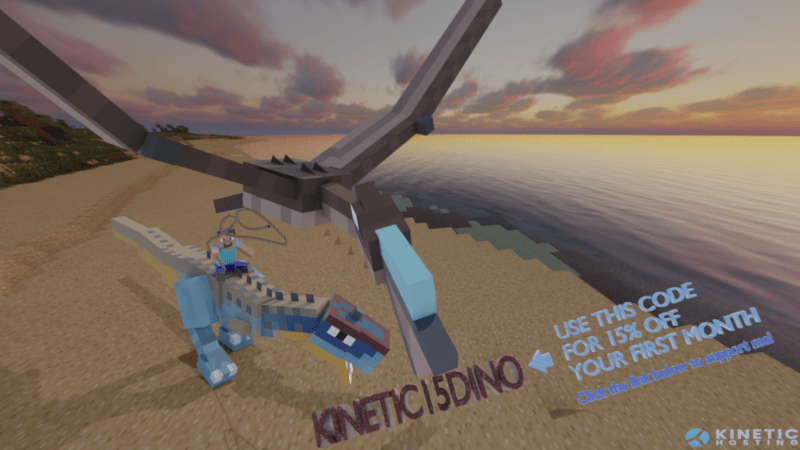
Walking Among The Dinosaur is a prehistoric survival modpack that thrusts you into a world teeming with ancient life.
⬇ Download on CurseForge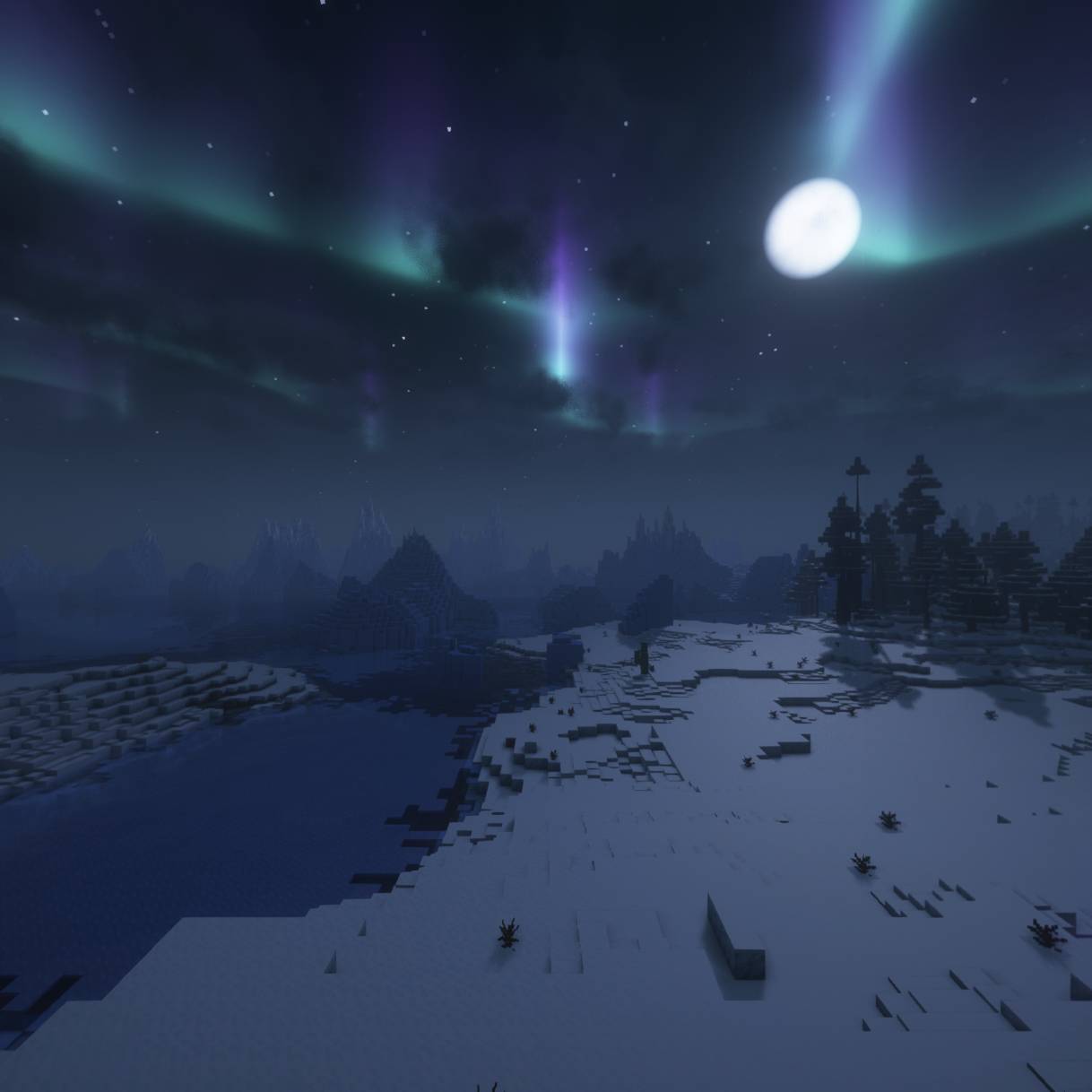
Walking Among The Dinosaur Modpack
Introduction
Walking Among The Dinosaur is a prehistoric survival modpack that thrusts you into a world teeming with ancient life. You’ll experience an epic journey of survival in a wild and untamed world – and here’s the twist: you won’t be alone. You’ll be walking among the dinosaurs!
This modpack emphasizes realistic survival mechanics and immersive dinosaur interactions, creating a challenging and atmospheric adventure.
Key Features:
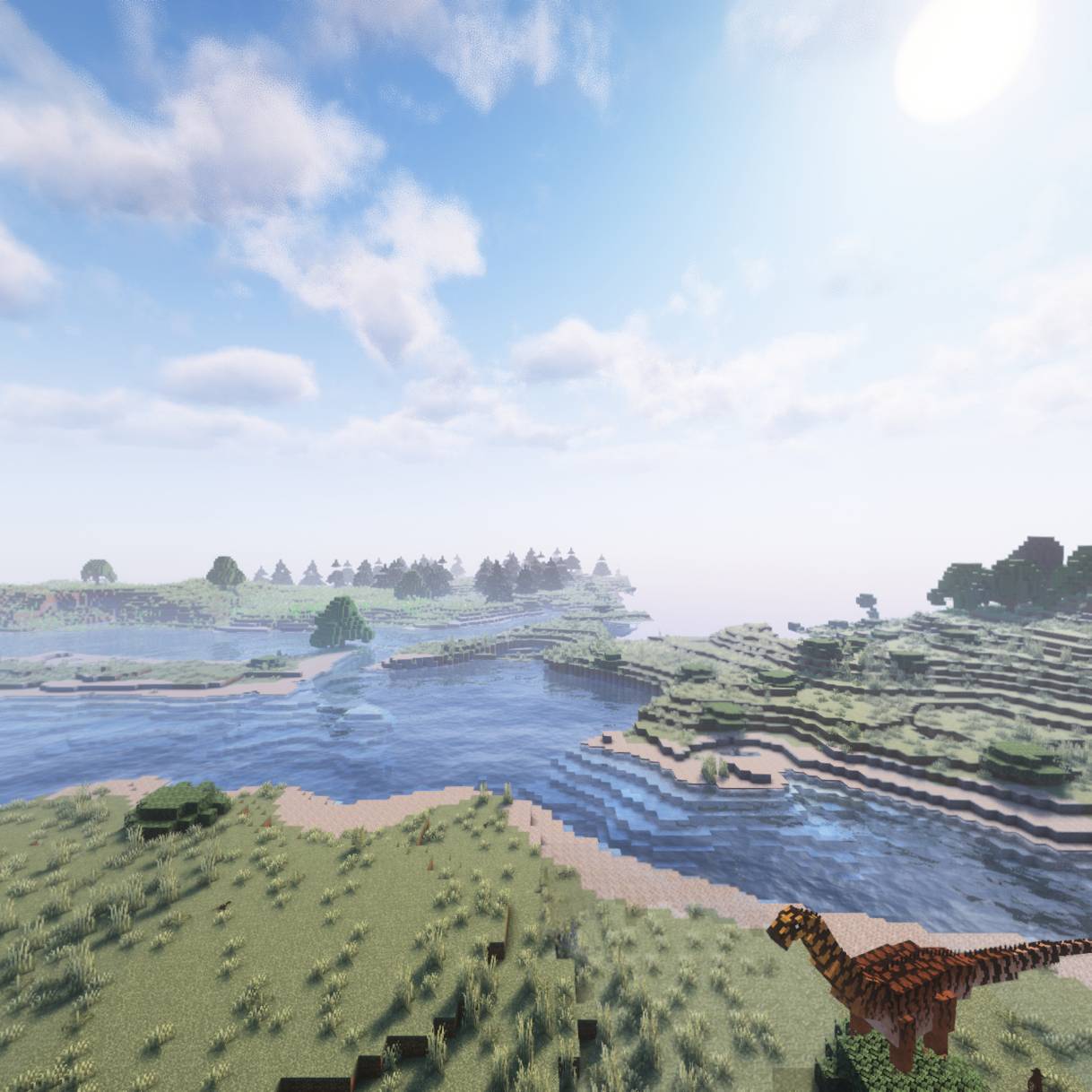
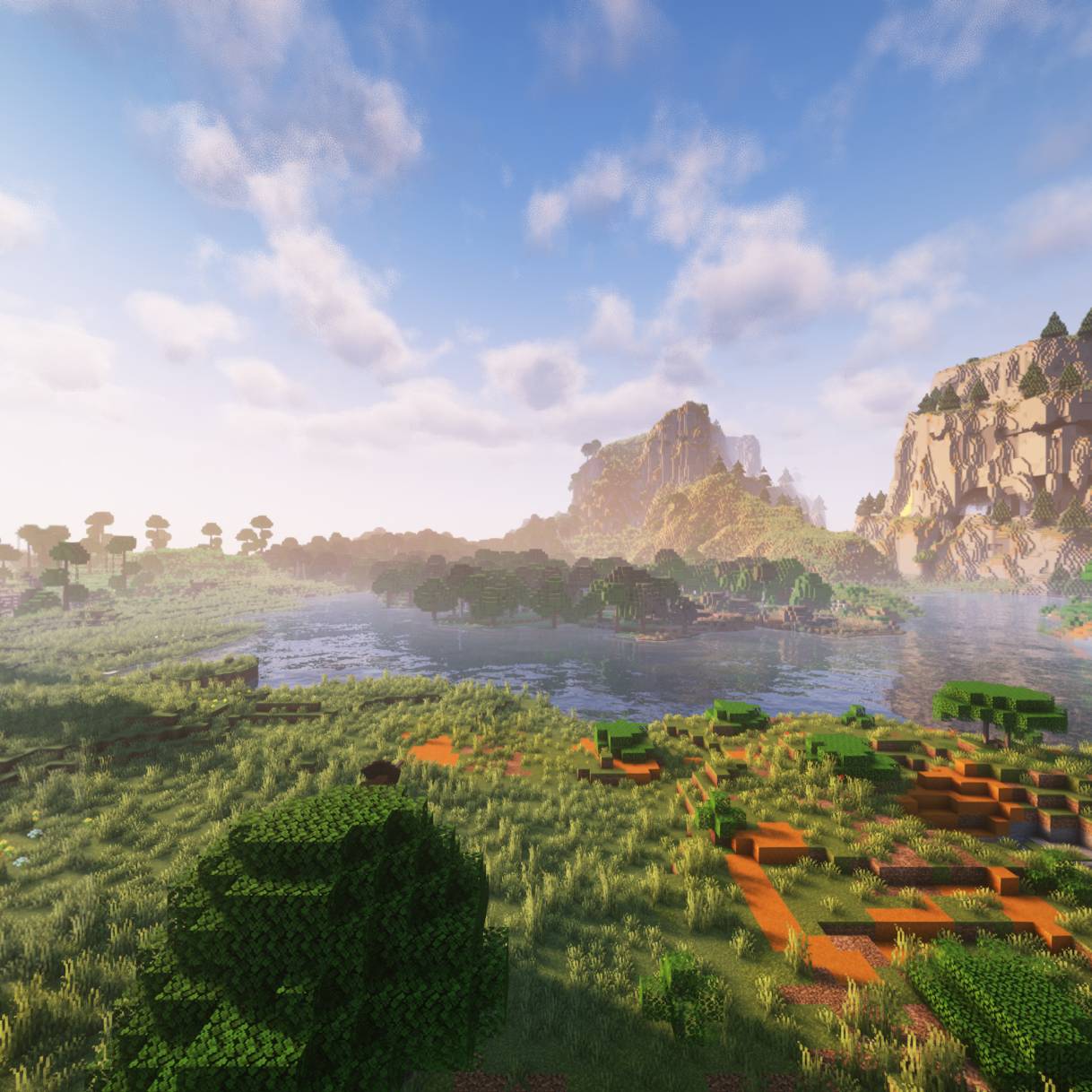
- Prehistoric World: Explore a land where dinosaurs and other ancient creatures roam free. There are no modern villages or typical Minecraft structures – you are truly in an untamed prehistoric era (even standard mobs and villagers are absent to preserve the wild atmosphere.
- Realistic Survival Mechanics: Manage additional survival needs like thirst and body temperature, along with a new stamina system. The environment itself is a threat – you’ll need to stay hydrated, avoid extreme temperatures, and rest appropriately. These systems add “real-life realism merged into Minecraft”, making every decision critical.
- Overhauled Health System: The modpack uses a locational health mechanic. Instead of one health bar, your body has individual parts that can be injured. For example, taking damage to your head or torso can be deadly (if either drops to zero, you die) and limb injuries cause debuffs (broken legs slow you down, arm injuries weaken your attacks, etc.) (First Aid - Minecraft Mods - CurseForge). Healing requires bandages and time, so prioritizing protection (like wearing a helmet to guard your head) is vital.
- Dinosaur Behavior & Interaction: The dinosaurs aren’t just scenery – they behave dynamically. Some are docile unless provoked, while others are apex predators that will hunt you. You can encounter everything from towering herbivores grazing peacefully to packs of velociraptors stalking their prey. With effort, you might even hatch or tame certain prehistoric creatures, learning to coexist with them.
- Primitive Progression: Say goodbye to punching trees and instant wooden tools. You’ll start from scratch with flint tools and basic resources, mimicking a true stone-age experience. Early-game progression has been redesigned to be more realistic (for example, you must knapp flint to make blades, craft a flint hatchet to cut wood, etc.). Basic wooden and stone tools from vanilla are not craftable – you’ll use primitive equivalents until you advance (HardRock Tools & Materials - Minecraft Mods - CurseForge).
- Environmental Challenges: Stamina and physics play a role in your journey. Sprinting everywhere will exhaust you, especially when carrying heavy gear. Temperature extremes can be deadly if you’re unprepared – blazing deserts and freezing taigas require appropriate clothing or shelter. The world features dynamic elements like falling trees and environmental weathering, so be mindful of your surroundings. There’s no “punching dirt and building a palace on day one” here – survival comes first.
- Immersive Worldbuilding: A rich sense of lore underpins the experience. From the moment you awake in this primeval world, the atmosphere, custom advancements, and in-game cues will guide your imagination about why you’re here and how humanity (that’s you!) fits into the Jurassic picture.
With these features, Walking Among The Dinosaur offers a truly unique survival experience – blending the thrill of exploration and discovery with the tension of man vs. nature on an epic scale. Prepare to step back in time and face the ultimate challenge of survival!
Installation Instructions
You can install the modpack either manually (using a Minecraft launcher of your choice) or via the convenient CurseForge or Modrinth Launcher. Before starting, ensure you have Minecraft 1.18.2 installed and Java 17 configured (Minecraft 1.18 requires Java 17). It’s also recommended to allocate at least 8-10 GB of RAM to Minecraft due to the large number of mods and the world generation complexity.
Option 1: Manual Installation (Forge)
- Install Forge 1.18.2: Download the Forge 1.18.2 installer from the official Forge site and run it. This will create a Forge profile in your Minecraft launcher. Make sure to launch Minecraft with the Forge 1.18.2 profile at least once to generate the needed folders.
- Download the Modpack: Obtain the
WalkingAmongTheDinosaur-1.18.2.zipmodpack file (or.mrpackfile) from the official source. - Add Mods to Minecraft: If you have a
.mrpack(Modrinth pack format), you can import it directly in many launchers (like Prism Launcher or MultiMC) by selecting “Import from ZIP/Modrinth”. This will automatically install all mods and config files. Alternatively, if you have a zip with a manifest or mods folder:- Open your Minecraft directory (
.minecraftfor the default launcher, or the instance folder for MultiMC/CurseForge launcher). - Copy the contents of the modpack’s
modsfolder into your Minecraftmodsfolder. Also copy any config,kubejs, orresourcepacksfolders from the pack into the corresponding locations (these contain important tweaks and assets).
- Open your Minecraft directory (
- Run Minecraft: Start the Minecraft launcher with the Forge 1.18.2 profile. Select the Walking Among The Dinosaur modpack instance if you created one. Launch the game. The first load may be slow as it sets up config files.
- Confirm Installation: Once at the main menu, you should see the modpack’s name or a custom title screen. You can also go to Mods and verify a long list of mods (dinosaurs, survival mods, etc.) are present. If everything looks good, you’re ready to play!
Option 2: CurseForge/ Modrinth Launcher Installation
- Install the App: If you don’t have it, download the CurseForge or Modrinth App. This app streamlines modpack installation.
- Search for the Modpack: Open the App and use the search bar to find "Walking Among The Dinosaur". You should see the modpack in the search results (make sure the version is Forge 1.18.2).
- Install with One Click: Click the Install button on the modpack’s page. The app will automatically download all required mods, Forge, and set up an instance for you.
- Launch the Game: In the App, go to your instances or packs, find Walking Among The Dinosaur, and hit Play. This will launch Minecraft with everything configured.
- (Optional) Updates: The App will also notify you of modpack updates. You can update to the latest version of the pack easily through the app when a new release is available.
Dependencies & Configuration:
- No additional mods are required beyond the pack contents. However, enable the bundled resource packs if prompted on first load (some modpacks include custom resource packs for the best experience).
- Only use a shader that is compatible with the distant horizon mod. You can find them here!
- Optimize Settings: Given the world generation mods, it’s recommended to pre-generate or use the included performance mods. The pack is already optimized with performance mods (like Oculus, etc.), but you can lower settings if needed. Ensure that if using shaders with Oculus.
- Server Setup: To set up a server, install Forge 1.18.2 on the server and copy the modpack’s mods & config folders to the server directory. Remove any client-only mods (such as voice chat or map UI mods) as needed. More detailed server instructions might be provided in the wiki if included.
After installation, you’re all set. Launch the game and dive into the prehistoric world!
- Edition: Minecraft Java
- File type: .jar
- Minecraft version listed: 1.18.2
- How to install: Install the matching mod loader (Forge, Fabric or NeoForge) for your Minecraft version. → Download the .jar. → Put it in the .minecraft/mods folder and launch that loader profile.
- Where to get it: Opens on CurseForge — not every file is mirrored on our own servers.
Install steps are the general flow for this file type — How to install Minecraft Java mods & modpacks walks through it step by step.
Walking Among The Dinosaur WATD is a free Minecraft Java modpack. Compatible with Minecraft 1.18.2. Downloaded 677 times (via CurseForge). Download it and open it directly in the game.