Stoneage Survival
Java mod listed for Minecraft 1.18–1.20. Downloads from the MC Java Mods app on Android.
I don't know my version or loader
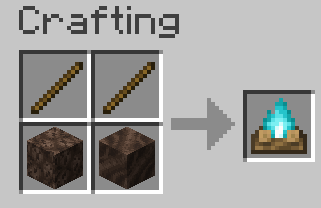
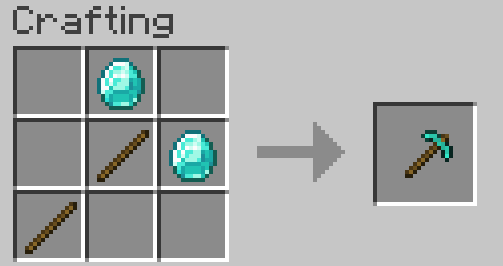
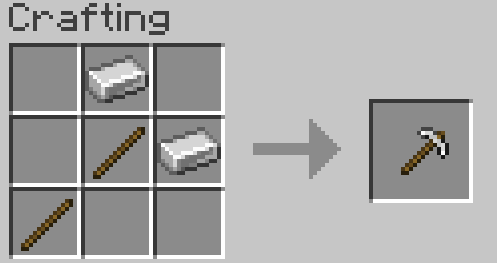
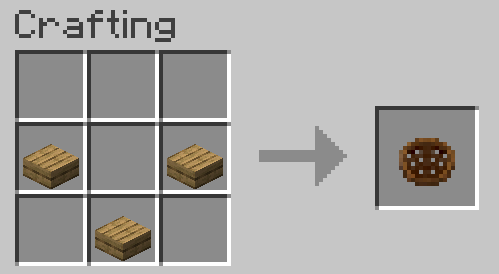
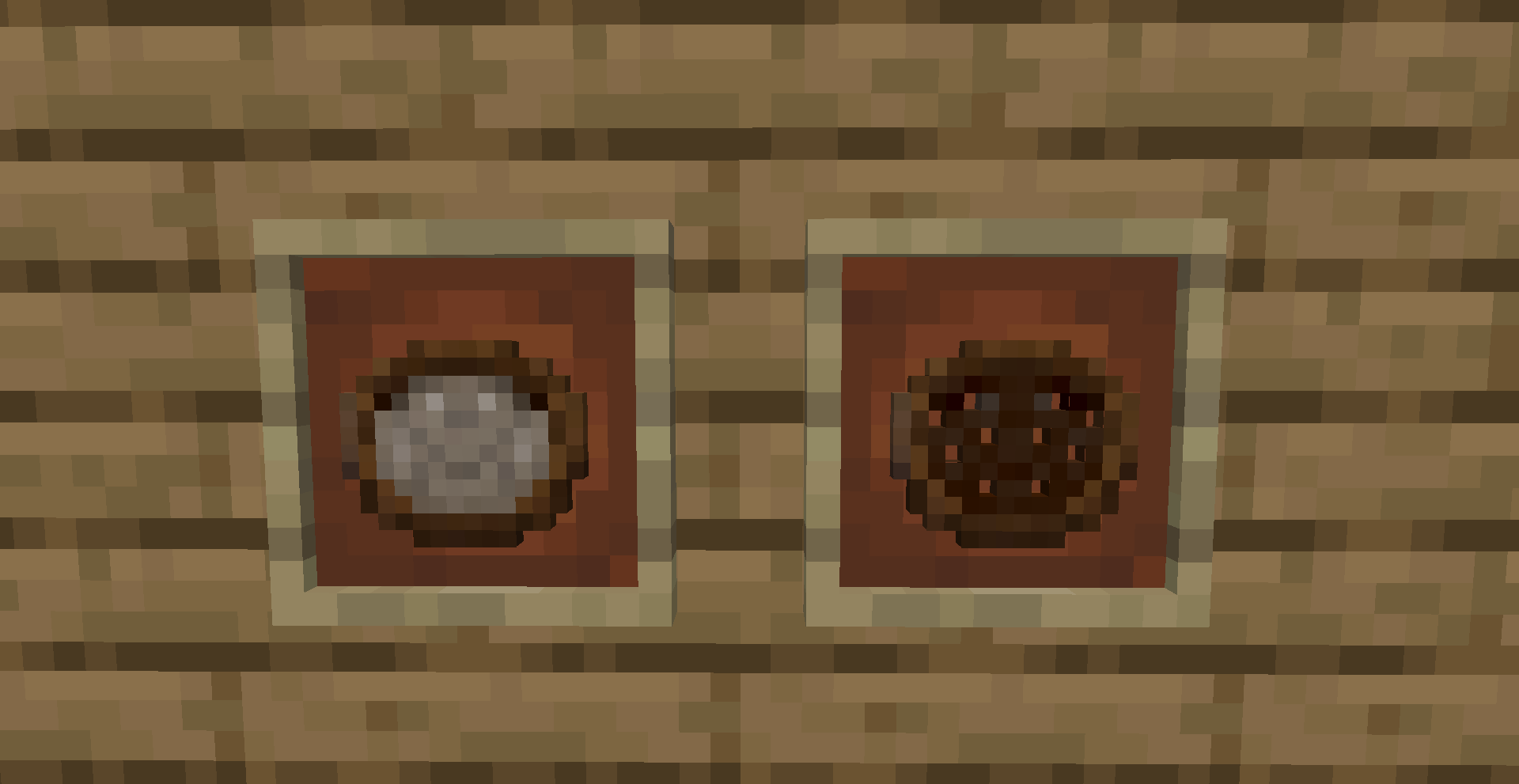
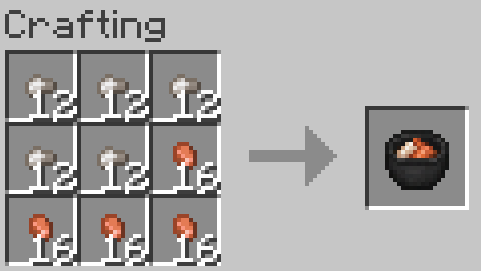
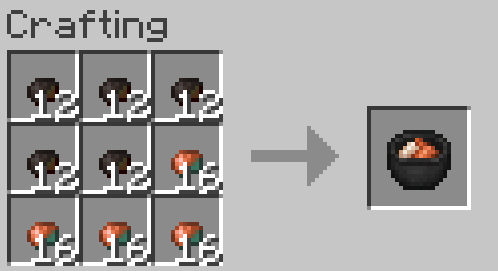
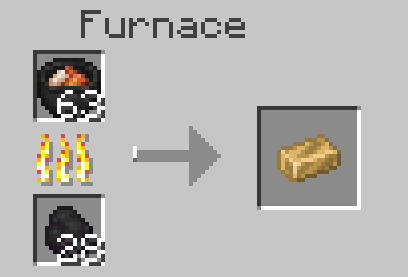
There are some features not described here, so look at the images tab (Gallery) for a more in-depth look and explanation.
Stone Age Survival is a mod that completely changes the progression system in Minecraft by removing certain tool tiers and adding new ones.
Flint is the first tier of tools and must be used to cut trees since your fist no longer works.
However, to start mining, you'll need to upgrade to copper, which can be done by panning for nuggets or collecting flakes that spawn on the ground and cooking the flakes on a campfire for nuggets.
The next tier is bronze, which is obtained by combining copper nuggets and tin nuggets obtained from tin ore. Bronze is the stone equivalent and will allow you to move to iron.
There is also a new tier between iron and diamond called rose gold. It is as enchantable as gold and has the same mining speed, but is much more durable.
Here is a video showcasing most of the mod's features:
To fully experience the mod, I recommend playing with structures turned off or with a mod like Sparse structures to decrease their spawn rates, as villages and other structures can allow the player to skip over the progression this mod adds.
1.18.2 and 1.19.2 are single releases, and future versions will not be supported (Beware, those versions are pretty buggy)
The images tabs have most crafting recipes and items showcased.
*Spawn rates of loose stone and copper can be tweaked via datapacks, and so can the panning loot table.
SOFT INCOMPATIBILITY:
- If using this with create, blasting iron ore will produce nuggets instead of ingots. (This is fixed in the latest version of the mod.)
- If any other mod changes the recipe of stone tools or wooden tools, then that may break parts of this mod. The solution would be to disable those recipe changes in the conflicting mods' configs
(known example: Quark)
**You may use this mod in your modpack**
If you have any suggestions for future updates, bugs, or changes, let me know below!!
- Edition: Minecraft Java
- File type: .jar
- Minecraft versions listed: 1.20.1, 1.18.2, 1.19.2
- How to install: Install the matching mod loader (Forge, Fabric or NeoForge) for your Minecraft version. → Download the .jar. → Put it in the .minecraft/mods folder and launch that loader profile.
- Where to get it: Opens on CurseForge — not every file is mirrored on our own servers.
Install steps are the general flow for this file type — How to install Minecraft Java mods & modpacks walks through it step by step.
- Ships as StoneAge[1.18.2].jar — drop this file into the mods folder
- Download size: 117 KB
- Download link checked 28 Sept 2026 — working
These come from our own check of the pack file, not from the source page.