NPC Creator
"NPC Creator" lets you create NPCs using JSON scripts, allowing easy updates without affecting player saves. Ideal for map creators!
⬇ Download on CurseForgeThe author built this one for Minecraft 1.16.5 on Forge. On other versions it may install and then do nothing.
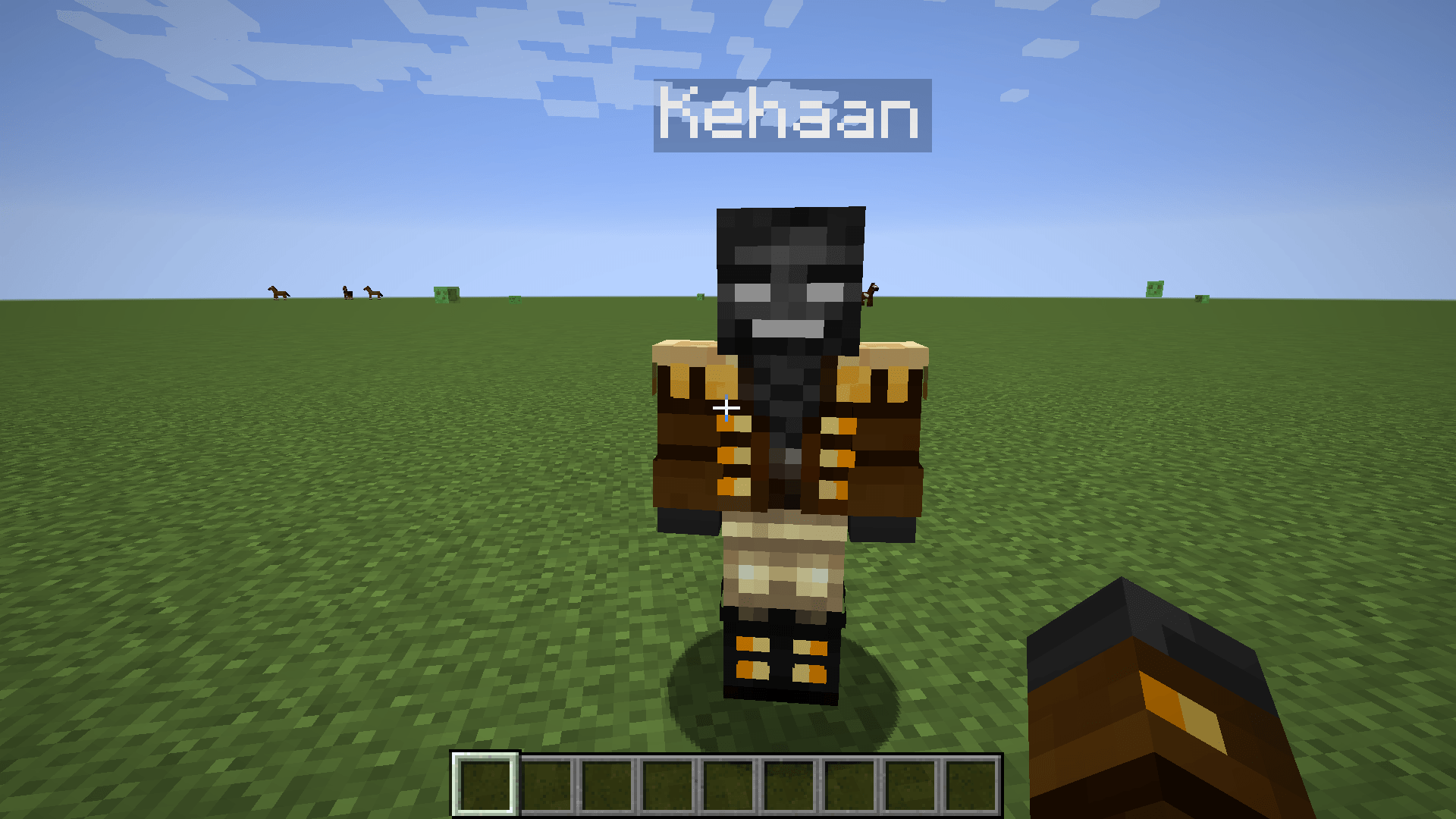
"NPC Creator" is a mod that lets you create NPCs for your game, making it a tool for map creators. The unique feature of this mod is that it uses JSON scripts, which work from your config folder. This means that every world the player launches will have these NPCs at predefined locations, and be updated whenever you push a update to the scripts in a update to your modpack.
This is especially useful for map creators who want to allow players to use old saves while updating certain NPCs. With this mod, players don’t have to lose their saves, they can simply update the modpack as usual, and any changed NPCs will be updated automatically.
We may add more features over time, but for now, the mod supports:
- Conversations
- Skins
- Custom shops
To use this mod:
- Launch a world to generate the "npccreator" folder.
- Manually create a folder called "skins" inside the "npccreator" folder, alongside the "npc", "dialog", and "shop" folders.
Creating an NPC with Dialog:
To create an NPC with dialog, make a JSON file and format it like this:
{
  "name": "Test",
  "posX": 286,
  "posY": 38,
  "posZ": 1106,
  "direction": "south",
  "skin": "Test",
  "dialog": "Chat1"
}
This creates an NPC named "Test", places it at specific coordinates, and assigns it the skin "Test" (if a corresponding image is placed in the skins folder). The NPC will use the dialog file "Chat1" when interacted with.
Creating Dialog Conversations:
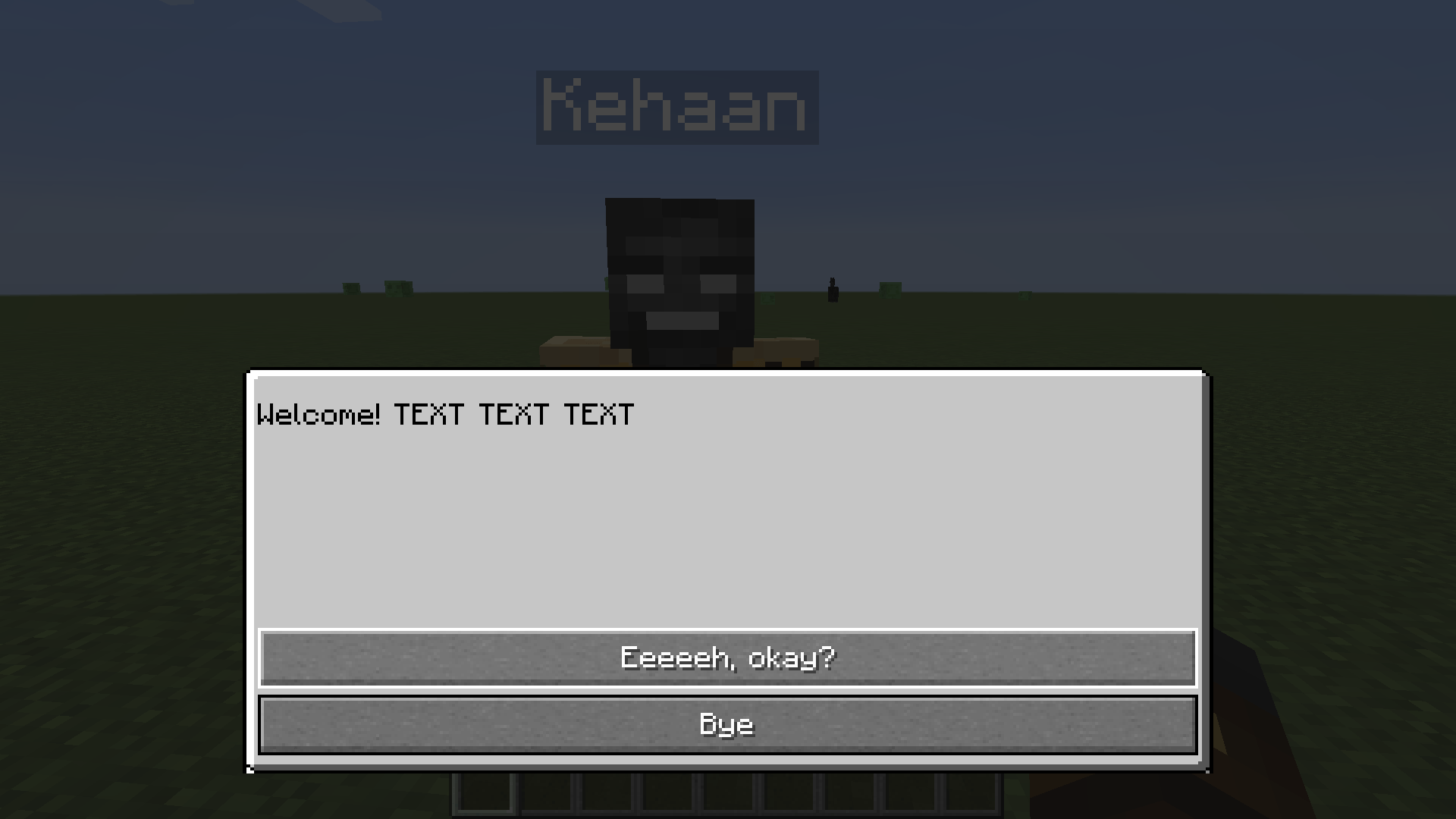
To create a conversation, go to the "dialog" folder and create a file called "Chat1" (as referenced in the NPC setup). This defines an interaction where the NPC says "Welcome", and the player can respond with two choices:
- "Eeeeeh, okay?" → Redirects to another dialog file ("Chat2")
- "Bye" → Ends the conversation
{
  "question": "Welcome! TEXT TEXT TEXT",
  "responses": [
    {
      "answer": "Eeeeeh, okay?",
      "type": "next",
      "action": "Chat2"
    },
    {
      "answer": "Bye",
      "type": "close"
    }
  ]
}
Creating an NPC with a Shop:
If you want an NPC to have a shop instead of dialog, use a similar format, but include a "shop" tag with a shop name:
{
  "name": "TestShop",
  "posX": 296,
  "posY": 27,
  "posZ": 1056,
  "direction": "south",
  "skin": "TestShop",
  "shop": "TheShop"
}
Creating a Shop:
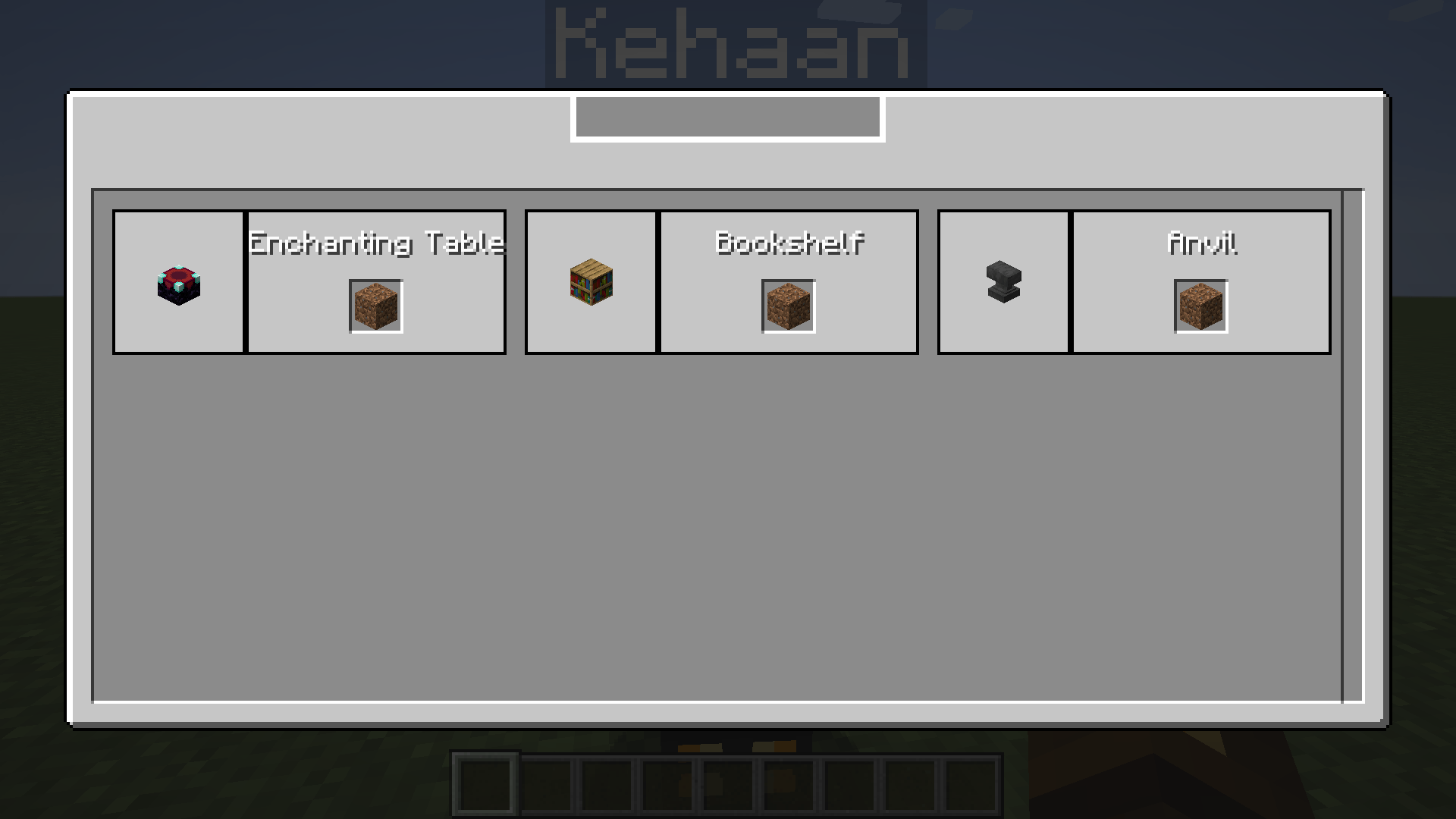
To create a shop called "TheShop", make a JSON file named "TheShop". In this example, players can buy an Enchanting Table using a currency item called "minecraft:dirt":
{
  "items": [
    {
      "name": "Enchanting Table",
      "costOne": {
        "item": "minecraft:dirt"
      },
      "type": "itemstack",
      "data": {
        "item": "minecraft:enchanting_table"
      }
    },
    {
      "name": "Bookshelf",
      "costOne": {
        "item": "minecraft:dirt"
      },
      "type": "itemstack",
      "data": {
        "item": "minecraft:bookshelf"
      }
    },
    {
      "name": "Anvil",
      "costOne": {
        "item": "minecraft:dirt"
      },
      "type": "itemstack",
      "data": {
        "item": "minecraft:anvil"
      }
    }
  ]
}
You can also set the "type" to "Command", allowing commands to be executed when the shop is used.
- Edition: Minecraft Java
- File type: .jar
- Minecraft version listed: 1.16.5
- How to install: Install the matching mod loader (Forge, Fabric or NeoForge) for your Minecraft version. → Download the .jar. → Put it in the .minecraft/mods folder and launch that loader profile.
- Where to get it: Opens on CurseForge — not every file is mirrored on our own servers.
Install steps are the general flow for this file type — How to install Minecraft Java mods & modpacks walks through it step by step.
- Ships as NPCCreator-1.16.5-1.0.0.jar — drop this file into the mods folder
- Download size: 63 KB
- Download link checked 28 Sept 2026 — working
These come from our own check of the pack file, not from the source page.