
Official Legacy Crafting Dead
Minecraft Java mod. Downloads from the MC Java Mods app on Android.
⬇ Download on CurseForge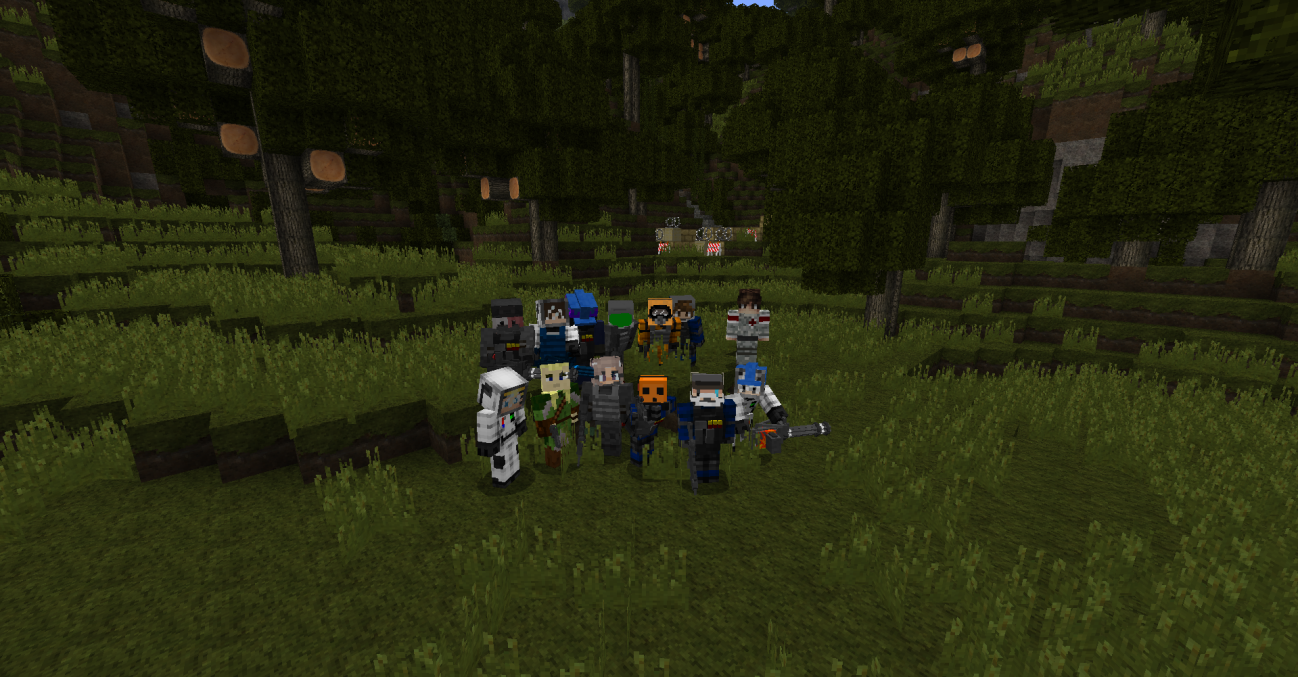
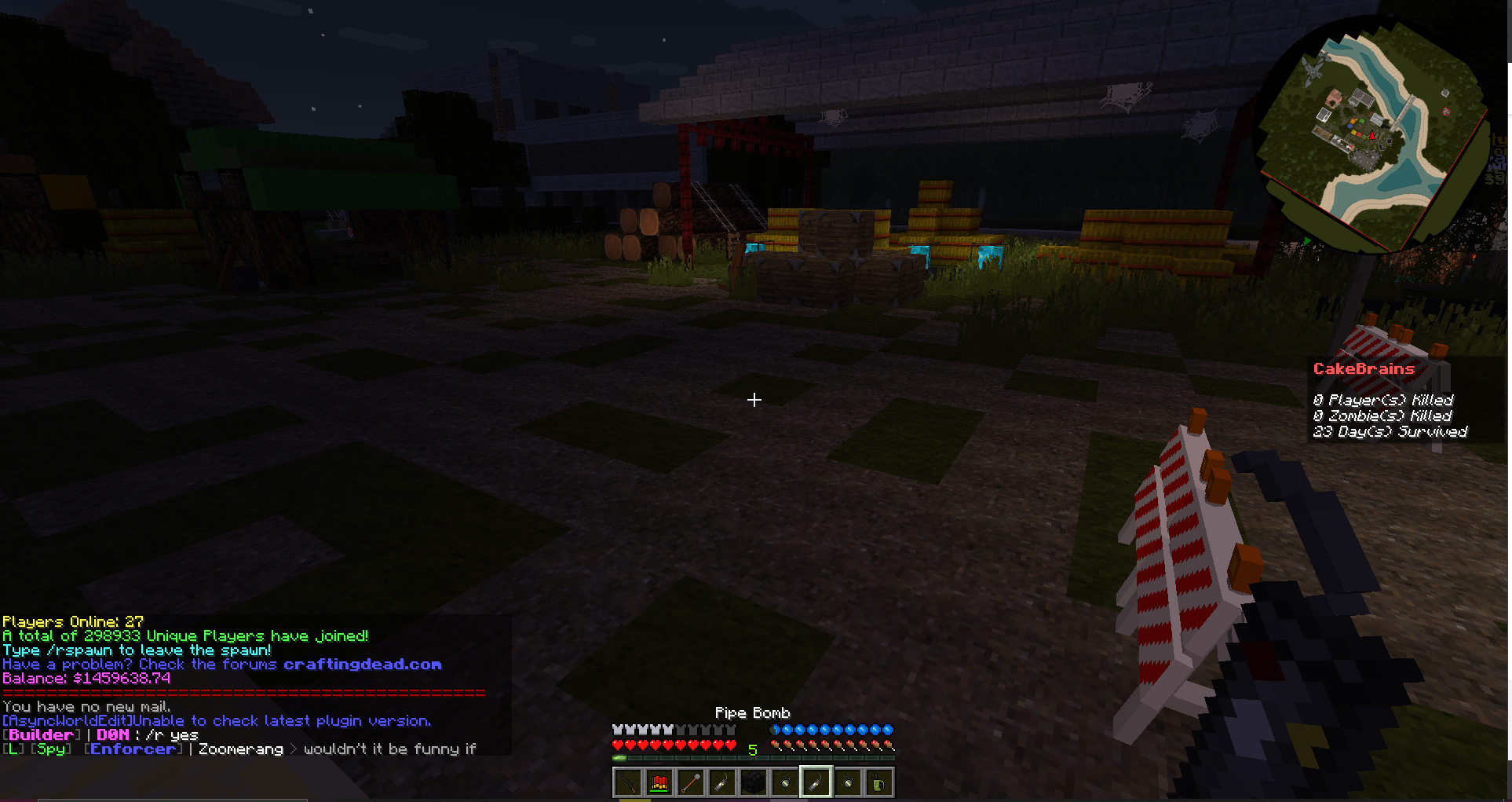
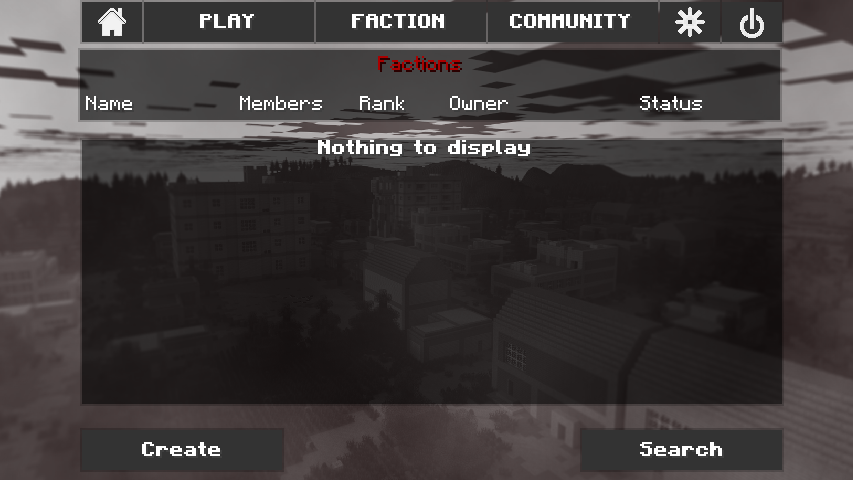
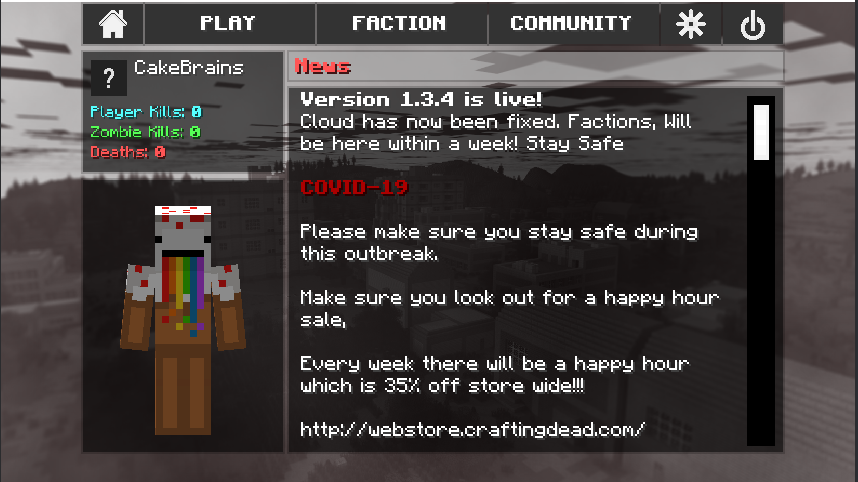
The Crafting Dead Mod
The Crafting Dead is a popular Minecraft mod that transforms the game into a post-apocalyptic survival experience, inspired by zombie survival games and media. This mod introduces new mechanics, weapons, structures, and an immersive world where players must scavenge, craft, and fight to survive against hordes of zombies and other players.
Features
- Zombie Apocalypse Survival: Face off against hordes of the undead in a decaying world.
- Guns & Weapons: Equip yourself with a variety of firearms, melee weapons, and explosives.
- Looting & Scavenging: Explore abandoned structures, cities, and military bases for survival gear.
- PvP & Multiplayer: Engage in combat with other players in both single-player and multiplayer modes.
- Medical System: Use bandages, painkillers, and other medical supplies to stay alive.
- Custom Crafting & Building: Create bases, barricades, and fortifications to protect yourself.
Versions
This page refers to the legacy 1.6.4 version of The Crafting Dead. For the latest version with modern features and updates, visit:
CurseForge - Crafting Dead Official
Useful Links
- Official Website: https://craftingdead.com
- Twitter: https://twitter.com/craftingdead
- YouTube: https://www.youtube.com/channel/UChVv4y3VK5NS3SrGdElL22Q
- Source Code (GitHub): https://github.com/nexusnode/crafting-dead
Installation Guide
- Download & Install Minecraft Forge – The mod requires Forge to run properly. Download the correct version from Minecraft Forge.
- Download The Crafting Dead Mod – Get the mod files from CurseForge.
- Place the Mod in the Mods Folder – Move the downloaded
.jarfile to your Minecraftmodsfolder. - Launch Minecraft – Start the game with the Forge profile and enjoy The Crafting Dead!
Powered By NEXUSNODE
Minecraft Hosting from $1.49 per GB
🎉 10% OFF WITH PROMO CODE: CRAFTINGDEAD
Enjoy your survival experience in The Crafting Dead! 🧟♂️🔫
- Edition: Minecraft Java
- File type: .jar
- How to install: Install the matching mod loader (Forge, Fabric or NeoForge) for your Minecraft version. → Download the .jar. → Put it in the .minecraft/mods folder and launch that loader profile.
- Where to get it: Opens on CurseForge — not every file is mirrored on our own servers.
Install steps are the general flow for this file type — How to install Minecraft Java mods & modpacks walks through it step by step.
- Ships as craftingdead-1.3.5_B3-1.6.4-obf.jar — drop this file into the mods folder
- Download size: 33.8 MB
- Download link checked 28 Sept 2026 — working
These come from our own check of the pack file, not from the source page.