
Ultimate Manhunt
Java mod listed for Minecraft 1.20–1.21. Downloads from the MC Java Mods app on Android.
A Minecraft mod for Forge 1.20.1/1.21.1 that allows for the use of running Manhunt-related games. Features a custom 3D player tracker!
I don't know my version or loader


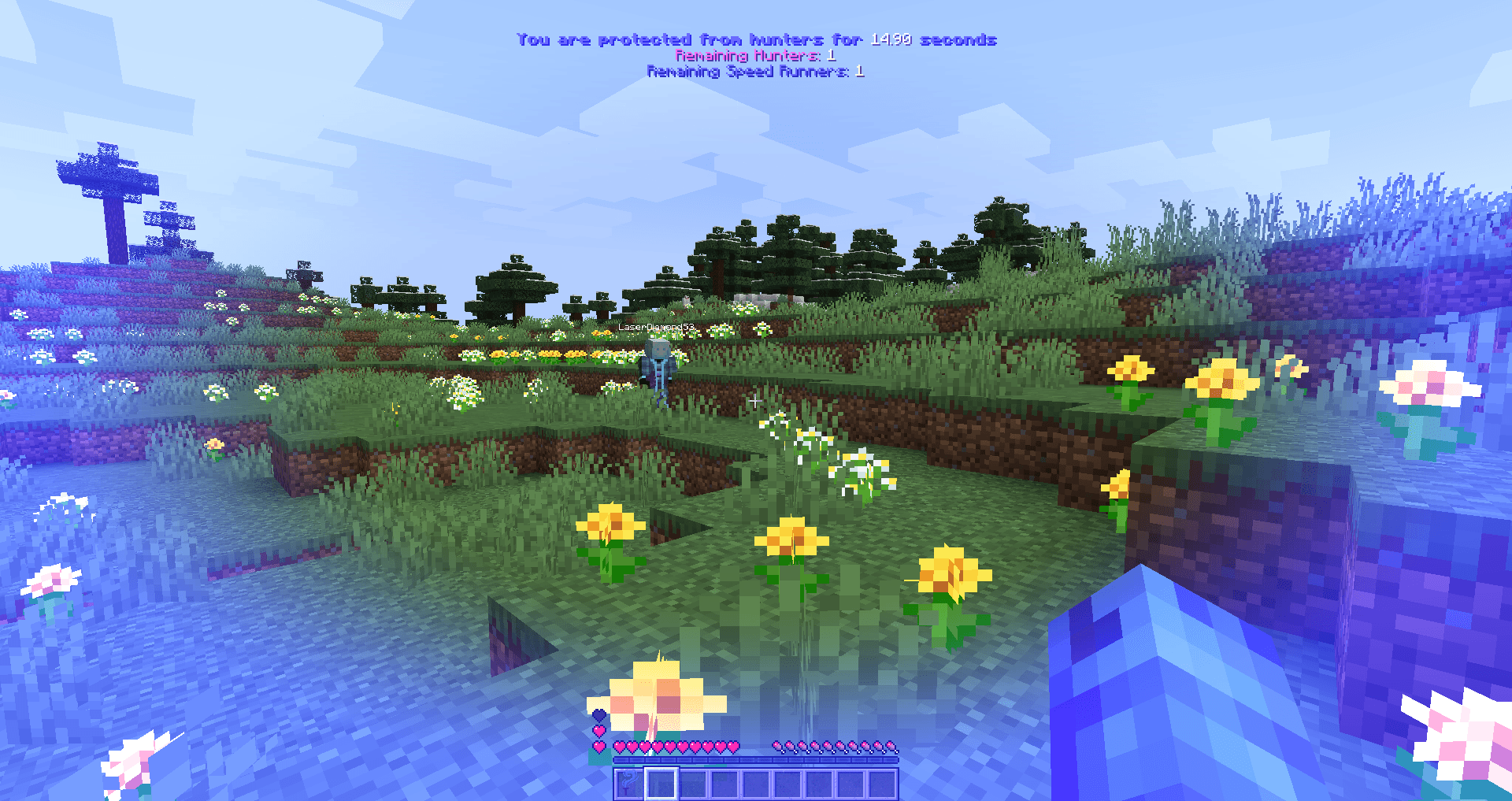
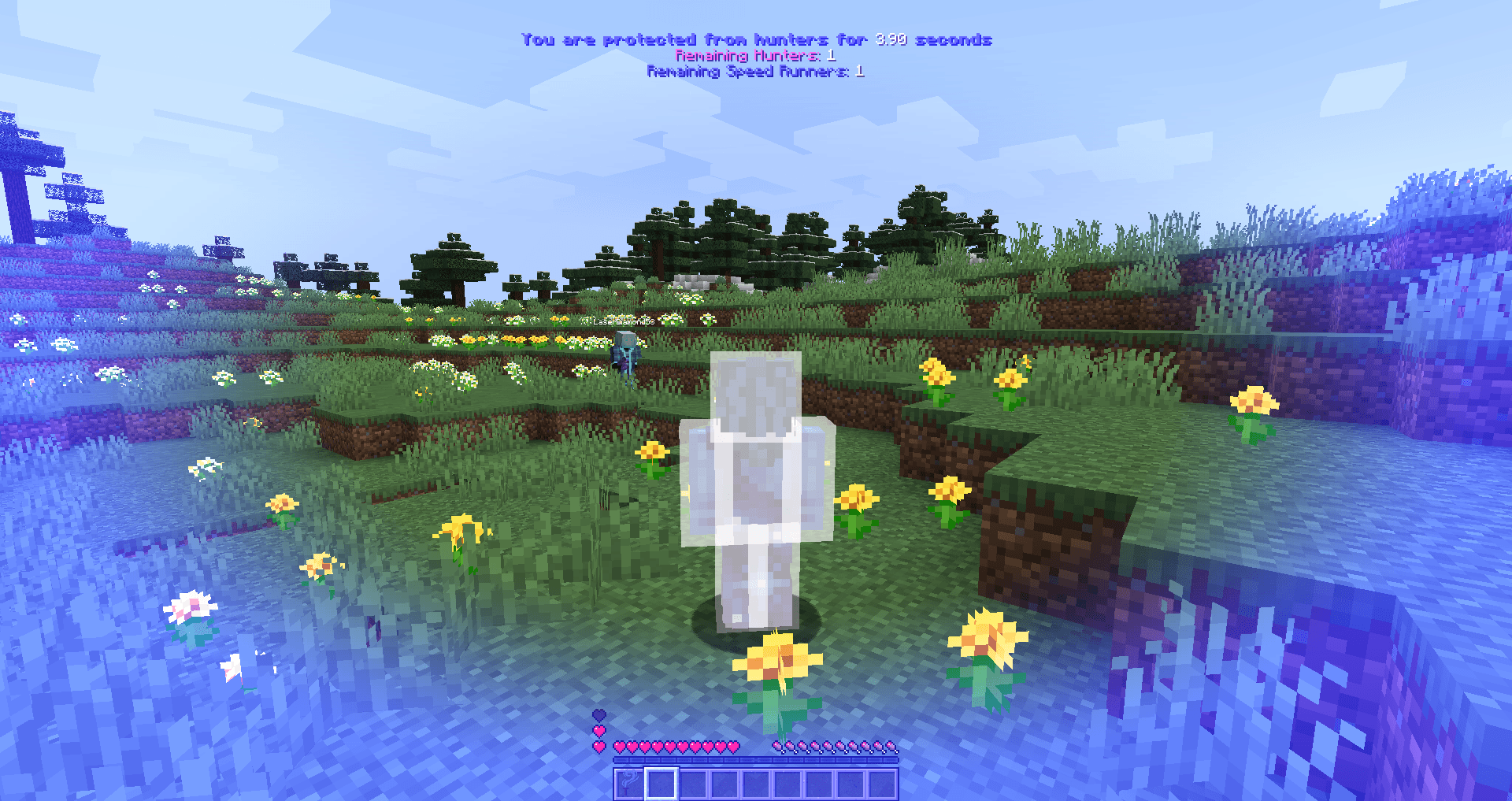
Overview:
This is a Minecraft mod for Forge 1.20.1/1.21.1 that can be used to run a Manhunt game for you and your friends.
In a manhunt game, the hunter's goal is to eliminate speed runners, and the speed runners's goal is to beat the Ender Dragon (achieve the "Free the End" achievement).
This mod allows speed runners to have multiple lives (1 to 99 lives), and an option to determine if lives should only be deducted for deaths by a hunter or any causes (set to "hardcore").
This mod requires Laser Utils as a dependency. Here are the Laser Utils version requirements for the latest releases:
Version 0.2.0+ (1.21.1) - Laser Utils 5.3.1 (1.21.1)
Version 0.0.0+ (1.20.1) - Laser Utils 0.1.0 (1.20.1)
Now also available on Modrinth!
Using the latest version for your desired Minecraft version is highly recommended!
Rules:
- Speed runners can be given a head-start before the hunter starts chasing players down (duration is measured in ticks).
- After a speed runner is killed by a hunter and respawns, they can be given a grace period for which they are invulnerable and untrackable to hunters in order to prevent spawn-camping. This grace period protection is not applicable if hardcore is enabled for the manhunt.
- Players that join a game that is in-progress will be declared as speed runners (future update planned to allow players to join as hunters or spectators).
- Speed runners that are defeated by hunters will become hunters (future update planned to allow the option of becoming a spectator).
- There is also the option for speed runners to recieve a knockback item to help keep hunters away (known as the "Wind Torch"). The Wind Torch has 50 uses, and cannot be repaired.
Player Tracking:
Every manhunt game requires a player tracker for hunters to use to find speed runners. I've decided to go a different route from the traditional player-tracking compass, and make something that sets this mod apart from the others.
While there is no need for a player-tracking compass mod, you could use one if desired. This mod features a tracker for hunters that renders an arrow on the screen and points in the direction of a speed runner (can cycle through available players using the left and right arrow keys by default). Distance between the hunter and speed runner is also tracked.
This tracker does not track players that aren't in the same dimension as the hunter, nor does it track speed runners that are on grace period protection. If the player tracker stops working (ex: when a player should be trackable but isn't selectable), or is having difficulties, hunters can use the "resetPlayerTracker" command or press 'G' to reset the tracker.
If you wish to not use the built-in player tracker, you can disable it by pressing 'M' to go to client settings, go to the last page, and click to disable the tracker (can be re-enabled if needed!).
There is also a total count of remaining hunters/speed runners at the top of the screen.
Hunters:
There is an option to assign a hunter as a "buffed" hunter. By default, buffed hunters have the following buffs:
- +5 base armor points
- +50% higher base health
- +25% higher base attack damage
- +10% higher base movement speed
- +10% movement efficiency (1.21.1)
- +10% water movement efficiency (1.21.1)
- +15% mining efficiency (1.21.1)
- +15% submerged mining efficiency (1.21.1)
All hunters will have access to the built-in player tracker.
Buffed hunter buffs can be modified using the "hunterBuffs" sub command (Version 1.0.0+ for 1.20.1 and 1.21.1).
Speed Runners:
Speed runners are alerted when hunters get within 50 blocks of them. Their screen will get a red tint around the edges, and heart-beating sounds will play. If music is enabled, the Prowler theme will play.
Commands:
As of version 0.2.0 for 1.21.1, and version 0.0.0 for 1.20.1, all commands for managing game settings have been reimplemented as arguments (sub commands) for a singular command.
All game settings, etc. for managing your Manhunt game can be reached using "/ultimate_manhunt {args}". This command requires at least OP permission level 2.
- Edition: Minecraft Java
- File type: .jar
- Minecraft versions listed: 1.21.1, 1.20.1
- How to install: Install the matching mod loader (Forge, Fabric or NeoForge) for your Minecraft version. → Download the .jar. → Put it in the .minecraft/mods folder and launch that loader profile.
- Where to get it: Opens on CurseForge — not every file is mirrored on our own servers.
Install steps are the general flow for this file type — How to install Minecraft Java mods & modpacks walks through it step by step.
- Ships as ultimate_manhunt-1.21.1-0.2.0.jar — drop this file into the mods folder
- Download size: 796 KB
- Download link checked 28 Sept 2026 — working
These come from our own check of the pack file, not from the source page.