Many More Dyes
Java mod listed for Minecraft 1.21. Downloads from the MC Java Mods app on Android.
⬇ Download on CurseForgeThe author built this one for Minecraft 1.21.5 on Fabric. On other versions it may install and then do nothing.


⏫Update 1.1.0⏫
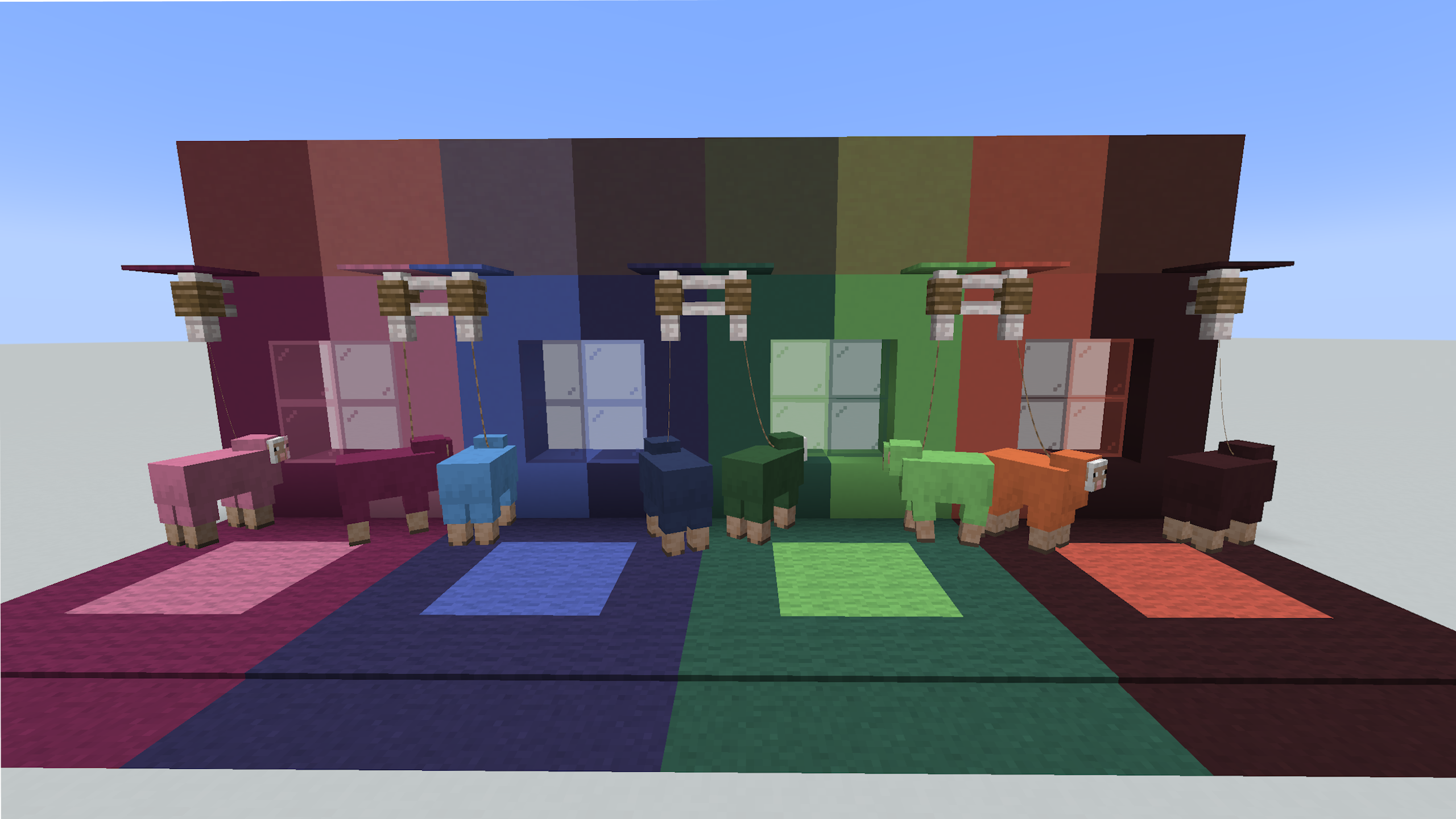
This latest update fixes footstep particles, and adds glazed terracotta blocks. On the technical side, it also moves from nbt to purely data components.
❗This Mod Is In Beta ❗
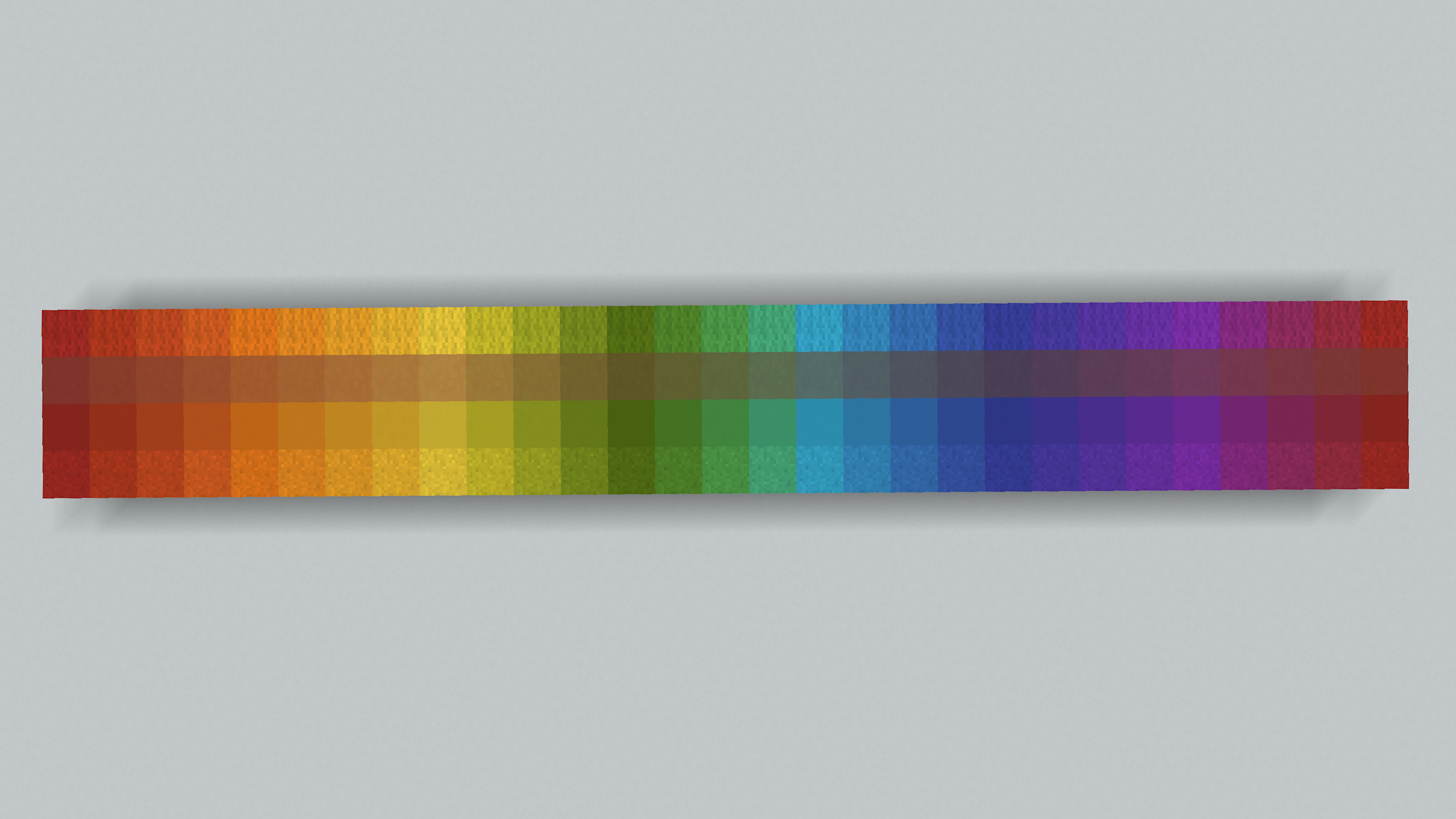
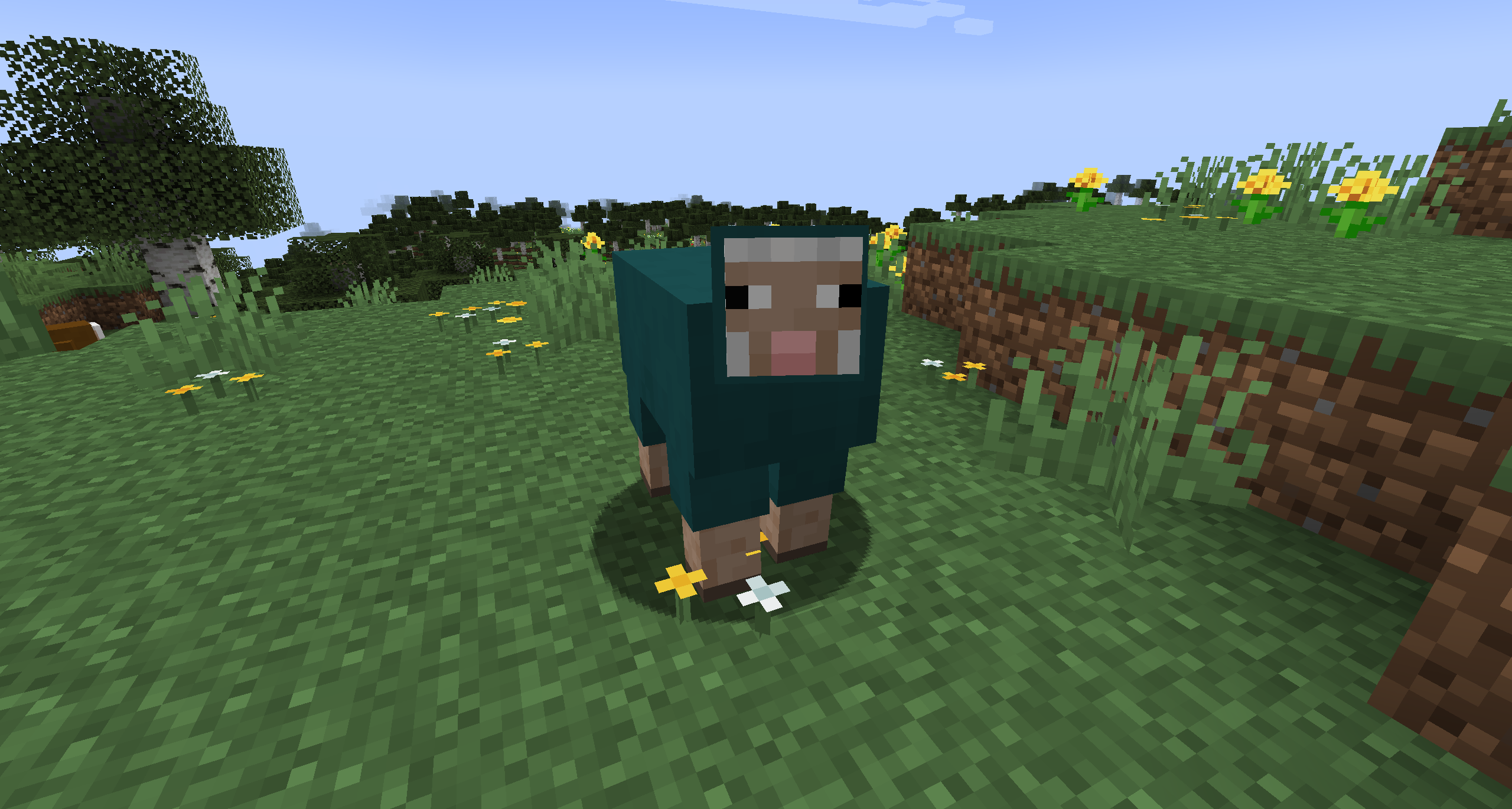
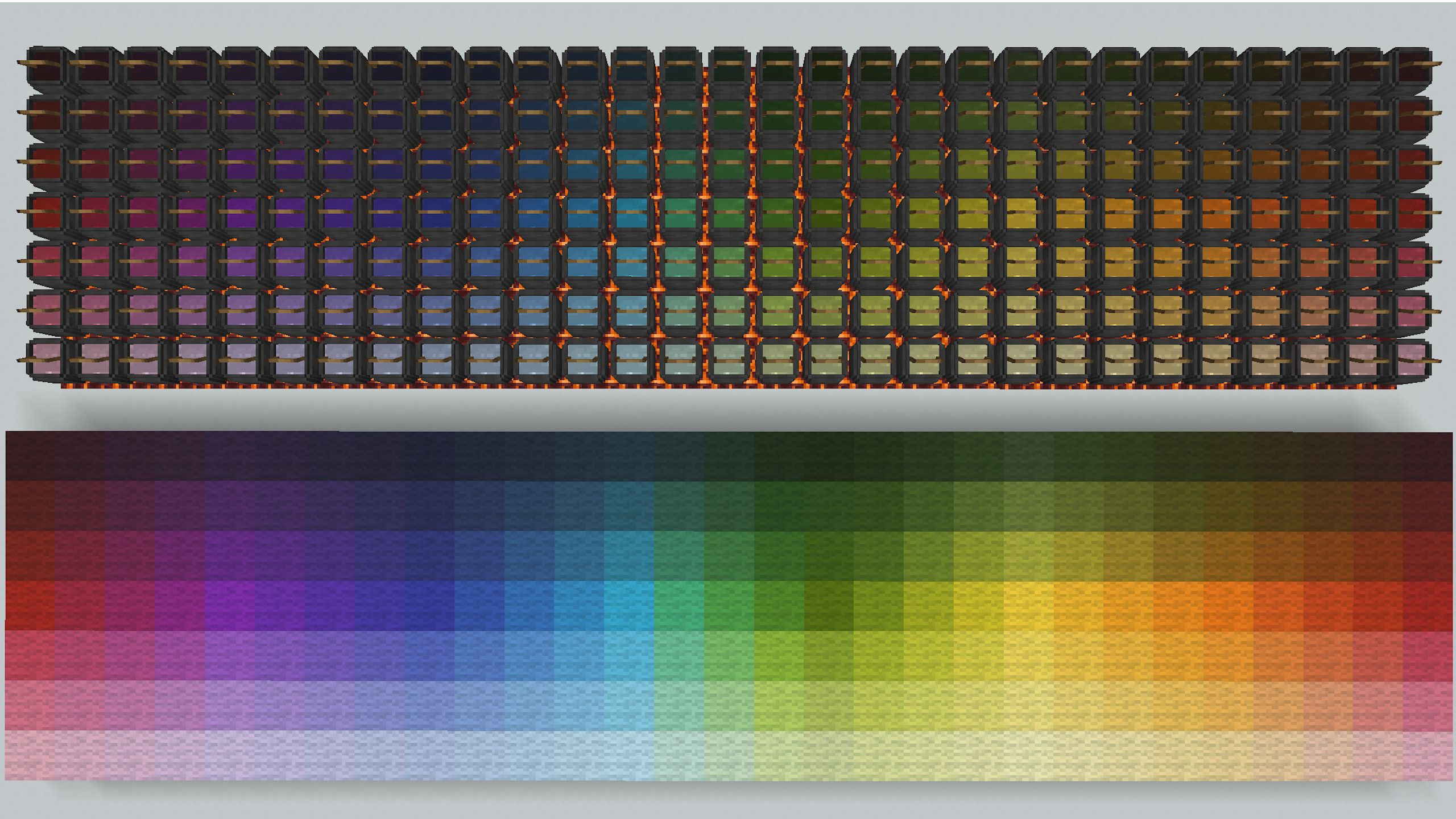
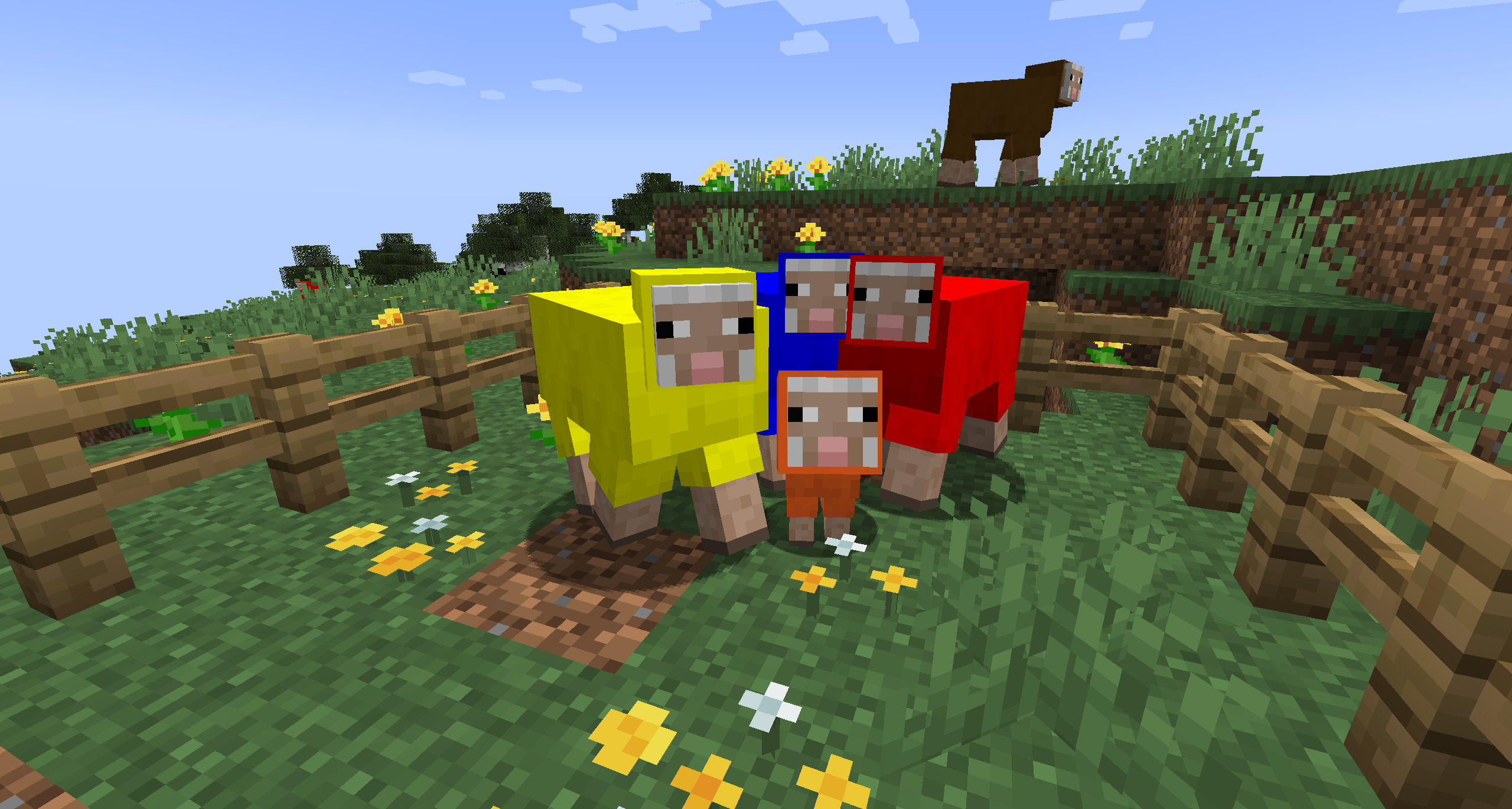
More Dyes is a mod aiming to infinitely* increase the range of colored blocks available to the player! By using a dye basin you can mix dyes to create any color you'd like and apply the color to various colored block types.
*Infinitely as in 16777216 color options.

💾 Installation
To install this mod, simply place the mod's jar file in the mods folder of your fabric installation, along side the Fabric API.
❓ How To Use
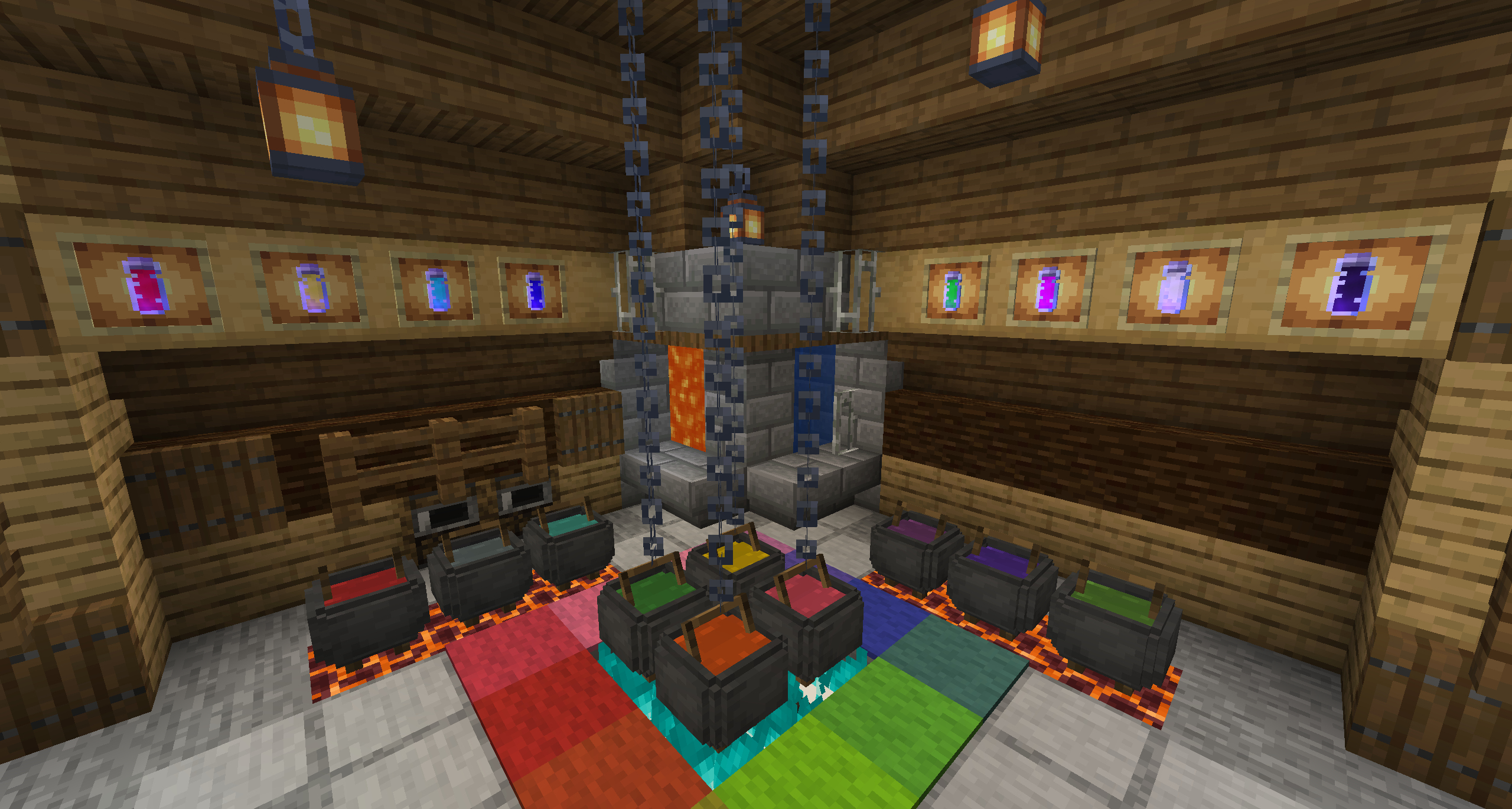
In order to mix a dye you will need a few things, namely a dye basin, and a dye vial. You must heat the dye basin by placing it above a fire, lava, or a magma block. After the basin is heated, and a bucket of water is placed in it, you can mix any number of vanilla dyes or custom dyes together to create new colors.


To extract the dye from the basin, simply right click it with an empty dye vial. The newly mixed dye can be used to mix other dyes, or to dye objects by crafting them together.

The dyed blocks can also be "rinsed" by right clicking a dye basin holding water.
TIP: Pressing F3 + H allows you to view the color code for a dye vial or dyed item.
⛔ Current Limitations
This mod is still under development. Not all features are complete. Current planned features include:
> Fixing footstep particles.
> Candles, and candled cakes.
> Add vanilla equivalent recipes (e.g. glazed terracotta smelting)
> Glazed terracotta.
> Beds.
> Rainbow dye.
> Shulker boxes.
> ⚠️ Banners. (Potentially, a lot of work, low priority.)
- Edition: Minecraft Java
- File type: .jar
- Minecraft version listed: 1.21.5
- How to install: Install the matching mod loader (Forge, Fabric or NeoForge) for your Minecraft version. → Download the .jar. → Put it in the .minecraft/mods folder and launch that loader profile.
- Where to get it: Opens on CurseForge — not every file is mirrored on our own servers.
Install steps are the general flow for this file type — How to install Minecraft Java mods & modpacks walks through it step by step.
- Ships as moredyes-1.1.0.jar — drop this file into the mods folder
- Download size: 261 KB
- Download link checked 28 Sept 2026 — working
These come from our own check of the pack file, not from the source page.