DasuperiorWeight 2.1 - Weight System
Java mod listed for Minecraft 1.20. Downloads from the MC Java Mods app on Android.
DASuperiorWeight adds a realistic weight system to Minecraft. Items have custom weights (e.g., pickaxe = 1.3 kg), shown in a HUD. The mod tracks total…
I don't know my version or loader
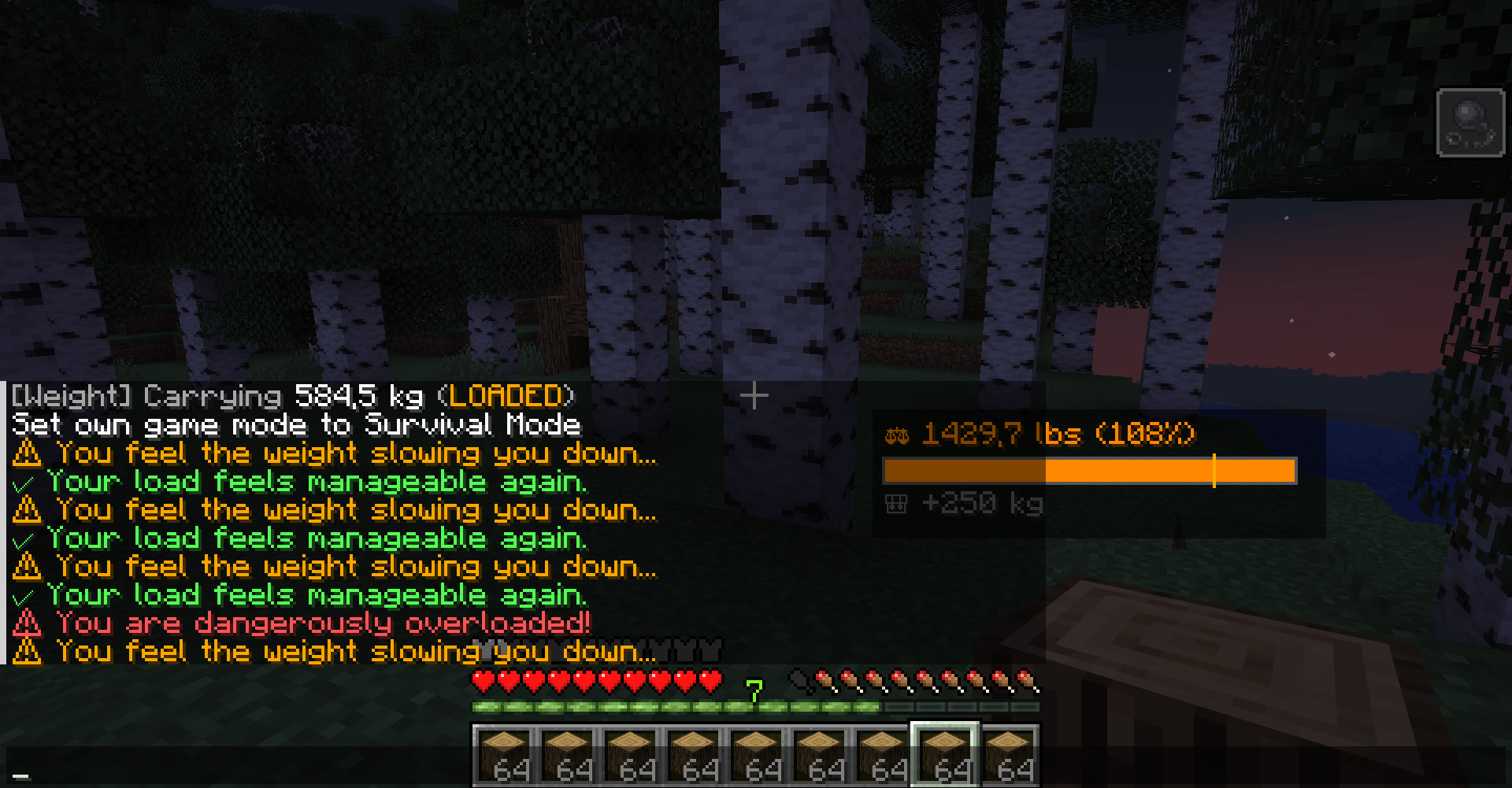
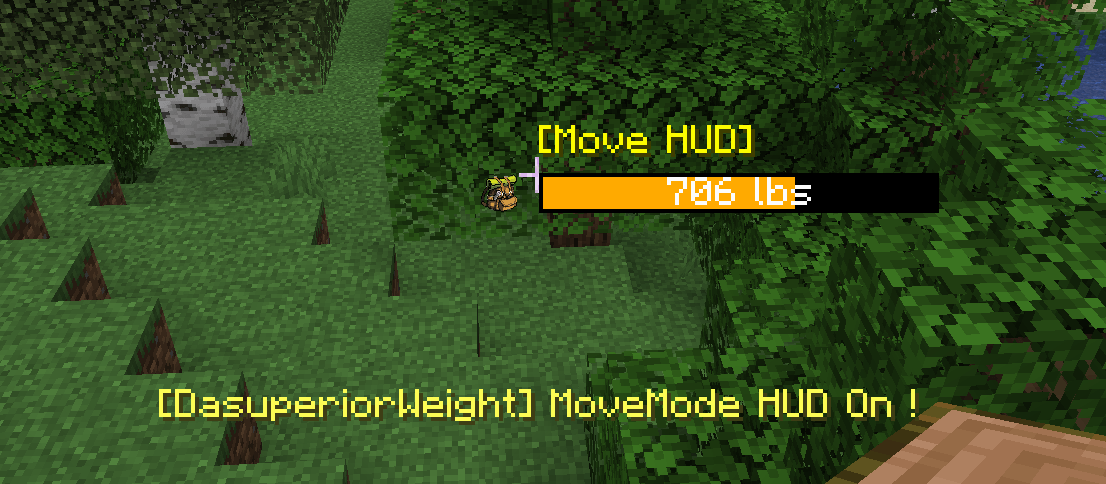
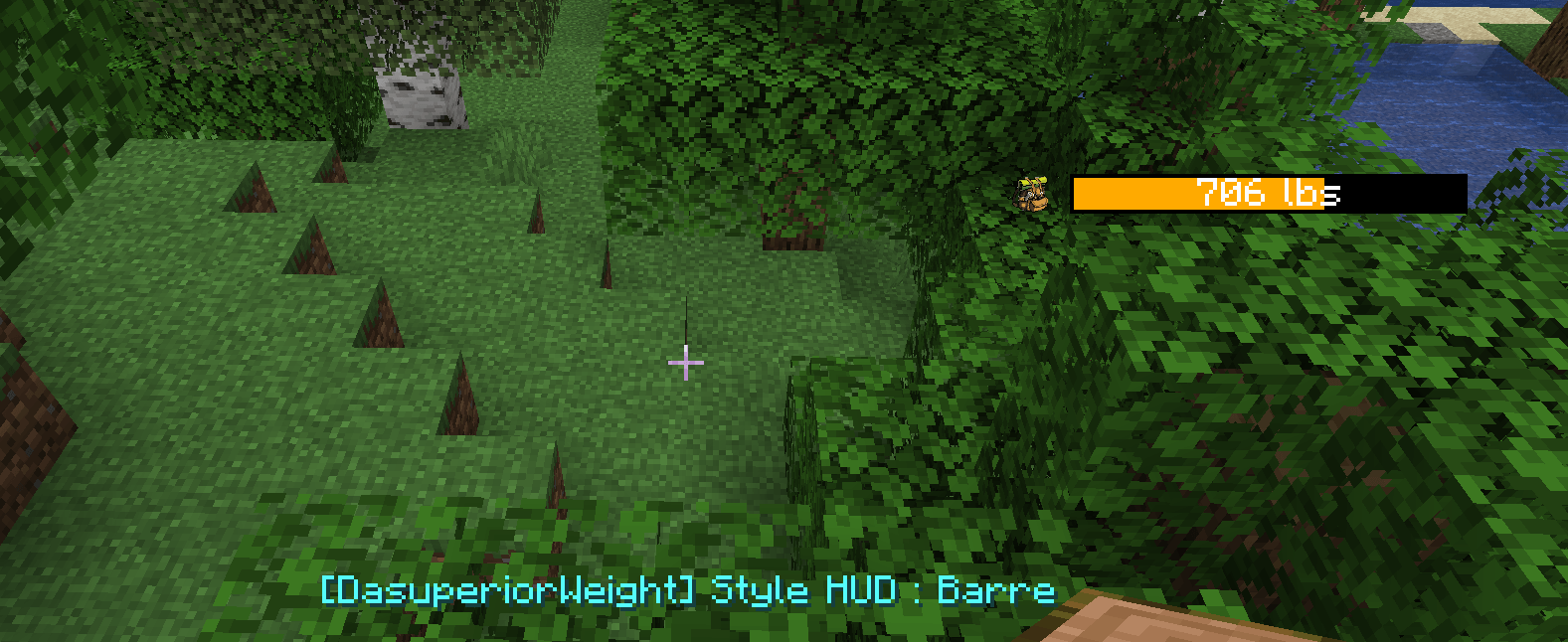
📢 DASuperiorWeight V2.1 is available!
- New client-side features!
- Server-side OP-Only Commands added!
⚖️ DASuperiorWeight
DASuperiorWeight adds a realistic weight and carry limit system to Minecraft. Every item in your inventory has a weight. Perfect for medieval roleplay, survival, and hardcore servers—add immersion and challenge to your Minecraft world!
🎒 Base Item Weights
- Metal blocks (iron, gold, copper): 5kg each
- Tools: 2kg each
- Other blocks: 1kg each
👁️ Dynamic HUD & Movement
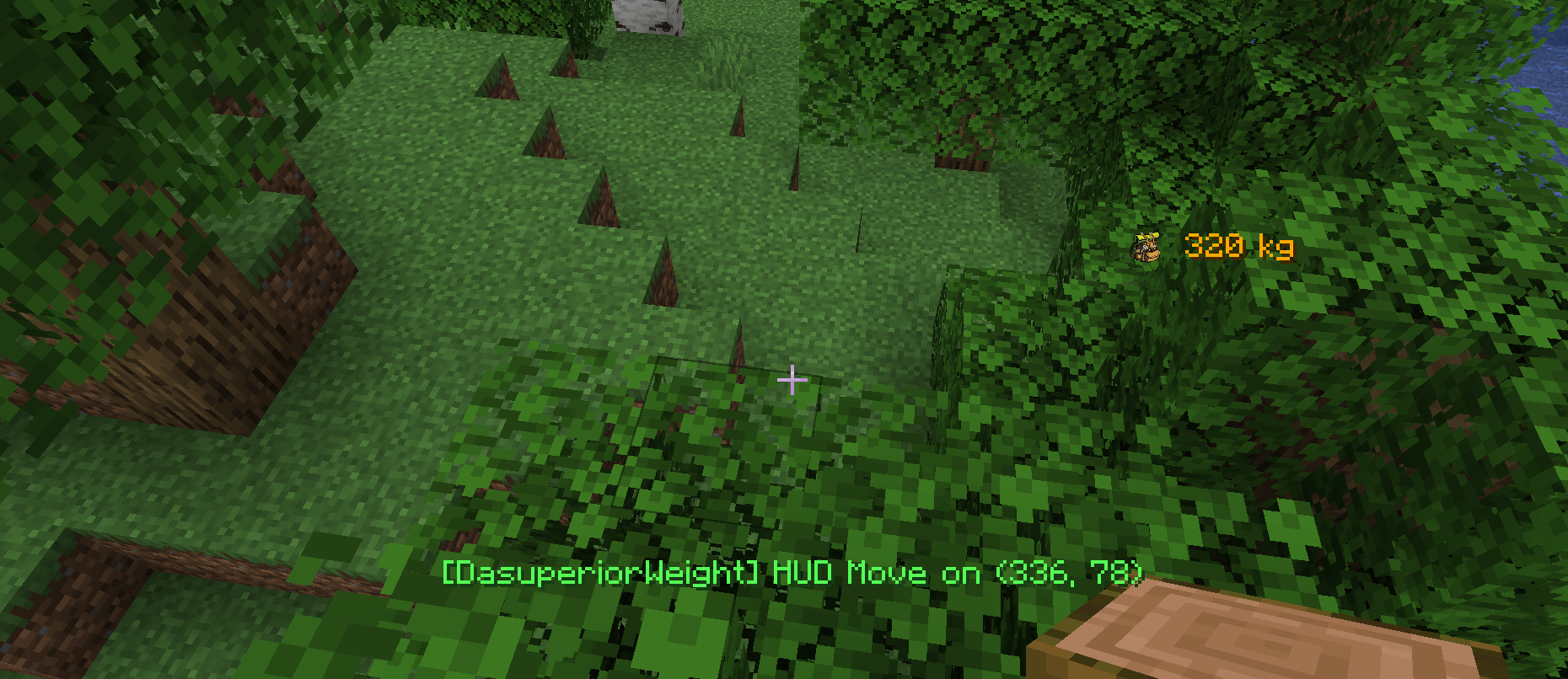
Your total weight is shown in a customizable HUD, which can be moved around the screen (Default: H) and toggled between two display styles (Default: J): Classic (kg) or Bar (lbs with colored bar). All preferences are saved per player!
- 🟢 Below 234kg: Normal movement (HUD green)
- 🟠 234kg – 456kg: You become slower (HUD orange)
- 🔴 Above 456kg: Max slowness (HUD red)
⚙️ Admin Commands (OP Only)
/weight thresholds <orange> <red>
Sets the global slow-movement thresholds. (e.g., /weight thresholds 234 456)
/weight maxbar <value>
Sets the max value used to compute HUD bar fill (visual scale only).
/weight item <item> <kg>
Overrides the per-item weight. (e.g., /weight item minecraft:iron_block 7)
/weight bonus <player> <kg>
Adds/removes a capacity bonus for players. Can be negative. Added to both thresholds.
/weight multiplier <player> <mult>
Applies a multiplier (0.1 to 10.0) to a player's carried weight in server calculations.
/weight show [player]
Prints global server settings, or a specific player's personal overrides.
/weight reload
Reloads server_settings.json from disk and re-syncs clients.
💡 Survival Tips
- Use item overrides to finely tune heavy blocks/tools beyond the defaults.
- Prefer bonus for roleplay perks/gear (knapsacks, strength training).
- Use multiplier for "lightweight" traits or debuffs (e.g., injuries).
🎒 Companion Resource Packs
My friend created two lightweight custom backpack icon resource packs to enhance the HUD/inventory! Drop the .zip into resourcepacks and enable it in-game.
- Edition: Minecraft Java
- File type: .jar
- Minecraft version listed: 1.20.1
- How to install: Install the matching mod loader (Forge, Fabric or NeoForge) for your Minecraft version. → Download the .jar. → Put it in the .minecraft/mods folder and launch that loader profile.
- Where to get it: Opens on CurseForge — not every file is mirrored on our own servers.
Install steps are the general flow for this file type — How to install Minecraft Java mods & modpacks walks through it step by step.
- Ships as daweight-1.jar — drop this file into the mods folder
- Download size: 377 KB
- Download link checked 28 Sept 2026 — working
These come from our own check of the pack file, not from the source page.