MMMMM (Server-Player version updater)
Java mod listed for Minecraft 1.20–1.21. Downloads from the MC Java Mods app on Android.
This is a mod for updating the client mods from a list on the server. This allows for players to keep their client mods whilst updating server-required…
I don't know my version or loader
Depreciated due to CurseForge guidelines. Please use the Modrinth version instead
MMMMM — Many Minecraft Mods Made Manageable
Update server-required mods without replacing your entire modpack.
MMMMM allows servers to provide a downloadable mods.zip containing required mods. Clients can update directly from the multiplayer menu while keeping their own client-side mods (performance mods, shaders, UI mods, etc.).
No external launcher required.
Features
- Generate a server mod bundle with a single command
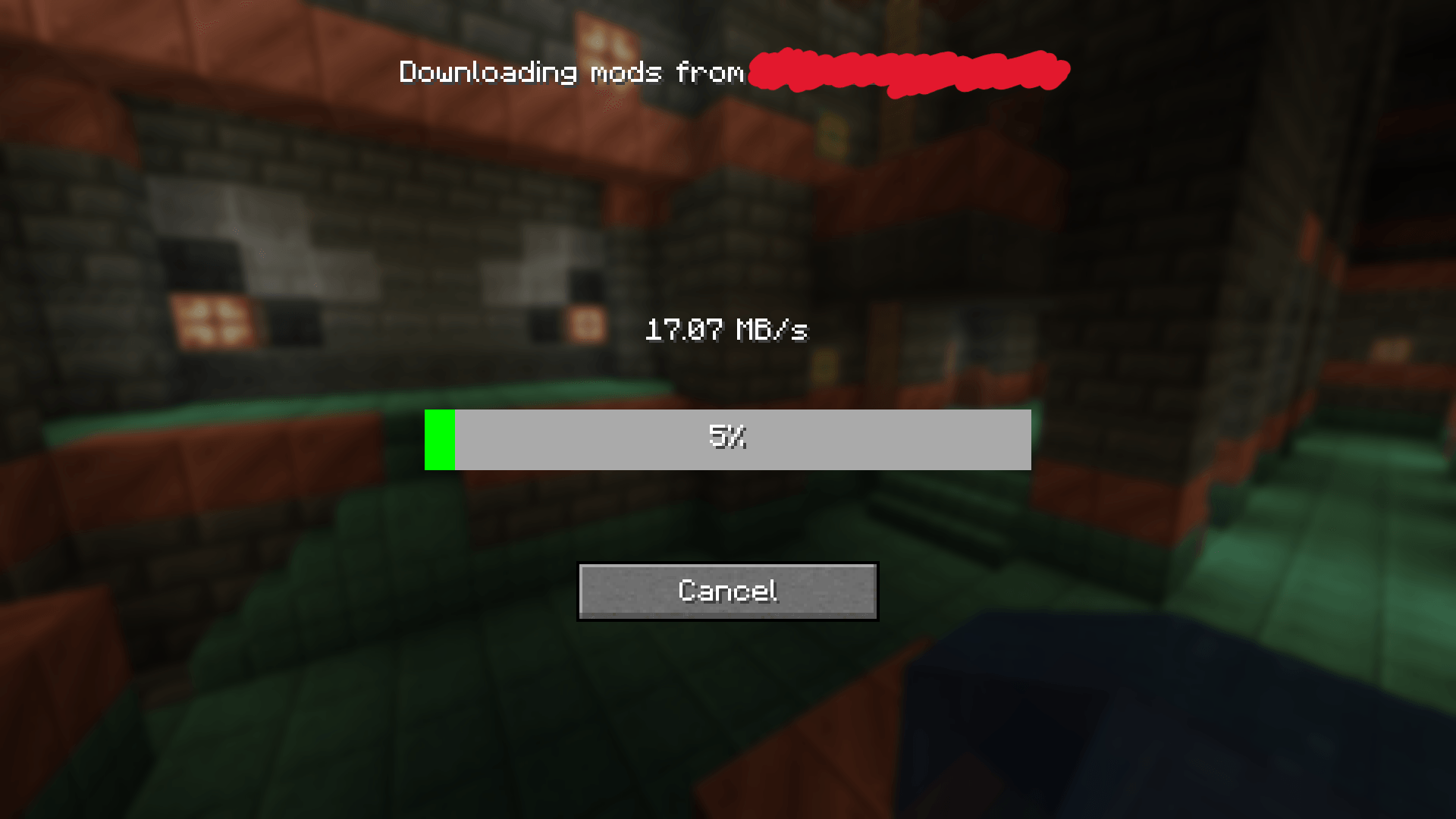
- Automatically download required mods from the server
- Preserve client-side mods
- One-click update from the multiplayer screen
- Configurable port
- Optional filtering of server-only mods
Server Setup
- Configure the port and server-only filtering in the
mmmmmconfig file. - Run the command:
/mmmmm save-mods- This generates:
MMMMM/shared-files/mods.zip- Ensure the configured port is accessible to players.
Client Setup
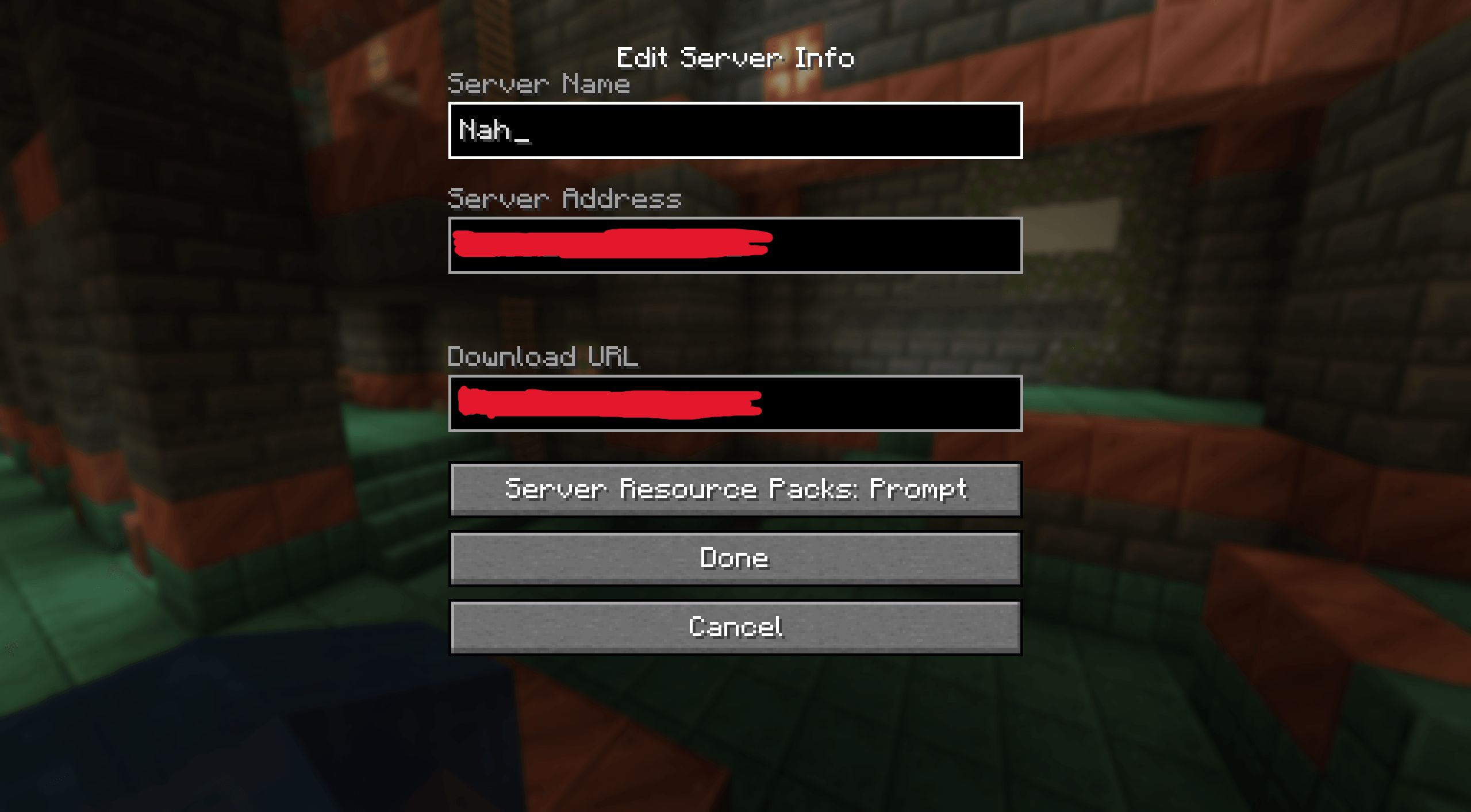
- Set the download URL to:
<server-ip>:<mmmmm-port>Example:
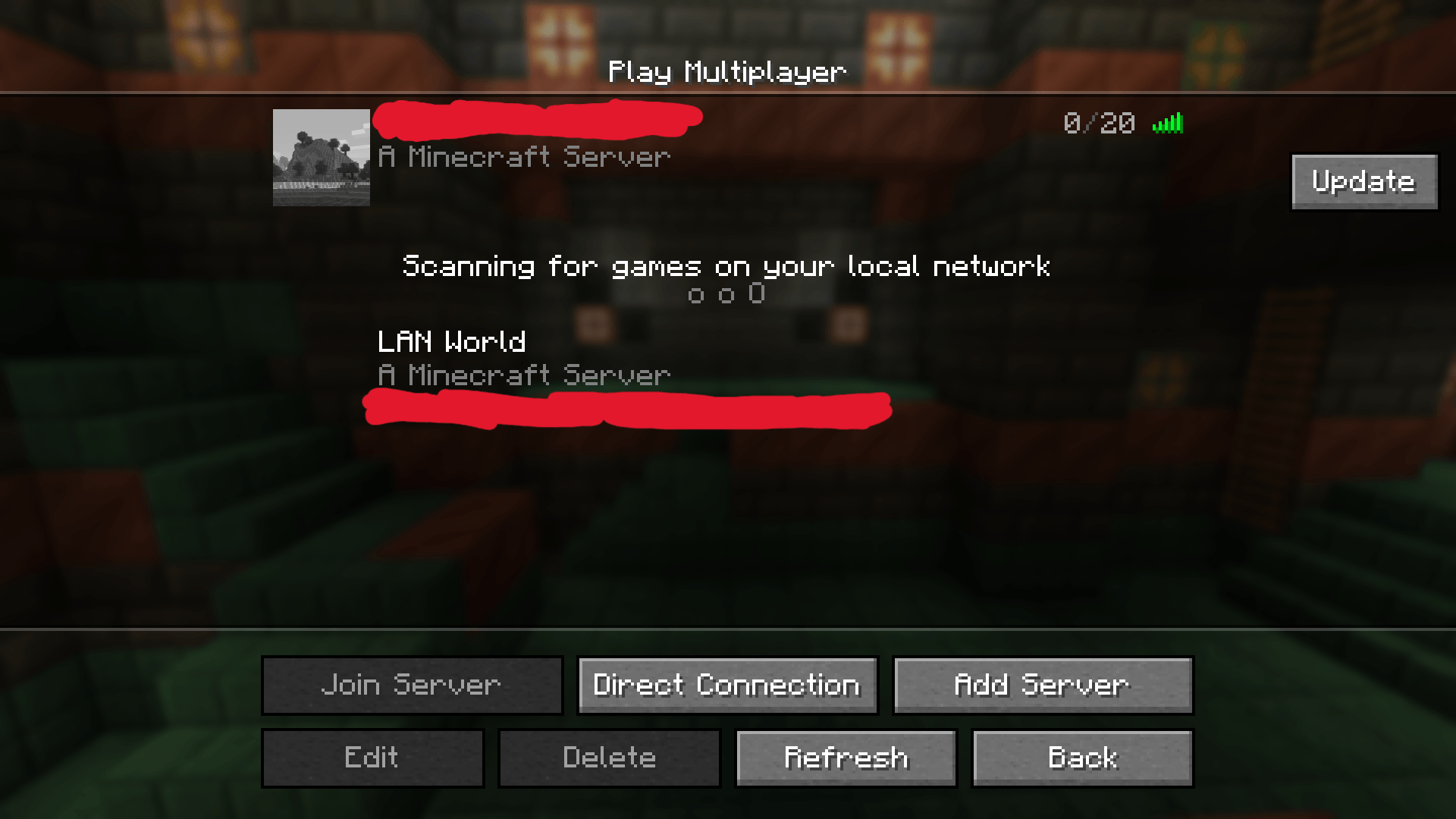
exampleserver.com:12345- In the Multiplayer menu, click the Update button on the right side of the server entry.
- Restart the client after the update completes.
Use Cases
- Servers that update mods frequently
- Communities where players use extra client-side mods
- Avoiding full modpack redistribution
- Simplifying mod updates for less technical players
Video Guide
YouTube guide:
Issues & Feedback
Please report bugs or request features here:
https://github.com/ImagineLevel69/MMMMM/issues
- Edition: Minecraft Java
- File type: .jar
- Minecraft versions listed: 1.21.5, 1.21.4, 1.21.3
- How to install: Install the matching mod loader (Forge, Fabric or NeoForge) for your Minecraft version. → Download the .jar. → Put it in the .minecraft/mods folder and launch that loader profile.
- Where to get it: Opens on CurseForge — not every file is mirrored on our own servers.
Install steps are the general flow for this file type — How to install Minecraft Java mods & modpacks walks through it step by step.
- Ships as mmmmm-1.0.1-alpha.jar — drop this file into the mods folder
- Download size: 29 KB
- Download link checked 28 Sept 2026 — working
These come from our own check of the pack file, not from the source page.