Unified
Java mod listed for Minecraft 1.20. Downloads from the MC Java Mods app on Android.
I don't know my version or loader
Unified
Annoying for a lot of same items from different mods cannot use mutually? This mod can help you.
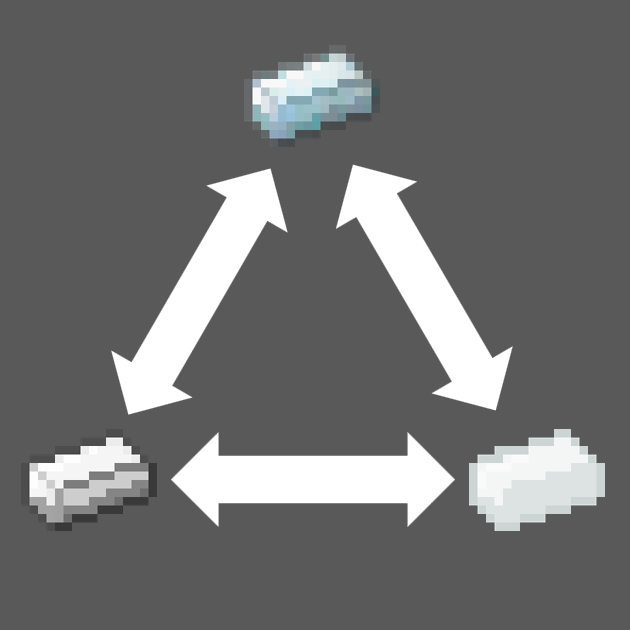
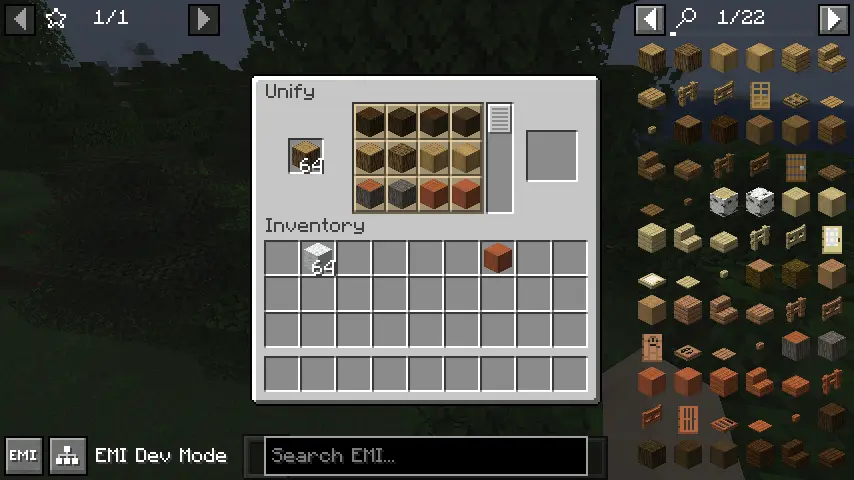
This mod add a command /unify, which you can open a unify screen. You can exchange items with same tag.
How to use
By default, this mod don't provide any exchange in the screen. You need to configure first.
Open file .minecraft/config/unified.json. If file don't exist, create it.
[
  "Write item tag here",
  "More tag",
  "You can write as much as you want to add"
]
Then, when you put items which has one of these tags into the unify screen, you can select other items which have the same tag to exchange.
I recommend to use EMI for tag checking.
Example
You want to let all logs can exchange.
First, find the tag id.

Then write following contents into config file.
[
  "minecraft:logs"
]
Open game (or /reload), and you can exchange now.
- Edition: Minecraft Java
- File type: .jar
- Minecraft version listed: 1.20.1
- How to install: Install the matching mod loader (Forge, Fabric or NeoForge) for your Minecraft version. → Download the .jar. → Put it in the .minecraft/mods folder and launch that loader profile.
- Where to get it: Opens on CurseForge — not every file is mirrored on our own servers.
Install steps are the general flow for this file type — How to install Minecraft Java mods & modpacks walks through it step by step.
- Ships as unified-1.0-1.20.1-fabric.jar — drop this file into the mods folder
- Download size: 40 KB
- Download link checked 28 Sept 2026 — working
These come from our own check of the pack file, not from the source page.