
Sheep Variety
Java mod listed for Minecraft 1.21. Downloads from the MC Java Mods app on Android.
I don't know my version or loader
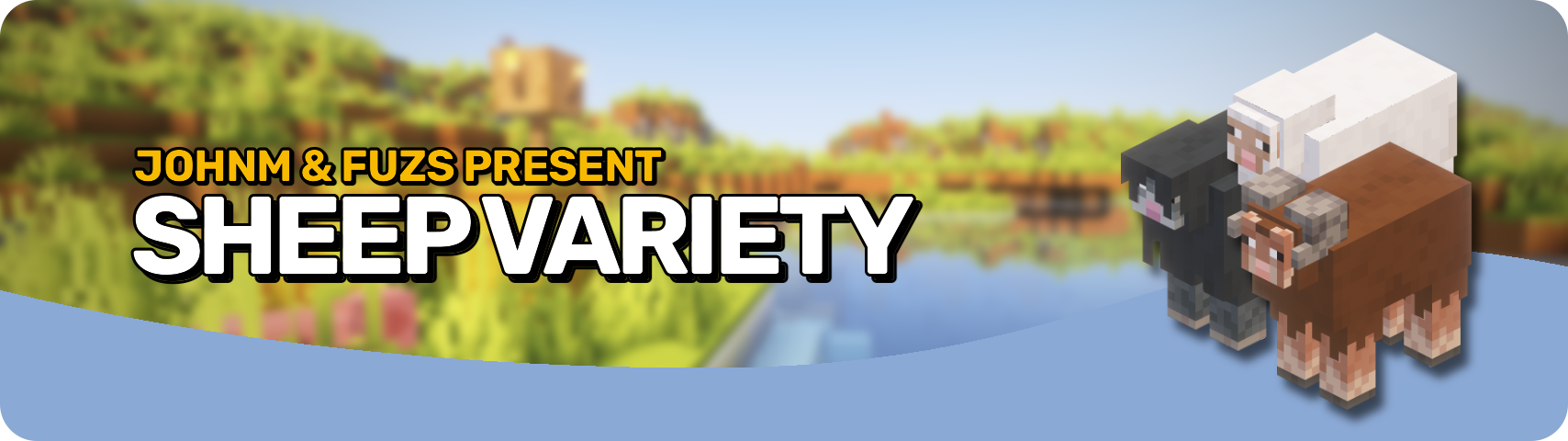








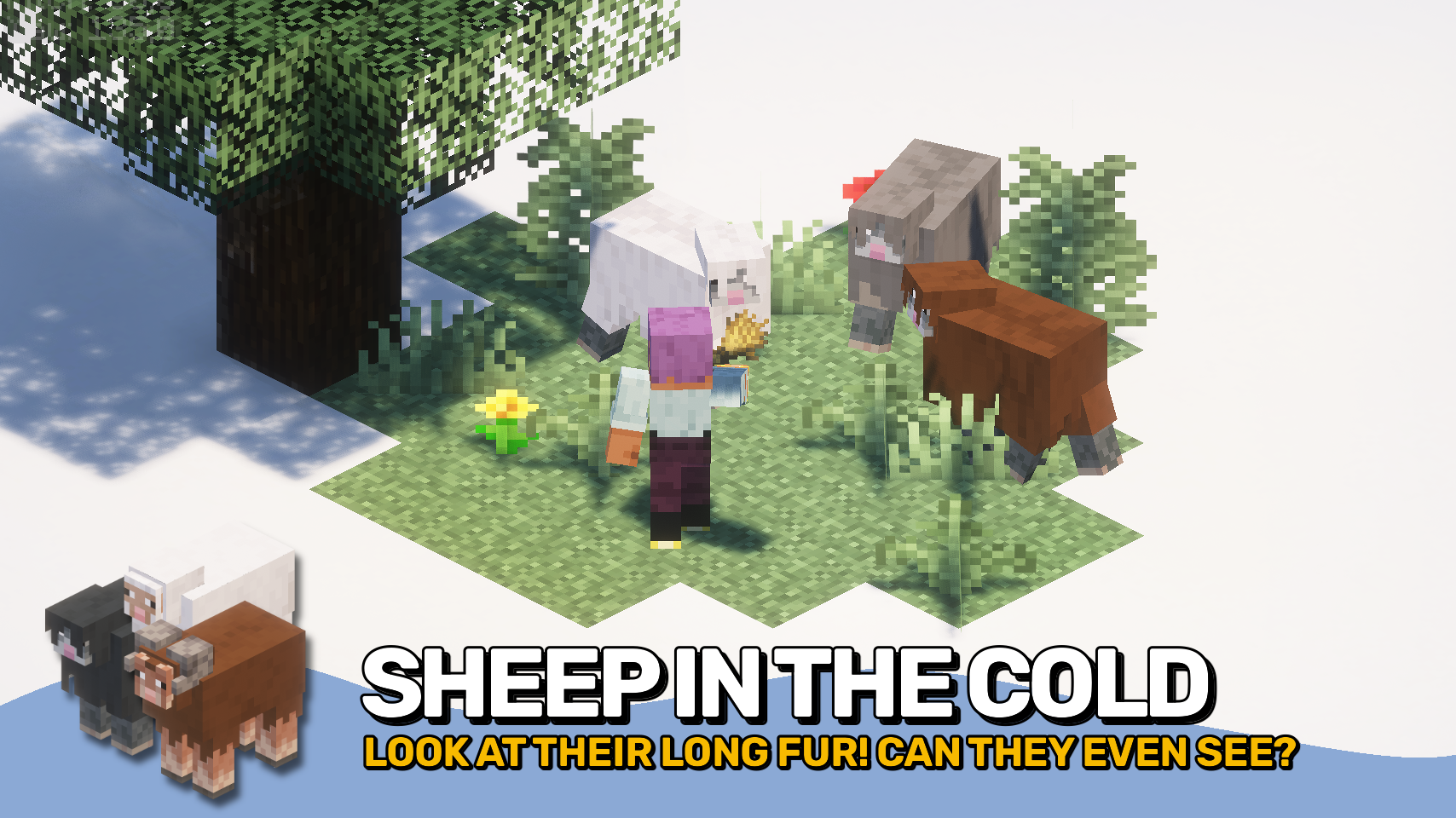
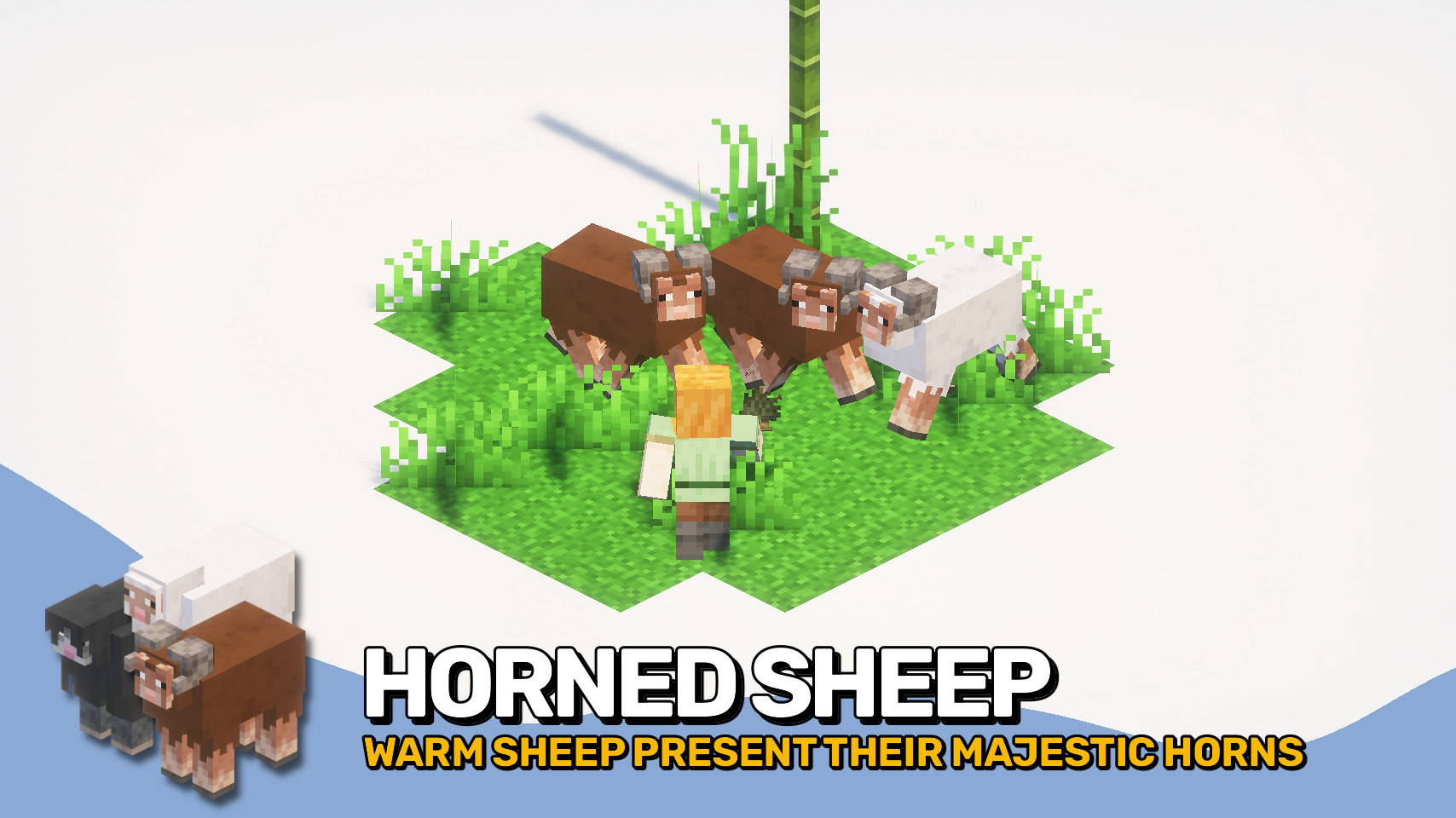
Sheep Variety is here to fix a great injustice! Chickens, pigs, and cows got fancy biome variants in vanilla — but sheep? Left behind! No more. At last, sheep gain brand-new models and textures based on the biome they live in. Woolly sheep for cold places, horned sheep for warm climates — now your flocks finally fit their homes!
No gameplay changes — just better-looking sheep wherever you go. From chilly mountains to warm badlands, every climate gets a little more personality. Explore, discover, and meet sheep that actually look like they belong (and look a lot more fashionable). It's finally sheep’s time to shine!


⏩ INSTALLATION REQUIRED ON CLIENT & REQUIRED ON SERVER
⏩ REQUIRES PUZZLES LIB TO BE INSTALLED (FABRIC & NEOFORGE)
⏩ REQUIRES FABRIC API TO BE INSTALLED (FABRIC)
⏩ REQUIRES FORGE CONFIG API PORT TO BE INSTALLED (FABRIC)

If available for a mod, configuration is possible directly from in-game using the mod menu (requires Mod Menu by Prospector to be installed on Fabric). Please note that on older Minecraft versions installing Forge Config Screens is also a requirement.
For manual configuration using an external text editor all files are found at .minecraft/config, named as MOD_ID-client.toml, MOD_ID-common.toml, or MOD_ID-server.toml, depending on the type of config. Not all types might exist for a mod, if any at all.

🌟 Huge thanks to JOHNM for creating and providing all the awesome new models and textures.
 |
 |
|
 |
 |
|
 |
 |
|
 |
 |
|
 |
 |
|

- Edition: Minecraft Java
- File type: .jar
- Minecraft versions listed: 1.21.11, 1.21.10, 1.21.9
- How to install: Install the matching mod loader (Forge, Fabric or NeoForge) for your Minecraft version. → Download the .jar. → Put it in the .minecraft/mods folder and launch that loader profile.
- Where to get it: Opens on CurseForge — not every file is mirrored on our own servers.
Install steps are the general flow for this file type — How to install Minecraft Java mods & modpacks walks through it step by step.
- Ships as SheepVariety-v26.2.0-mc26.2.x-NeoForge.jar — drop this file into the mods folder
- Download size: 56 KB
- Download link checked 28 Sept 2026 — working
These come from our own check of the pack file, not from the source page.