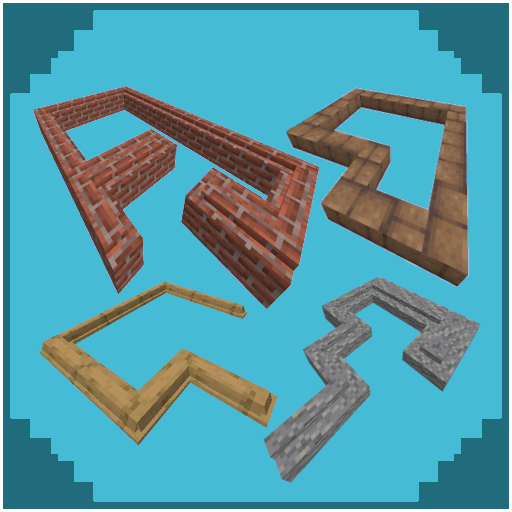
Aesthetic Edges
Java mod listed for Minecraft 1.18–1.21. Downloads from the MC Java Mods app on Android.
Aesthetic Edges adds detailed architectural elements like baseboards, curbs, friezes, cornices, and more, giving your Minecraft builds a richer, more…
I don't know my version or loader
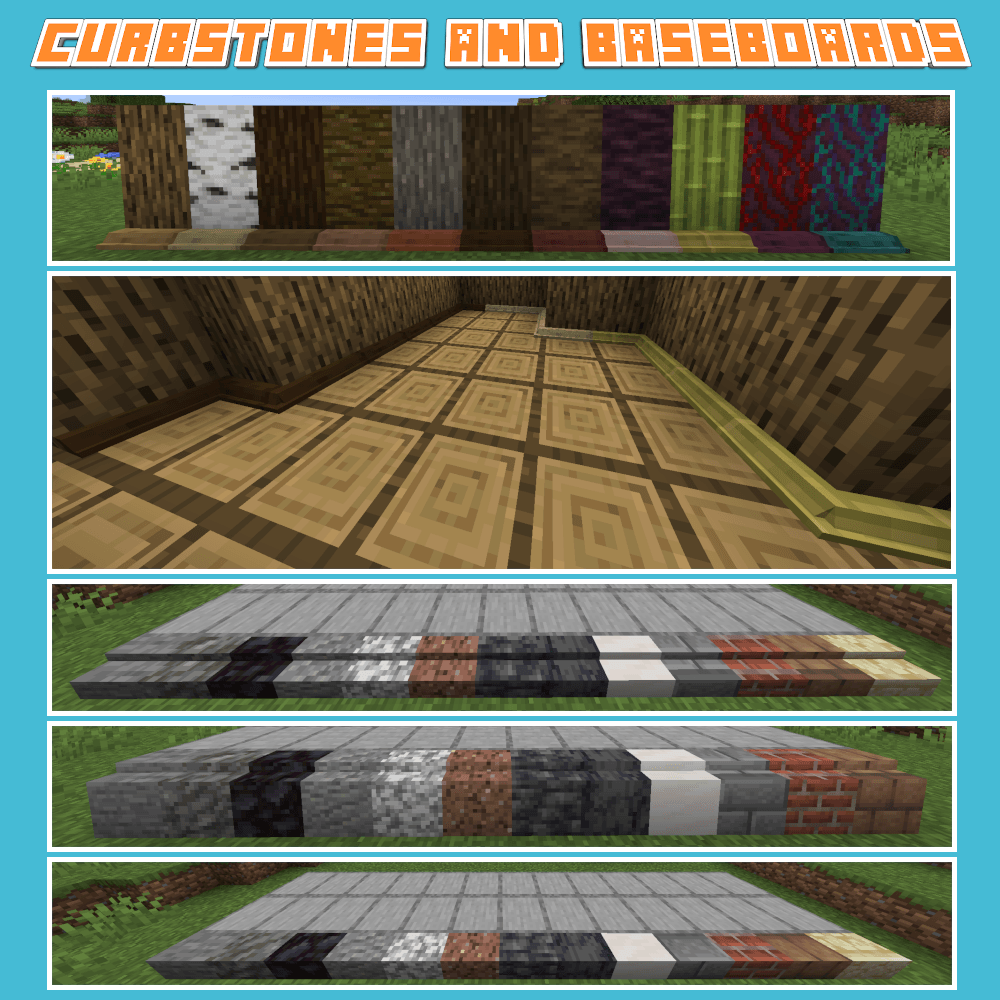
Aesthetic Edges is a Minecraft mod that introduces a variety of decorative edging blocks to enhance the realism, depth, and finish of your structures. Builders often spend hours perfecting walls, floors, and roofs—now, you can also frame and complete those builds with baseboards, curbs, friezes, cornices, curbstones, and more detailed architectural elements.
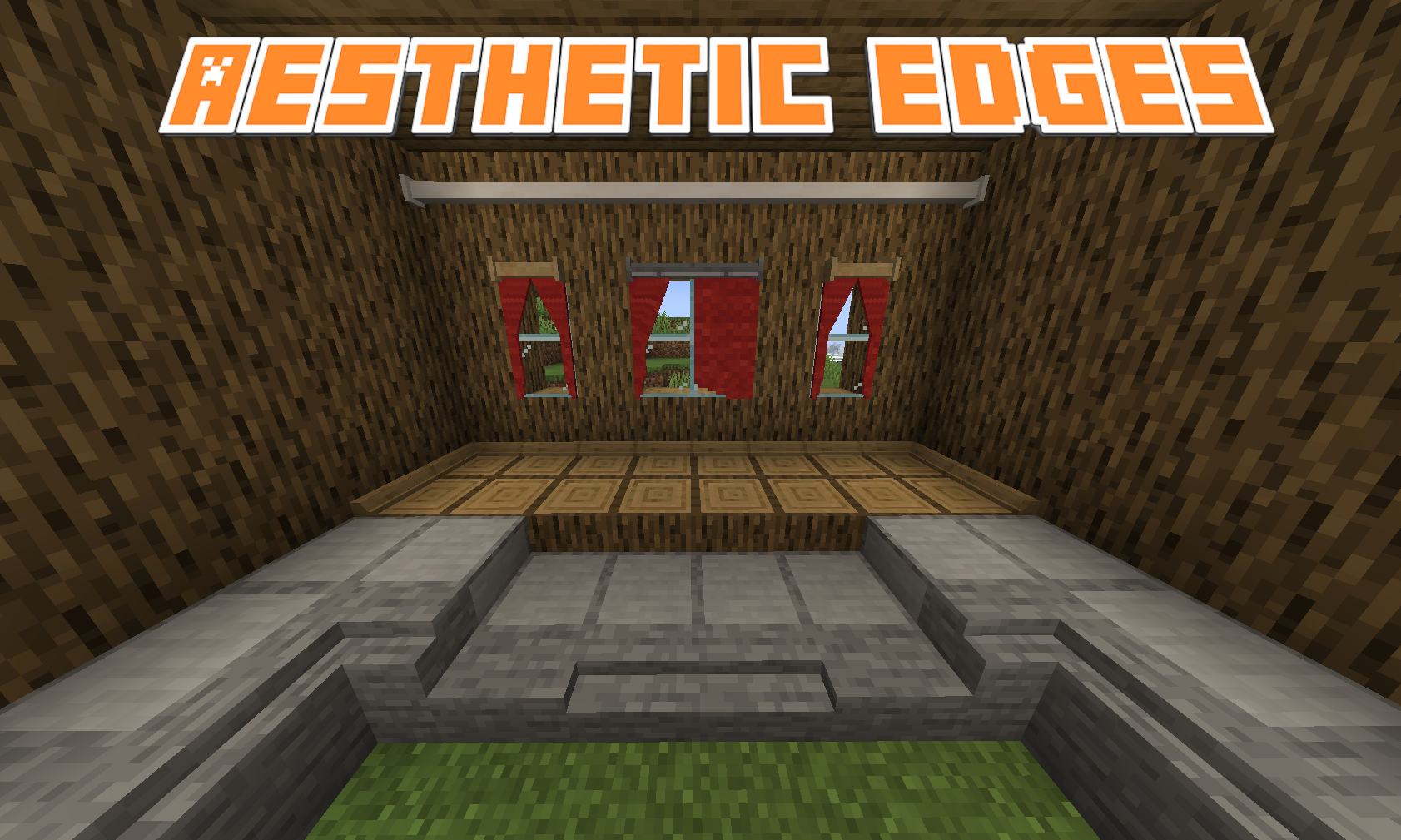
Each block type is designed to naturally complement Minecraft's aesthetic while offering new ways to add subtle detail or grand accents to your creations. Whether you're constructing an elegant palace, a cozy village house, a modern cityscape, or intricate garden paths, Aesthetic Edges provides the tools to make your structures feel complete and thoughtfully finished.
Current Features:
- Baseboards to elegantly frame rooms
- Curbs and curbstones for realistic streets and pathways
- Vanilla-friendly recipes crafted to feel intuitive and survival-ready
- Seamless compatibility with a wide range of building blocks and materials (with Arboreal Nature and Wild Fields Integration)
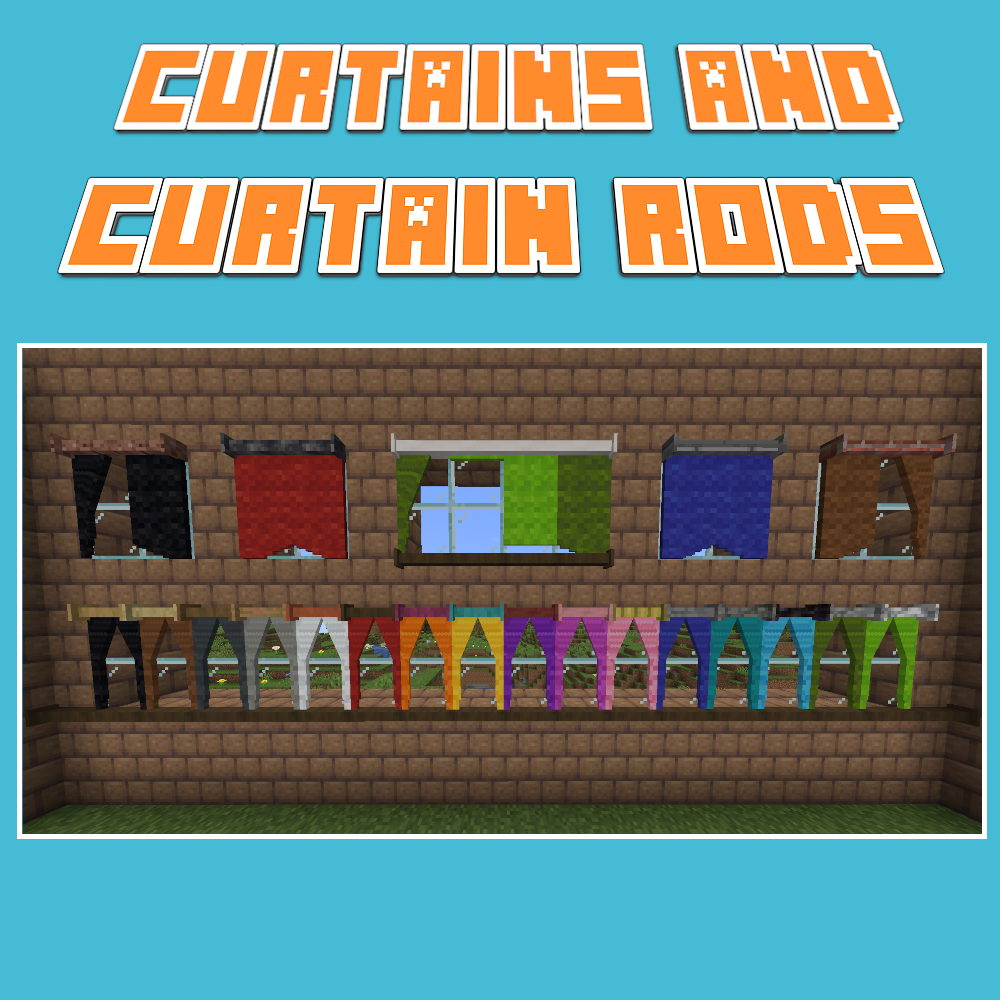
- Aesthetic and functional curtains and curtain rods
Future Updates:
- New material sets for different themes (e.g., stone, wood, brick, metal, nether/end variants)
- Expanded architectural details for gardens, interiors, and large-scale builds
- Additional variants such as ornate friezes, simple cornices, and industrial curbs
- Integration with other modded materials for even more decorative options
Whether you want a clean and modern edge to your hallways or a detailed historic façade for a grand city, Aesthetic Edges helps transform simple builds into refined masterpieces.
Finish your structures with style. Frame your creativity.
- Edition: Minecraft Java
- File type: .jar
- Minecraft versions listed: 1.21.1, 1.18.2, 1.19.2
- How to install: Install the matching mod loader (Forge, Fabric or NeoForge) for your Minecraft version. → Download the .jar. → Put it in the .minecraft/mods folder and launch that loader profile.
- Where to get it: Opens on CurseForge — not every file is mirrored on our own servers.
Install steps are the general flow for this file type — How to install Minecraft Java mods & modpacks walks through it step by step.
- Ships as aestheticedges-1.18.2_fabric_v2.0.0.jar — drop this file into the mods folder
- Download size: 4.3 MB
- Download link checked 28 Sept 2026 — working
These come from our own check of the pack file, not from the source page.