ModsJava
The Lock On Mod
Minecraft Java mod. Downloads from the MC Java Mods app on Android.
⬇ Download on CurseForge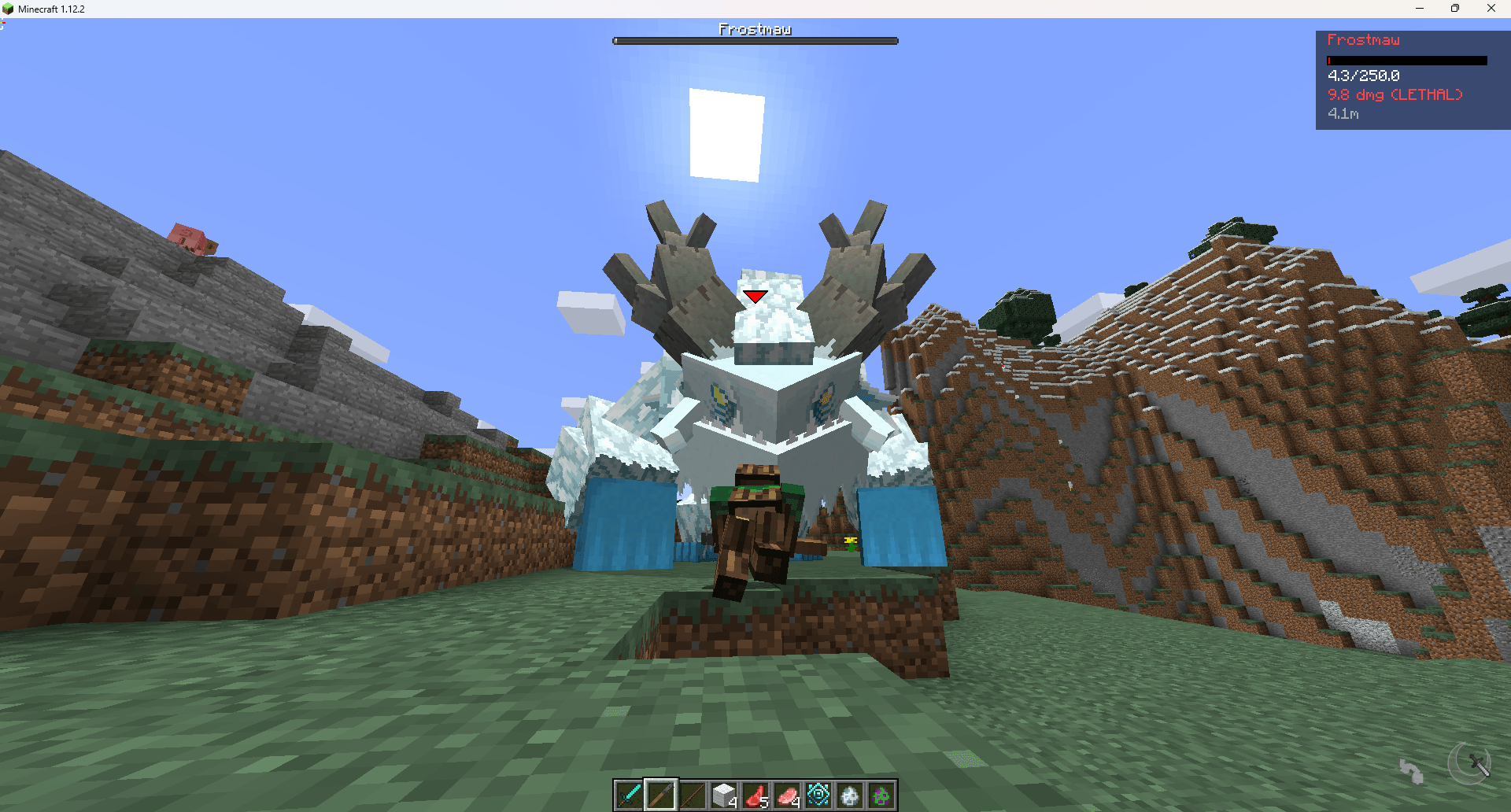
The Lock On Mod
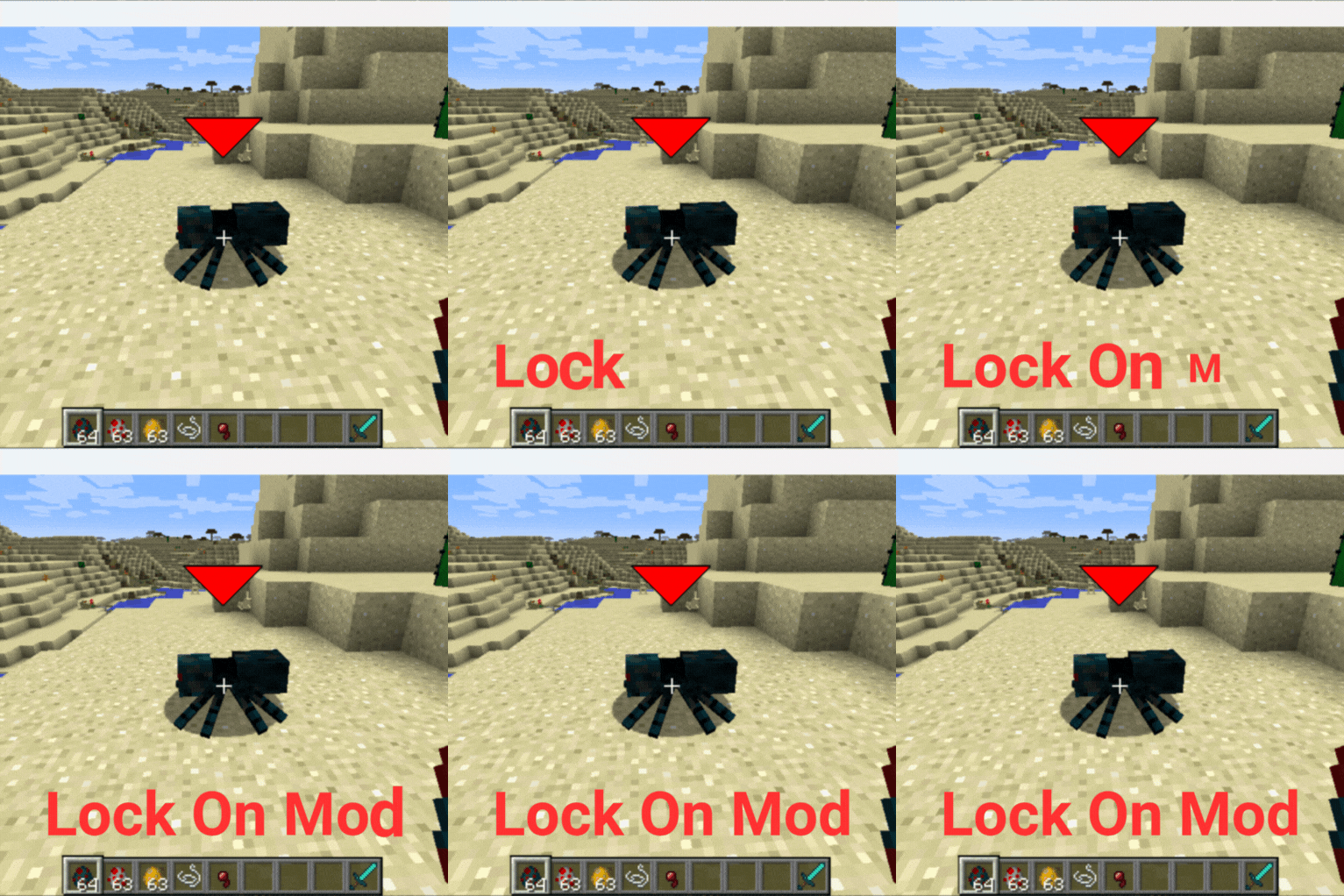
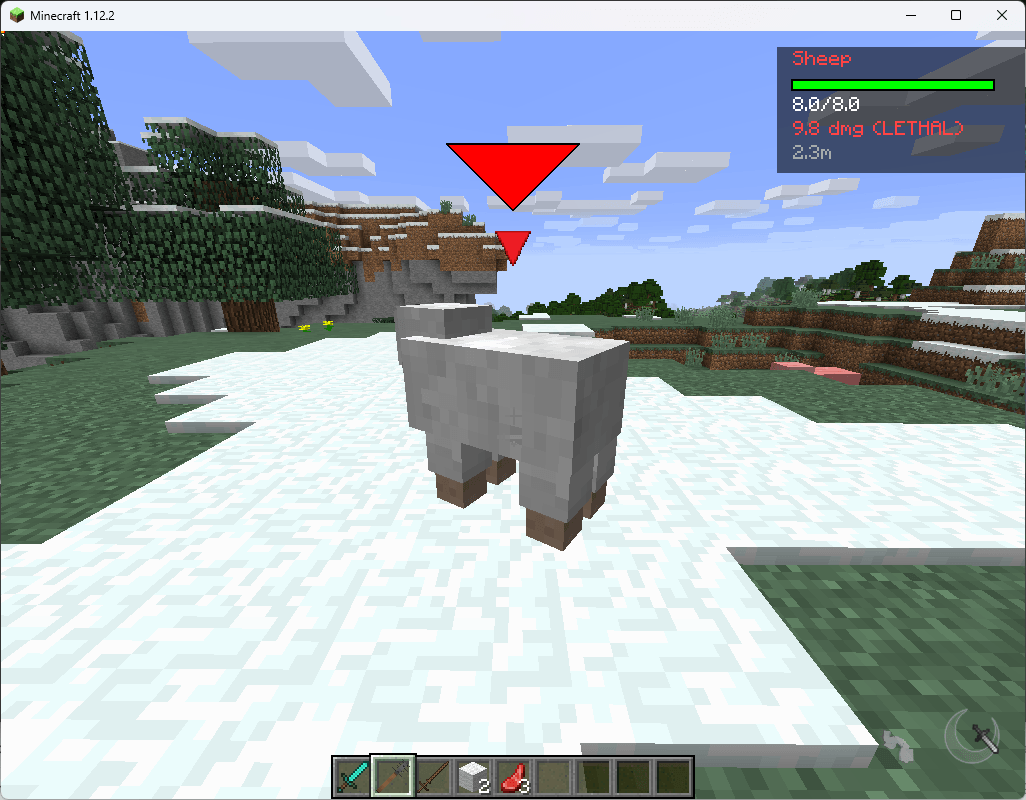
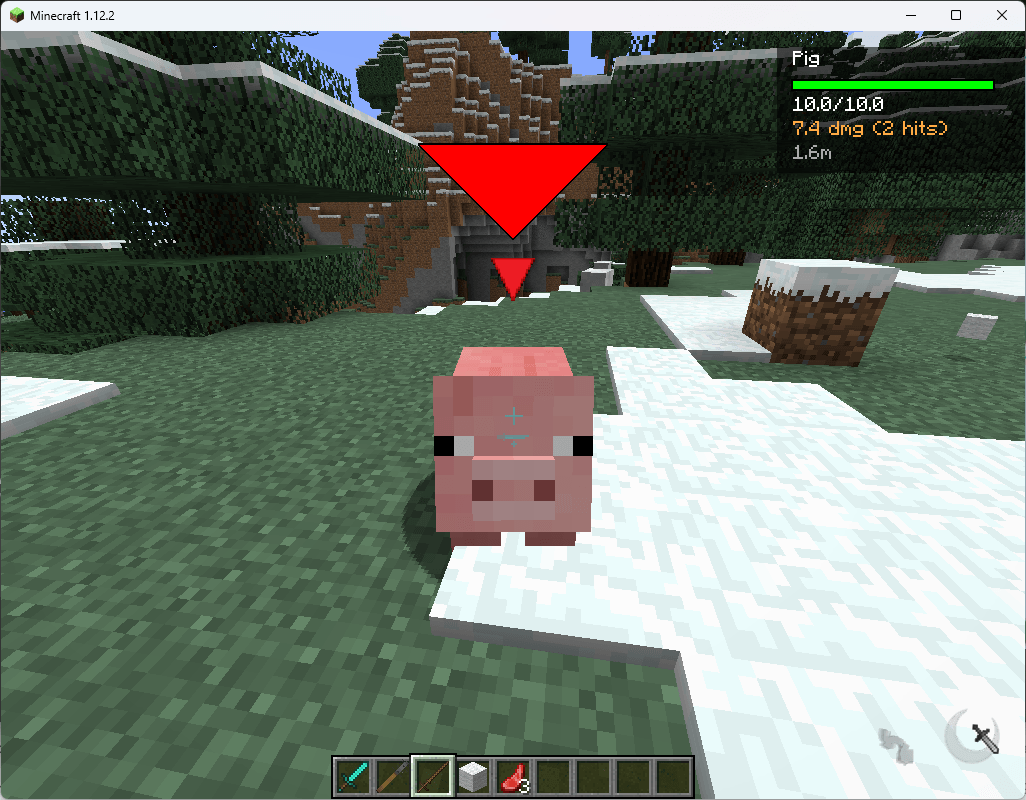
Adds a Zelda-style lock-on targeting system to Minecraft 1.12.2. Press a key to lock onto a nearby enemy, get a HUD overlay with their health and stats, and have the camera track them automatically.
Features
- Lock-on targeting with animated reticle and health bar HUD
- 4 target priority modes: Nearest, Health, Threat, Angle
- Stable target cycling with 250ms cooldown (no jank)
- 3 camera feel presets: Cinematic, Balanced, Snappy
- 5 sound themes with individual volume and pitch controls
- Damage numbers with crit emphasis and fade-out
- Low-health pulsing red tint on target health bar
- Compact HUD mode, boss-style panel, soft aim indicator, target history ringx
- 5-page in-game config GUI — no config file editing needed
Keybinds
- R — Lock on / unlock
- Q / E — Cycle targets
Requirements
- Minecraft 1.12.2
- Forge 14.23.5.2859+
- Java 8+
Quick facts
- Edition: Minecraft Java
- File type: .jar
- How to install: Install the matching mod loader (Forge, Fabric or NeoForge) for your Minecraft version. → Download the .jar. → Put it in the .minecraft/mods folder and launch that loader profile.
- Where to get it: Opens on CurseForge — not every file is mirrored on our own servers.
Install steps are the general flow for this file type — How to install Minecraft Java mods & modpacks walks through it step by step.
File checked by MCModsHub
- Ships as tlom-1.0.jar — drop this file into the mods folder
- Download size: 12 KB
- Download link checked 19 Oct 2026 — working
These come from our own check of the pack file, not from the source page.