
Dungeons Perspective
Java mod listed for Minecraft 1.20–1.21. File opened and checked on 1 Oct 2026; downloads from the MC Java Mods app on Android.
I don't know my version or loader
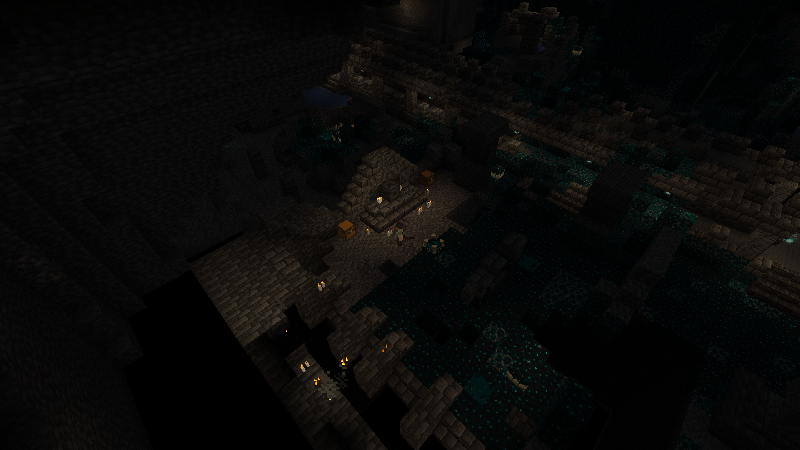
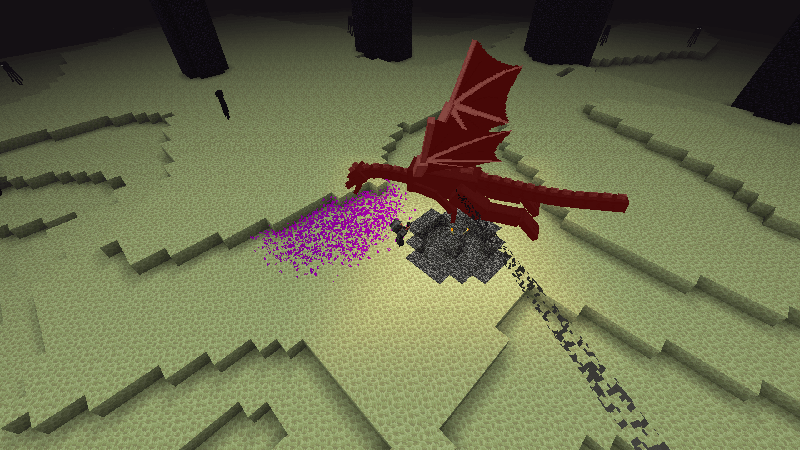
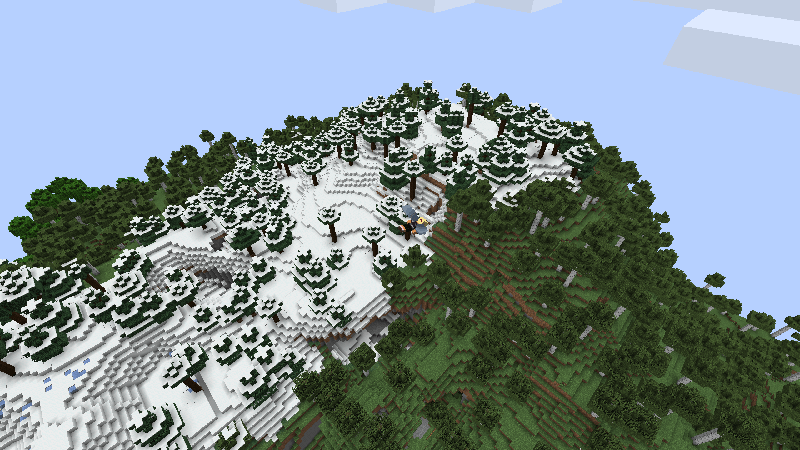
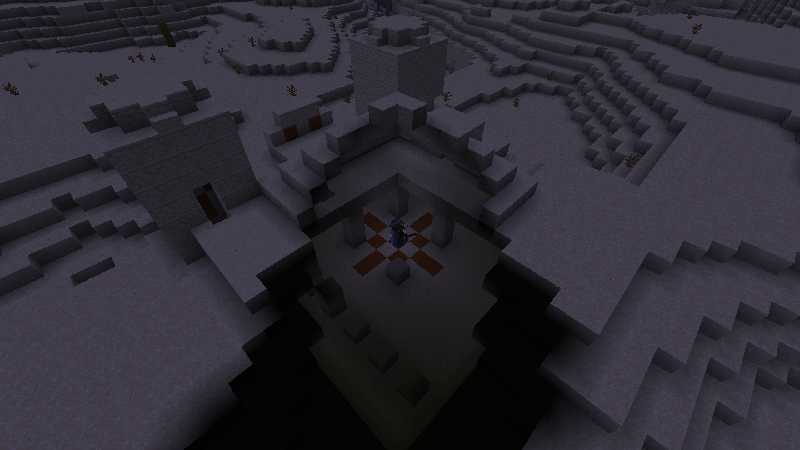
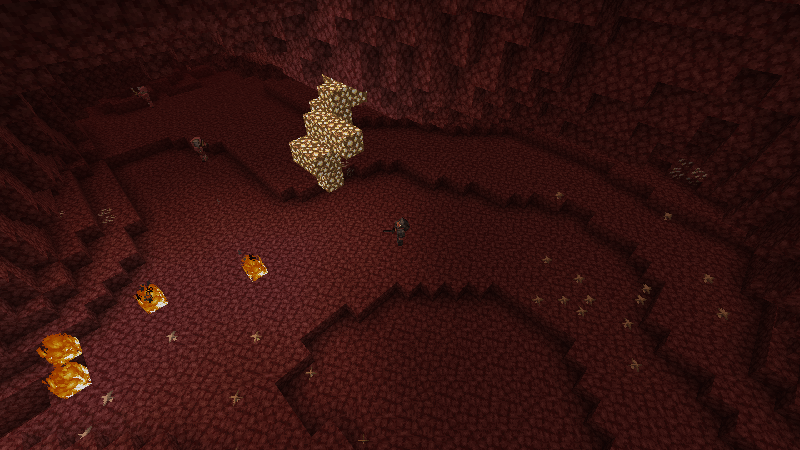
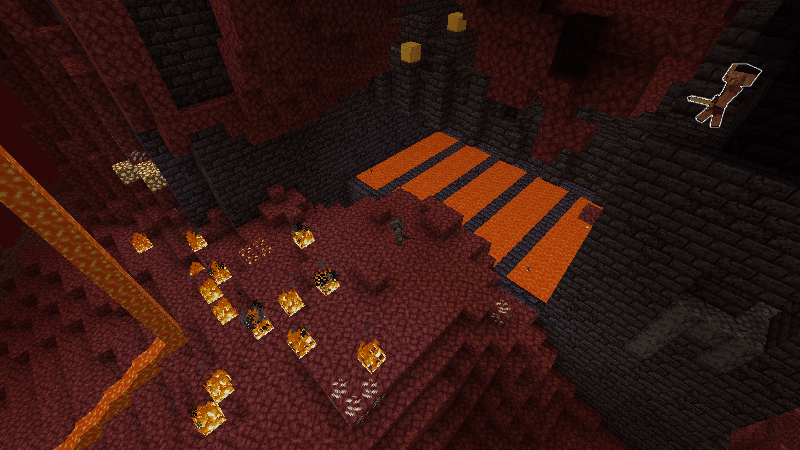
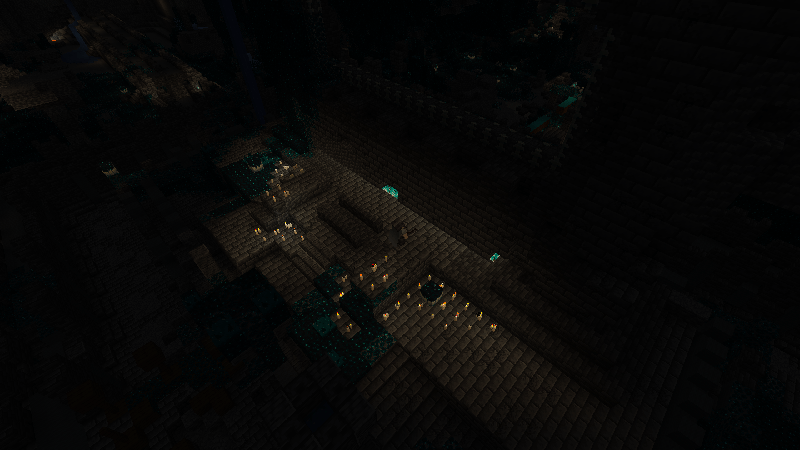
Top-Down View - Like Minecraft Dungeons!
Survival-Friendly
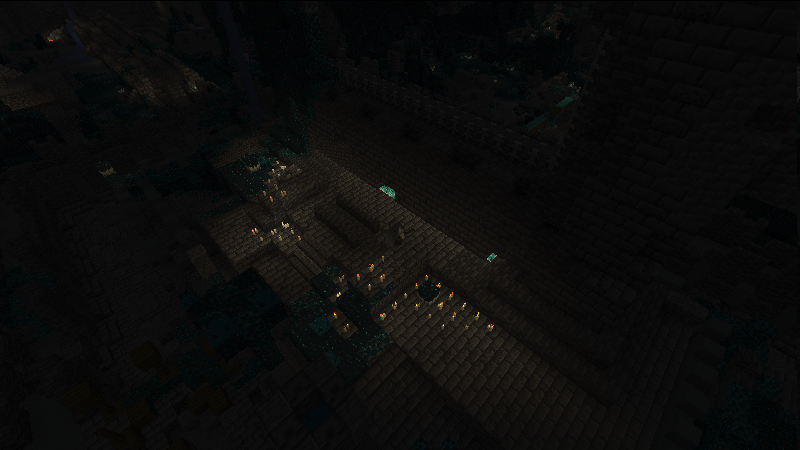
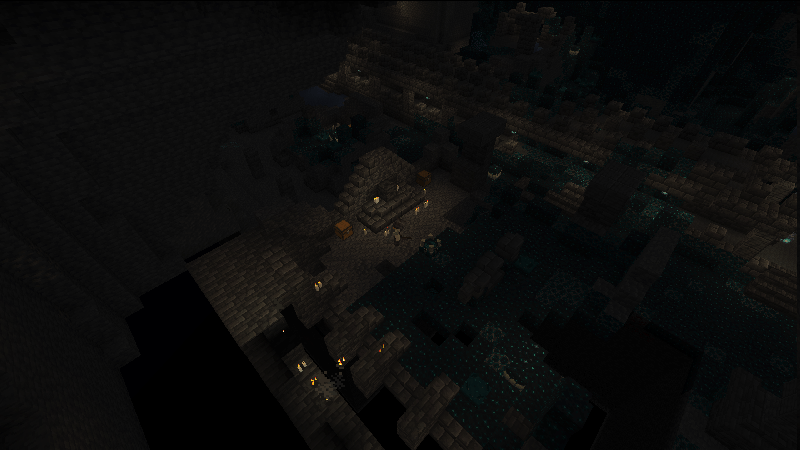
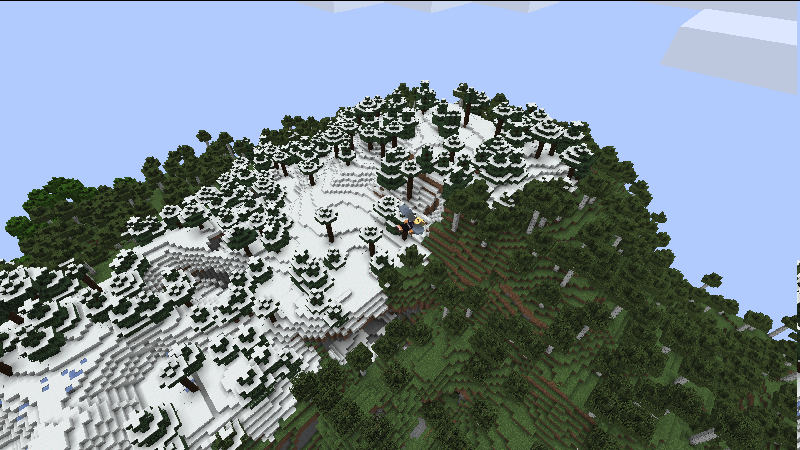
Dungeons Perspective allows you to view Minecraft in a new, top-down view, similar to Minecraft Dungeons and classic ARPGs like Path of Exile and Diablo.
The goal of this mod is to make gameplay in this top-down view as seamless as possible, making not only exploration viable, but also combat.
Building is also possible, but admittedly less comfortable than in first person or typical third person view.
Extra features include changing the pitch, to make it more similar to Final Fantasy XIV, as well as true Orthogonal mode, eliminating depth from the world.
Advanced Block Culling
By default, blocks between the camera and the camera entity are culled, allowing view of the character at all times.
Flood filling technology allows the detection of the room that you're in, making sure that the entire room is visible at all times, so you're not caught off guard by a mob hiding in a corner that is blocked by terrain or structures.
"Controller Mode"
The latest update makes Dungeons Perspective easier to play with a controller. The new Controller Mode adds analog movement, automatically targets nearby enemies during combat, and helps you interact with nearby chests, doors, villagers, and other objects: without needing precise mouse control. Targeting follows your movement direction, stays locked while you dodge or retreat, and lets you focus on moving, fighting, and exploring from the top-down perspective.
Press G to interact with blocks that are highlighted by the block targeter.
Many toggleable and configurable options and features!
This includes:
- 360 Degree rotation around the camera entity
- Zoom in and out
- Configurable FOV
- Highlighting of entities under mouse
- Snapping to entities that are under the mouse (with limitations)
- Camera offset mode
- Horse decoupling
- Independent head and body movement
- Spell Engine support
- Vic's Point Blank support
- Sodium Support
See it in action in my modpack, Guild Adventures!
This mod is heavily based on another mod on Modrinth called Minecraft XIV, which aimed to make a perspective system similar to Final Fantasy XIV.
Here's my discord! https://discord.gg/5nTM4qcxEM
- Edition: Minecraft Java
- File type: .jar
- Minecraft versions listed: 1.21, 1.21.1, 1.20.1
- How to install: Install the matching mod loader (Forge, Fabric or NeoForge) for your Minecraft version. → Download the .jar. → Put it in the .minecraft/mods folder and launch that loader profile.
- Where to get it: Opens on CurseForge — not every file is mirrored on our own servers.
Install steps are the general flow for this file type — How to install Minecraft Java mods & modpacks walks through it step by step.
- Ships as dungeons_iso-1.4.2-1.20.1.jar — drop this file into the mods folder
- Download size: 239 KB
- Download link checked 28 Sept 2026 — working
These come from our own check of the pack file, not from the source page.