Genshin Domains
Java mod listed for Minecraft 1.20–1.21. Downloads from the MC Java Mods app on Android.
I don't know my version or loader
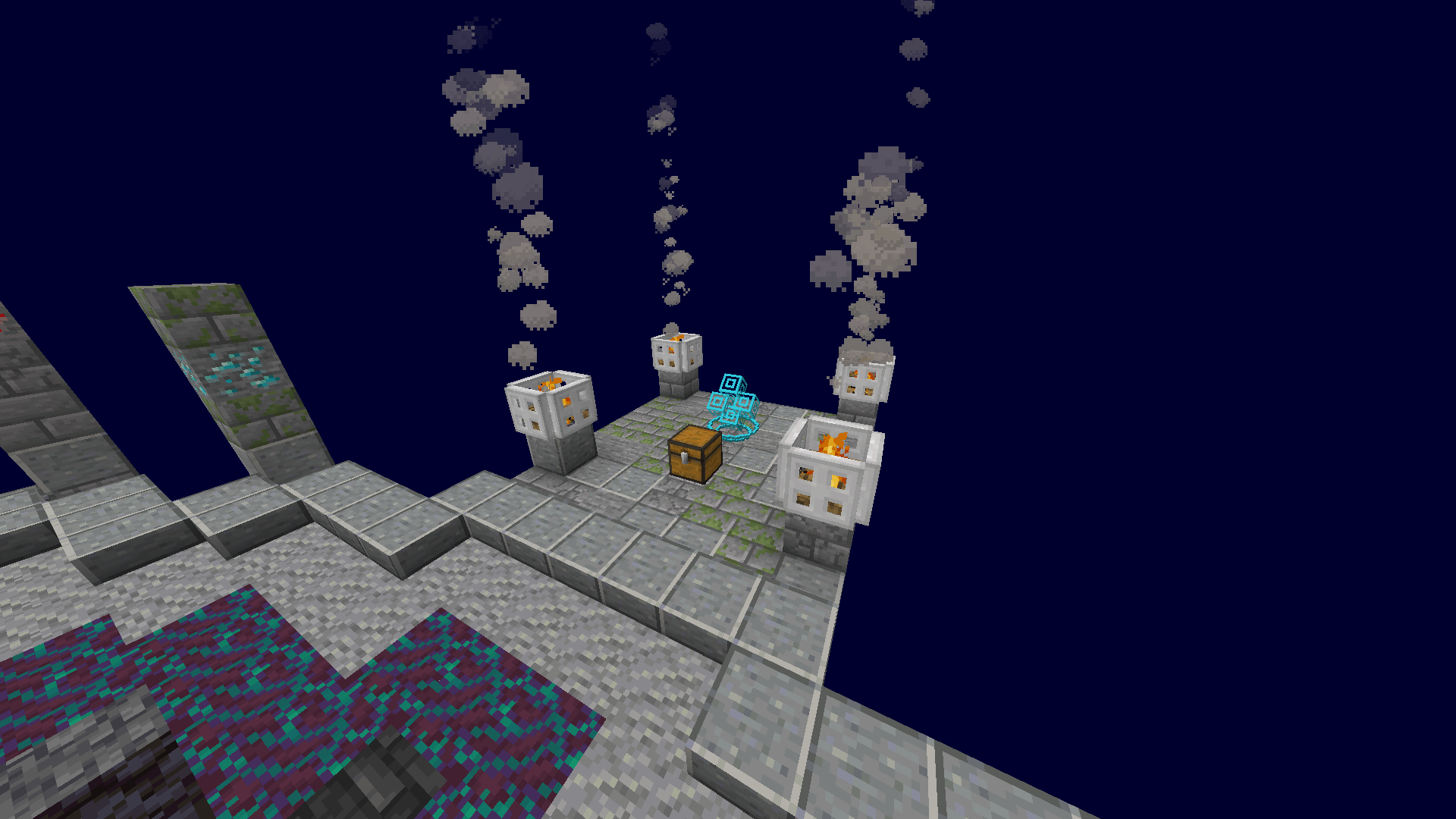
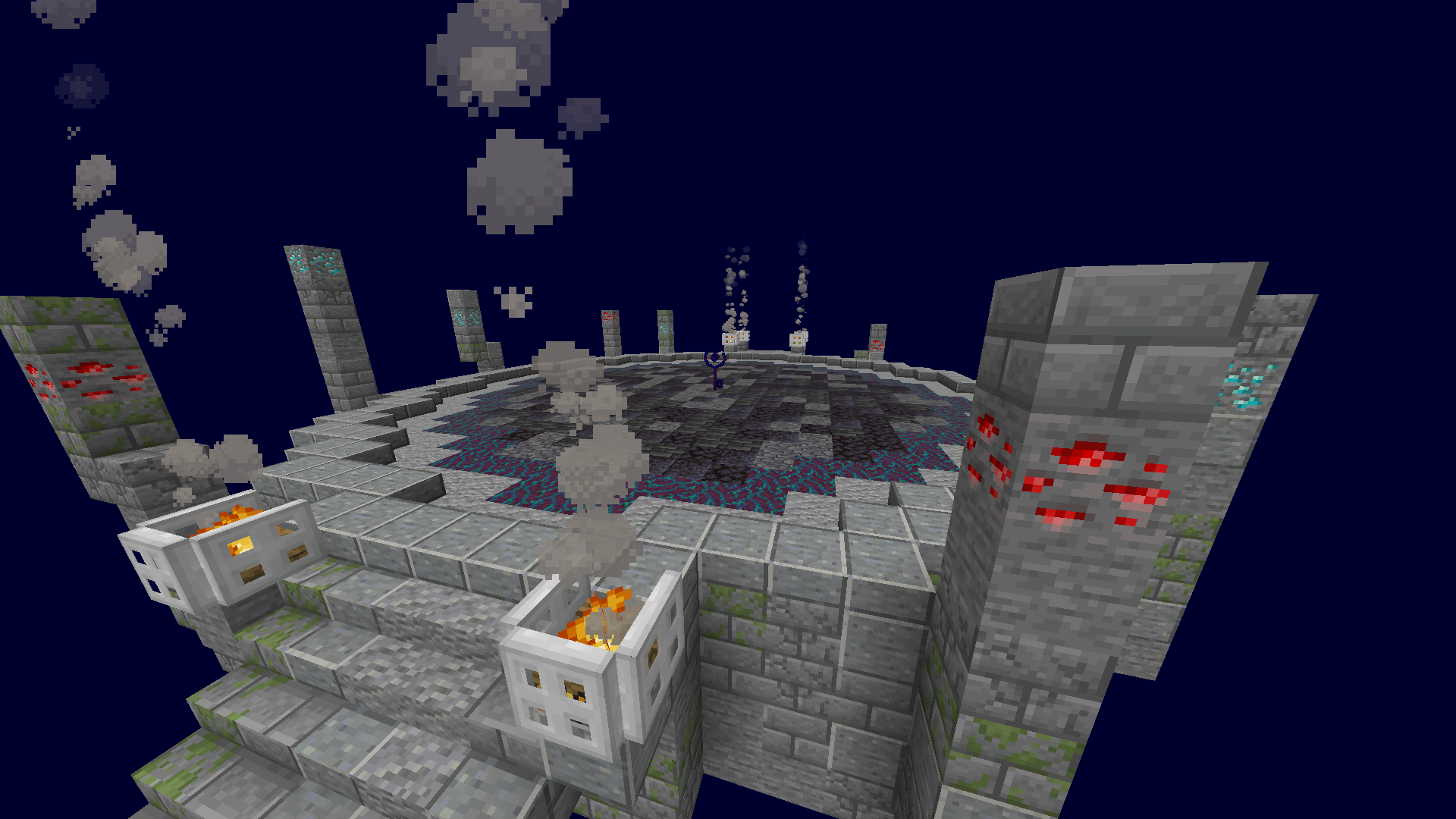
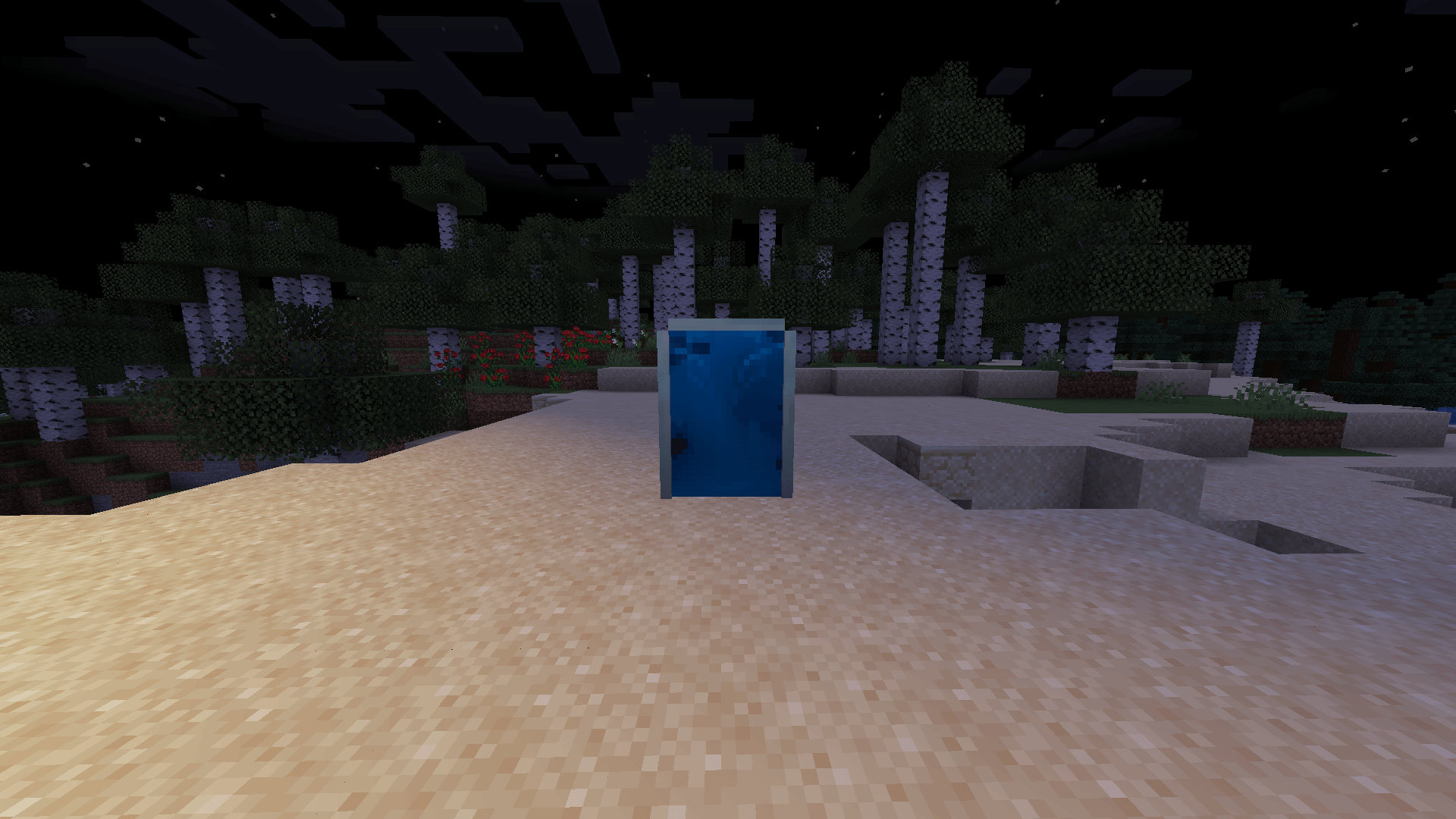

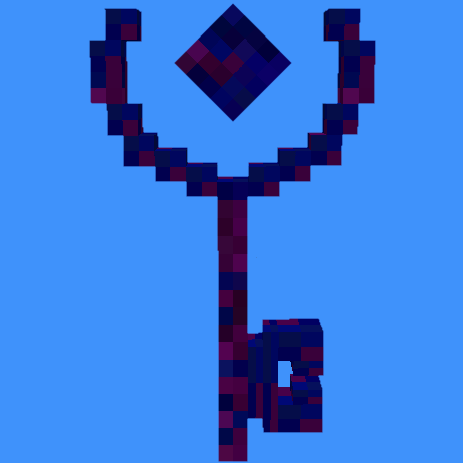
This mod adds Domains from Genshin Impact into Minecraft, to access them you need to find doors throughout your world, they spawn randomly but the chat will let you know their coordinates. Once you find them just right-click to be teleported to the Domain. There you can start fighting by right-clicking the Key in the middle.
After you defeat your opponents a chest and an exit will spawn, just right-click the exit to return to where you were. The door you used will disappear when the challenge is completed.
Door Finder
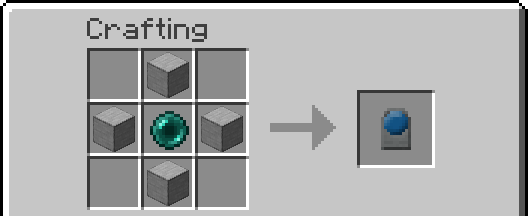
You can use this item to know the location of the current active door, if theres none it will show the locations of all the doors currently in your world.
Commands
You can use the /genshindomains command to interact with the mod in some different ways, just by choosing the parameter.
debug - Resets all the mod's variables, hopefully fixing bugs that may occur (doesn't reset doors).
resetNumberOfDoors - Resets the doors in your world.
summonRandomDoor - Summons a door near the player.
checkDoorCooldown - Tells you how much time is left until the next door spawns.
supportedModsInstalled - Tells you if the supported mods are installed.
numberOfMobs - Let's you change the number of mobs that will spawn in the Domains (between 3 and 30).
tpOut - Teleports all players inside the domain dismension to the overworld.
Compatible Mods
This is a list of mods that will have their mobs spawning in the Domains, you can click them to go to their pages:
Not all mobs will be able to spawn, and more mods will be supported in the future.
Recommend Mods
These are some mods that are not necessary but that will make the experience better:
Experimental Settings Disabler
Showcase
If you want to get updates on the mod development, report bugs or suggest new stuff or just contact me join my discord server:
https://discord.com/invite/KWGakdBVwG
- Edition: Minecraft Java
- File type: .jar
- Minecraft versions listed: 1.21.1, 1.20.1
- How to install: Install the matching mod loader (Forge, Fabric or NeoForge) for your Minecraft version. → Download the .jar. → Put it in the .minecraft/mods folder and launch that loader profile.
- Where to get it: Opens on CurseForge — not every file is mirrored on our own servers.
Install steps are the general flow for this file type — How to install Minecraft Java mods & modpacks walks through it step by step.
- Ships as genshin_domains-1.7-JBAOrigins-forge-1.20.1.jar — drop this file into the mods folder
- Download size: 180 KB
- Download link checked 28 Sept 2026 — working
These come from our own check of the pack file, not from the source page.