Colour Blocks
Java mod listed for Minecraft 1.20–1.21. Downloads from the MC Java Mods app on Android.
I don't know my version or loader
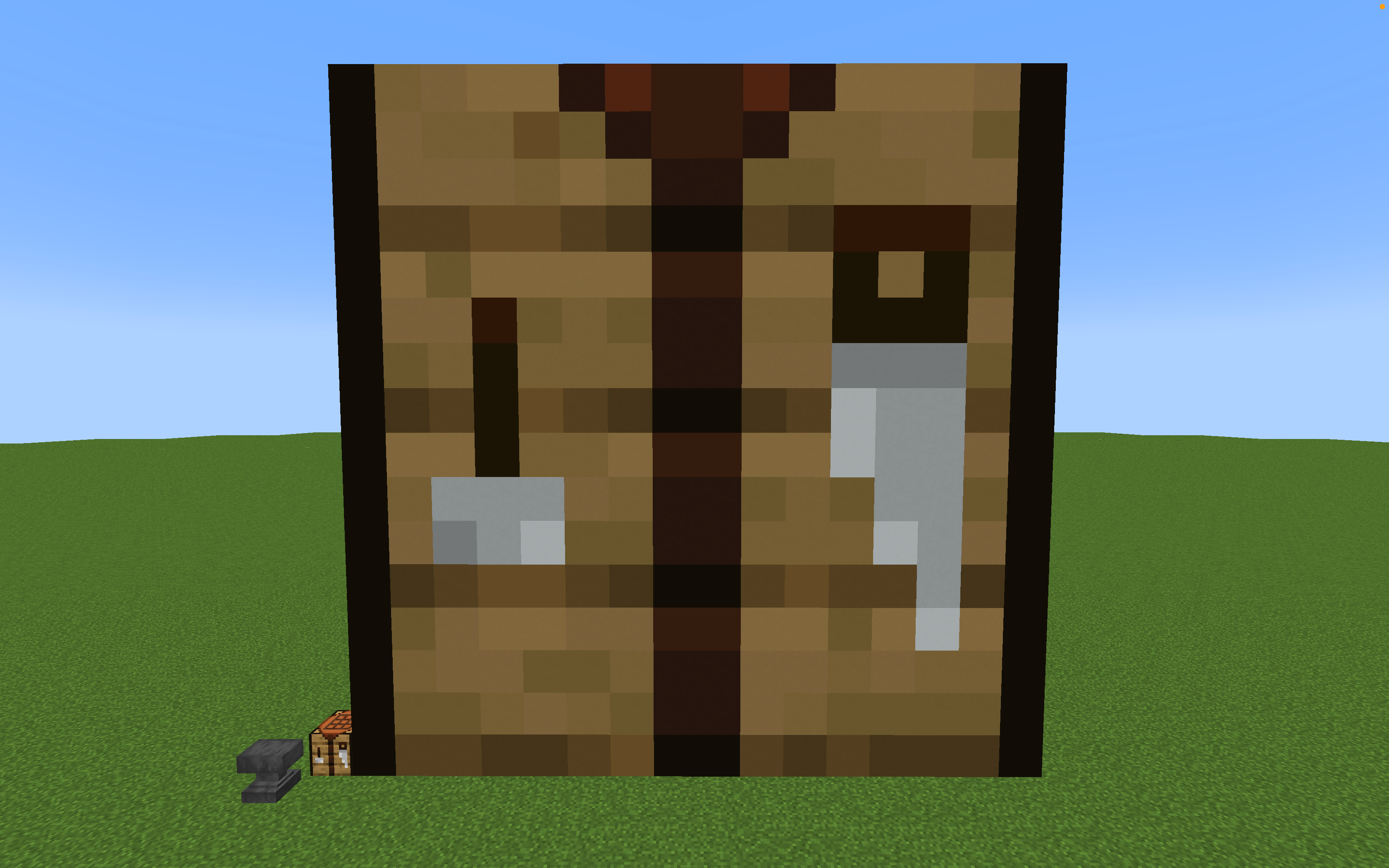
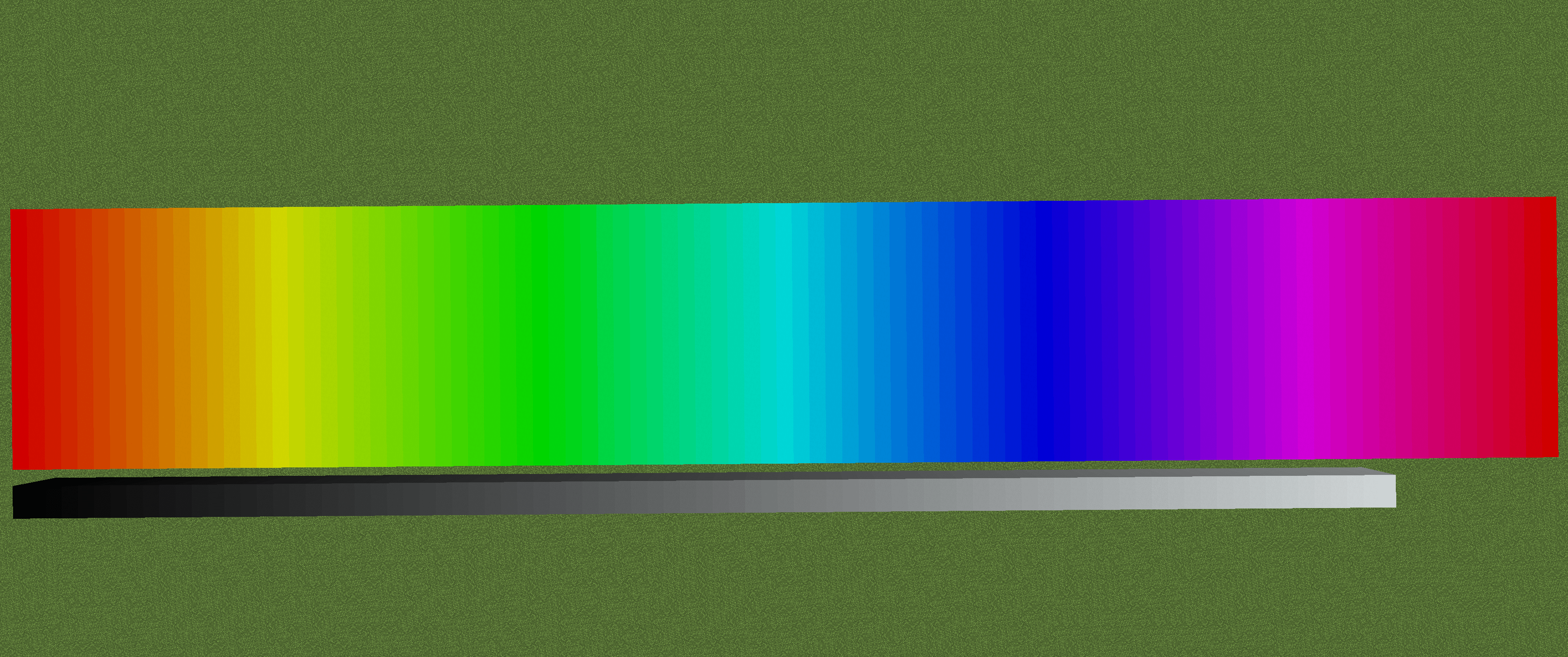
Expands the 16 vanilla concrete colours to any hex code.
Added an usage for Shepherd Villager Profession.
Also works with /setblock , /fill , /clone commands.
example command: /setblock ~ ~-1 ~ color-concretes:colour_concrete{HexColor:"123456"}
Multiplayer functionality is available.
How to use:
Colour Concrete: Edit the name of the colour concrete to a 6-digit hex code, the colour of the concrete will be updated correspond to the hex code.
(any name longer than 6 digit would change the concrete colour to pure black by default)
-(Version 1.3.0 or above) Creative mode player can (somehow) open anvil screen when shift-right-clicking concrete with bare hand.
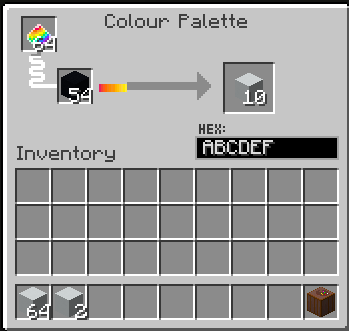
Colour Palette: Allows previewing hex code, crafts colour concrete.
Change Log:
-1.3.0: Added more varients (wool/carpet/concrete slab/concrete stairs/terracotta/glass pane)
- Edition: Minecraft Java
- File type: .jar
- Minecraft versions listed: 1.21.1, 1.20.2, 1.21
- How to install: Install the matching mod loader (Forge, Fabric or NeoForge) for your Minecraft version. → Download the .jar. → Put it in the .minecraft/mods folder and launch that loader profile.
- Where to get it: Opens on CurseForge — not every file is mirrored on our own servers.
Install steps are the general flow for this file type — How to install Minecraft Java mods & modpacks walks through it step by step.
- Ships as color-concretes-1.4.0.jar — drop this file into the mods folder
- Download size: 164 KB
- Download link checked 19 Oct 2026 — working
These come from our own check of the pack file, not from the source page.