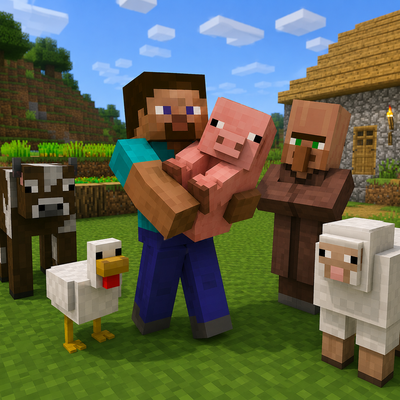
Mobs and villager
Java mod listed for Minecraft 1.21. Downloads from the MC Java Mods app on Android.
Pick up and carry friendly mobs, animals, villagers and selected neutral creatures using their real models — no spawn eggs required.
⬇ Download on CurseForgeThe author built this one for Minecraft 1.21.5 on Fabric. On other versions it may install and then do nothing.
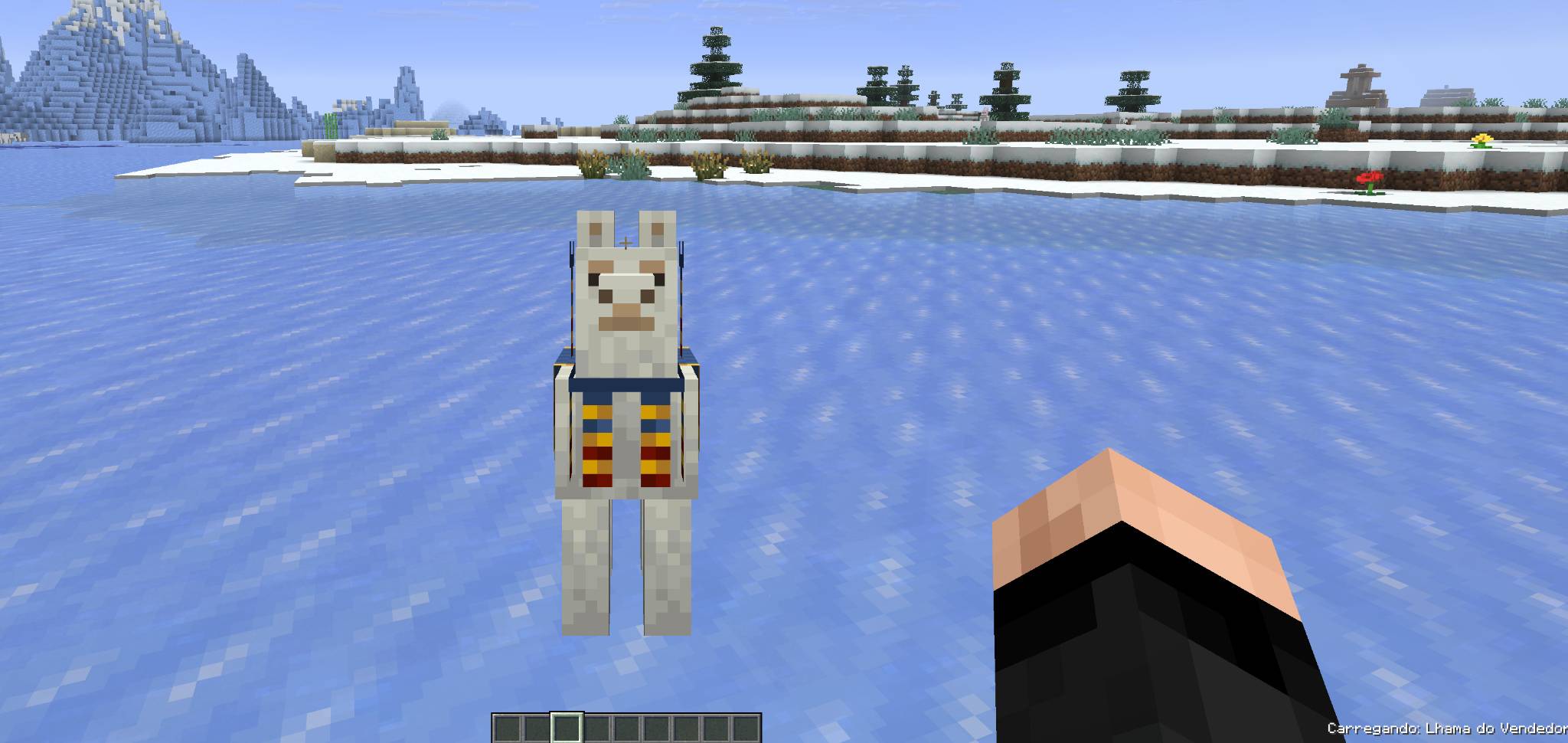
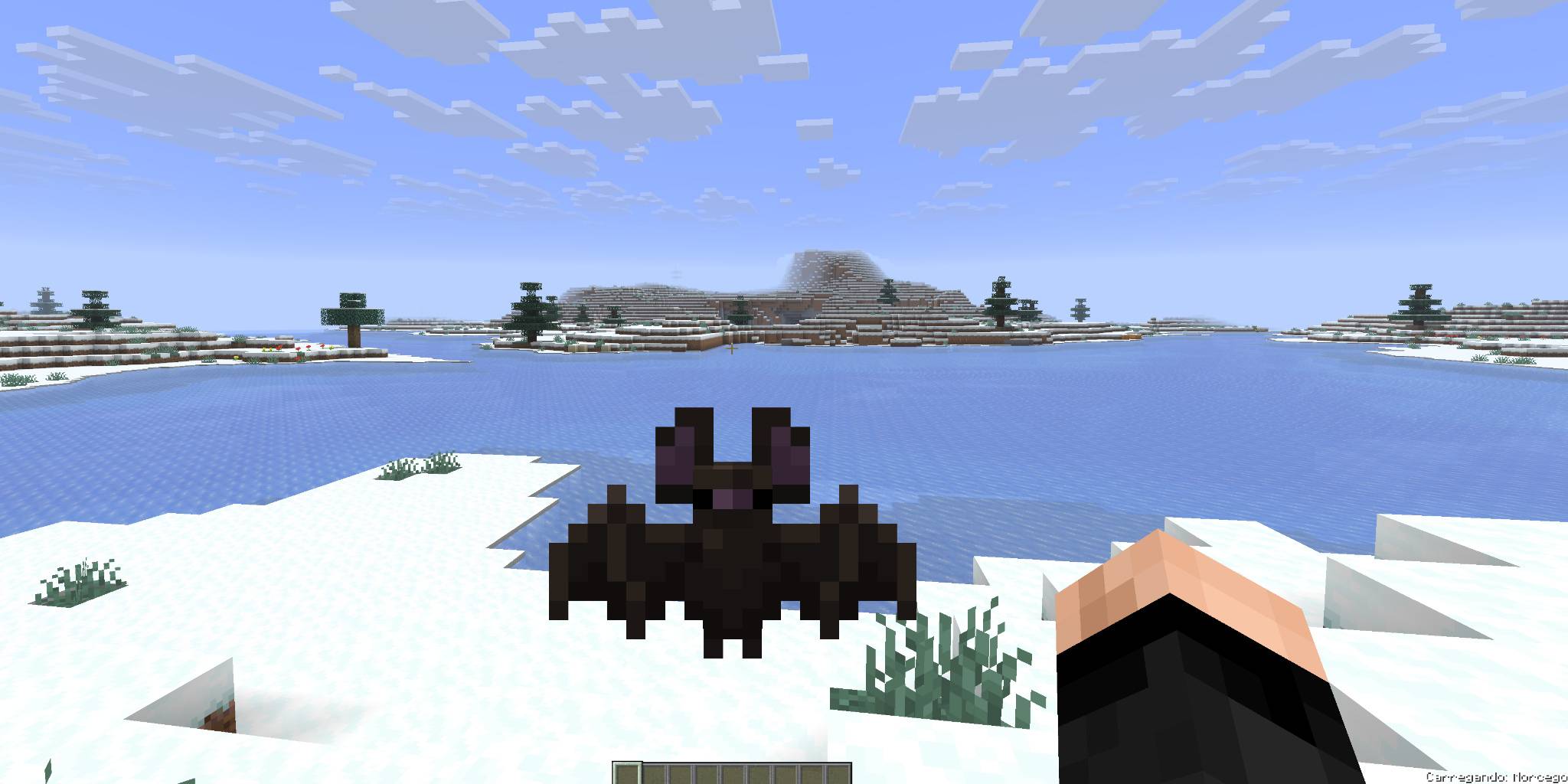
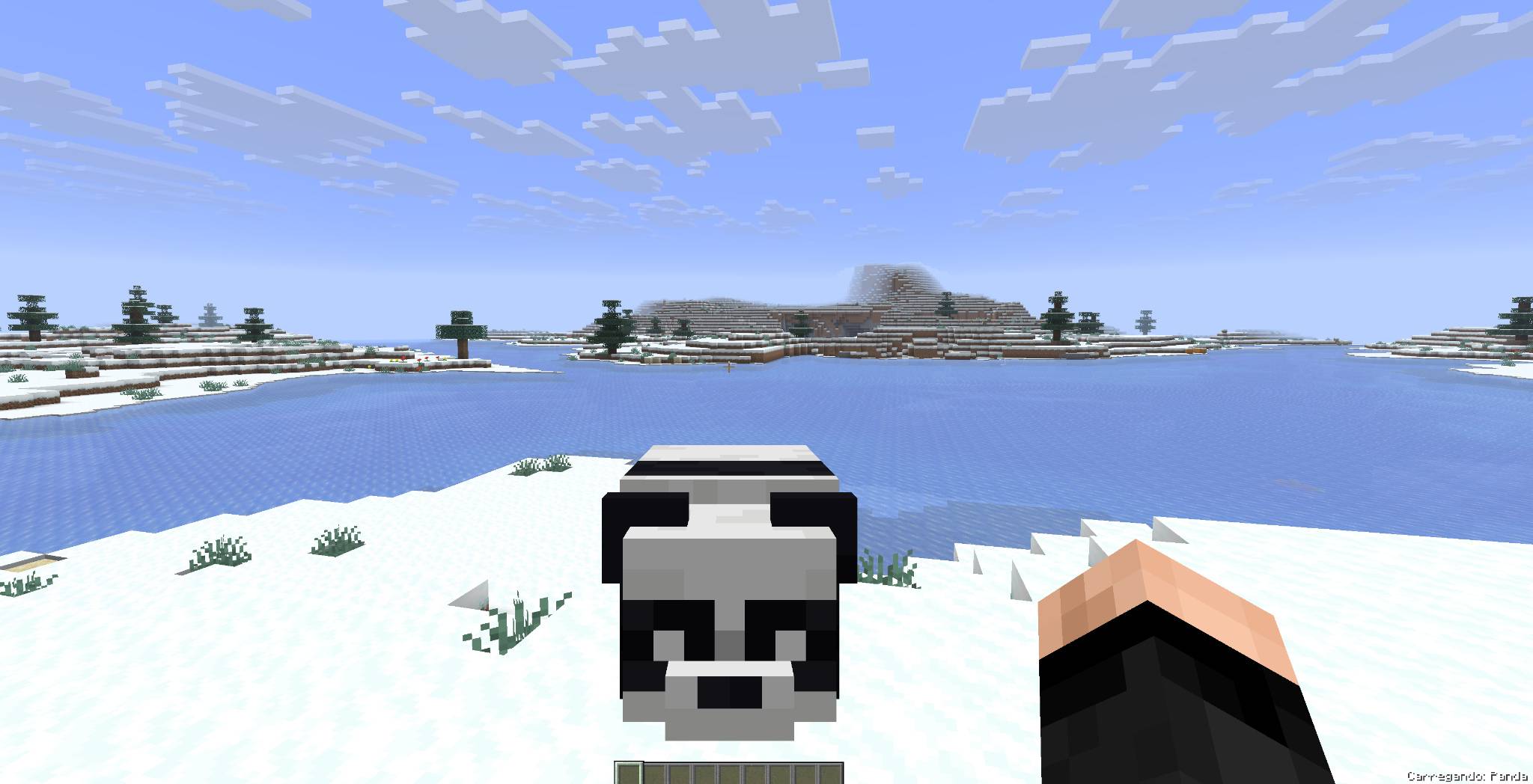
# Mobs & Villagers Up!
Transporting animals and villagers has never been easier!
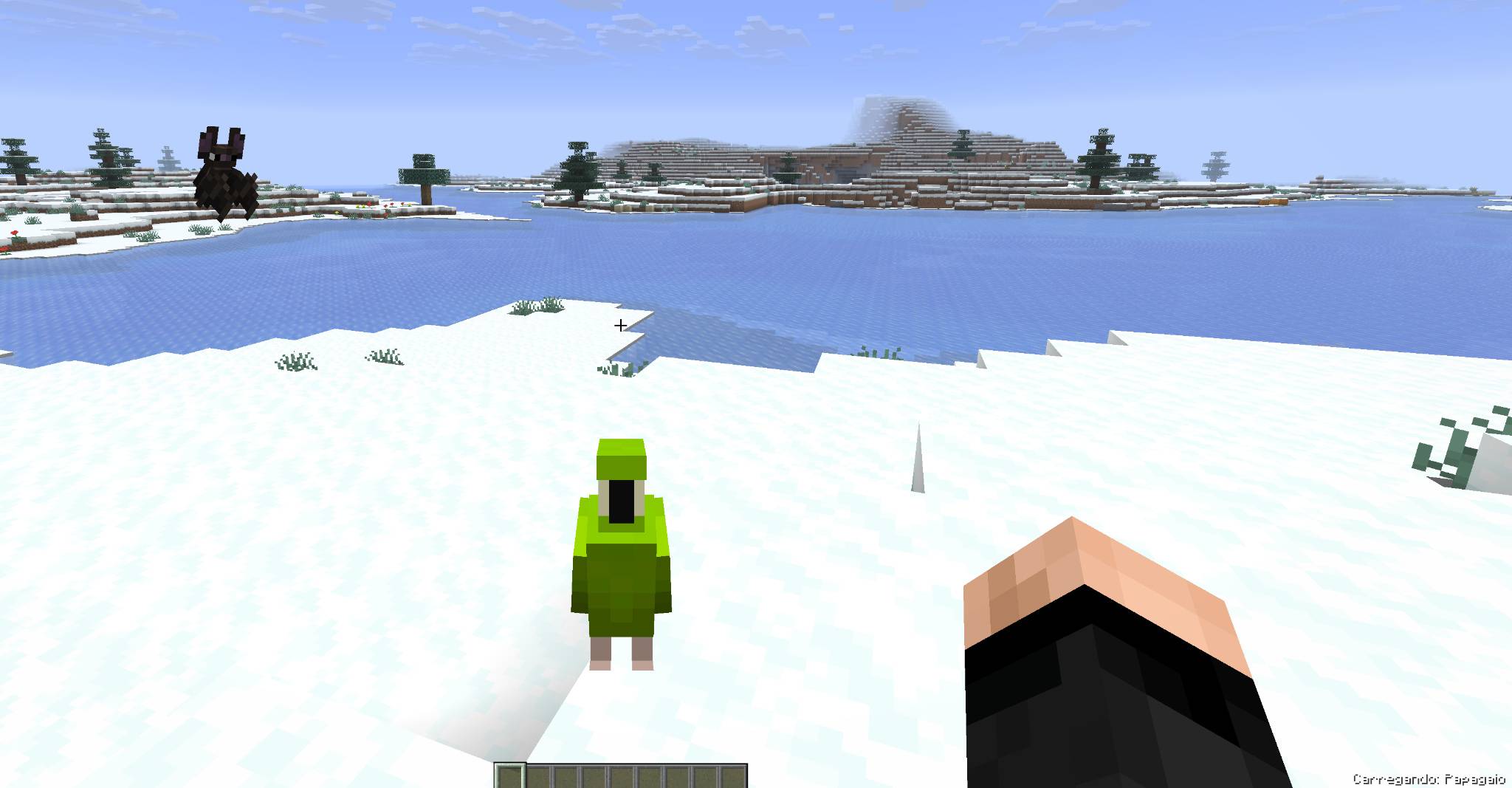
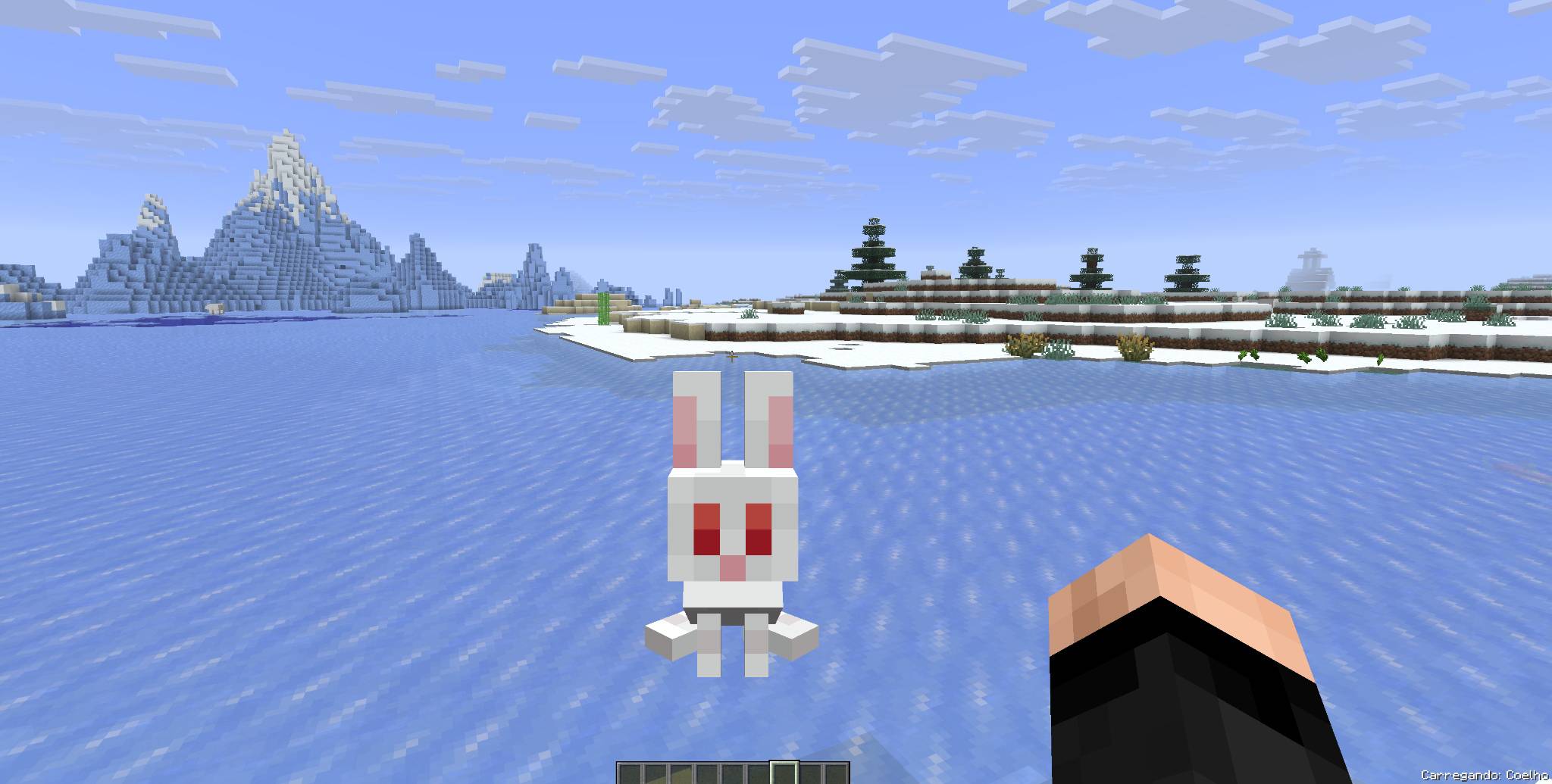
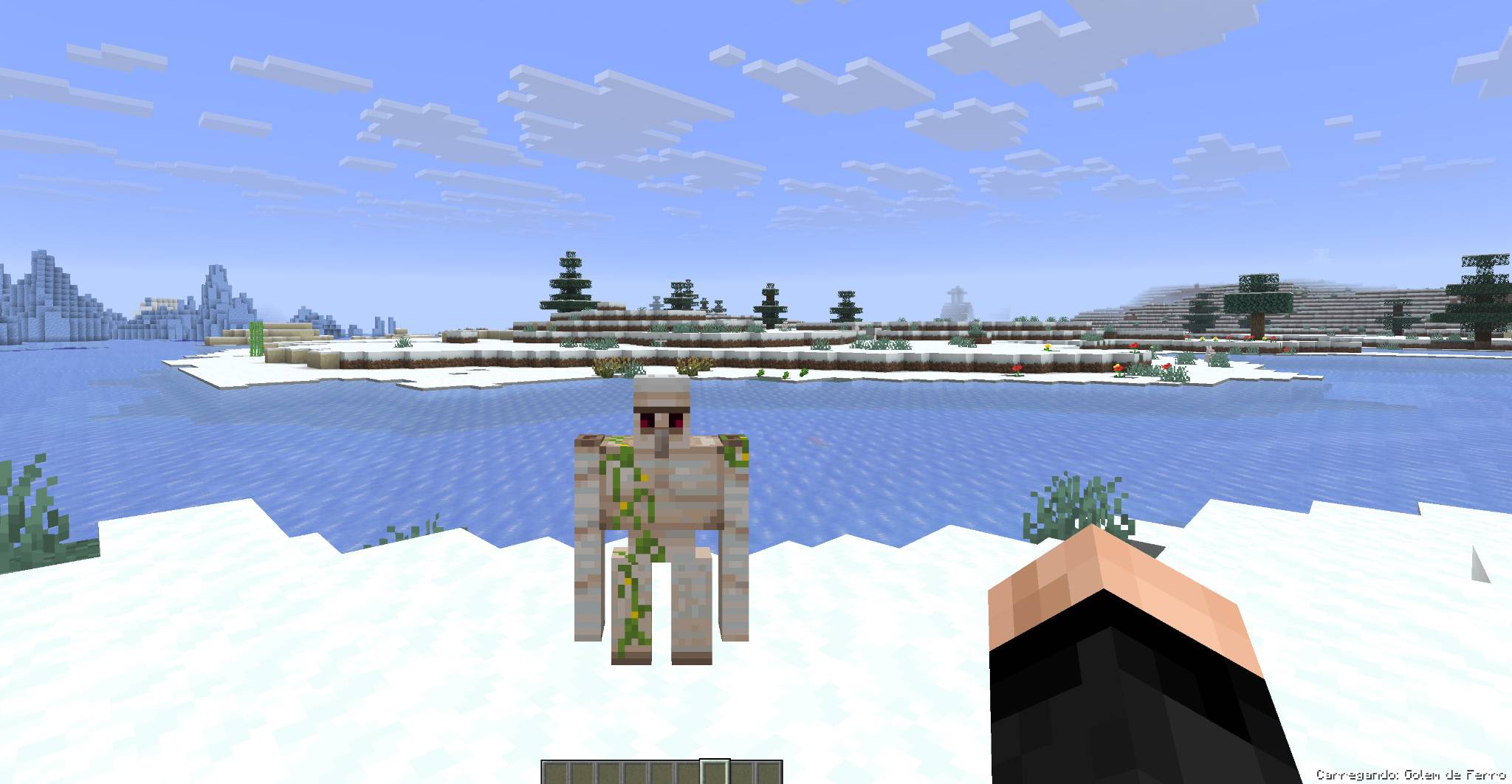
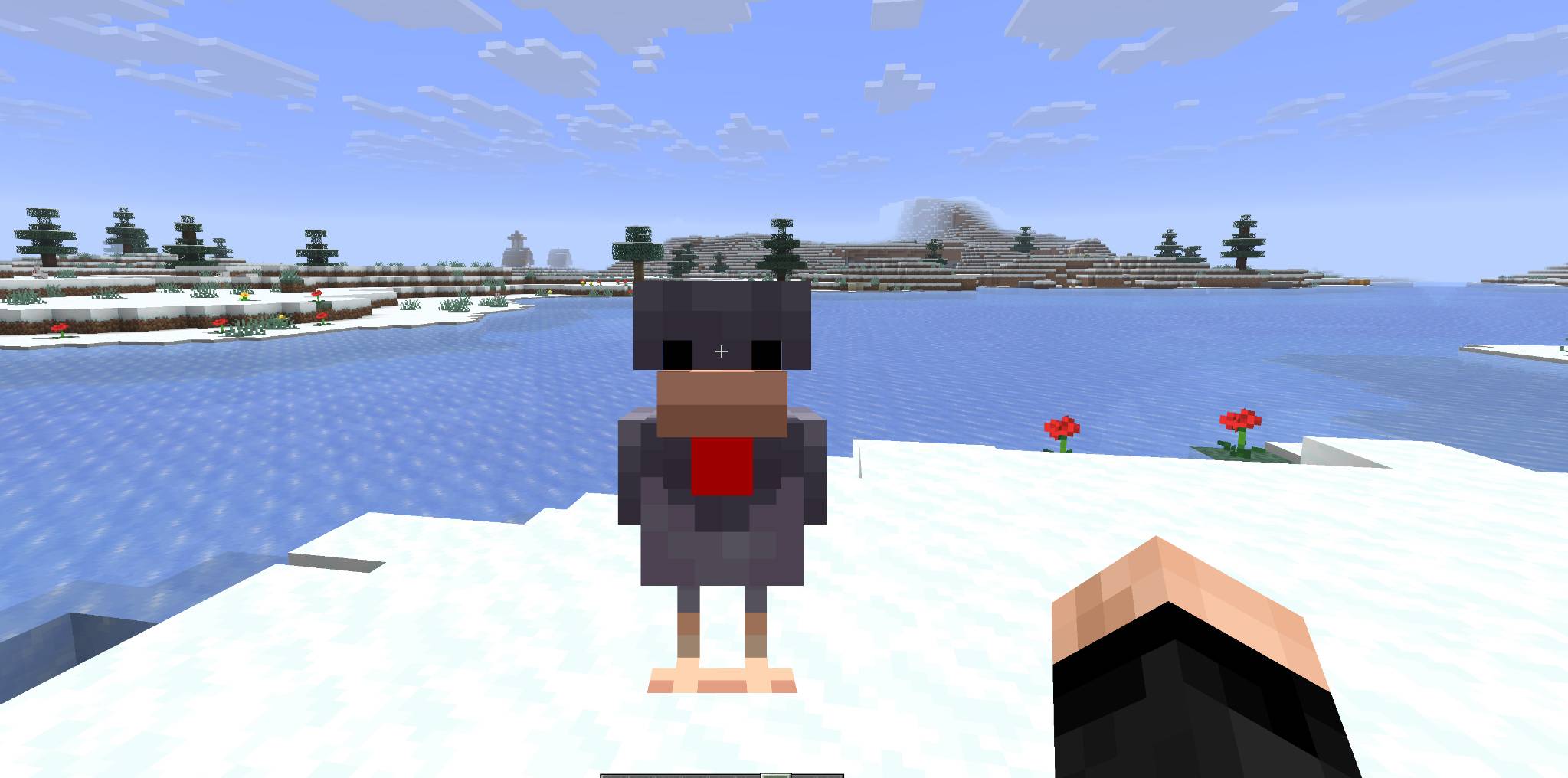
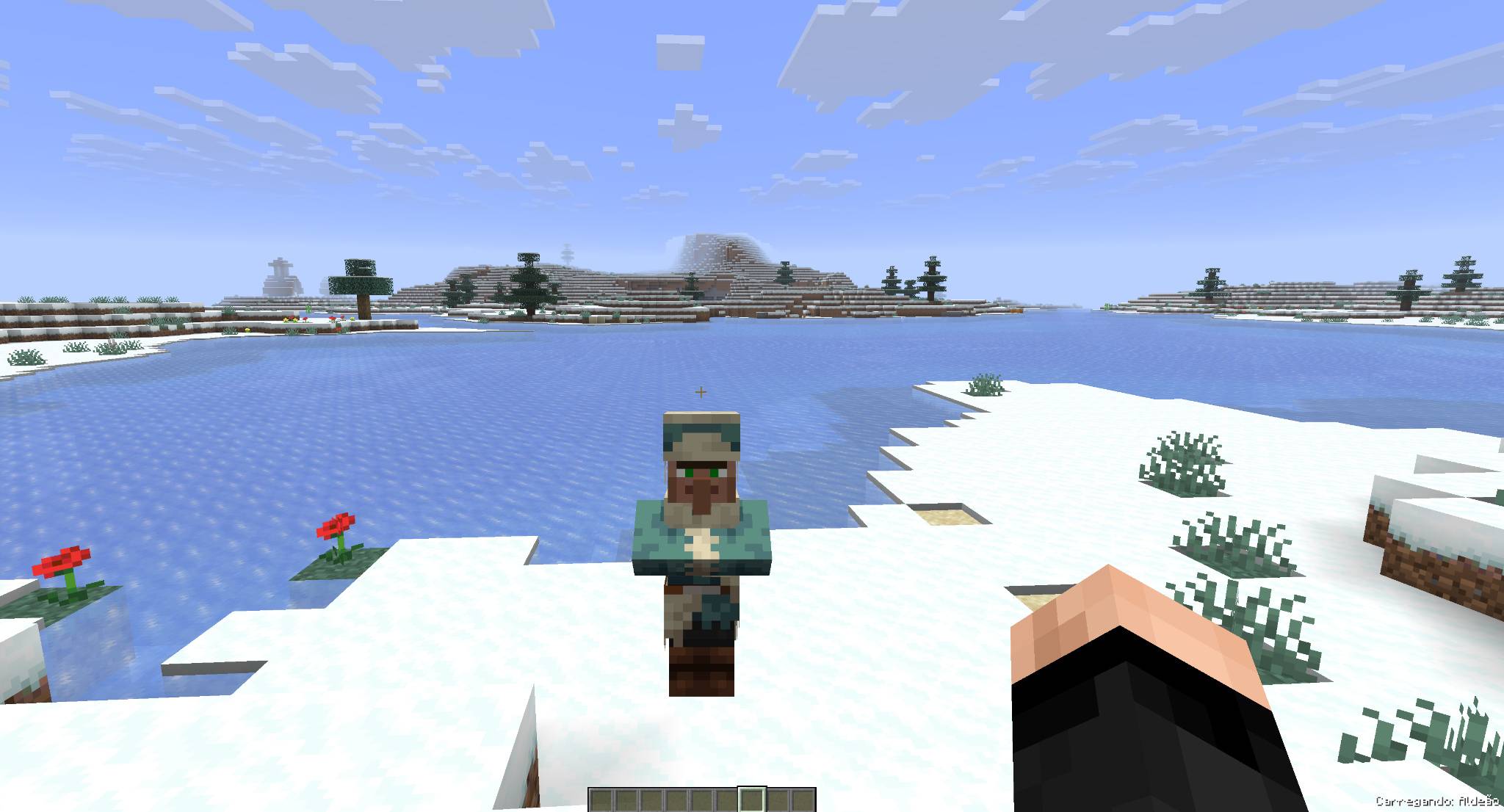
**Mobs & Villagers Up!** allows you to pick up supported creatures, carry their real model in your hands, and safely place them somewhere else.
No spawn eggs, boats, minecarts or complicated transportation systems are required.
---
## Main Features
- Pick up supported creatures using an empty hand.
- Carry the creature's real model instead of a spawn egg.
- See the carried creature in both first-person and third-person view.
- Carry one creature at a time.
- Safely place the creature at another location.
- Prevent placement inside blocked or invalid spaces.
- Pick up creatures without causing damage, knockback or hurt animations.
- Preserve important entity data when the creature is placed again.
- Support animals, villagers, friendly mobs and selected neutral creatures.
- No additional libraries or dependencies required.
---
## How to Use
### Picking Up a Creature
1. Make sure your main hand is empty.
2. Approach a supported creature.
3. Hold **Shift**.
4. While holding Shift, **right-click the creature**.
5. The creature will be picked up and displayed in your hands.
### Placing a Creature
1. While carrying a creature, look at a valid and unobstructed location.
2. Hold **Shift**.
3. While holding Shift, **left-click the block or surface** where you want to place the creature.
4. The creature will be safely returned to the world with its preserved data.
Only one creature can be carried at a time.
---
## Supported Creatures
The mod supports animals, villagers, friendly creatures and selected neutral mobs, including:
- Villagers
- Wandering Traders
- Regular Piglins
- Cows
- Pigs
- Sheep
- Chickens
- Horses
- Donkeys
- Mules
- Llamas
- Camels
- Wolves
- Cats
- Parrots
- Foxes
- Rabbits
- Goats
- Armadillos
- Turtles
- Frogs
- Axolotls
- Dolphins
- Fish
- Squids
- Glow Squids
- Bees
- Pandas
- Polar Bears
- Bats
- Allays
- Iron Golems
- Snow Golems
- Sniffers
- Most other passive, friendly or appropriate neutral creatures
The following entities cannot be carried:
- Players
- Bosses
- Fully hostile monsters
- Piglin Brutes
- Projectiles
- Items
- Vehicles
- Decorative entities
- Dead or invalid entities
---
## Entity Data Preservation
When a creature is picked up and placed again, the mod preserves its compatible data, including:
- Custom name
- Health
- Adult or baby state
- Texture and variant
- Tamed status
- Owner information
- Equipment
- Villager profession
- Villager level
- Villager trades
- Other compatible entity data
---
## Real Creature Rendering
Carried creatures are displayed using their real in-game models instead of spawn eggs.
The model can be seen:
- In front of the player in first-person view
- Being carried by the player in third-person view
The visual representation automatically adjusts its scale and position according to the creature's size.
---
## Safe Transportation
While being carried, the creature is temporarily stored and is not left active in the world.
The carried visual model:
- Has no artificial intelligence
- Has no collision
- Cannot receive damage
- Produces no sounds
- Does not create a duplicate creature
- Does not interfere with other entities
- Retains its original appearance
---
## Requirements
- Minecraft Java Edition 26.2
- NeoForge/Fabric
- No additional dependencies
---
- Edition: Minecraft Java
- File type: .jar
- Minecraft version listed: 1.21.5
- How to install: Install the matching mod loader (Forge, Fabric or NeoForge) for your Minecraft version. → Download the .jar. → Put it in the .minecraft/mods folder and launch that loader profile.
- Where to get it: Opens on CurseForge — not every file is mirrored on our own servers.
Install steps are the general flow for this file type — How to install Minecraft Java mods & modpacks walks through it step by step.
- Ships as Mobs and villagers up!.jar — drop this file into the mods folder
- Download size: 39 KB
- Download link checked 19 Oct 2026 — working
These come from our own check of the pack file, not from the source page.