
Simply Speakers
Java mod listed for Minecraft 1.20–1.21. Downloads from the MC Java Mods app on Android.
I don't know my version or loader
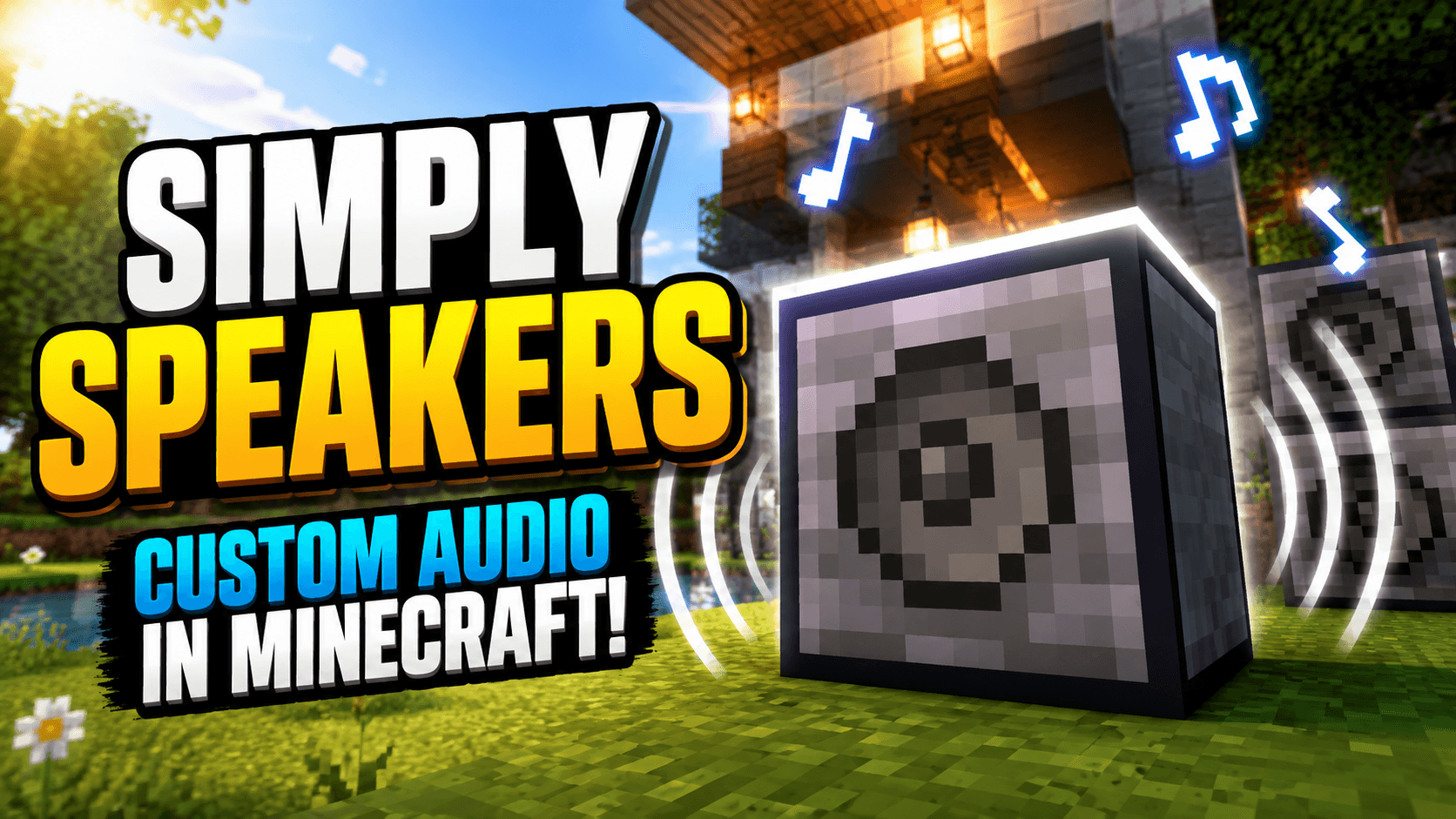
Simply Speakers
Simply Speakers adds configurable speaker blocks that play your own MP3 and WAV audio in Minecraft. Upload files in game, build synchronized speaker networks across large areas, and control playback with redstone.
Features
- Speaker block: Select audio, configure playback, and control a linked network from one main speaker.
- Proxy speakers: Link multiple locations with the same Speaker ID and keep playback synchronized.
- MP3 and WAV support: Upload local audio files directly through the speaker interface or install them manually in the world save.
- Per-speaker controls: Configure volume, audible range, distance dropoff, and looping.
- Redstone control: Power speakers to play and remove power to stop.
- Multiplayer synchronization: Nearby players hear the same playback position while the server remains authoritative.
- Moving-body audio on 1.21.1: When Sable is installed, speakers mounted on physics bodies follow their actual moving and rotating positions.
Simply Speakers does not stream arbitrary internet URLs. The upload interface accepts files from your local computer and transfers validated MP3 or WAV audio to the server.
Getting Started
- Craft and place a Speaker.
- Right-click it to open the interface.
- Upload or select an audio file.
- Configure its volume, range, dropoff, looping, and Speaker ID.
- Add Proxy Speakers with the same Speaker ID wherever you want synchronized playback.
- Use the interface or redstone to control playback.
Optional Sable Integration
On Minecraft 1.21.1, installing Sable 2.0.5 enables correct spatial audio for speakers placed on Sable physics bodies. Audio follows moving, rotating, and scaled bodies without restarting playback. Networks can span multiple moving bodies and ordinary world speakers.
Sable is optional. Simply Speakers works normally without it; only moving-body spatial compatibility is unavailable.
Create Aeronautics is not required by Simply Speakers. Install Aeronautics and its dependencies only if you want its physics-body blocks and gameplay. Aeronautics is currently available for NeoForge 1.21.1.
Sable Companion is already bundled with Simply Speakers, and Sable's official jar includes its physics backend. Users should not install those components separately.
Manual Audio Installation
Audio files are stored in simply_speakers_audios inside the world's save directory. To add one manually:
- Generate a UUID, such as with uuidgenerator.net.
- Rename the file to
<your-uuid>.mp3or<your-uuid>.wavand place it insimply_speakers_audios. - Add an entry to
audio_manifest.json:
{
  "your-uuid": {
    "uuid": "your-uuid",
    "originalFilename": "your-song.mp3"
  }
}
Supported Platforms
- Fabric 1.20.1
- Forge 1.20.1
- Fabric 1.21.1
- NeoForge 1.21.1
- NeoForge 26.1.2
Sable integration is currently available only on the Minecraft 1.21.1 builds.
Required Dependencies
- Architectury API matching your Minecraft version and loader
- Fabric API on Fabric
Configuration
speakerRange: Default range for new speakers, from 1 to 512 blocks (default: 64)disableUpload: Disable in-game uploadsmaxUploadSize: Maximum upload size in bytesdebugLogging: Enable verbose troubleshooting logs
Support
- Edition: Minecraft Java
- File type: .jar
- Minecraft versions listed: 1.20.1, 1.21.1
- How to install: Install the matching mod loader (Forge, Fabric or NeoForge) for your Minecraft version. → Download the .jar. → Put it in the .minecraft/mods folder and launch that loader profile.
- Where to get it: Opens on CurseForge — not every file is mirrored on our own servers.
Install steps are the general flow for this file type — How to install Minecraft Java mods & modpacks walks through it step by step.
- Ships as simplyspeakers-forge-1.20.1-0.7.8.jar — drop this file into the mods folder
- Download size: 345 KB
- Download link checked 28 Sept 2026 — working
These come from our own check of the pack file, not from the source page.