TarkovCraft: Core
Java mod listed for Minecraft 1.21. Downloads from the MC Java Mods app on Android.
I don't know my version or loader
TarkovCraft - Core
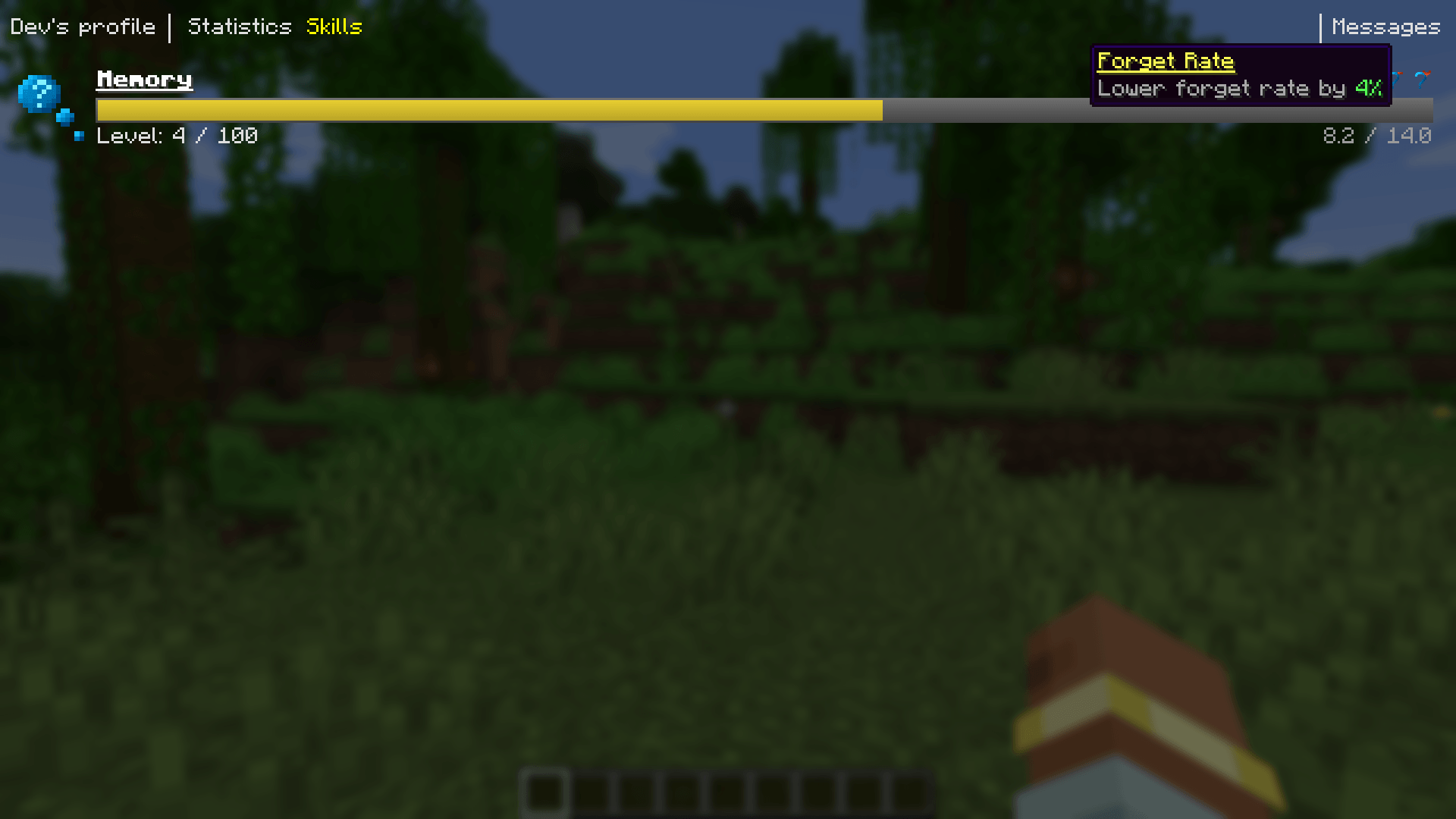
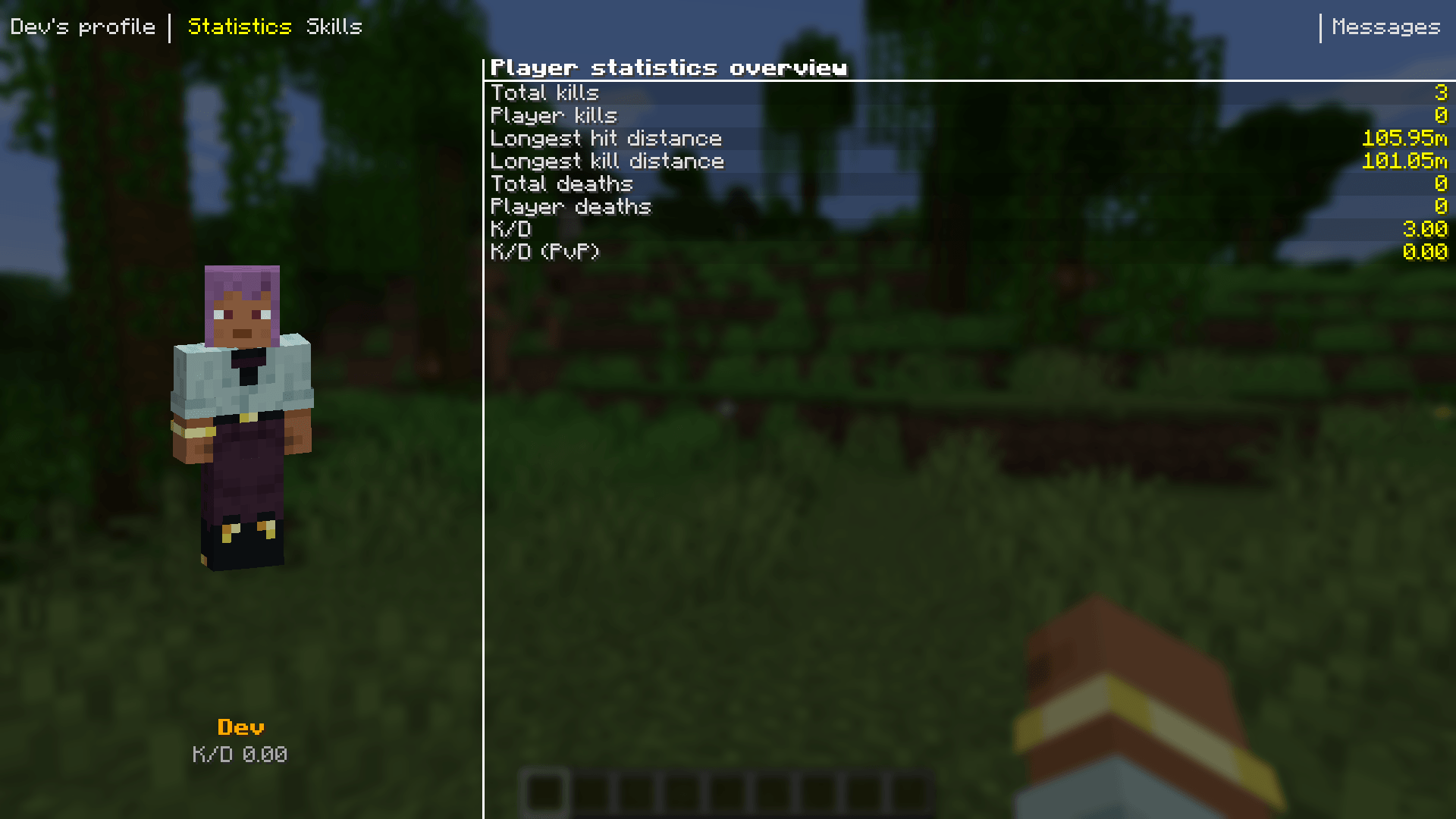
Main library for our Tarkov inspired project. Purpose of this library is to have common systems in one place so that it can be easily integrated into our projects. These common systems currently include skills, weights, attributes, statistics and more.
On its own this project offers barely any functionality for common user, however you are free to use it as dependency in any mod you like.
All systems can be disabled in the mod configuration menu.
About the TarkovCraft Project
The TarkovCraft project is fan-made project heavily inspired by games like Escape From Tarkov, Grayzone Warfare and Arma. Since on its own it would be massive mod, we have decided to split it into separate submodules (see section below) which can be used in isolation should anyone want it - for example if you care only about the health system, you can play only with the health mod and so on.
We plan to make custom server with open-world gameplay on custom map with custom game mode - allowing capturing map sections from other player factions, just driving around in custom vehicles, ambushing enemies or just looting near your main base.
TarkovCraft project ecosystem
- TarkovCraft: Core - Released - common functionalities for other subprojects
- Medical system - Released - vanilla friendly implementation of custom health system, contains custom hitboxes for mobs, status effects and medical items
- Weapons – Planned – A focus on realistic firearm mechanics and customization, drawing inspiration from Tarkov while adapting to Minecraft’s mechanics.
- Vehicles - Planned - Custom vehicle framework with vehicles ranging from land/water to air vehicles. Very early concept
- TarkovCraft – In development – The final project supposed to bring all projects above together to deliver full Tarkov-like experience
FAQ
Q: How do I check my skills, statistics, etc.?
A: All available screens can be accessed via the
Okey (default). Once opened, use the navigation menu at the top to switch between different views.
Q: I don't want to use the skill system. Can I disable it?
A: Yes! Skills (and other features) can be disabled through the configuration menu—either from the main menu or directly by editing the config file.
Q: Will the mod be backported to older Minecraft versions?
A: No. The project relies on features only available in newer Minecraft versions. Supporting older versions would require extensive rewrites of core systems, which would slow down overall development.
Q: Which Minecraft version is supported?
A: We're currently targeting Minecraft 1.22 once it's available. We may port to newer versions in the future, unless major rewrites in the Minecraft codebase make it impractical. Once the mod reaches a stable state with robust features, we'll evaluate the best version to continue development on.
- Edition: Minecraft Java
- File type: .jar
- Minecraft versions listed: 1.21.1, 1.21.11, 1.21.9
- How to install: Install the matching mod loader (Forge, Fabric or NeoForge) for your Minecraft version. → Download the .jar. → Put it in the .minecraft/mods folder and launch that loader profile.
- Where to get it: Opens on CurseForge — not every file is mirrored on our own servers.
Install steps are the general flow for this file type — How to install Minecraft Java mods & modpacks walks through it step by step.
- Ships as tarkovcraft_core-neoforge-2.9.0+1.21.1.jar — drop this file into the mods folder
- Download size: 1.5 MB
- Download link checked 28 Sept 2026 — working
These come from our own check of the pack file, not from the source page.