
Traffic Decor
Minecraft Java mod. Downloads from the MC Java Mods app on Android.
⬇ Download on CurseForge⛔ Traffic Decor! ⛔
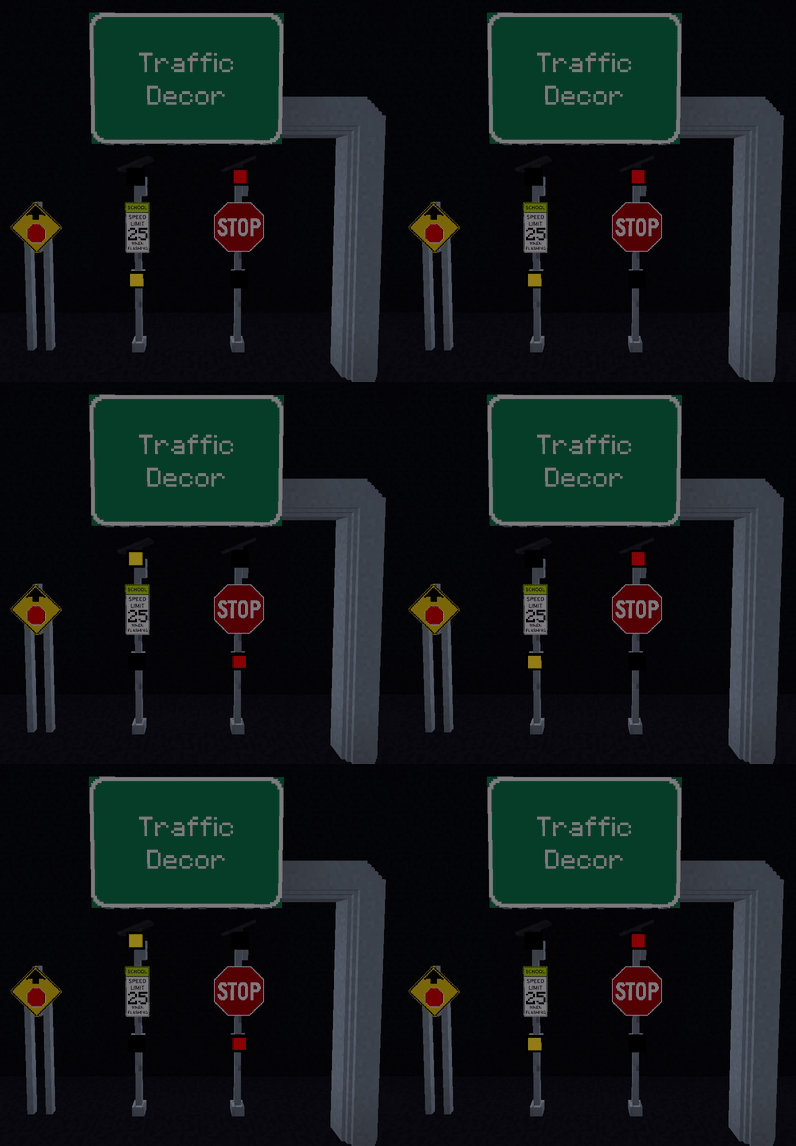
What is this?
Traffic Decor is an Addon Mod for Another Mod called Traffic Control.
This Mod Contains several types of new blocks that the Traffic Control Blocks can be added on to.
This adds the following:
- Square Cantilevers.
- Monotubic Cantilevers.
- Double Poles; Sign Mounts.
- Wooden Posts; Sign Mounts.
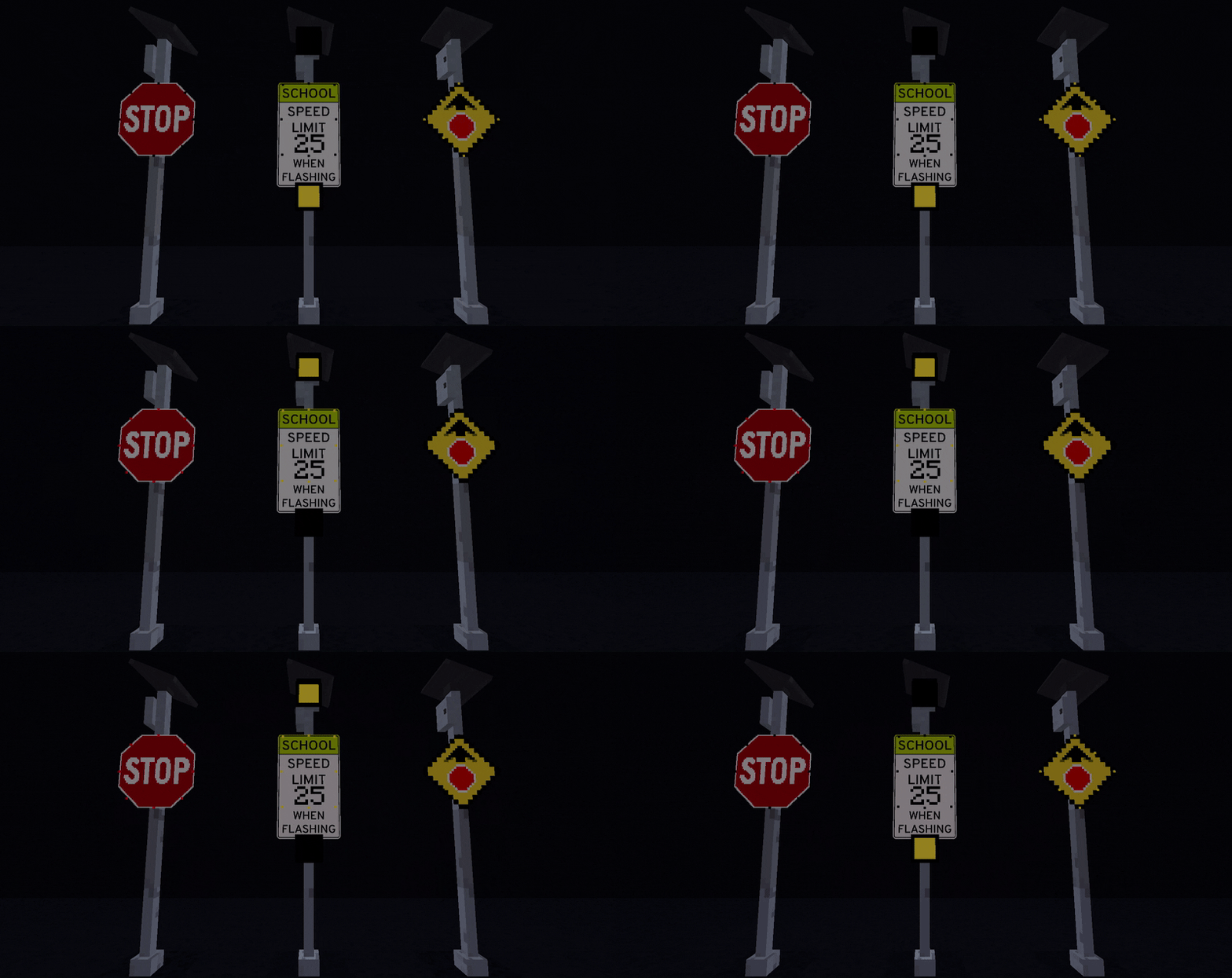
- Flashing Beacons and Sign Border LEDS.
- Decorative Traffic Cameras.
- Decorative Solar Panels.
How do I?
Place Flashing Beacons or Sign LEDS: They are like Observers, place them on the back of Traffic Control Pole or Sign in the direction you want it to face.
Use Cantilevers: Place their respective pole type down and place signs on their respective mounts. They are offset forward to make a connection to a Traffic Control Sign.
Sign Mounts: Place them ontop of their respectfull single tall pole, allowing a Traffic Control Sign to be placed atop. Without a sign mount the kinda floats atop.
There is no crafting recipe for addon blocks. They are creative only.
Due to being made with a mod creator the bounding boxes for models are all full blocks.
- Edition: Minecraft Java
- File type: .jar
- How to install: Install the matching mod loader (Forge, Fabric or NeoForge) for your Minecraft version. → Download the .jar. → Put it in the .minecraft/mods folder and launch that loader profile.
- Where to get it: Opens on CurseForge — not every file is mirrored on our own servers.
Install steps are the general flow for this file type — How to install Minecraft Java mods & modpacks walks through it step by step.
- Ships as Traffic Decor v2.0.jar — drop this file into the mods folder
- Download size: 411 KB
- Download link checked 28 Sept 2026 — working
These come from our own check of the pack file, not from the source page.