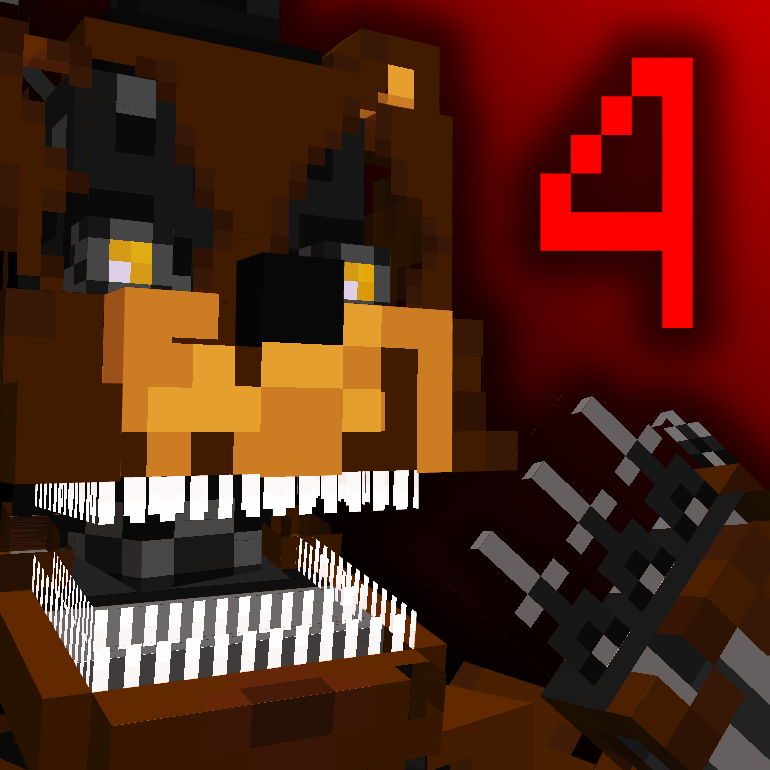
FNAF Dreams and Nightmares
Java mod listed for Minecraft 1.21. File opened and checked on 16 Oct 2026; downloads from the MC Java Mods app on Android.
I don't know my version or loader
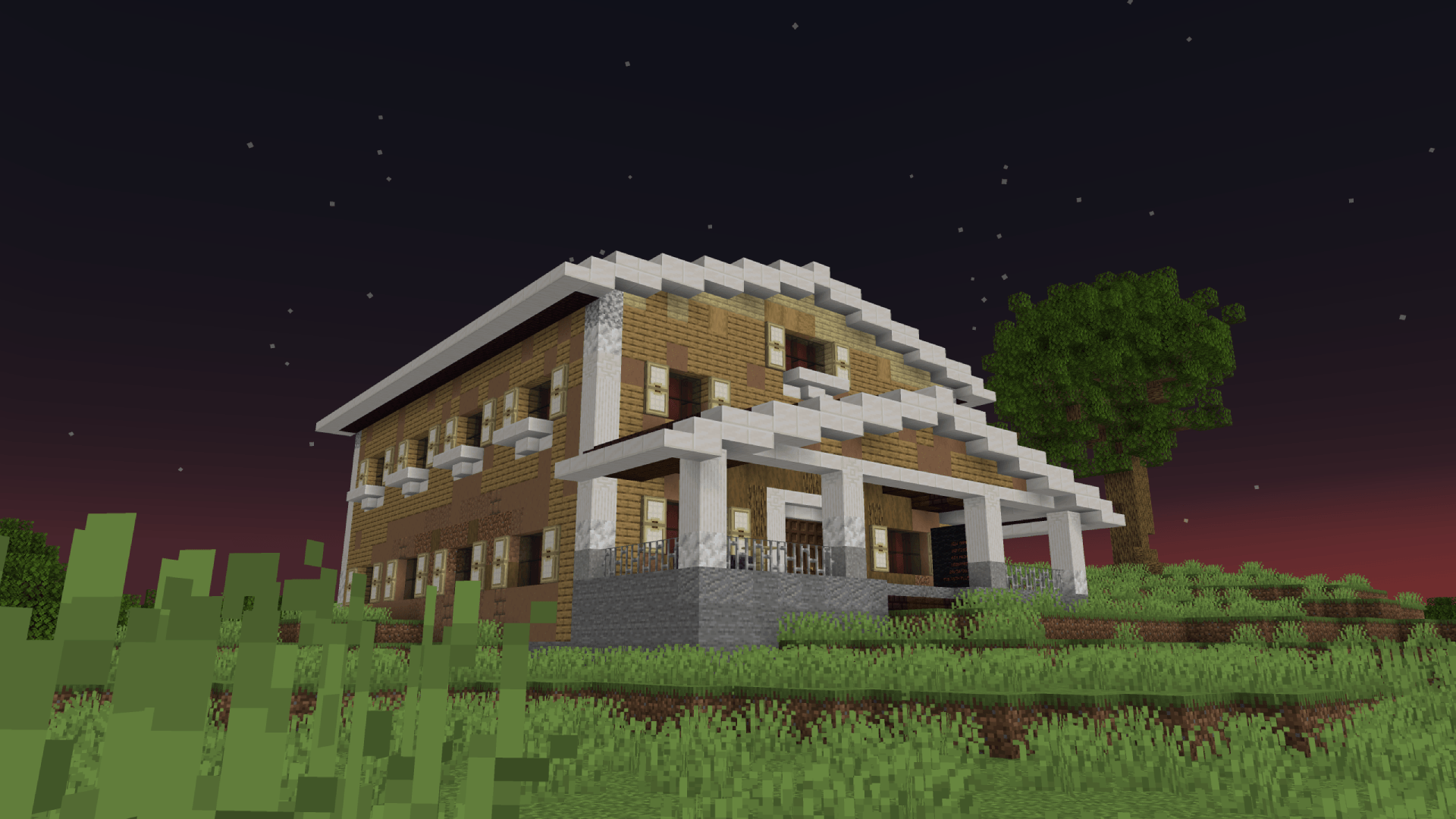
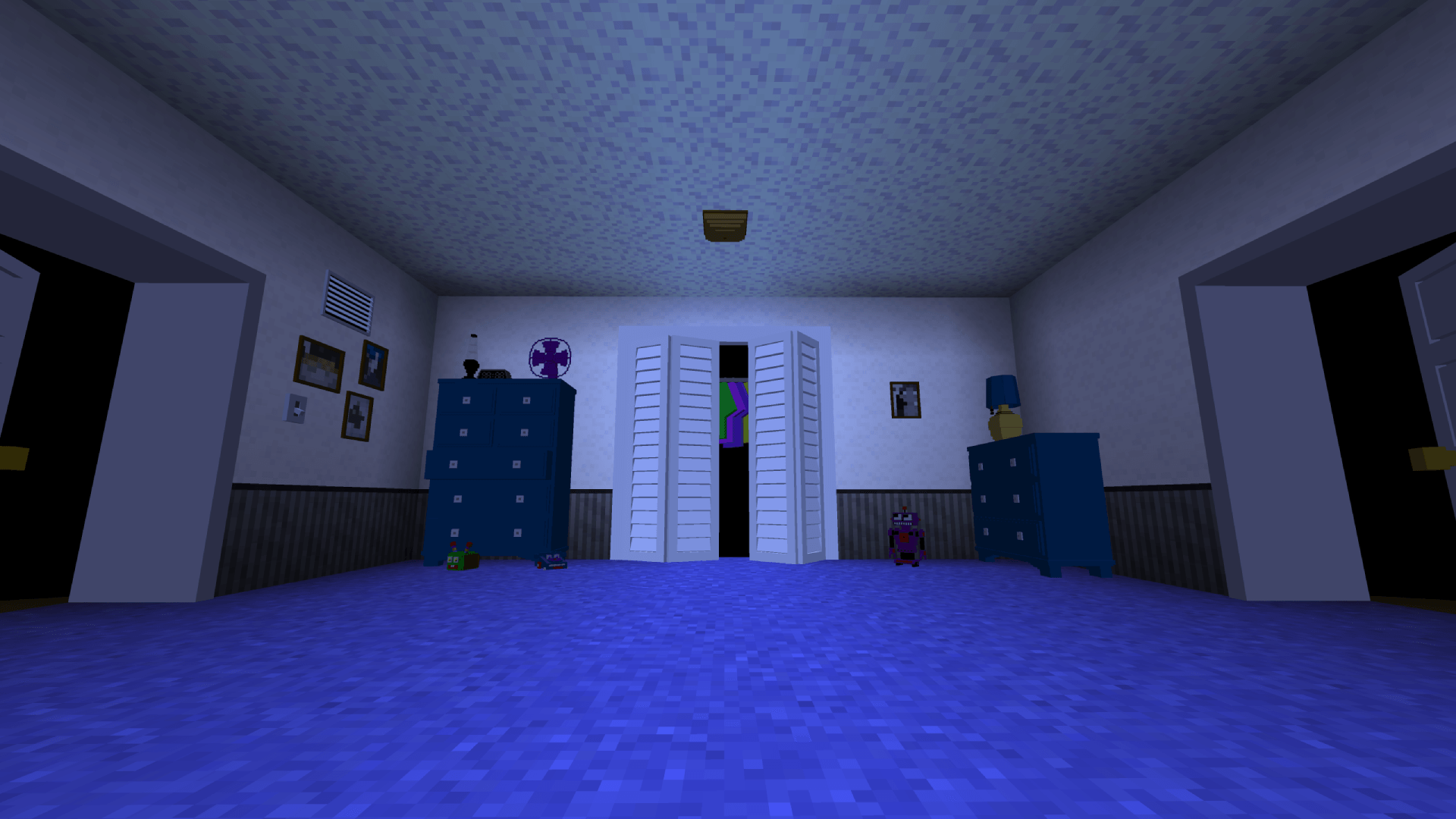
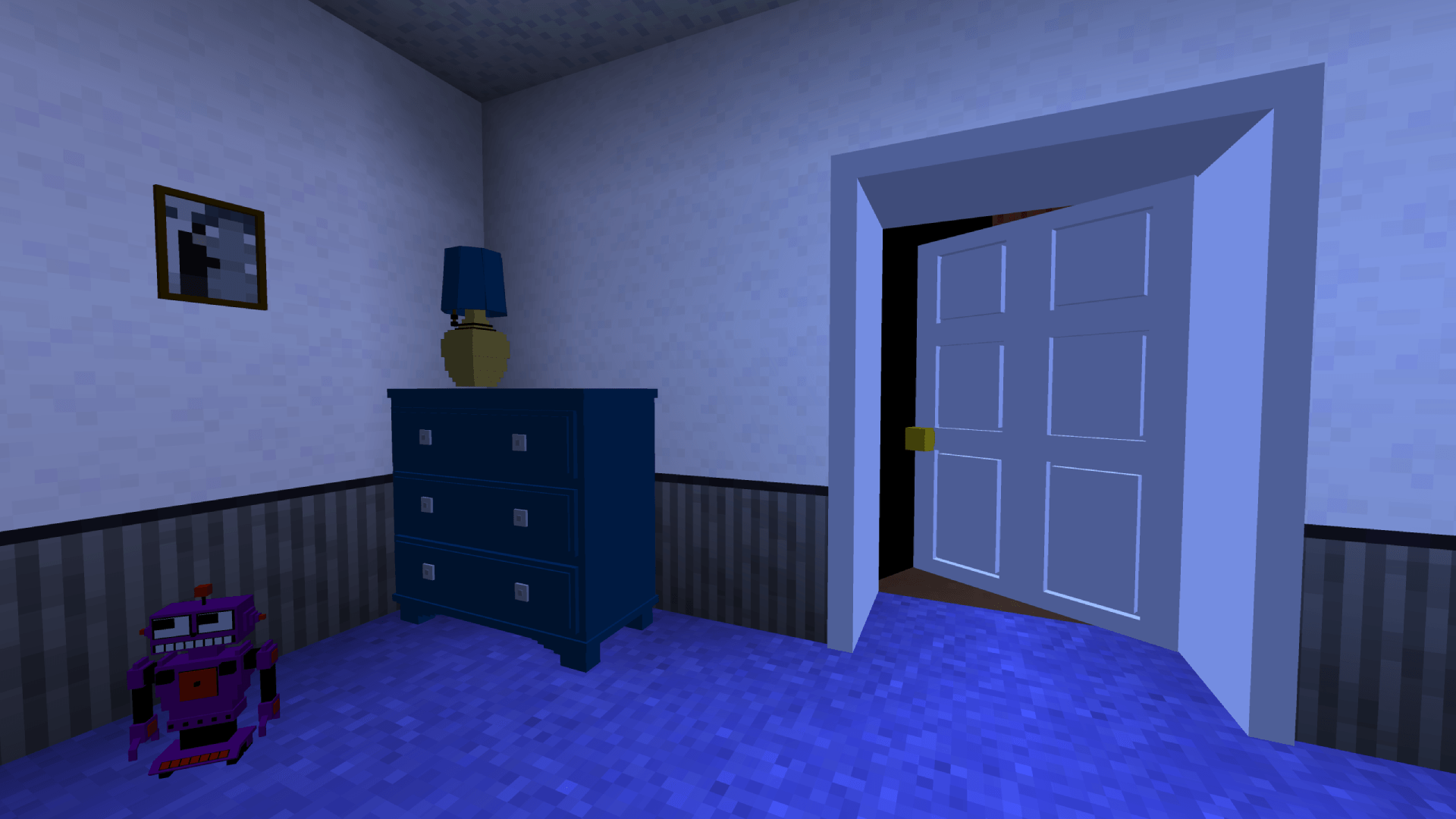
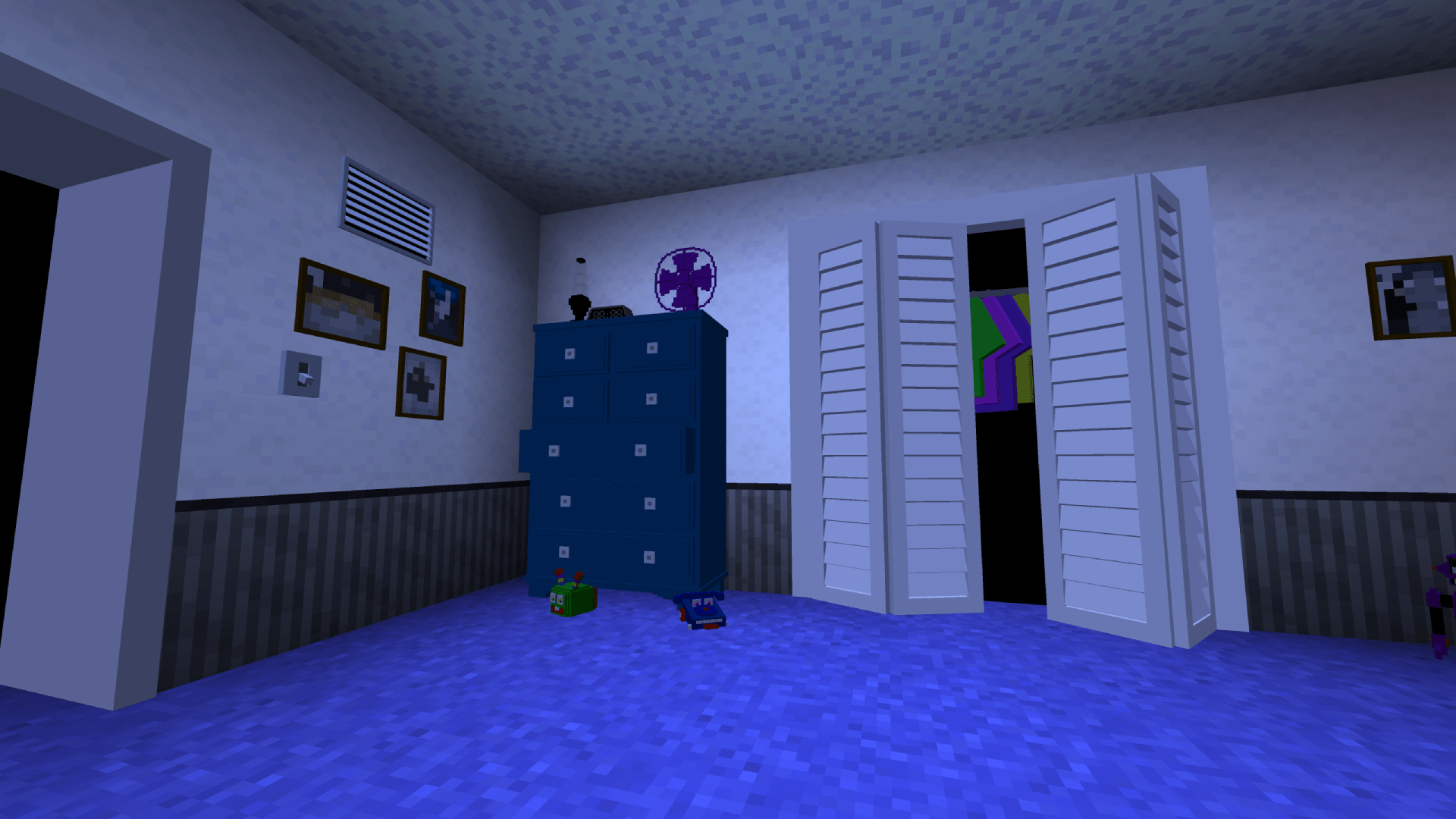
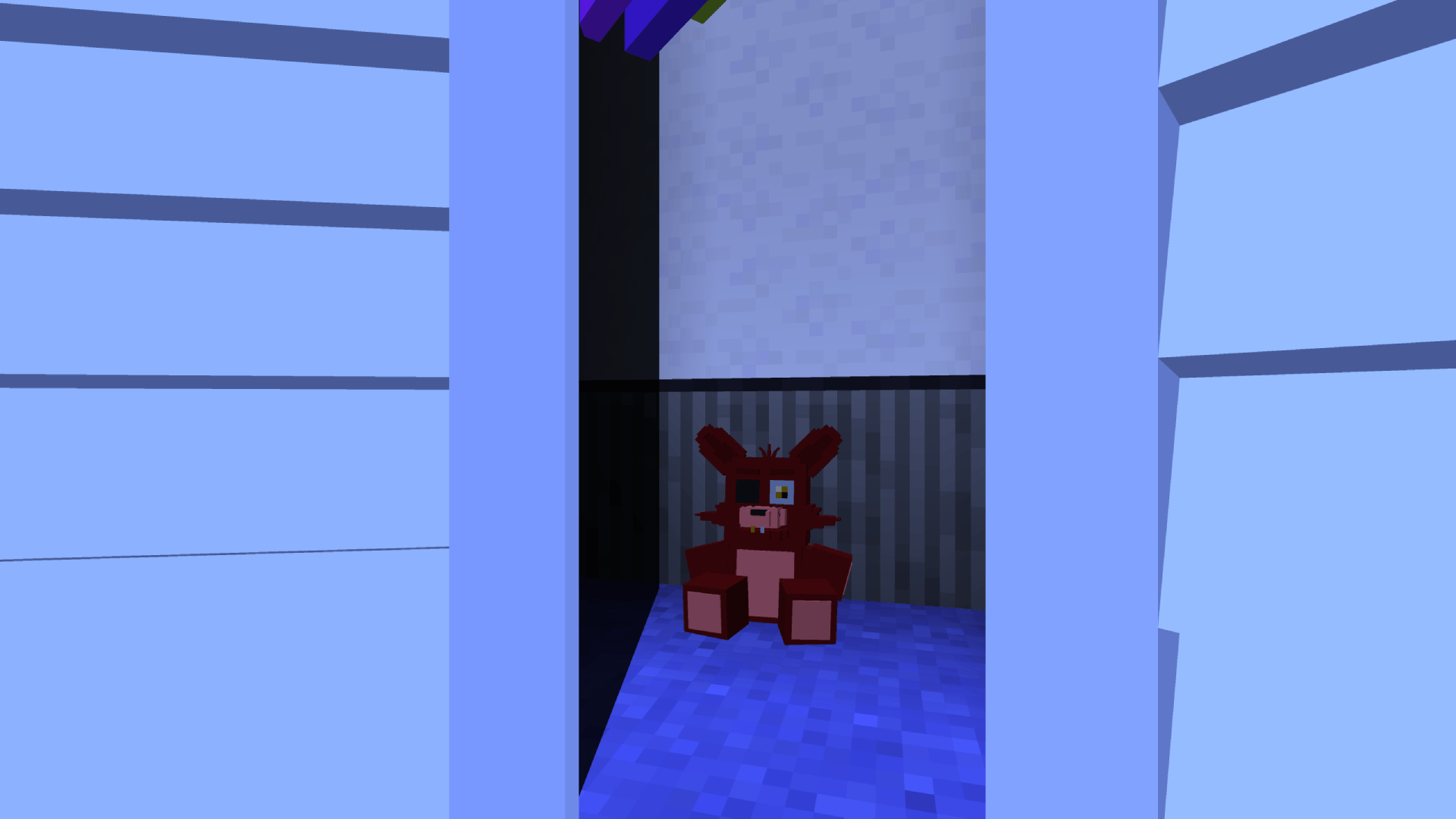
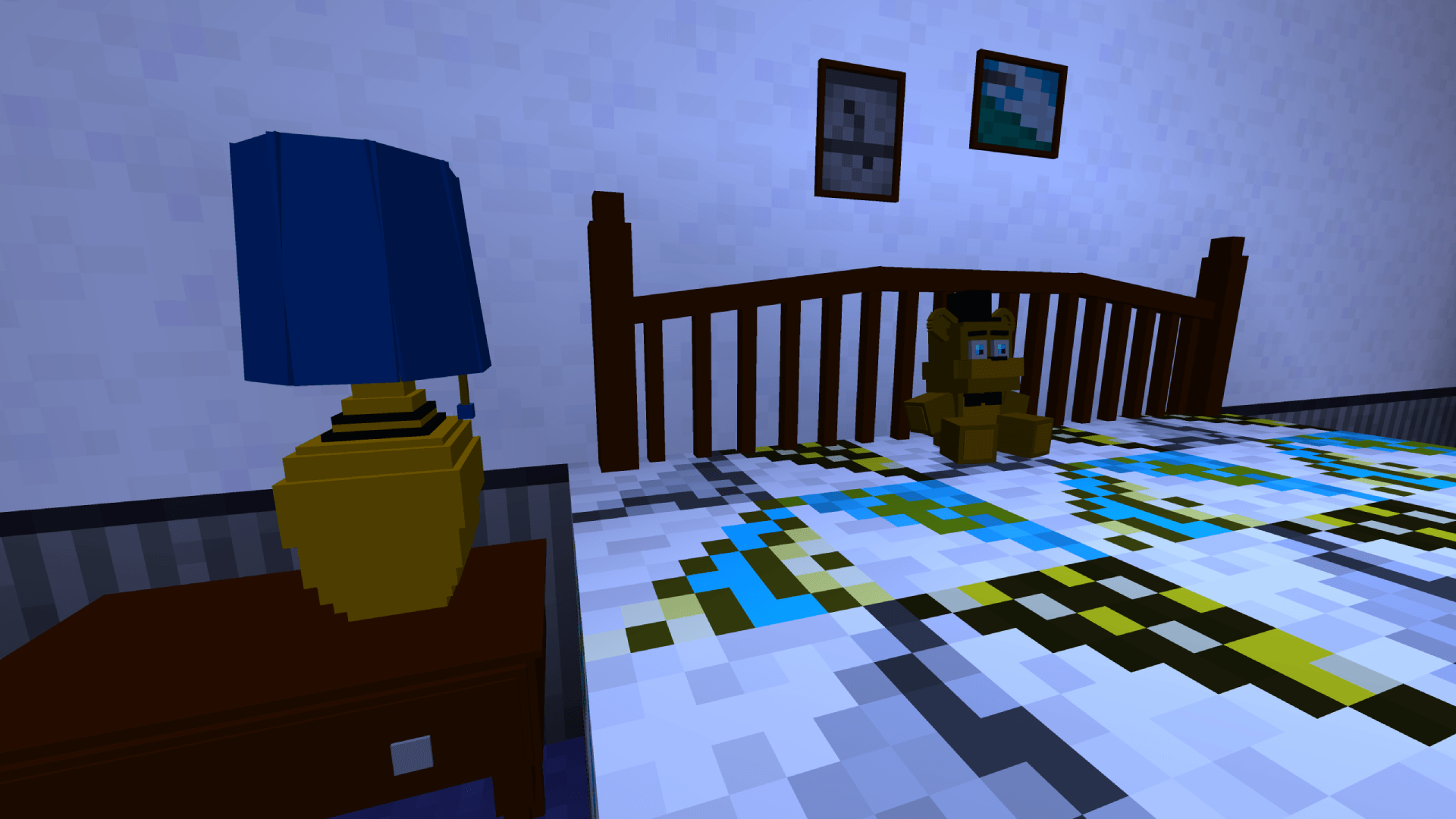
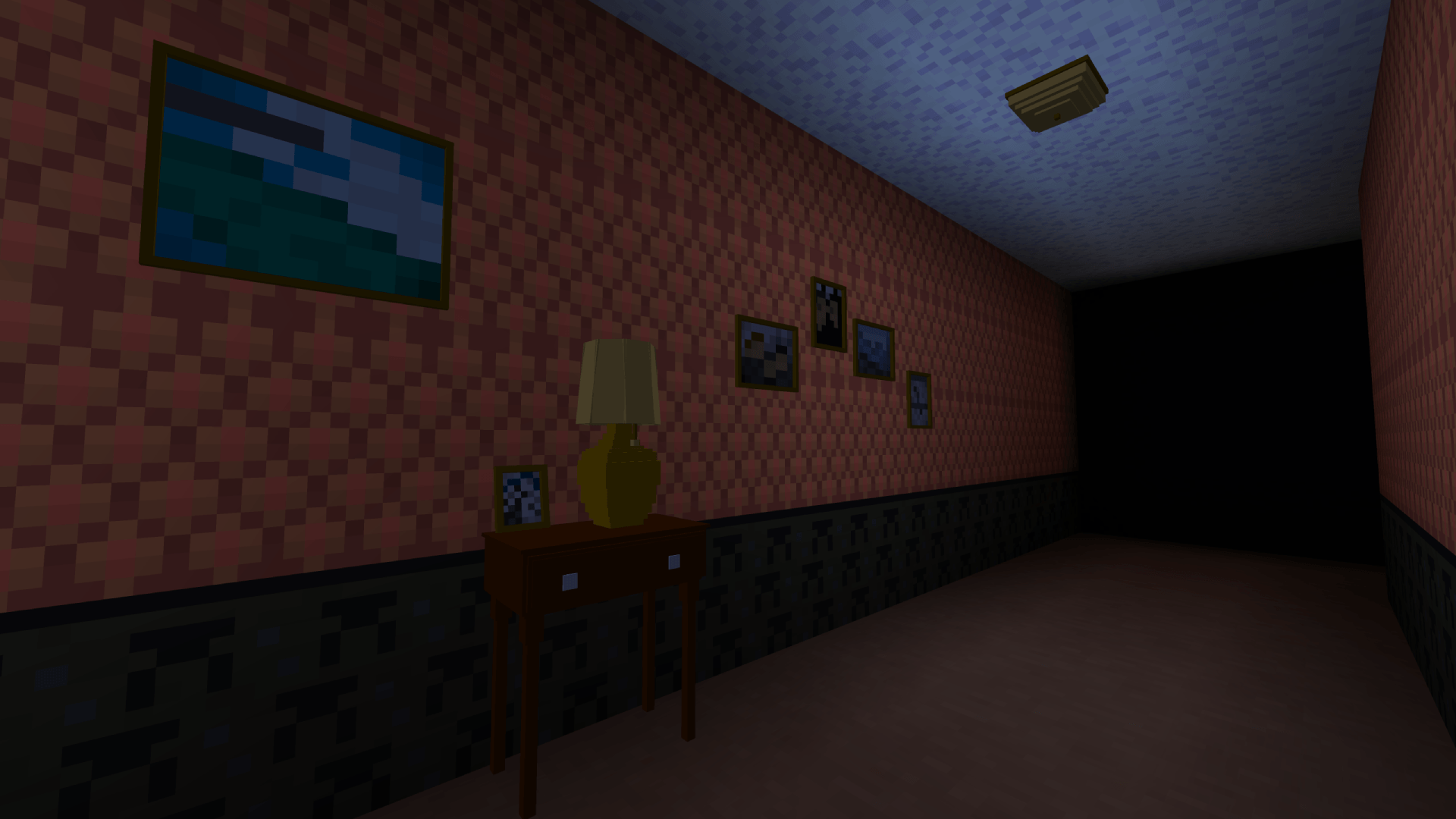

FNAF: Dreams and Nightmares 🐻
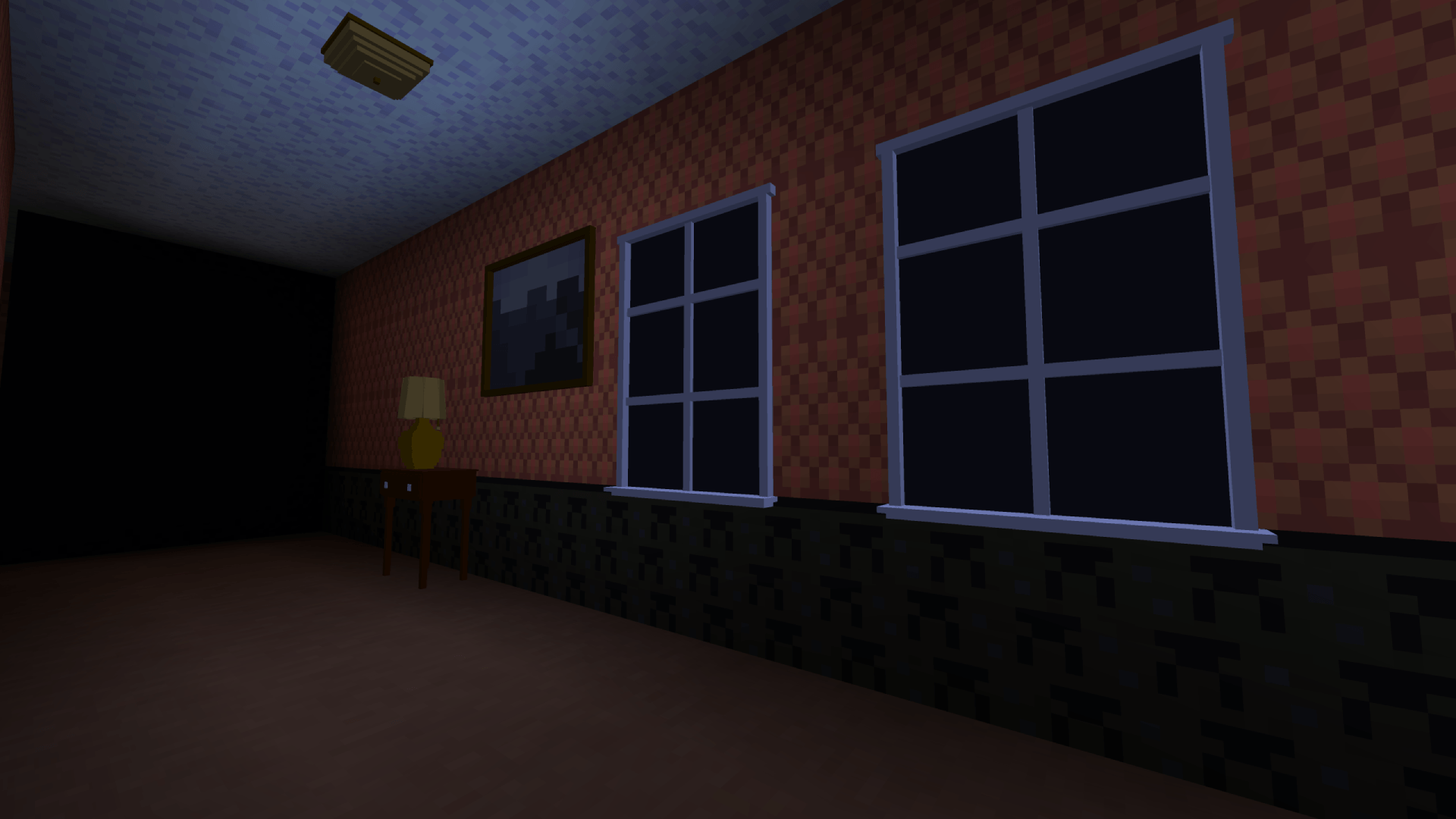
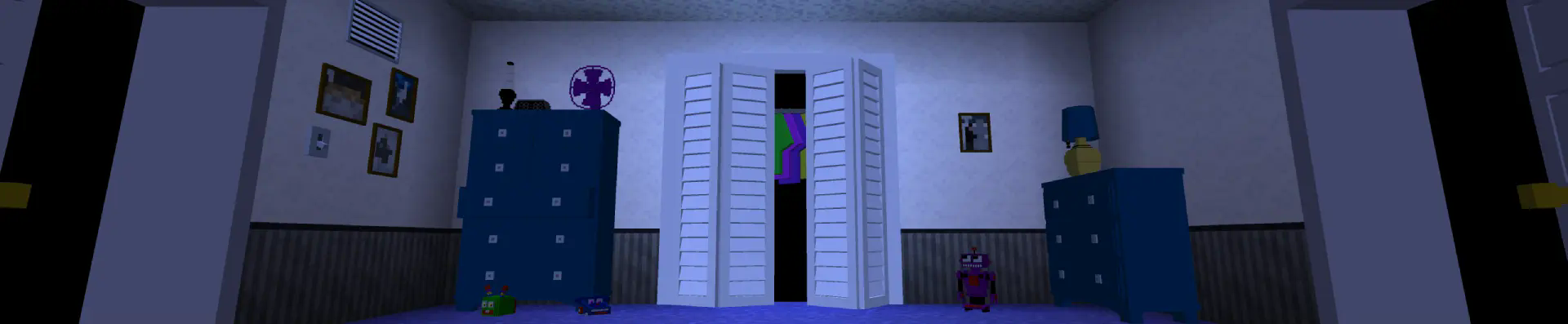
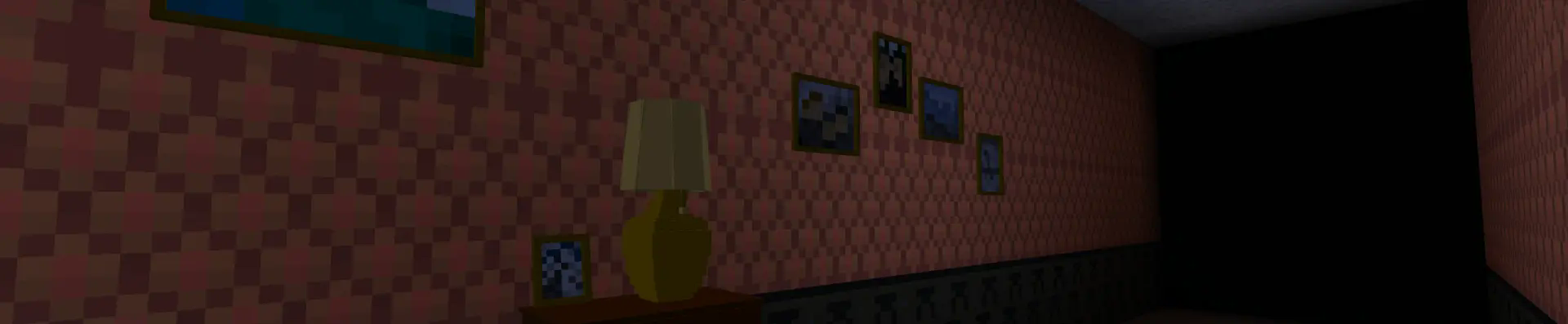
Five Nights at Freddy's Dreams and Nightmares is a mod that helps you immerse yourself in the atmosphere of the old game FNaF 4. It recreates the game using Minecraft's gaming capabilities and repeats the mechanics from the original game.
Gameplay 🎮
The player controls a child who must survive the night, which lasts from 12 midnight to 6 am, and detain the nightmarish animatronics - Freddy the bear, Bonnie the rabbit, Chica the chicken and Foxy the fox.
Installation 📥
To install the mod, just download the latest downloaded mod file and throw it in the mods folder. To install the datapack, you need to throw it in the datapacks folder in the world folder, and then download the resource pack and activate it.
Usage 🕹️
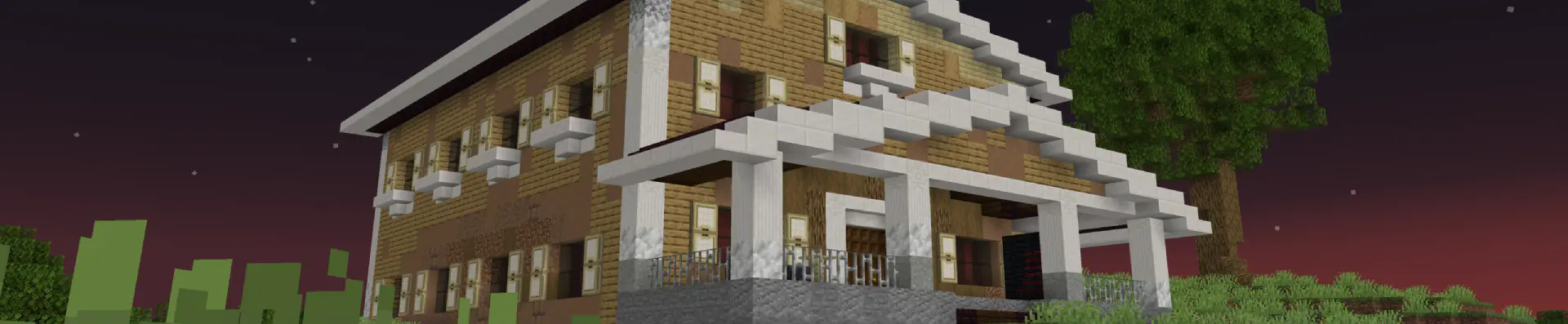
After opening the world, you need to write this command /reload to reload the data packets, and then use this command /trigger bizcub.fnaf4.house to get an item that can be used to place a house. Next, you need to click on the block where you are going to place the house. On the porch of the house, you can find a menu with a choice of nights. To start the night, you need to choose one of the options.

House map 🗺️
I have not yet made all the features of the original game, but the house map is already in my mod, to enable it, you need to use this command /trigger bizcub.fnaf4.map. For comfortable playing with the map, I recommend setting these values in the chat settings:
- Text Background Opacity - 0%
- Width - 90
Thanks ✨
To implement this project, I used:
- ItzTaken's video to understand the mechanics of the game
- Animated Java v1.6.4 plugin for Blockbench to make and animate the animatronic models
Other ☰
- All game sounds are divided into categories:
- Animatronics - Hostile Mobs
- Ambient - Ambient/Environment
- Player-generated sounds - Players
- Since the project uses built-in shaders, which are incompatible with Sodium
- Fabric loader requires Fabric API
- Edition: Minecraft Java
- File type: .jar
- Minecraft version listed: 1.21.4
- How to install: Install the matching mod loader (Forge, Fabric or NeoForge) for your Minecraft version. → Download the .jar. → Put it in the .minecraft/mods folder and launch that loader profile.
- Where to get it: Opens on CurseForge — not every file is mirrored on our own servers.
Install steps are the general flow for this file type — How to install Minecraft Java mods & modpacks walks through it step by step.
- Ships as fnaf-4-v1.1.jar — drop this file into the mods folder
- Download size: 10.9 MB
- Download link checked 18 Oct 2026 — working
These come from our own check of the pack file, not from the source page.