Born in war Ashes
A large-scale mod that changes the vanilla game in all aspects: Many bosses, unique items, weapons, accessories, mana system, stealth system. Class…
⬇ Download on CurseForgeThe author built this one for Minecraft 1.20.1 on Forge. On other versions it may install and then do nothing.
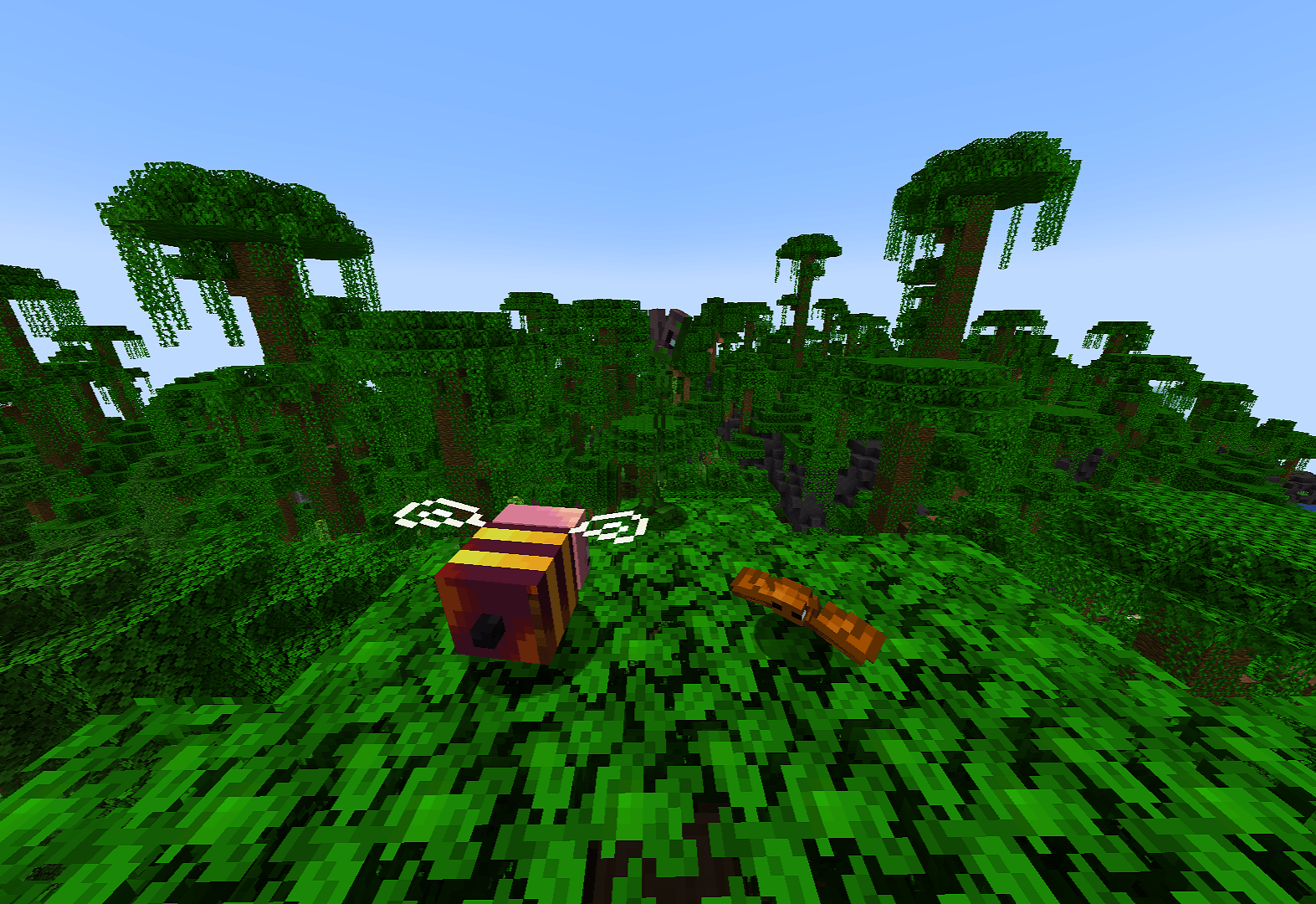
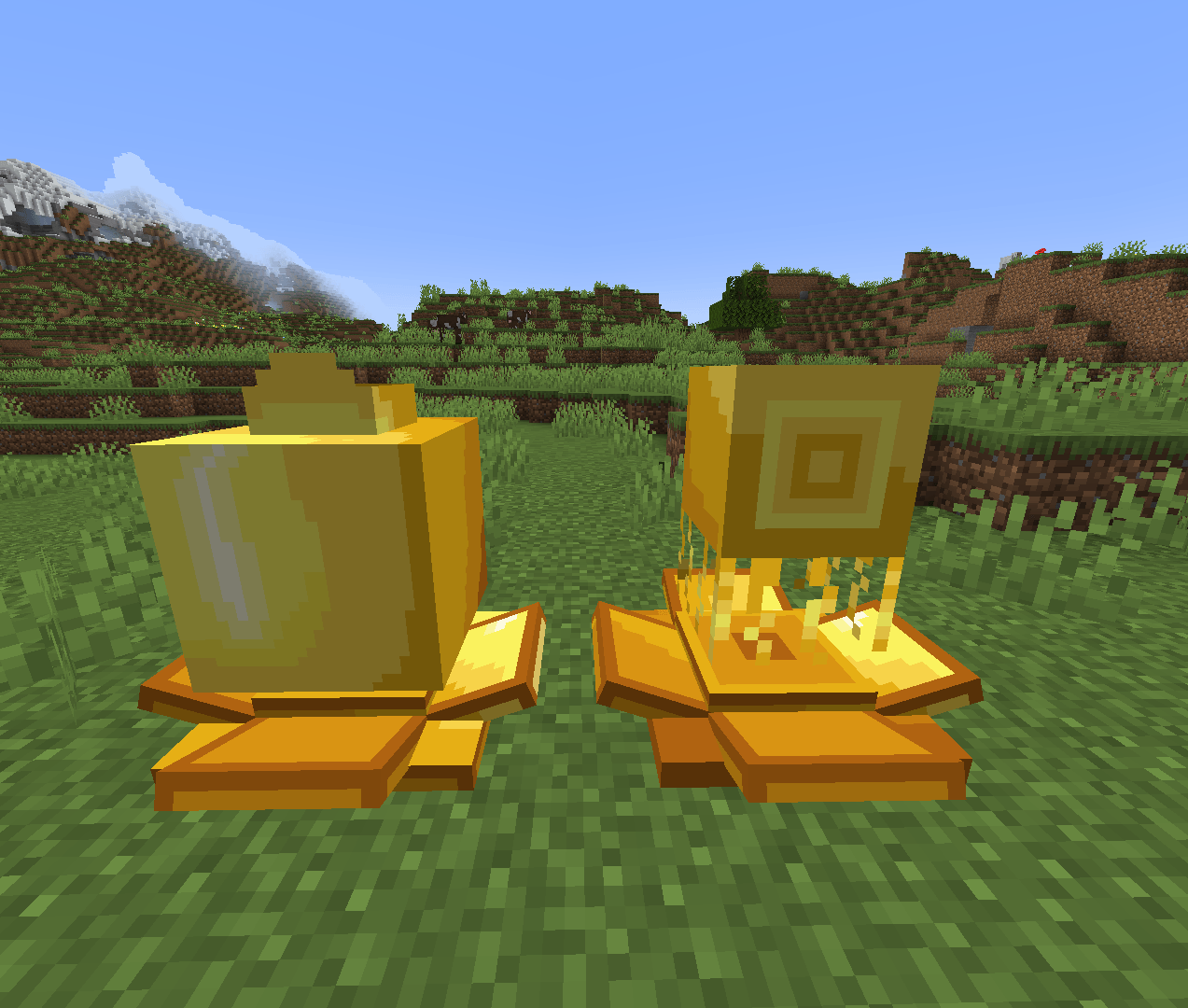
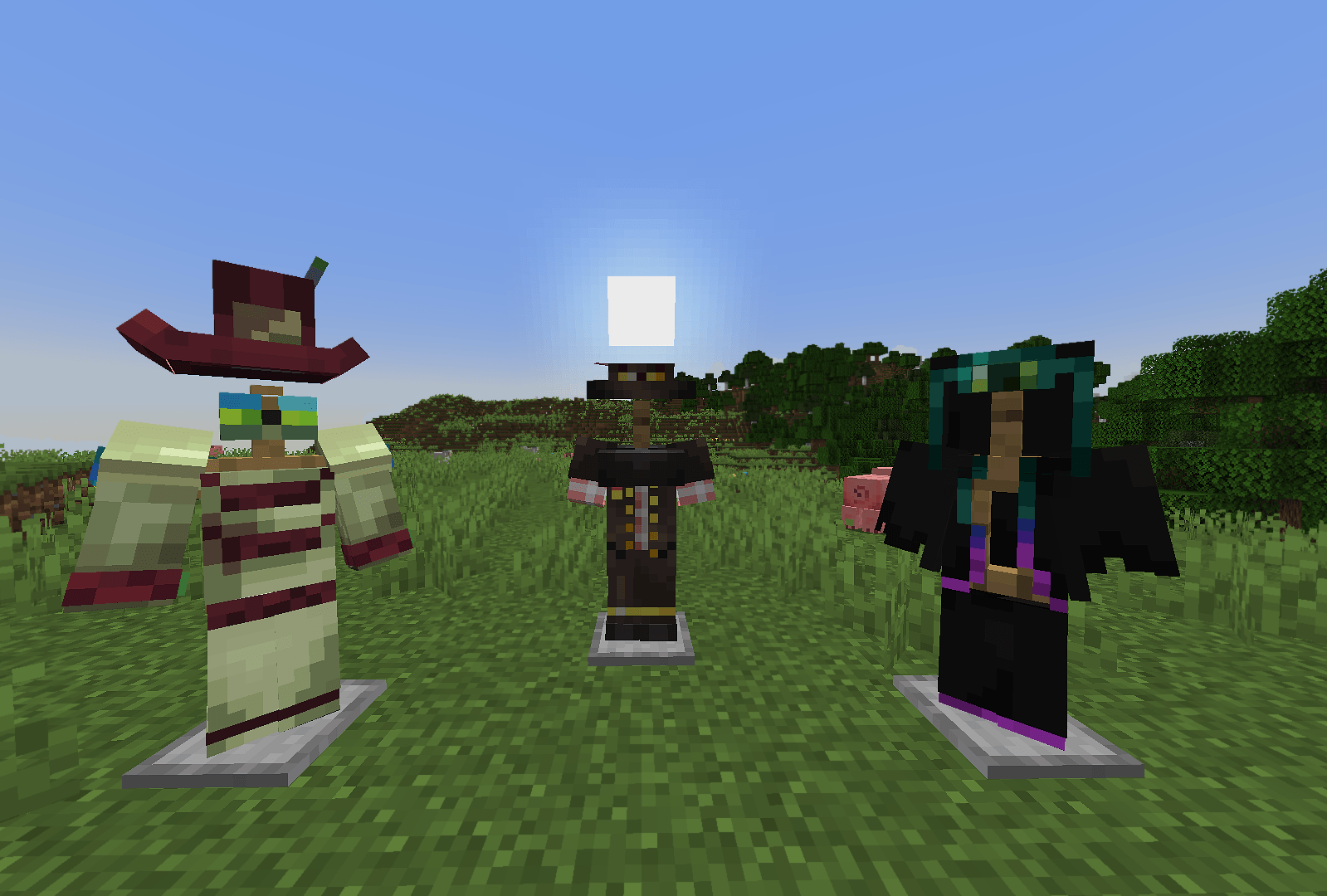
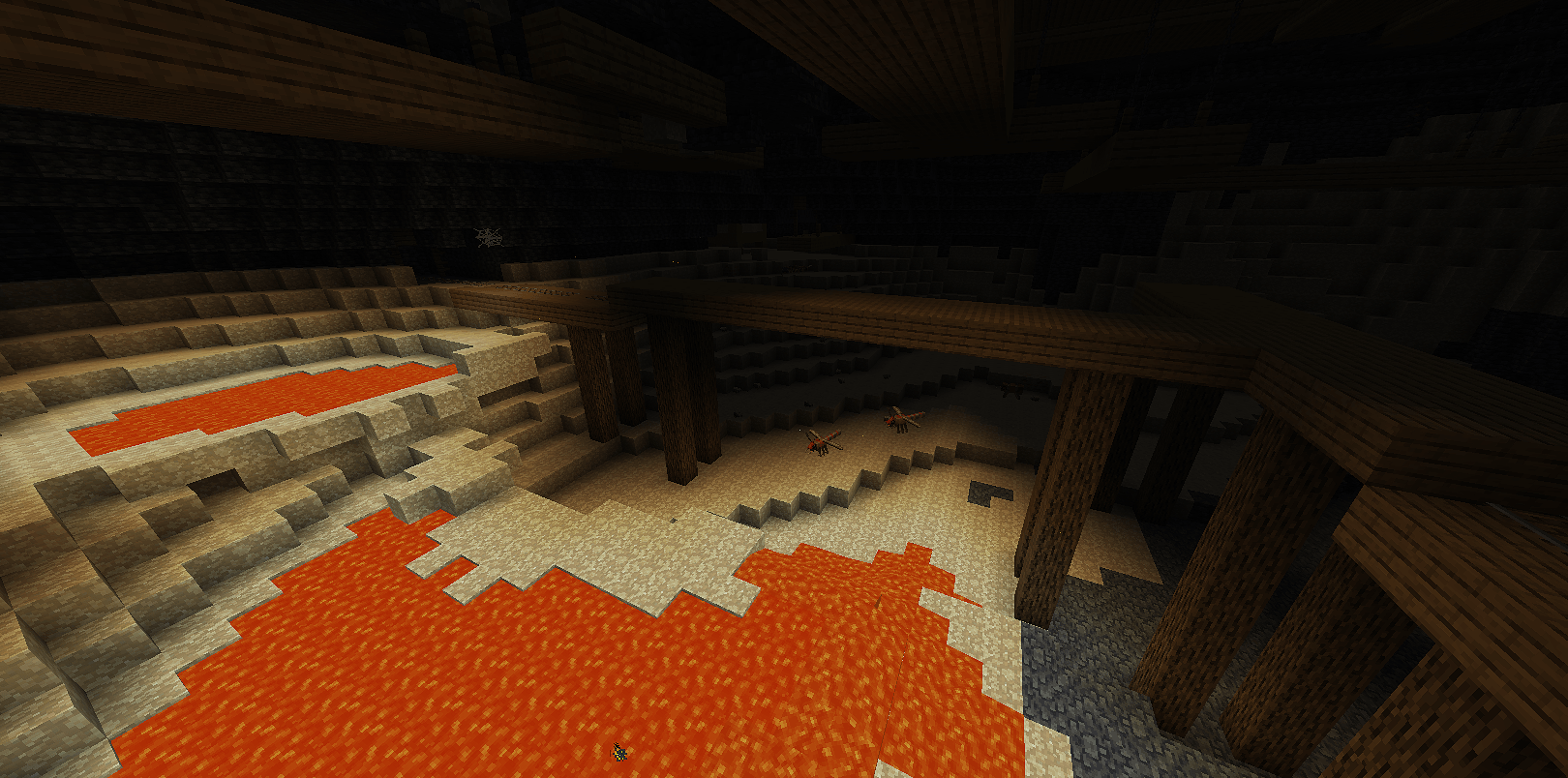
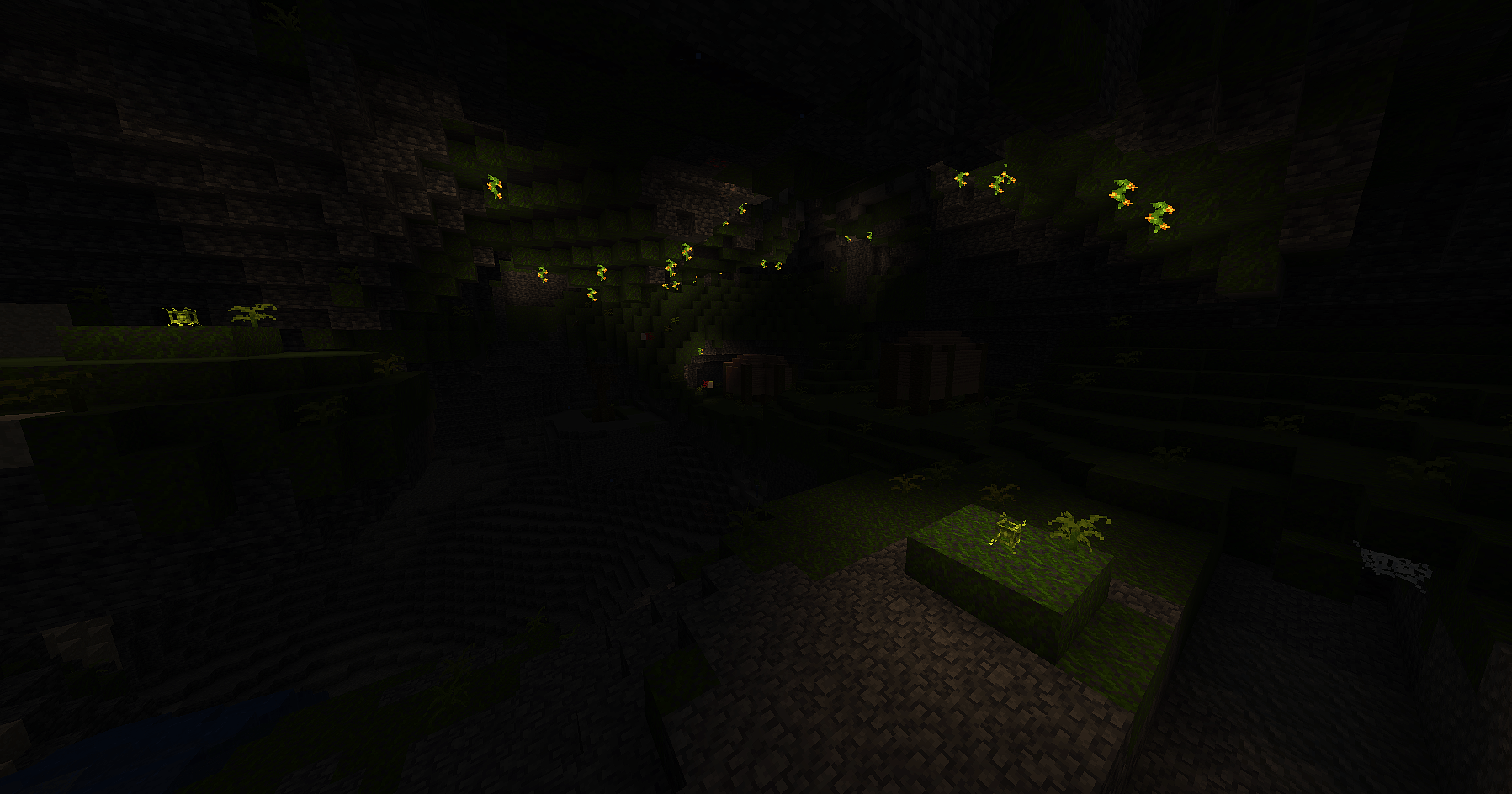
🔥 Born in War ashes
This mod is still in Beta, there may be bugs, shortcomings, and the mod can always change in the future.
❓ What is "Born in war Ashes" about?
The mod is primarily inspired by Terraria and Calamity mod, content from both works is in my mod, and this is not a coincidence.
My mod is not only for fans of Terraria or Calamity. It contains all the elements of revealing the plot or lore, as well as all the elements of explaining the mechanics of Terraria, added by me in the mod
🔥 What makes "Born in War ashes" unique?
Unlike other mods trying to port Terraria and Calamity, which try to completely "subjugate" Minecraft (as in the case of TerrariaCraft), however, my mod tries to combine 2 different games, integrate, bringing Terraria and Calamity to the style of Minecraft.
📅 Are there any updates planned?
At the moment (05/30/2025) it has 33 unique items, 6 armor sets, 30 unique blocks, 32 new mobs, 2 biomes, completely filled with new content, 24 new accessories..
But in the near future there will be MUCH MORE!
🧱 How to install the mod?
My mod requires Geckolib, Curios, and preferably Just Enough Items. It's on version 1.20.1, Forge. Porting to Fabric, Bedrock Edition, or other versions is not planned.
Born In War Ashes is incompatible with Optifine: Use Embeddium for optimization!
💬 Can I suggest an idea or report a bug?
Yes! For Russian speakers it is possible to contact directly via Telegram, and for English speakers write in Discord ( @Okyasunijimuraiscool ). Report all the errors that will bother you, the mod is in Beta. and criticism is acceptable.
- Edition: Minecraft Java
- File type: .jar
- Minecraft version listed: 1.20.1
- How to install: Install the matching mod loader (Forge, Fabric or NeoForge) for your Minecraft version. → Download the .jar. → Put it in the .minecraft/mods folder and launch that loader profile.
- Where to get it: Opens on CurseForge — not every file is mirrored on our own servers.
Install steps are the general flow for this file type — How to install Minecraft Java mods & modpacks walks through it step by step.
- Ships as biwa-1.0.0.02-forge-1.20.1.jar — drop this file into the mods folder
- Download size: 3.6 MB
- Download link checked 28 Sept 2026 — working
These come from our own check of the pack file, not from the source page.